
Your Browsing History






Any questions? Our AI beta will help you find out quickly.
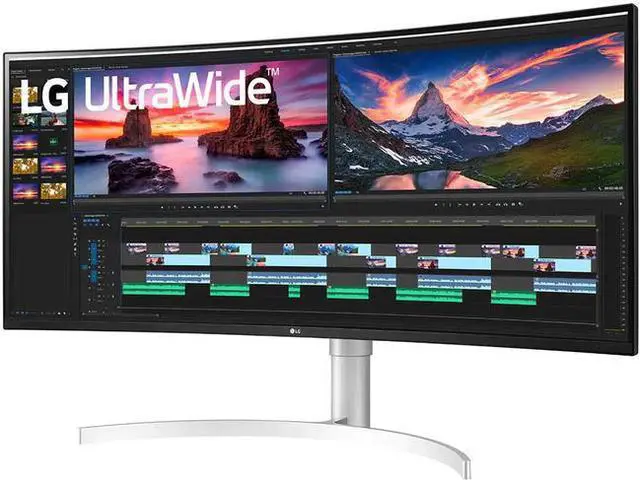
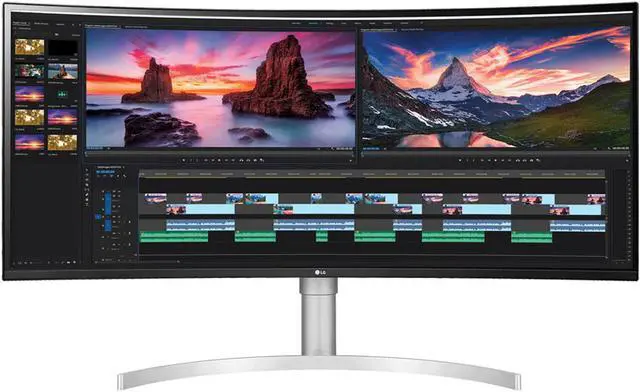
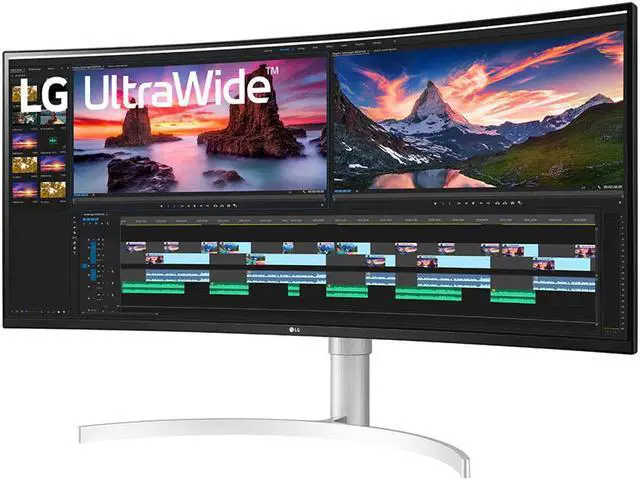
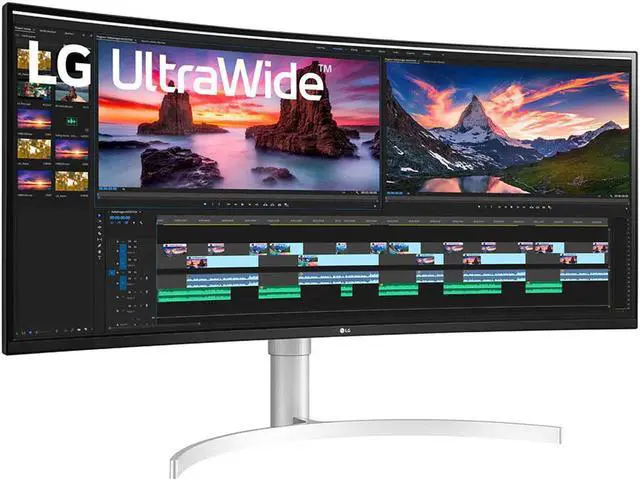
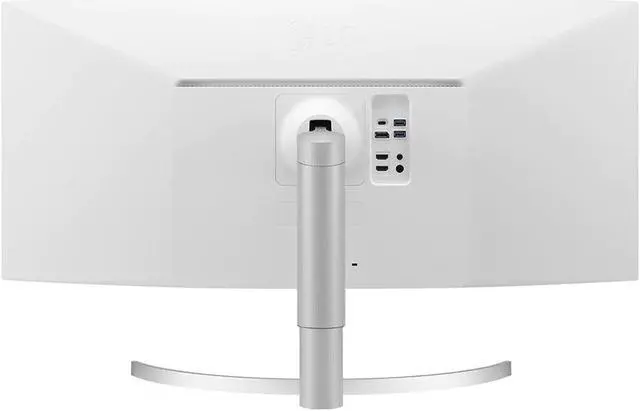
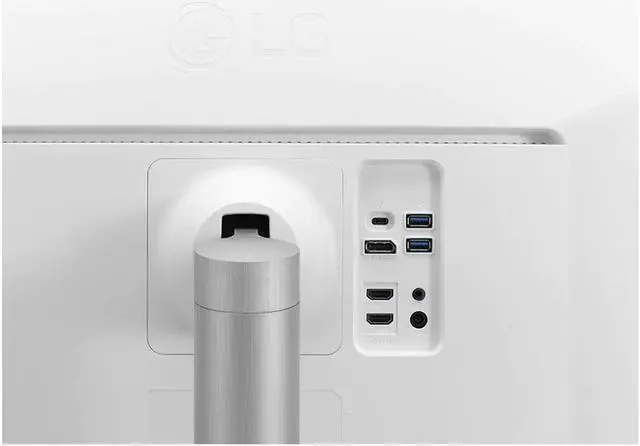
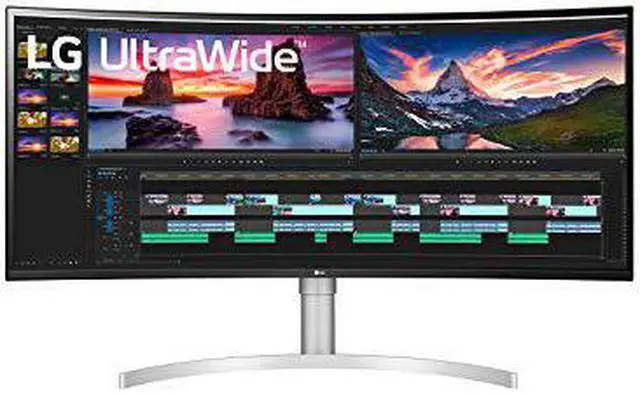
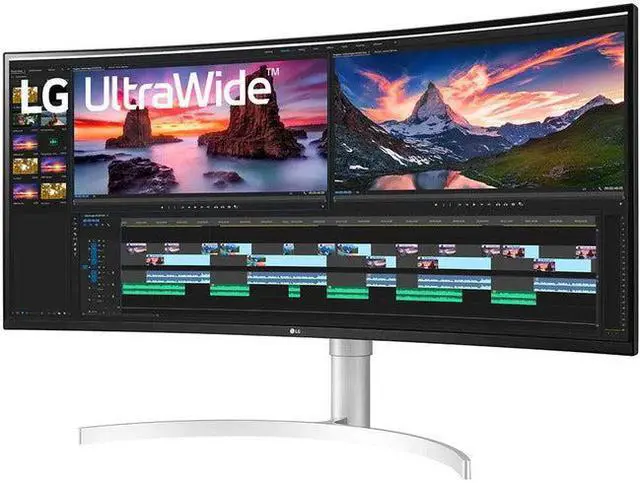
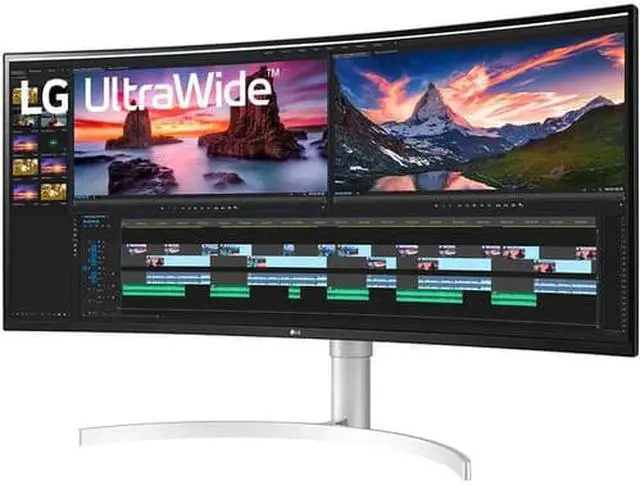
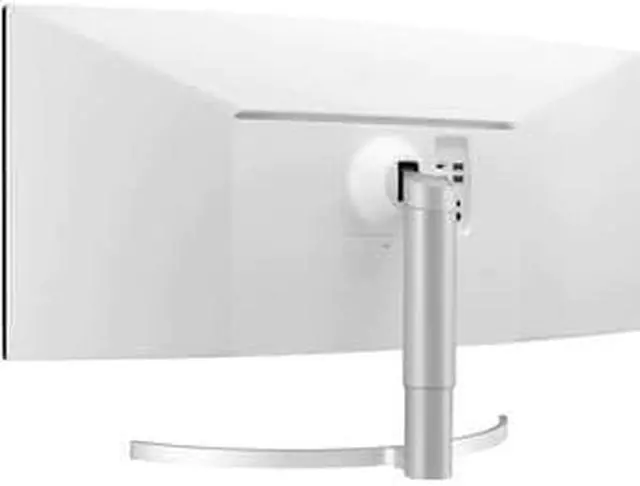
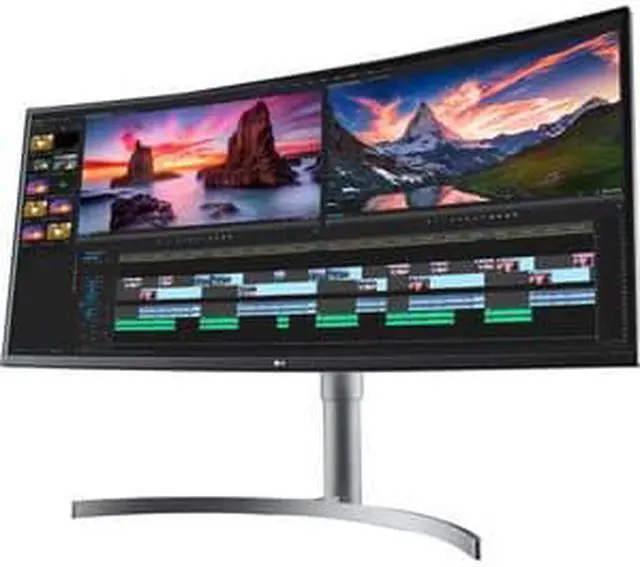
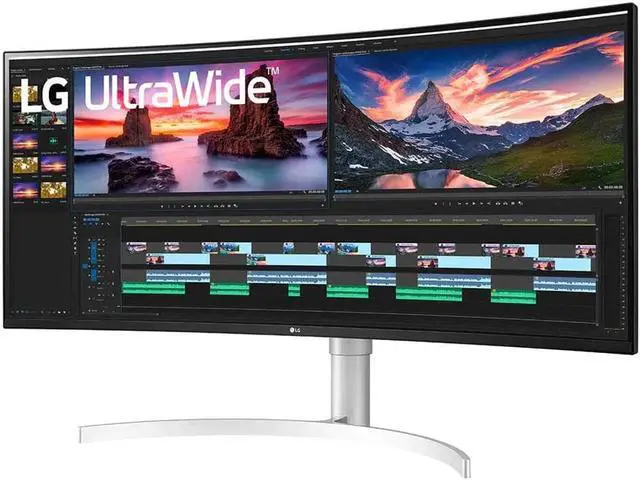
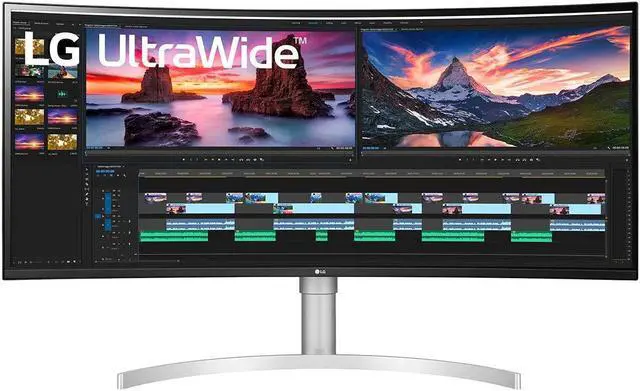
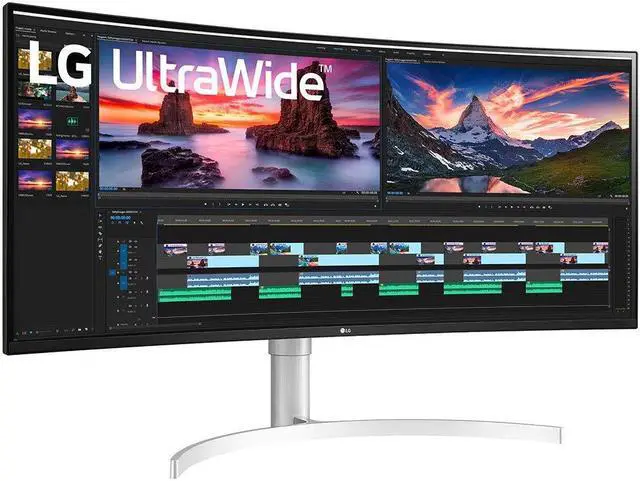
Setting up your LG 38 38BN95C-W monitor is easy. Simply unpack the monitor place it on your desk connect the power cable and use the provided cables to connect to your computer or gaming console. Adjust the stand for the perfect viewing angle and start enjoying the immersive experience.
Frequently Asked Questions: Q: Is this monitor suitable for gaming?A: Yes the LG 38 38BN95C-W monitor is perfect for gaming with its 1 ms response time 144 Hz refresh rate and support for NVIDIA G-SYNC and AMD FreeSync technologies.
Q: Can I connect my laptop to this monitor?A: Absolutely! The monitor features Thunderbolt 3 and USB Type-C compatibility making it easy to connect laptops and other devices for an extended display.
Q: Does this monitor support HDR content?A: Yes the LG 38BN95C-W comes with VESA DisplayHDR 600 certification ensuring excellent support for HDR content with vibrant colors and high contrast.


