Note:
1. When configuring the keyboard's software settings, please make sure your computer has a standard USB type-A interface, the keyboard can only be directly connected to the computer via the USB cable (HUB adapter and Thunderbolt USB will not be supported). The restrictions apply only to configure the keyboard's software. Once set, you can still connect via HUB adapter and thunderbolt USB.
2. Please download the keyboard's configuration software according to the URL on the package box
3. After opening the software, when you need to use the "Key Mapper/Custom Macro/Quick Macro/Options "function, you need to click the "Connect" in the top-left to connect the keypad. Once set up, you need to click the "Upload" to save. Otherwise all settings are invalid.
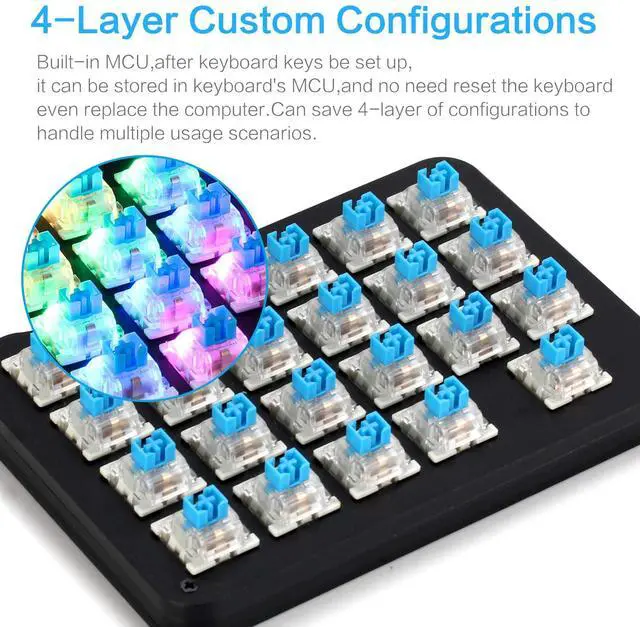
Normal/FN/FN2/FN3 4-Layer Configuration
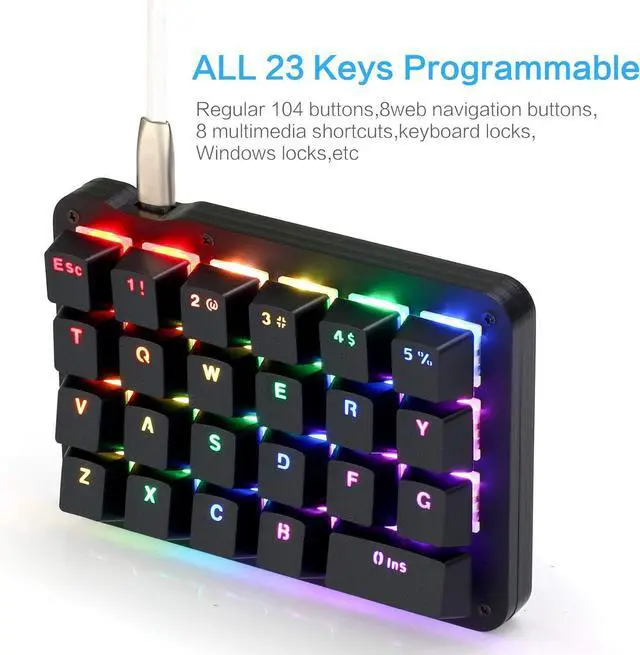
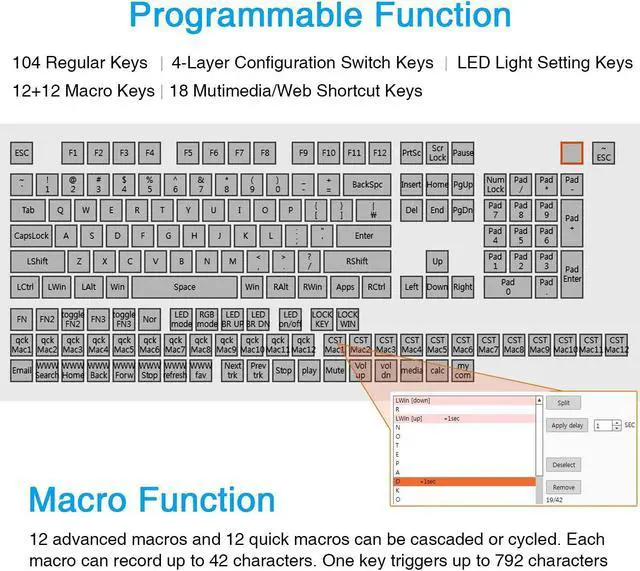
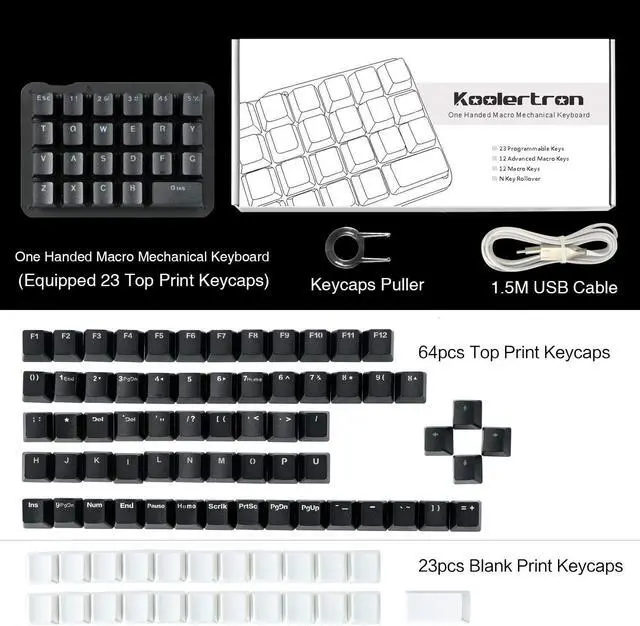
You can set up Normal/FN/FN2/FN3 4-layer configuration. Once set up, the 23-keys keypad will be converted into a 92-key keypad.
*You need to set a shortcut key of the FN layer in the Normal layer, When you need to enter a key on the FN layer, you need to press and hold the FN key on the normal layer, then press the key of the FN layer that you want to enter. (The other FN2/FN3 layers are the same method, and the FN2/FN3 has a toggle button, only need to press once to switch to the FN2/FN3 layer, needn't to hold it down when using)
Custom Advanced Macro
You can set up 12 advanced macros (with time delay) and 12 quick macros (without time delay). Each macro can record up to 42 characters. A total of 24 macros can be cascaded or cycled.
Such as: office/wps and other office software shortcuts, CAD/Ae/Pr/Ps shortcuts, various user accounts and passwords, game quick tricks, basic code for programmers
You can define a key as a specified macro, and automatically trigger the macro by simply triggering the key. When using a loop macro, press the key to trigger and press again to stop