


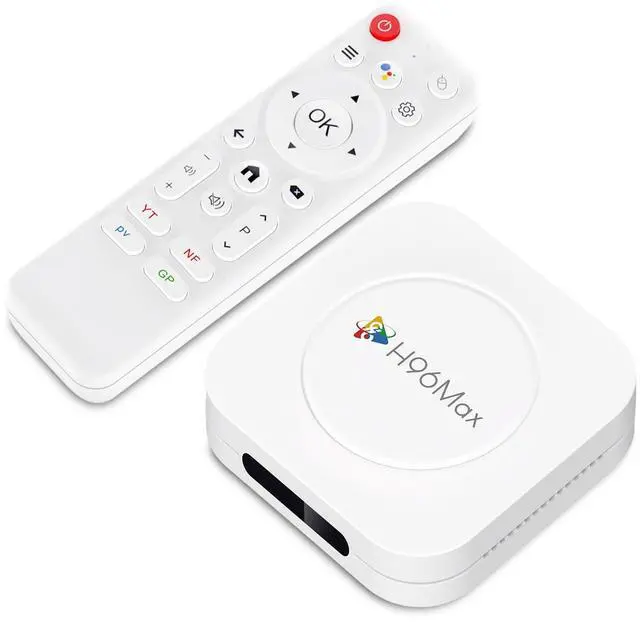
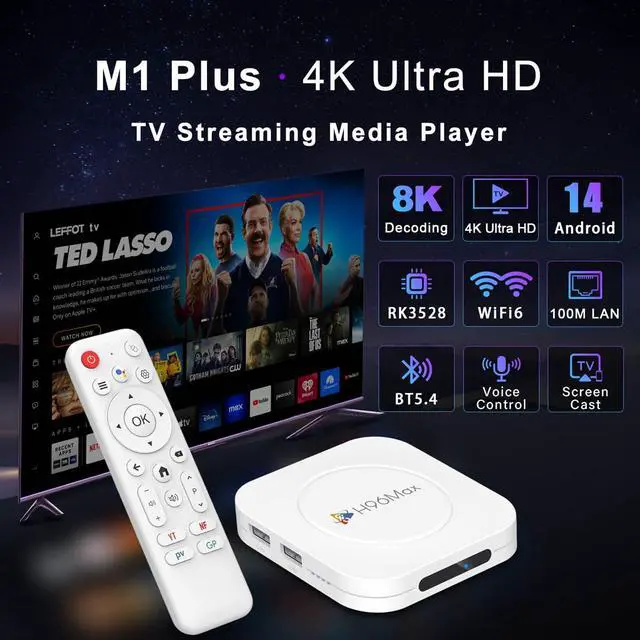
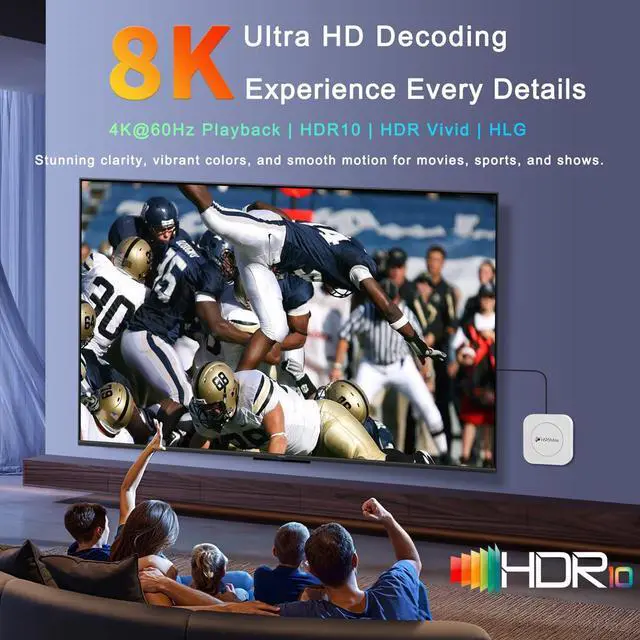
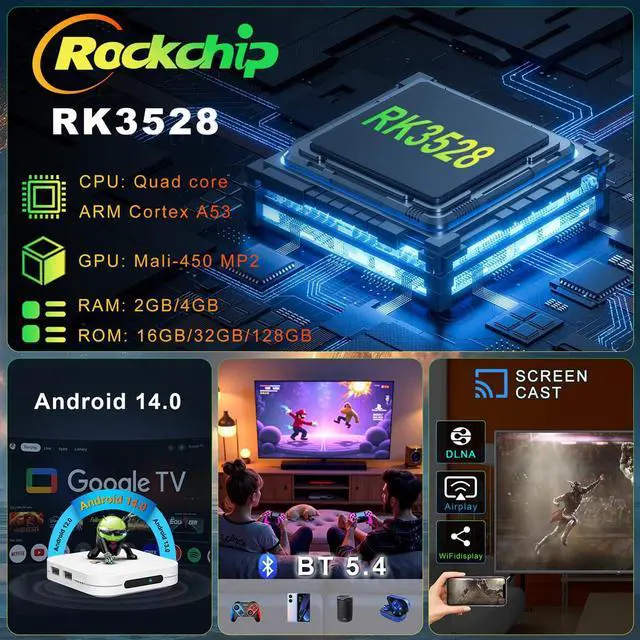
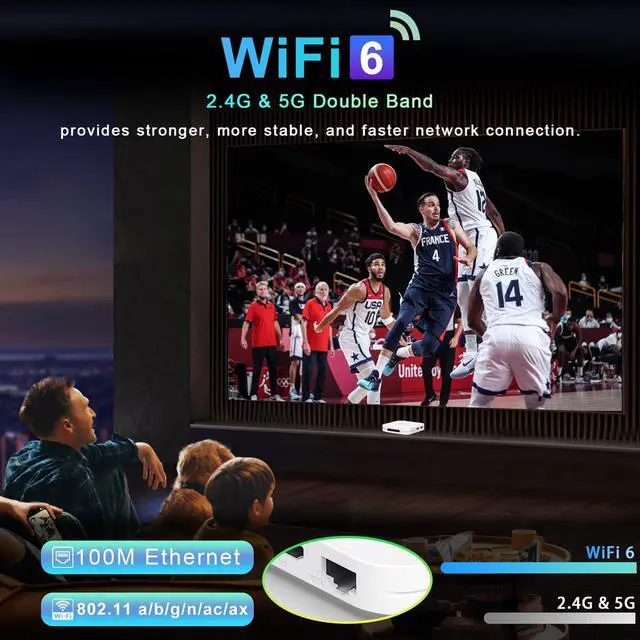
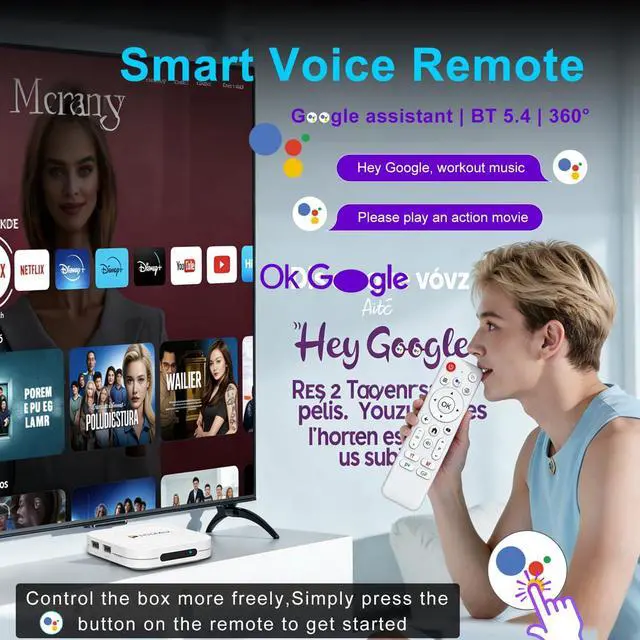
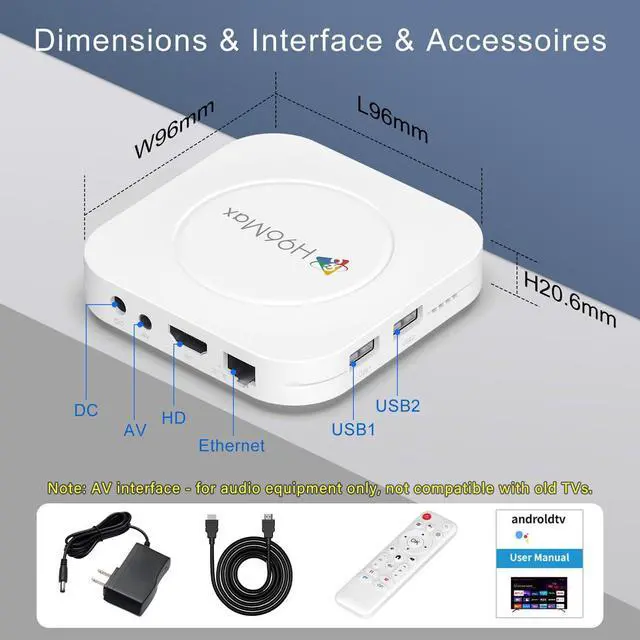


4K Ultra HD Streaming Device
Enjoy your favorite content effortlessly. Our Android TV box delivers smooth streaming
Elevate Your TV Streaming
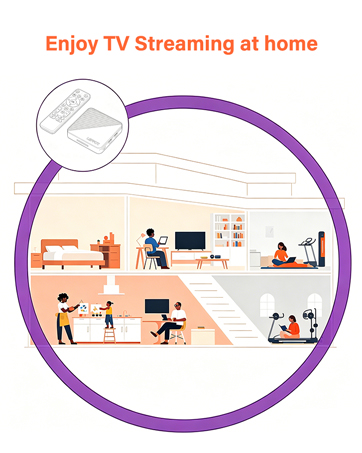
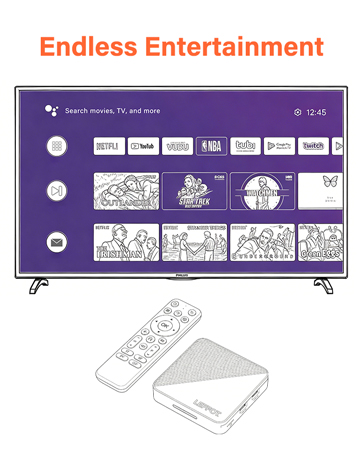
LEFFOTis dedicated to making everyday streaming simple and reliable. Our Android TV boxes are built to deliver smooth, consistent performance for all your favorite content—from movies and shows to apps and games—right at home. With straightforward setup and intuitive controls, our devices fit seamlessly into your daily routine, no complicated tech skills required.
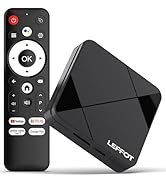
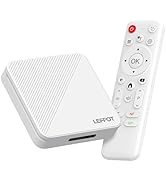
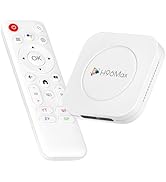
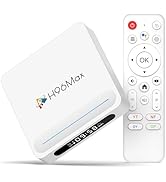
LEFFOT Streaming Media Players
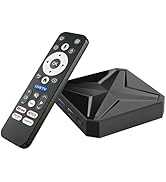
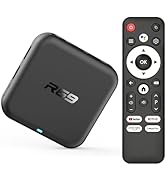
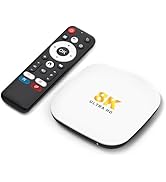
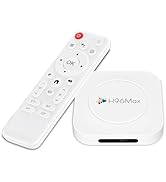
LEFFOT Android TV Box


Tips:
Regarding compatibility, application downloads, or any other issues, please let us know and we will provide you with a solution as soon as possible.
In daily use, most of the problems encountered can be fixed by first restoring the factory settings and then upgrading the system.
- Restore factory settings path: Click on "Settings" ? dropdown, click on "Device Preferences" ? click on "About" ? click on "Restore factory settings or reset".
- System upgrade path: On the homepage, click on "More APP" to enter the "More APP" page ->find the "FOTA Update" APP, click on this application to enter the system upgrade.
If you want to solve the problem as soon as possible, you can use your phone to take a picture of the problem and upload it to the website: Wetransfer, Generate a link and send it to my Outlook, LEFFOT2025. In order for engineers to analyze the reasons and provide solutions.
Application compatibility:
- Our TV box comes pre installed with apps such as Ggle Play, Netf, Prim Video, YuTub, and more. It should be noted that these application manufacturers recommend using pre installed applications as they are already compatible with the TV box's system. Manufacturers do not recommend installing or upgrading other versions to avoid compatibility issues that may prevent the application from functioning properly.
- If upgrading these applications results in compatibility issues or inability to use them properly, you can restore the normal use of the applications by resetting them to factory settings.
- If there are compatibility issues with the product during normal use, a system upgrade can be performed to fix them.
Application installation:
- Most applications can be installed from Ggle Play, and it is recommended to choose the 32-bit system version or the universal version;
- Download and install the required apps, through the APKPure app store;
- Download the APK file and install the application through a USB drive:
USB installation method: Download the APK format (32-bit or universal version of the application, non ZIP/RAR compressed file) application installation package to the USB drive, and download the TV version (mobile version may not be compatible with remote control operation); Format the USB drive in FAT32/exFAT format (NTFS may not be recognized); Then, open the USB drive through "Media Center" or "File Manager", long press the APK file and select "Package Installer" to install.
Tips:
Regarding compatibility, application downloads, or any other issues, please let us know and we will provide you with a solution as soon as possible.
In daily use, most of the problems encountered can be fixed by first restoring the factory settings and then upgrading the system.
- Restore factory settings path: Click on "Settings" ? dropdown, click on "Device Preferences" ? click on "About" ? click on "Restore factory settings or reset".
- System upgrade path: On the homepage, click on "More APP" to enter the "More APP" page ->find the "FOTA Update" APP, click on this application to enter the system upgrade.
If you want to solve the problem as soon as possible, you can use your phone to take a picture of the problem and upload it to the website: Wetransfer, Generate a link and send it to my Outlook, LEFFOT2025. In order for engineers to analyze the reasons and provide solutions.
Application compatibility:
- Our TV box comes pre installed with apps such as Ggle Play, Netf, Prim Video, YuTub, and more. It should be noted that these application manufacturers recommend using pre installed applications as they are already compatible with the TV box's system. Manufacturers do not recommend installing or upgrading other versions to avoid compatibility issues that may prevent the application from functioning properly.
- If upgrading these applications results in compatibility issues or inability to use them properly, you can restore the normal use of the applications by resetting them to factory settings.
- If there are compatibility issues with the product during normal use, a system upgrade can be performed to fix them.
Application installation:
- Most applications can be installed from Ggle Play, and it is recommended to choose the 32-bit system version or the universal version;
- Download and install the required apps, through the APKPure app store;
- Download the APK file and install the application through a USB drive:
USB installation method: Download the APK format (32-bit or universal version of the application, non ZIP/RAR compressed file) application installation package to the USB drive, and download the TV version (mobile version may not be compatible with remote control operation); Format the USB drive in FAT32/exFAT format (NTFS may not be recognized); Then, open the USB drive through "Media Center" or "File Manager", long press the APK file and select "Package Installer" to install.
4K Ultra HD Streaming Device
Enjoy your favorite content effortlessly. Our Android TV box delivers smooth streaming
Elevate Your TV Streaming
LEFFOTis dedicated to making everyday streaming simple and reliable. Our Android TV boxes are built to deliver smooth, consistent performance for all your favorite content—from movies and shows to apps and games—right at home. With straightforward setup and intuitive controls, our devices fit seamlessly into your daily routine, no complicated tech skills required.
LEFFOT Streaming Media Players
LEFFOT Android TV Box