



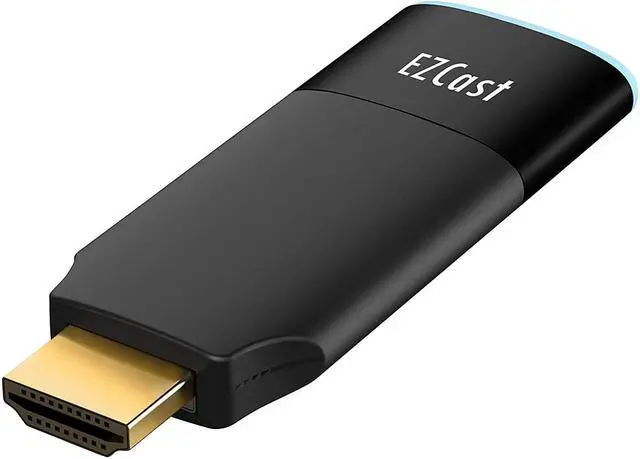




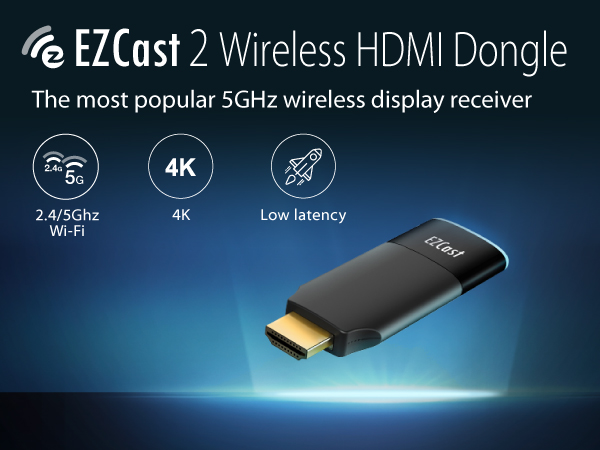
EZCast 5GHz Wireless Display Receiver
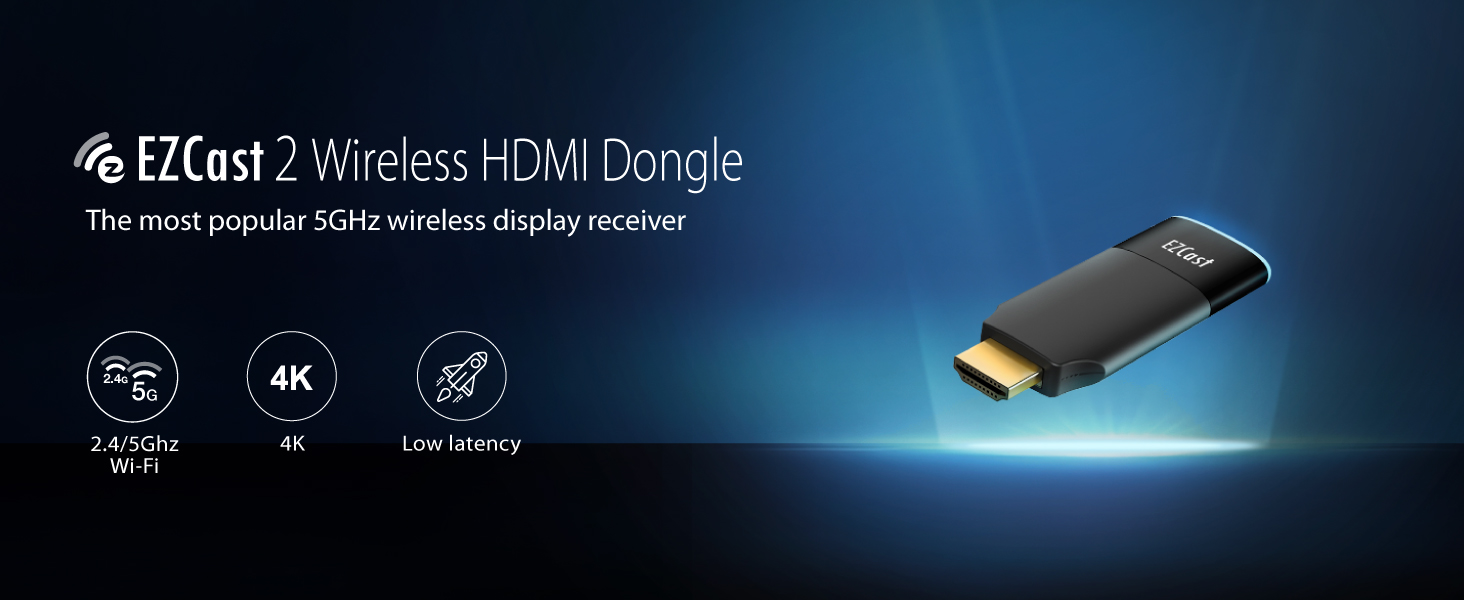
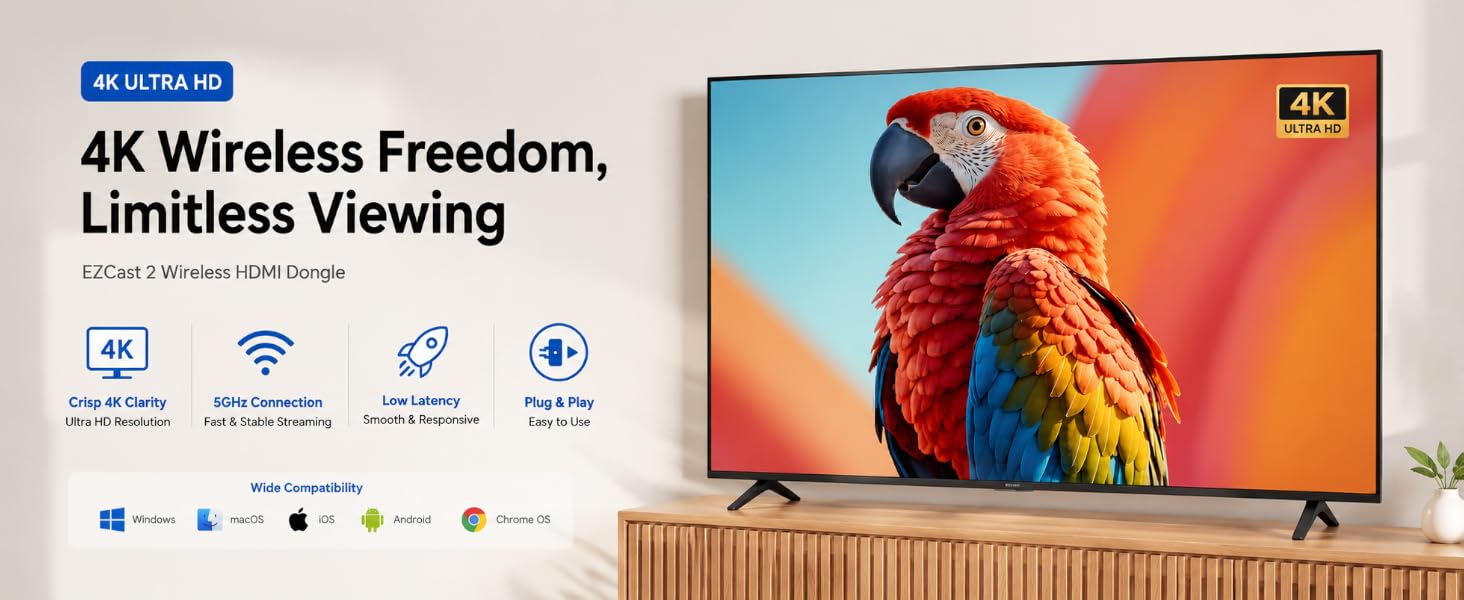
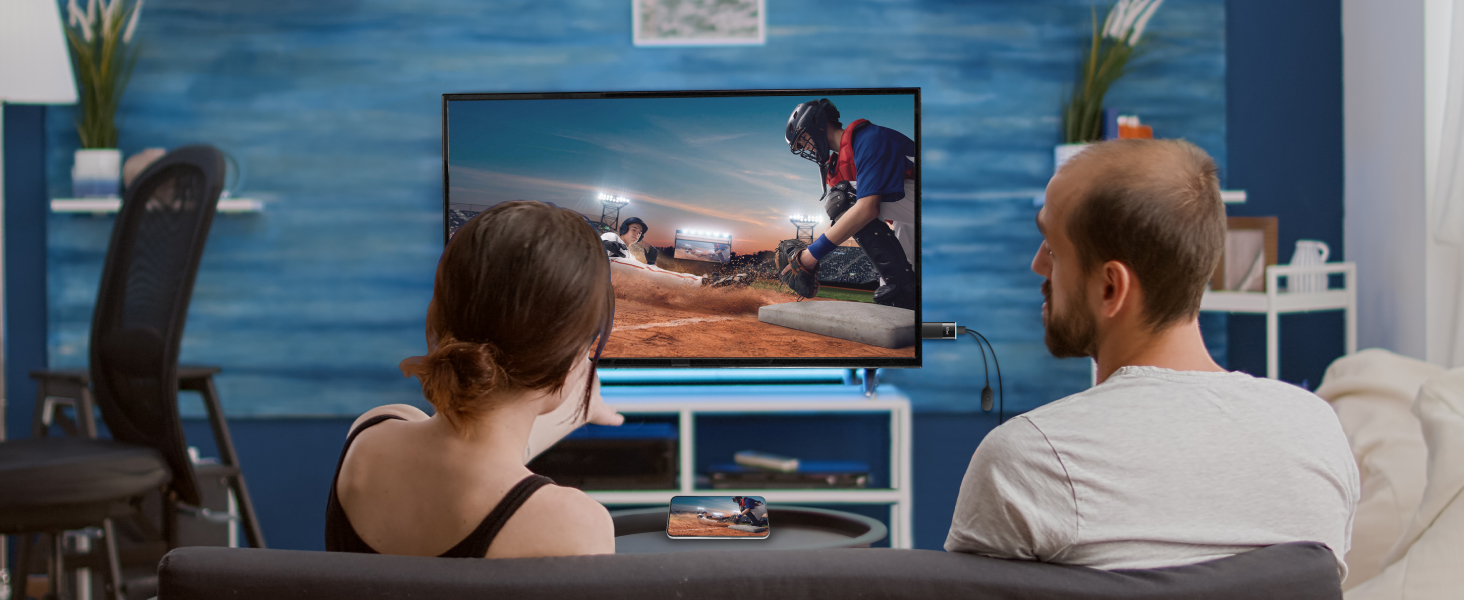
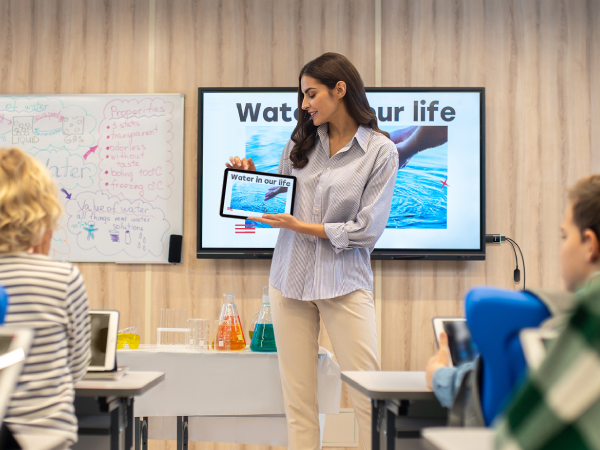
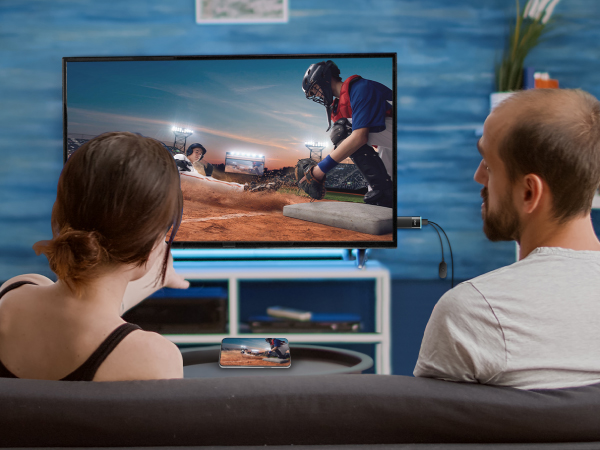
Turn your HDTV into a smart TV with EZCast 2 Wi-Fi display receiver
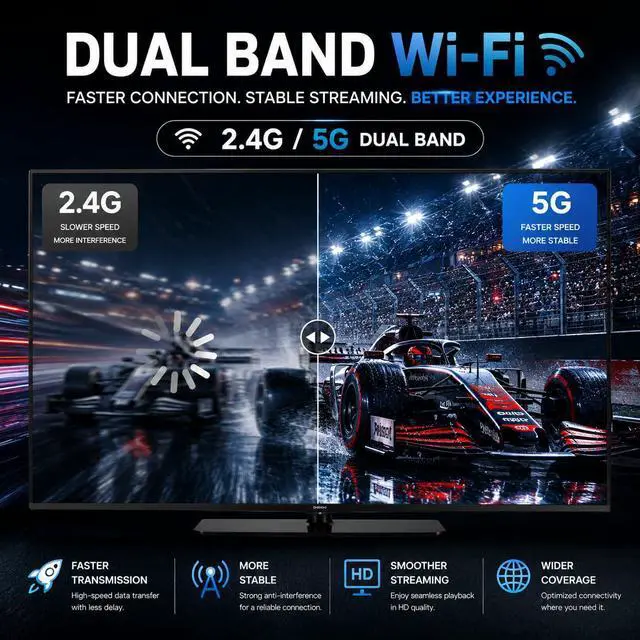
- Stable 2.4GHz & 5GHz Dual-Band Wi-Fi
- Compatible with DLNA, Miracast, EZAir & Google Cast
- Personalized Playlist Playback via EZCast App
- Hands-Free Control with Google Home
- Fast Setup with QR Scan & Bluetooth Assistance Bluetooth setup only — no casting function
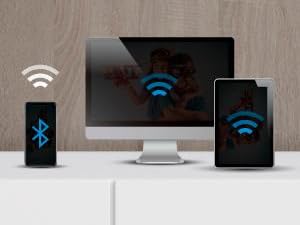
Quick Setup via Bluetooth
Instantly connect to the internet, or turn on the Bluetooth on your phone to quickly pair the device with your phone
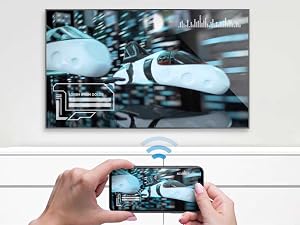
Peer to Peer Mode
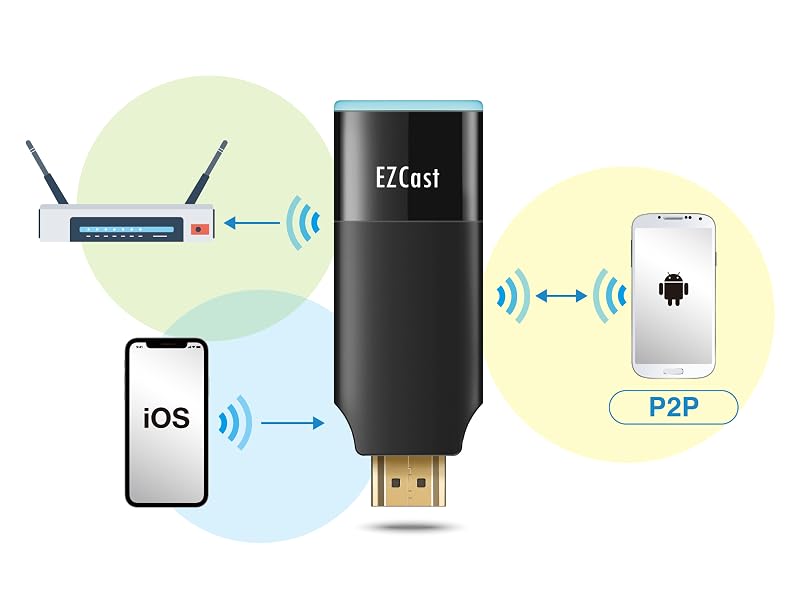
With Peer-to-Peer Mode, EZCast 2 lets you cast directly to any screen without needing a router or internet connection
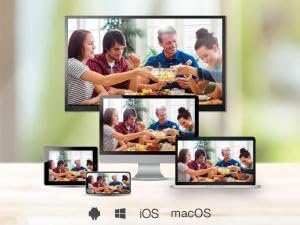
Awesome Compatibility
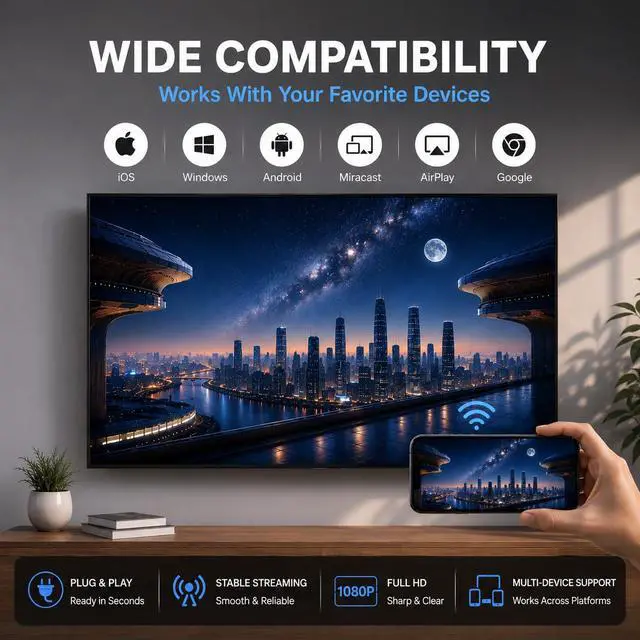
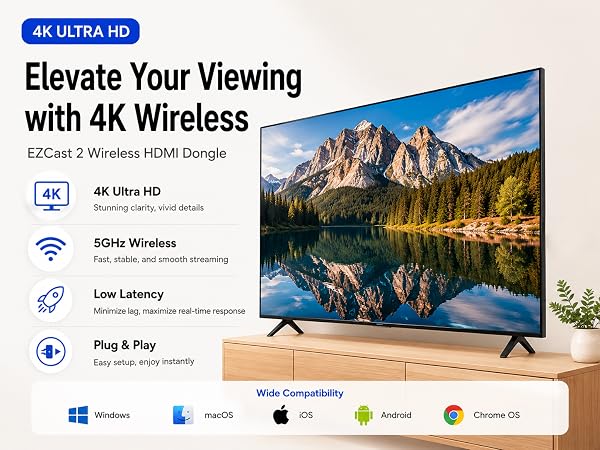
No need to worry about compatibility between devices. EZCast 2 works perfectly with Windows, macOS, Android and iOS
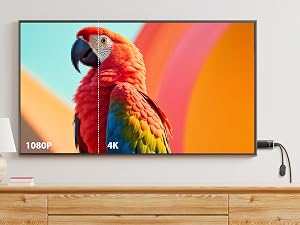
Power with H.265 Decoding
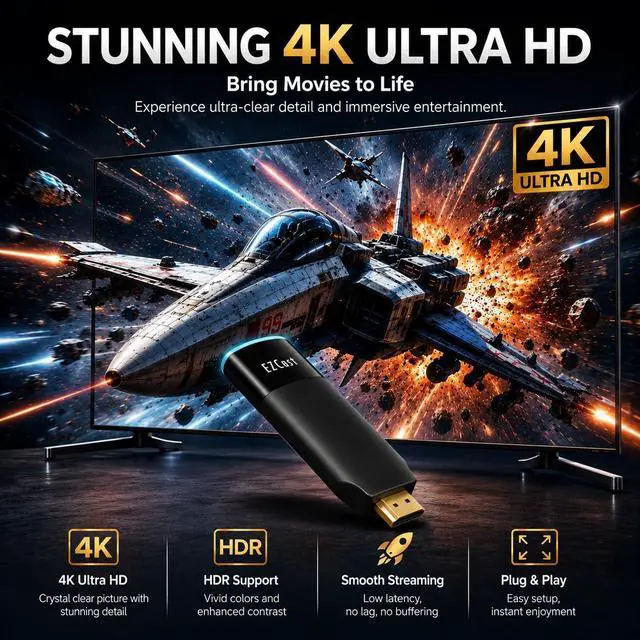
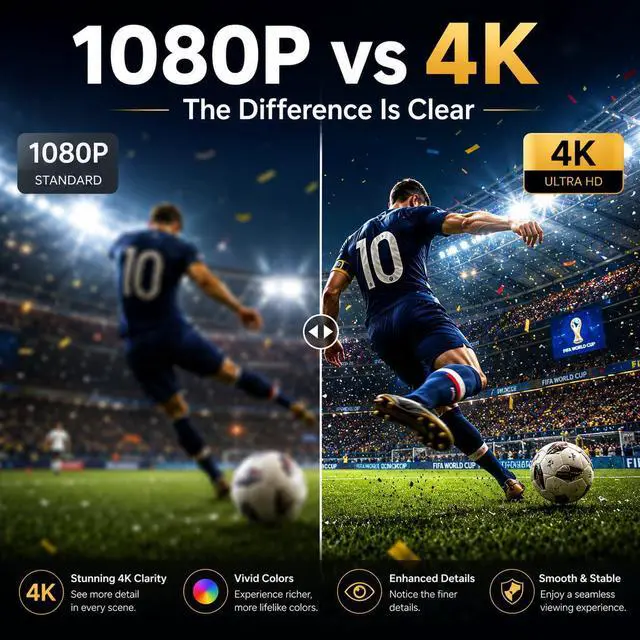
With dual-core CPU and H.265 decoding, enjoy faster streaming, stronger playback, and reduced bandwidth—all in stunning quality
Do I need the Internet to use EZCast?
With the built-in soft AP (virtual router) function, users can connect your device to EZCast dongle via Wifi Direct and cast media saved in your device to your TV without local Wifi connection.
How to pair my cell phone with EZCast?
Install the EZCast App on your phone, then follow the on-screen instructions to connect to EZCast for wireless casting.
For Android 10 devices, manual Wi-Fi selection may be required due to system limitations.
How to connect EZCast 2 to my Wi-Fi router?
First connect your phone/laptop to the device (locate the Wifi settings on your phone/laptop and select EZCast dongle) and use the EZCast app (Setting > Internet) to share the Wifi credentials to the device.
Can I stream videos without the EZCast App?
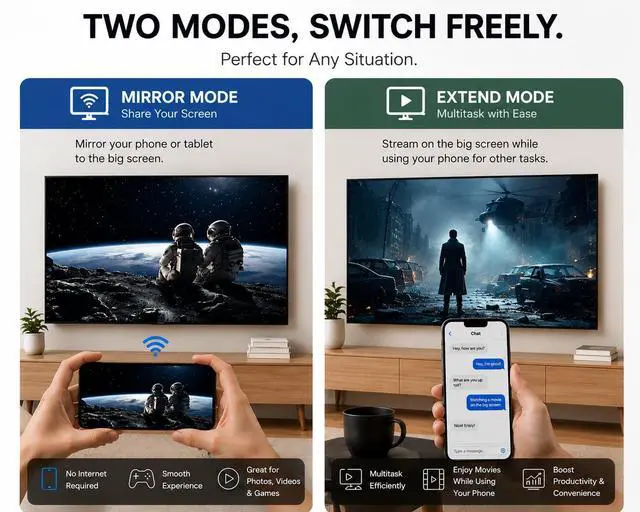
Yes, all EZCast dongles support Airplay and Miracast. These wireless connection protocols enable iOS, MacOS, Android and Windows users to directly stream content from your device without needing to install the app.
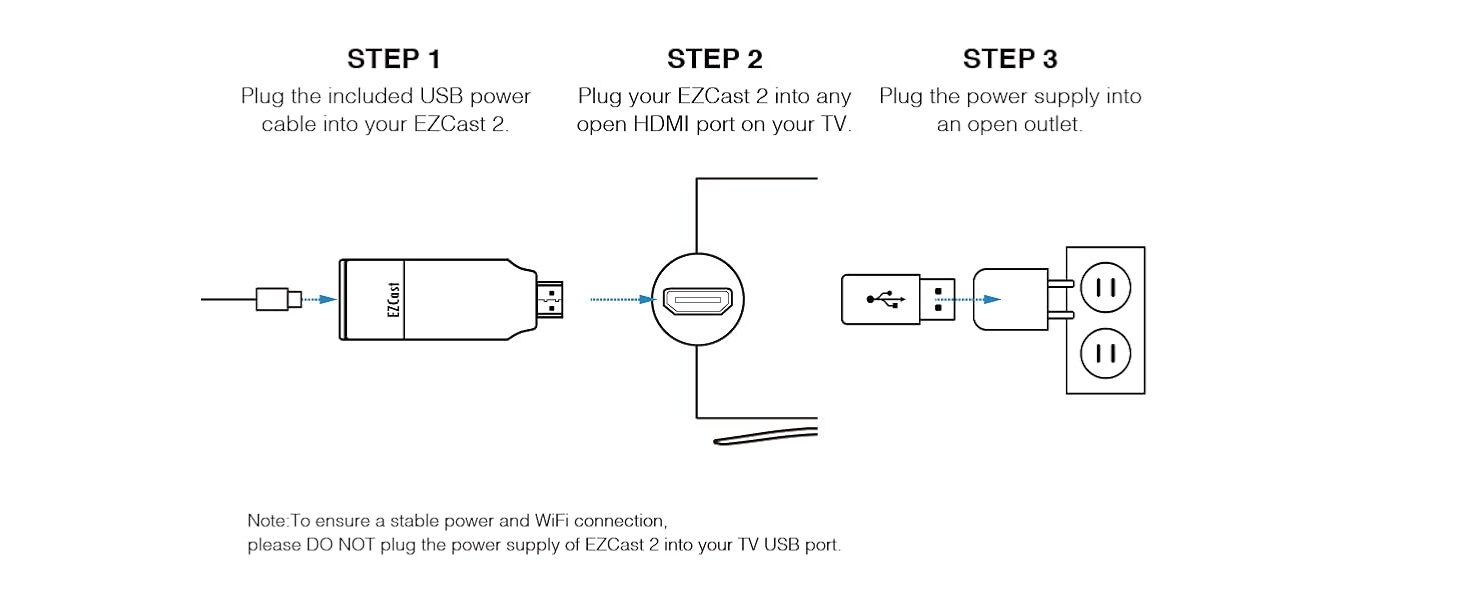
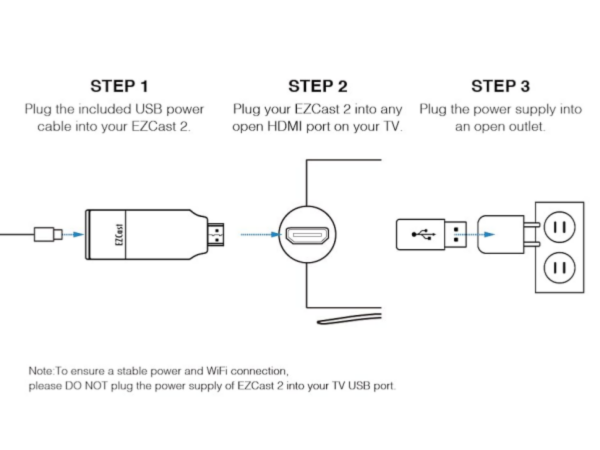
How to install the dongle to my TV/monitor?
EZCast 2 dongle is around 12 cm length, Please first make sure you have enough space between your TV and the desk or wall to install the dongle.
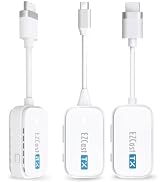
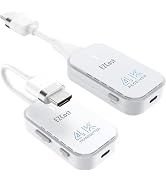
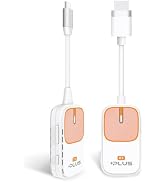
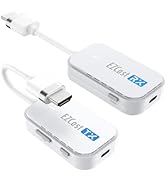
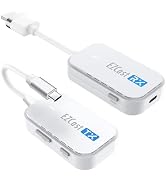
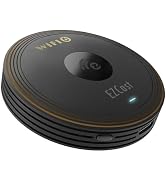
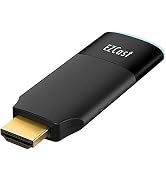
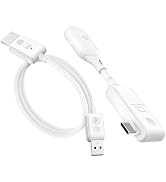
EZCast 5GHz Wireless Display Receiver
Turn your HDTV into a smart TV with EZCast 2 Wi-Fi display receiver
- Stable 2.4GHz & 5GHz Dual-Band Wi-Fi
- Compatible with DLNA, Miracast, EZAir & Google Cast
- Personalized Playlist Playback via EZCast App
- Hands-Free Control with Google Home
- Fast Setup with QR Scan & Bluetooth Assistance Bluetooth setup only — no casting function
Quick Setup via Bluetooth
Instantly connect to the internet, or turn on the Bluetooth on your phone to quickly pair the device with your phone
Peer to Peer Mode
With Peer-to-Peer Mode, EZCast 2 lets you cast directly to any screen without needing a router or internet connection
Awesome Compatibility
No need to worry about compatibility between devices. EZCast 2 works perfectly with Windows, macOS, Android and iOS
Power with H.265 Decoding
With dual-core CPU and H.265 decoding, enjoy faster streaming, stronger playback, and reduced bandwidth—all in stunning quality
Do I need the Internet to use EZCast?
With the built-in soft AP (virtual router) function, users can connect your device to EZCast dongle via Wifi Direct and cast media saved in your device to your TV without local Wifi connection.
How to pair my cell phone with EZCast?
Install the EZCast App on your phone, then follow the on-screen instructions to connect to EZCast for wireless casting.
For Android 10 devices, manual Wi-Fi selection may be required due to system limitations.
How to connect EZCast 2 to my Wi-Fi router?
First connect your phone/laptop to the device (locate the Wifi settings on your phone/laptop and select EZCast dongle) and use the EZCast app (Setting > Internet) to share the Wifi credentials to the device.
Can I stream videos without the EZCast App?
Yes, all EZCast dongles support Airplay and Miracast. These wireless connection protocols enable iOS, MacOS, Android and Windows users to directly stream content from your device without needing to install the app.
How to install the dongle to my TV/monitor?
EZCast 2 dongle is around 12 cm length, Please first make sure you have enough space between your TV and the desk or wall to install the dongle.
Leader in Wireless Solutions
EZCast Office Series
EZCast Pocket Series
Wireless Display Receiver
