




Features:
- Durable PVC Material
- Mic Audio Y Splitter Cable
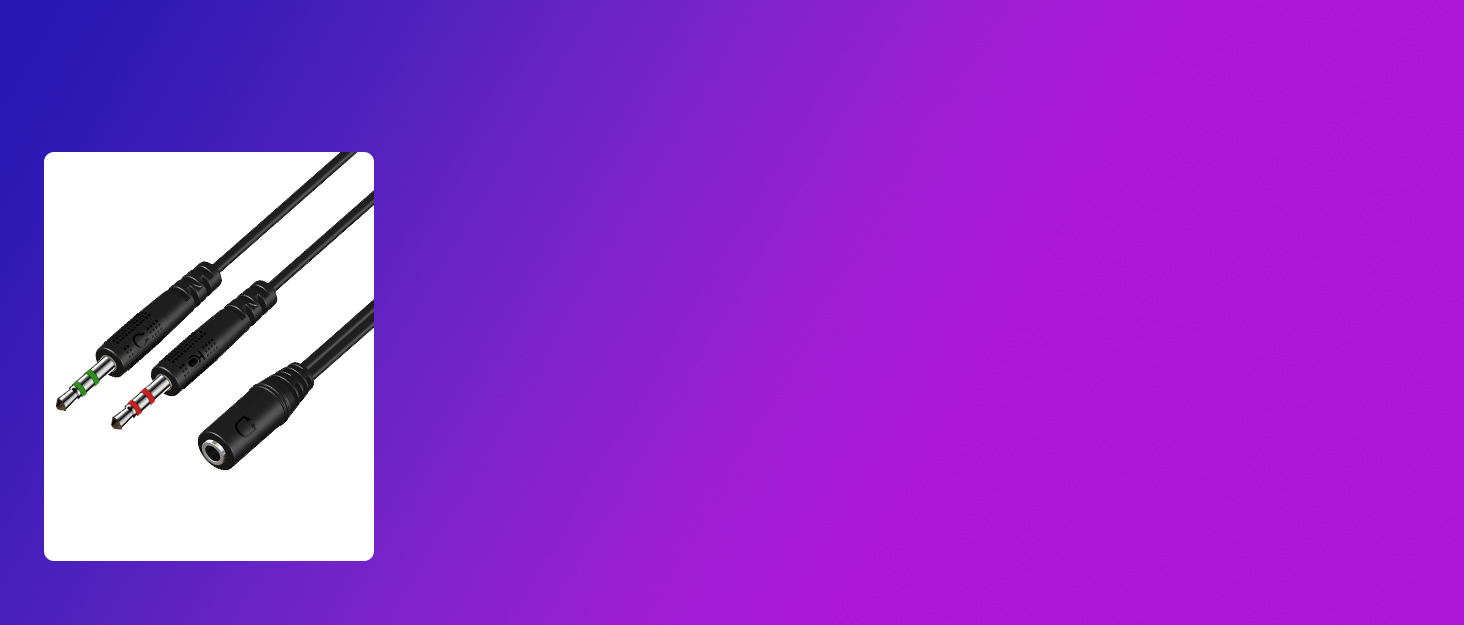
- 3.5mm Female to 2 Dual 3.5mm Male
- Oxygen-free Copper Wire
- Length: About 10inch (25cm)
Headphone Splitter for PC
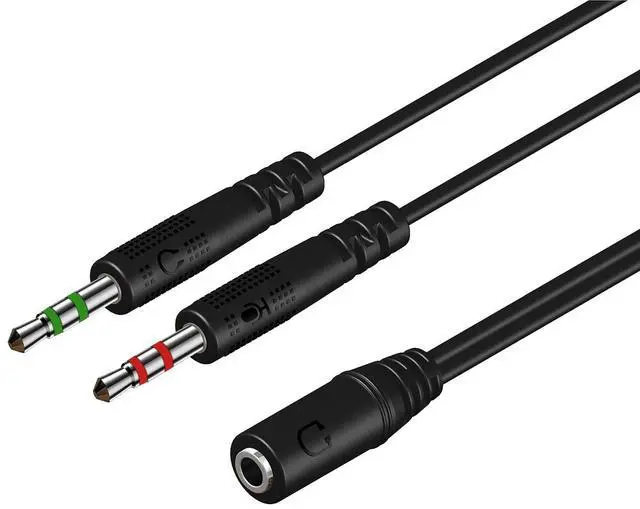
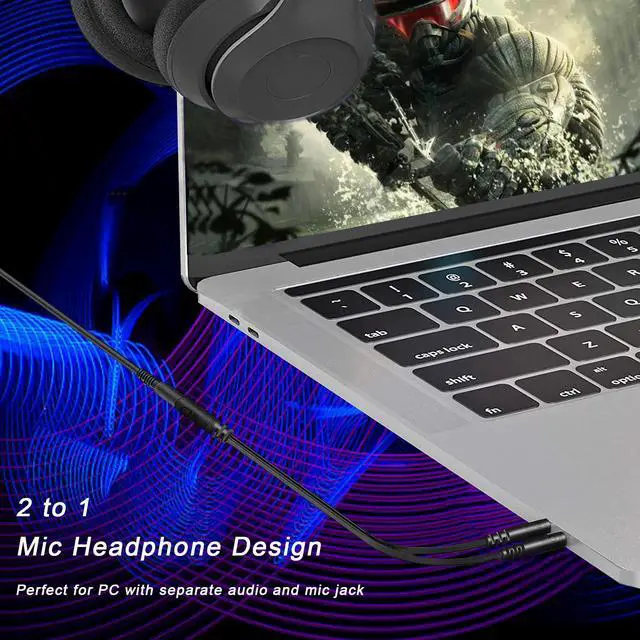
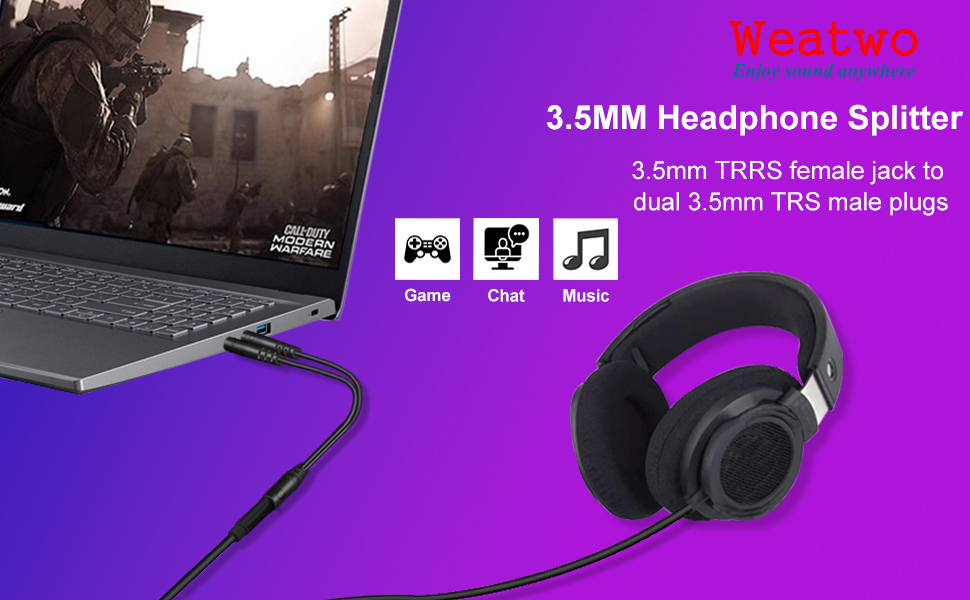
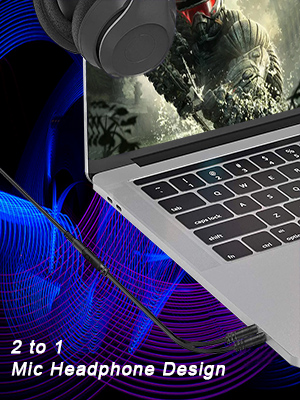
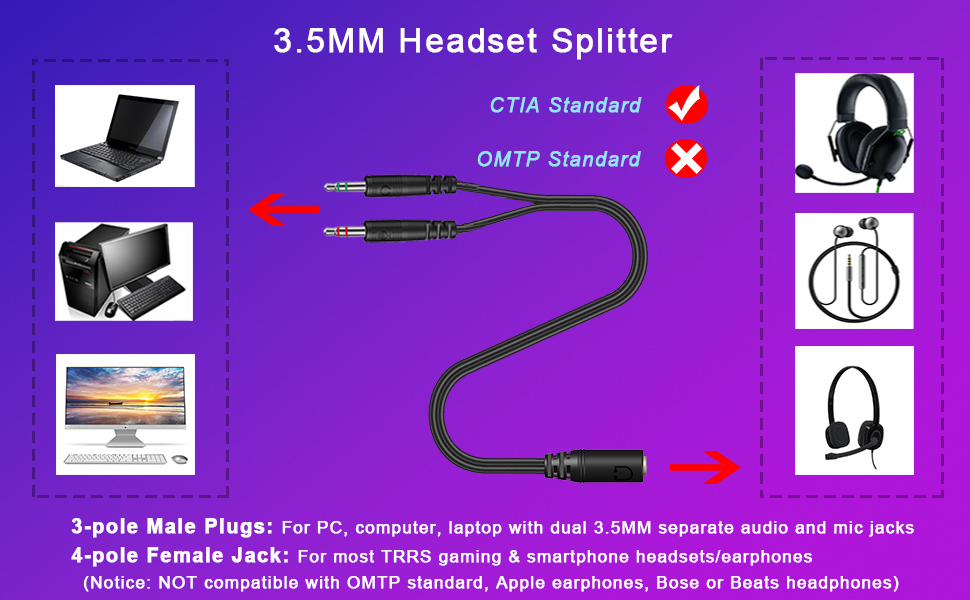
The Y splitter cable features a 3.5mm female jack and dual 3.5mm male plugs, which offers a simple way to connect your headset with a 4-pole 3.5mm TRRS plug to PC or laptop with separate audio and mic jacks.
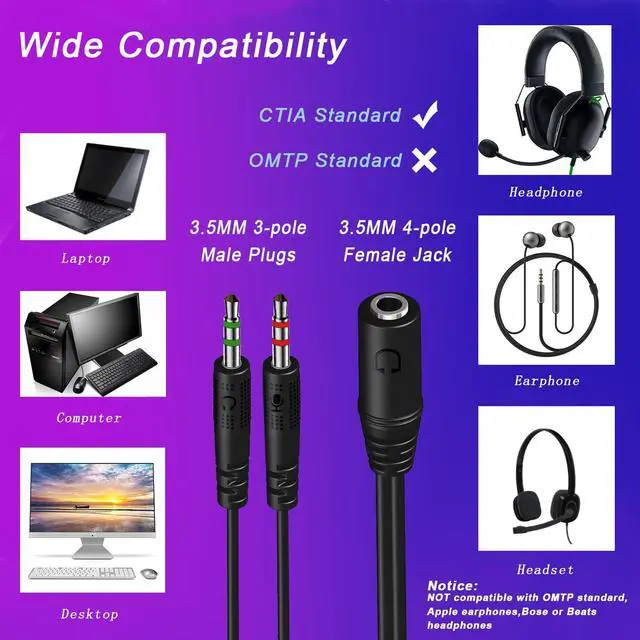
Notice: NOT compatible with OMTP standard, Apple earphones, Bose or Beats headphones
Interface confirmation
- Input: 3.5mm 4-pole female jack for your headset plug.
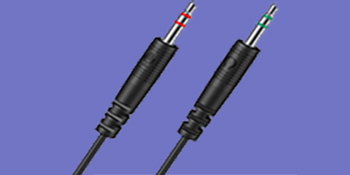
- Output 1: 3.5mm 3-pole male plug for headphone jack on your PC/Laptop.
- Output 2: 3.5mm 3-pole male plug for mic jack on your PC/Laptop.
High Quality Audio Experience
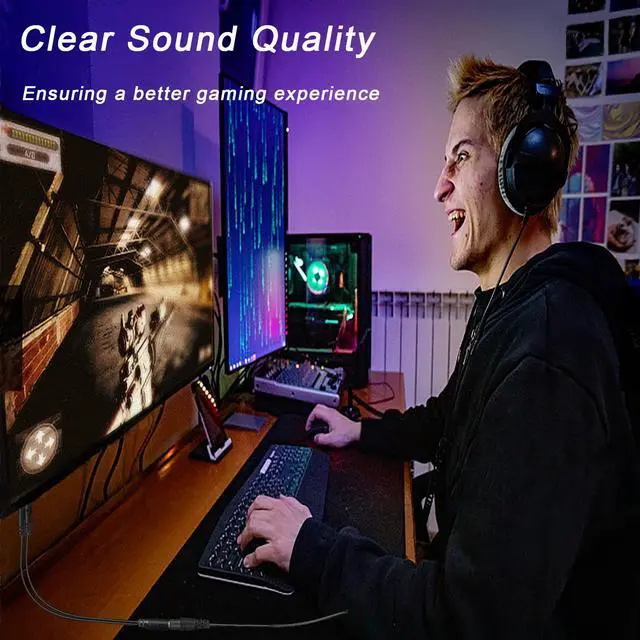
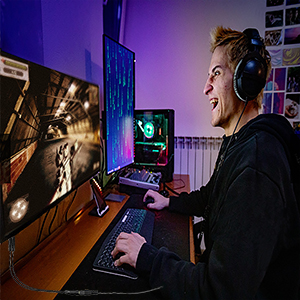
Oxygen-free copper wire ensures higher audio transmission without signal loss and noise, so the mic audio splitter can remain original sound quality and offers better gaming and communication experience.
Durable and Flexible
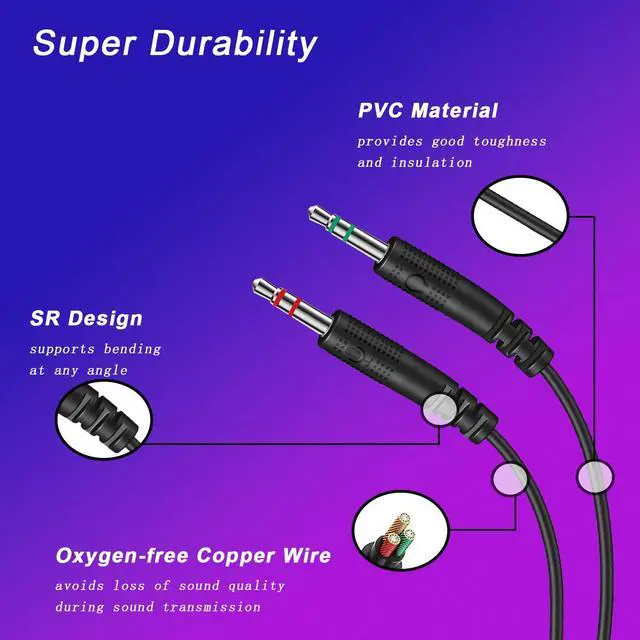
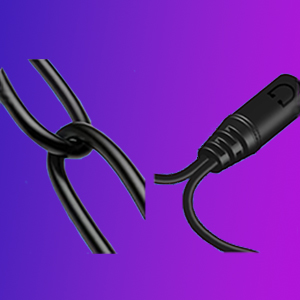
The headphone splitter is made of oxygen-free copper wire, providing maximum's conductivity and durability, and uses durable PVC material to enhance the toughness and lifespan. The SR design also supports any bending.
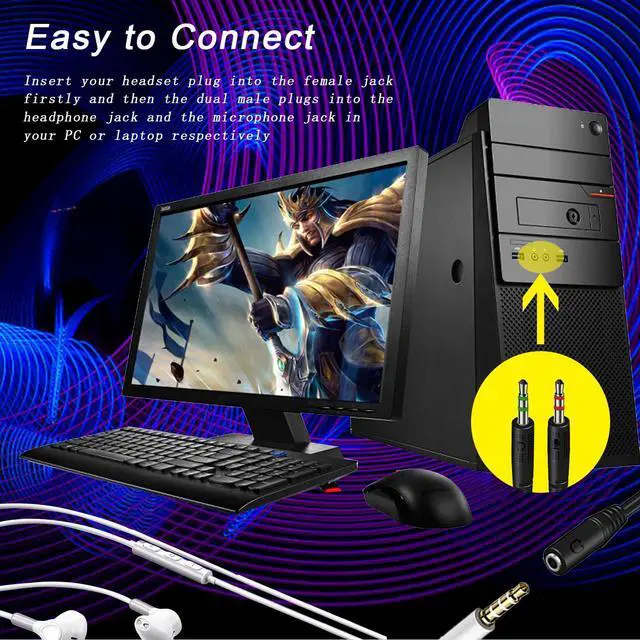
Easy to Connect
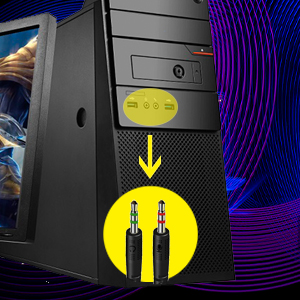
Pay attention to the connection sequence: Insert the headphone plug into the female port of the headset adapter firstly, and then connect the other two ports of this adapter to the computer.
Compatible with the following Headphones:
Suitable for most TRRS gaming & smartphone headphones/earphones, such as HyperX Cloud II SADES SA810 SA807 SA708 SA903 SA901/Kotion Each G2000 G9000 /Logitech G433 ?G432/SteelSeries Arctis Prime/DEEBOX DX-GH100/NUBWO N20 N16D/Razer BlackSharkV2X Kraken/SENZER SG500/Turtle Beach Recon 50
Blackberry/Samsung/Xiaomi/OPPO/LG, etc. ( 3.5mm stereo headsets)
Compatible with the following devices:
Devices with dual 3.5mm jack connectors in CTIA audio jack standard, including various laptop / desktop computers with Mic & Audio 3.5mm jacks (e.g: HP ProBook 450 G1 / Lenovo Thinkpad T400)
CAUTIONS:
Only compatible with the CTIA standard 3.5mm audio port, not applicable to the OMTP standard. (please don’t worry, more than 98% of the headphones in the US and European markets currently use the CTIA standard)
Be sure to plug the headset into this adapter first, and then connect the adapter to the computer, otherwise the computer may determine that the microphone is missing when detecting the hardware. It should be noted that some device systems may have different settings for audio and microphone settings, so please purchase according to your own circumstances !
The female port of this adapter must be connected to the TRRS 4-pole interface, and the microphone function of any TRS 3-pole interface device will not be available. (Please check the pin of your connector, the 3 rings are TRRS and the 2 rings are TRS) It does not support volume +/- and other wire control functions.

Headphone Splitter for PC
Enjoy Sound Anywhere

Weatwo is a global brand that specializes in the research, development and production of headphones and digital accessories, showcasing technological innovation and elegant design.
We have a strict quality control team and service team to provide clients with excellent quality products and extraordinary user experience, allowing clients to enjoy clear calls and wonderful music anytime, anywhere.
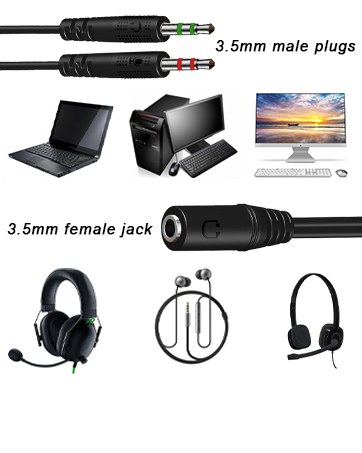
Wide Compatibility
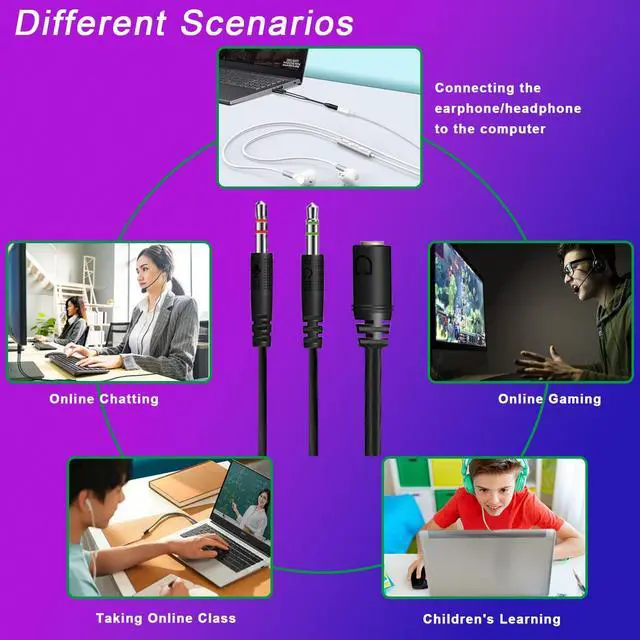
3.5mm male plugs forPC / computer / laptop, 3.5mm female jack for gaming headphones / earphones / headsets.
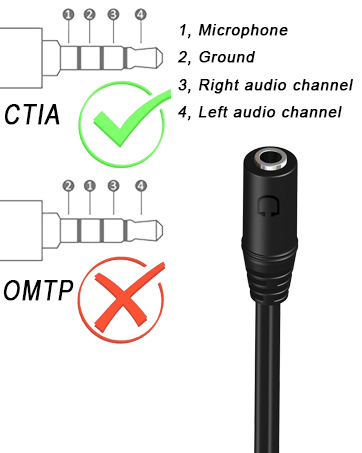
For CTIA Audio Port
Only for most TRRS headsets / earphones in CTIA audio jack standard, not for OMTP standard / Apple earphones / Bose / Beats headphones.
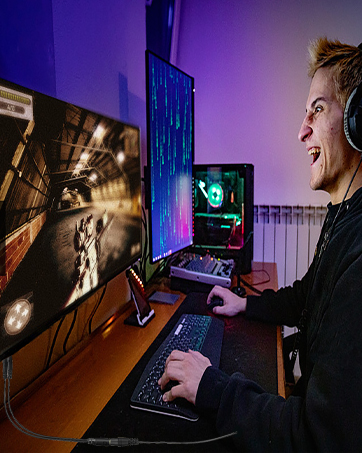
Clear Sound
Avoids loss of sound quality during sound transmission, and offers better gaming and communication experience.

Headphone Splitter for PC
Features:
- Durable PVC Material
- Mic Audio Y Splitter Cable
- 3.5mm Female to 2 Dual 3.5mm Male
- Oxygen-free Copper Wire
- Length: About 10inch (25cm)
The Y splitter cable features a 3.5mm female jack and dual 3.5mm male plugs, which offers a simple way to connect your headset with a 4-pole 3.5mm TRRS plug to PC or laptop with separate audio and mic jacks.
Notice: NOT compatible with OMTP standard, Apple earphones, Bose or Beats headphones
Interface confirmation
- Input: 3.5mm 4-pole female jack for your headset plug.
- Output 1: 3.5mm 3-pole male plug for headphone jack on your PC/Laptop.
- Output 2: 3.5mm 3-pole male plug for mic jack on your PC/Laptop.
High Quality Audio Experience
Oxygen-free copper wire ensures higher audio transmission without signal loss and noise, so the mic audio splitter can remain original sound quality and offers better gaming and communication experience.
Durable and Flexible
The headphone splitter is made of oxygen-free copper wire, providing maximum's conductivity and durability, and uses durable PVC material to enhance the toughness and lifespan. The SR design also supports any bending.
Easy to Connect
Pay attention to the connection sequence: Insert the headphone plug into the female port of the headset adapter firstly, and then connect the other two ports of this adapter to the computer.
Compatible with the following Headphones:
Suitable for most TRRS gaming & smartphone headphones/earphones, such as HyperX Cloud II SADES SA810 SA807 SA708 SA903 SA901/Kotion Each G2000 G9000 /Logitech G433 ?G432/SteelSeries Arctis Prime/DEEBOX DX-GH100/NUBWO N20 N16D/Razer BlackSharkV2X Kraken/SENZER SG500/Turtle Beach Recon 50
Blackberry/Samsung/Xiaomi/OPPO/LG, etc. ( 3.5mm stereo headsets)
Compatible with the following devices:
Devices with dual 3.5mm jack connectors in CTIA audio jack standard, including various laptop / desktop computers with Mic & Audio 3.5mm jacks (e.g: HP ProBook 450 G1 / Lenovo Thinkpad T400)
CAUTIONS:
Only compatible with the CTIA standard 3.5mm audio port, not applicable to the OMTP standard. (please don’t worry, more than 98% of the headphones in the US and European markets currently use the CTIA standard)
Be sure to plug the headset into this adapter first, and then connect the adapter to the computer, otherwise the computer may determine that the microphone is missing when detecting the hardware. It should be noted that some device systems may have different settings for audio and microphone settings, so please purchase according to your own circumstances !
The female port of this adapter must be connected to the TRRS 4-pole interface, and the microphone function of any TRS 3-pole interface device will not be available. (Please check the pin of your connector, the 3 rings are TRRS and the 2 rings are TRS) It does not support volume +/- and other wire control functions.
Headphone Splitter for PC
Enjoy Sound Anywhere
Weatwo is a global brand that specializes in the research, development and production of headphones and digital accessories, showcasing technological innovation and elegant design.
We have a strict quality control team and service team to provide clients with excellent quality products and extraordinary user experience, allowing clients to enjoy clear calls and wonderful music anytime, anywhere.
Wide Compatibility
3.5mm male plugs forPC / computer / laptop, 3.5mm female jack for gaming headphones / earphones / headsets.
For CTIA Audio Port
Only for most TRRS headsets / earphones in CTIA audio jack standard, not for OMTP standard / Apple earphones / Bose / Beats headphones.
Clear Sound
Avoids loss of sound quality during sound transmission, and offers better gaming and communication experience.