

Your Browsing History
- Free 30-day Returns
$29.97
Ships from China.


Meet Your Seller


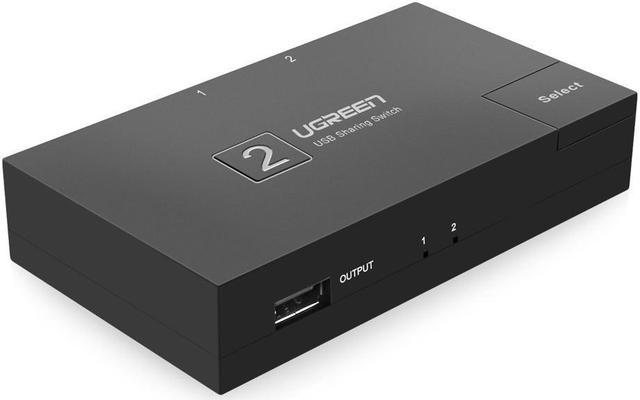
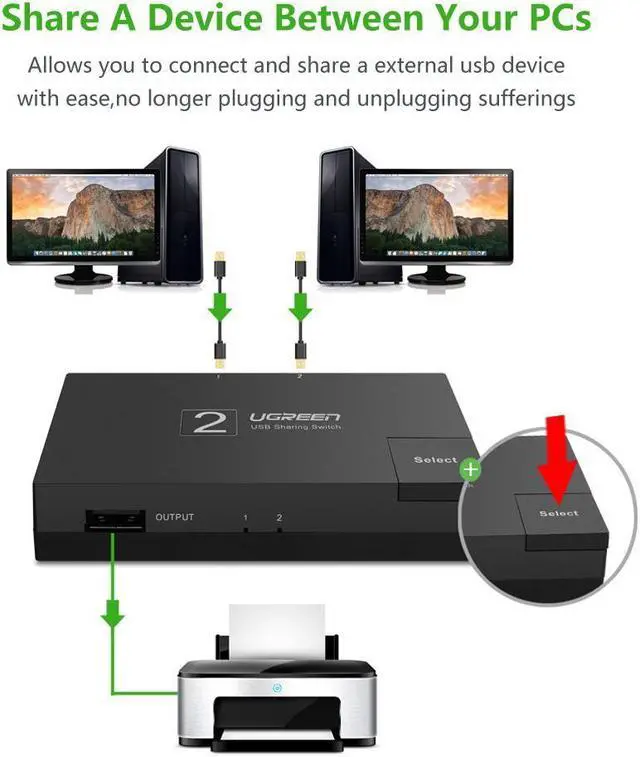
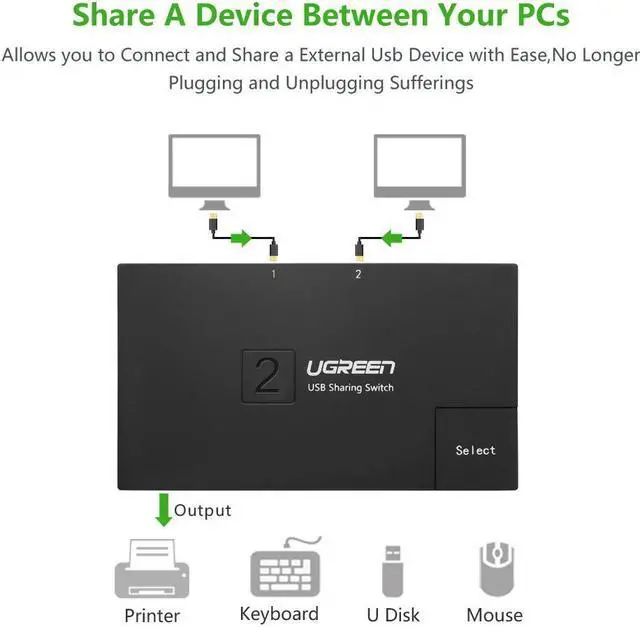


USB 2.0 Sharing Switch 2 Port, USB Peripheral Switcher Adapter Box Hub 2 PCs Share 1 USB Device for Printer Scanner with 2 Pack USB 2.0 Male Cable( 30345)
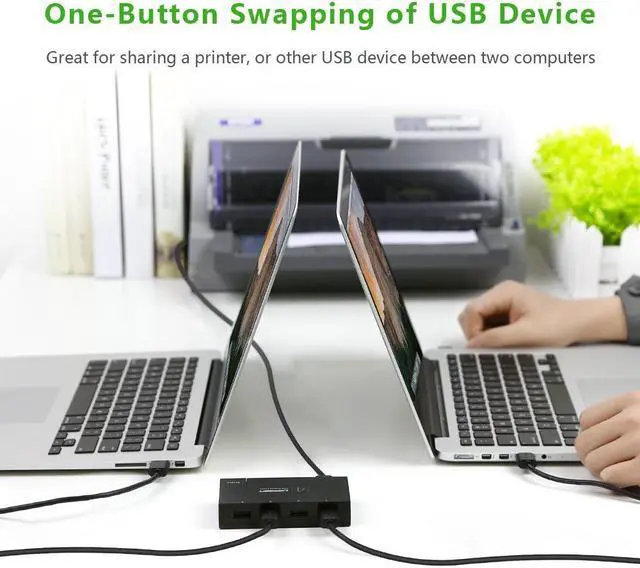
- USB sharing Hub provides easy one-touch switching of a USB device or hub between two computers
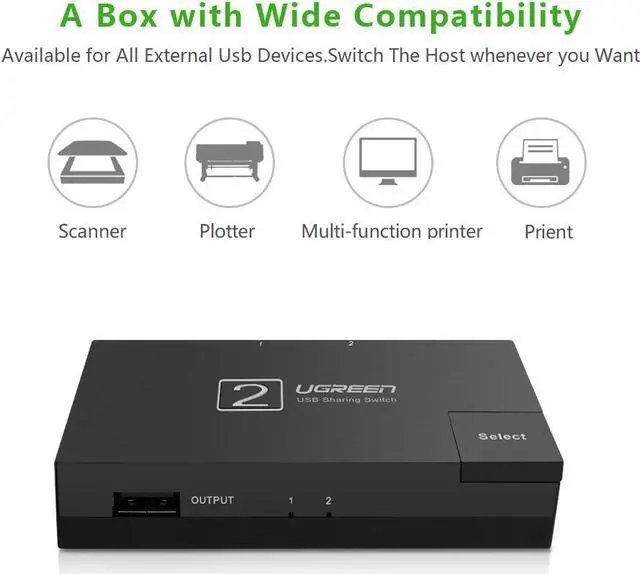
- This is a great solution for sharing USB devices like USB printer, scanner, multifunction printer
+
+
Overview
Specs
Reviews

Any questions? Our AI mode will help you find out quickly.
Try me now
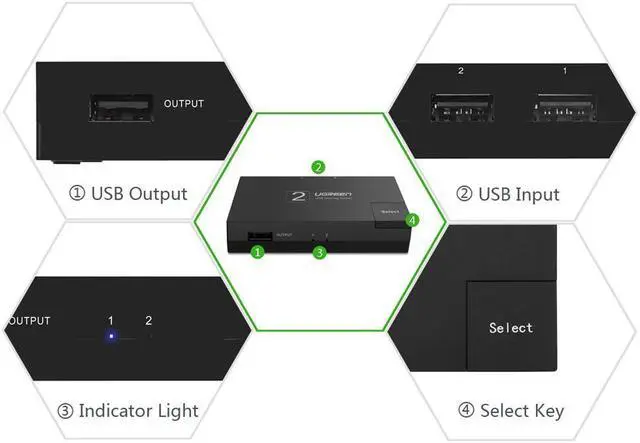
USB sharing Hub provides easy one-touch switching of a USB device or hub between two computers USB 2.0 Sharing Switch is a great solution for sharing USB devices like USB printer, scanner, curve plotter, multifunction printer, Bluetooth equipment with two computers By using this devise, 1 USB device can be shared with 1 to 2 computers can share 1 printer, manually or automatically, by this we can cut down office equipment spending and save lots of space Switch works with any USB-enabled computer without drivers, so you could freely switch between two computers when connection to a USB device by a single push bottum LED indicator lights show which connected computer has control of the attached devices USB 2.0 sharing switch 2 port is the ideal solution for one-touch switching of access between two computers to a USB-based mouse, printer, scanner, and many other types of USB devices Wide Compatibility Allows 2 PC to share one USB device, for example, printer, scanner, camera, keyboard, and any other devices with USB.
Easy Install Just plug your USB device into the USB port on the sharing switch, and connects 2 PC to the other 2 ports. LED indicator LED indicator lights show which connected computer has control of the attached devices
Connectors: The switch can connect USB 2.0 / 1.1 -compliant devices and hubs, but to function in USB 2.0 mode, the host PC and attached device or hub both must be USB 2.0 compliant
Easy Install Just plug your USB device into the USB port on the sharing switch, and connects 2 PC to the other 2 ports. LED indicator LED indicator lights show which connected computer has control of the attached devices
Connectors: The switch can connect USB 2.0 / 1.1 -compliant devices and hubs, but to function in USB 2.0 mode, the host PC and attached device or hub both must be USB 2.0 compliant
Warranty & Returns
Warranty, Returns, And Additional Information
Warranty
- Please contact the Seller directly for warranty information. Warranty information may also be found on the Manufacturer's website.
- CONTACT
Return Policies
- Return for refund within: 30 days
- Return for replacement within: non-replaceable
- This item is covered by Transway's Marketplace Return Policy
Manufacturer Contact Info
- For a directory of all our manufacturers, please click below.
- Manufacturers Directory
LOADING...