



How to Use
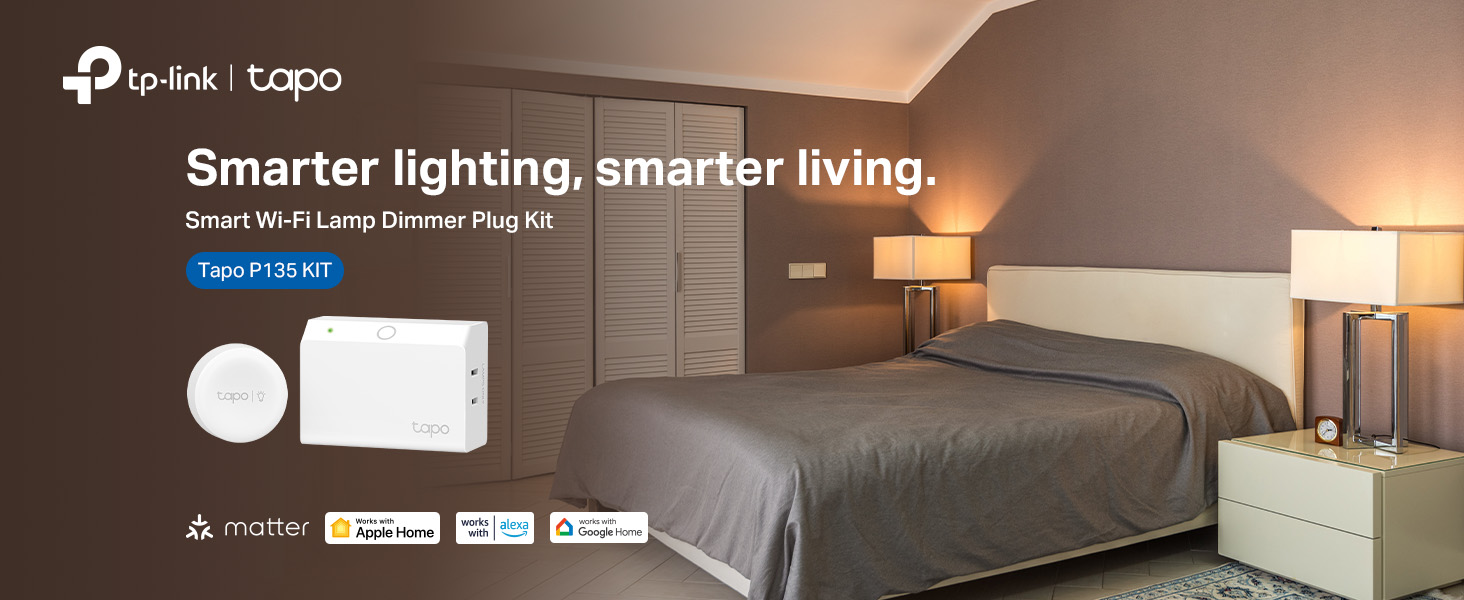
Use the plug or the included button to control two desk lamps simultaneously.
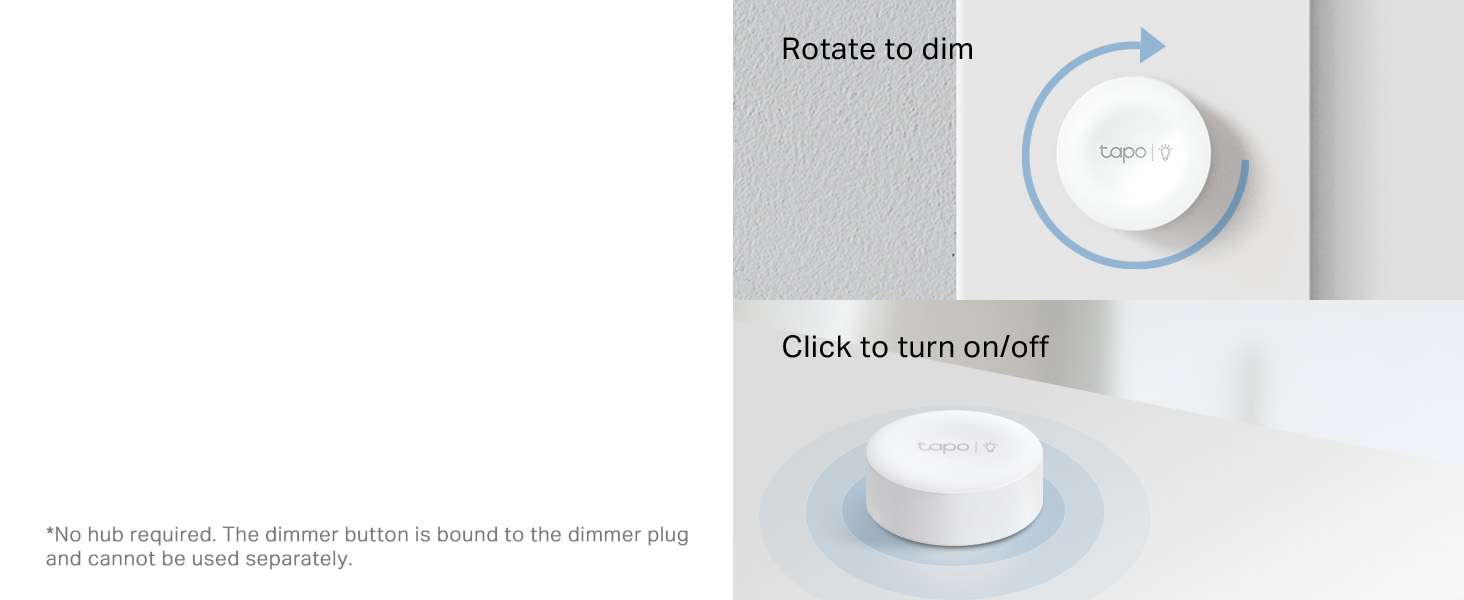
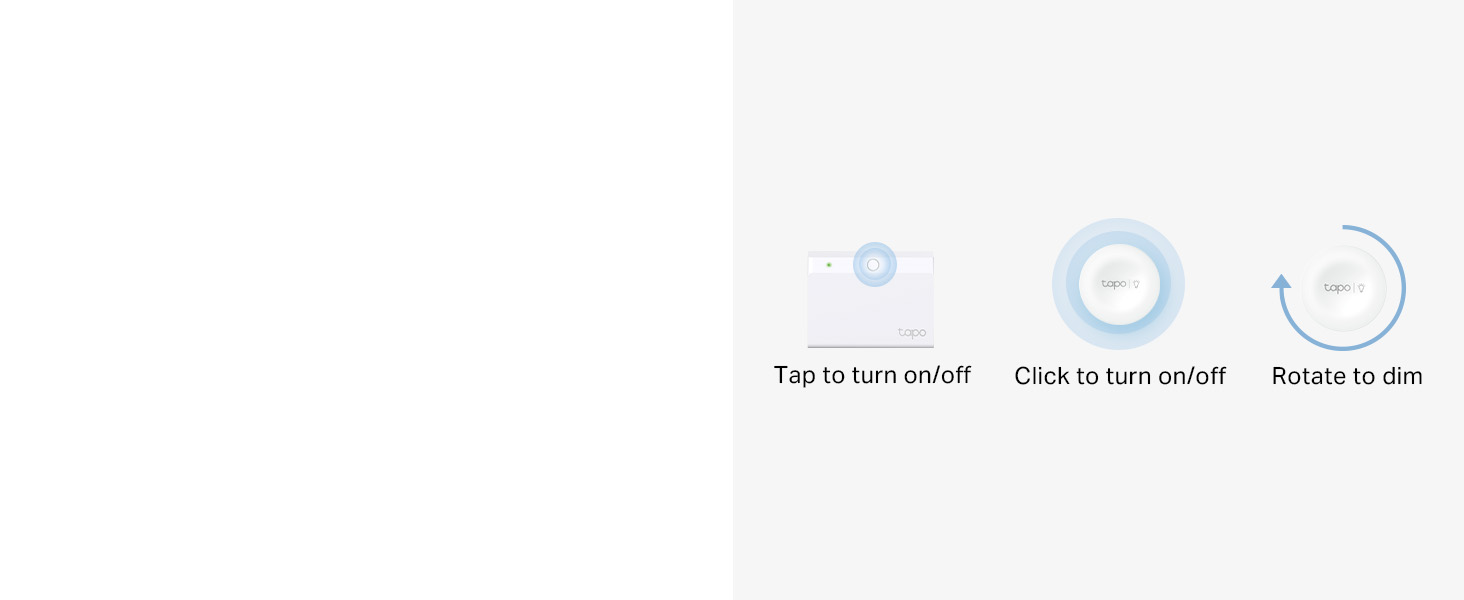
Wireless Button Dimming
Use the dimmer button to instantly dim and brighten two lamps simultaneously anywhere in your home.
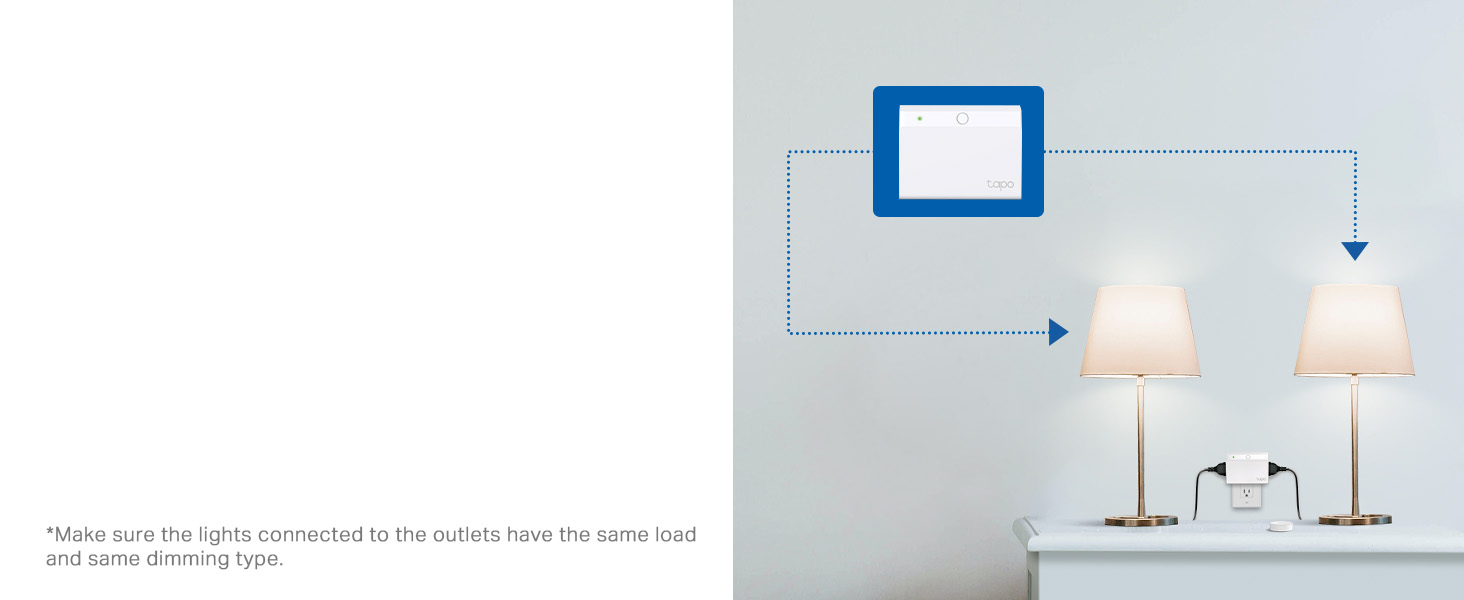
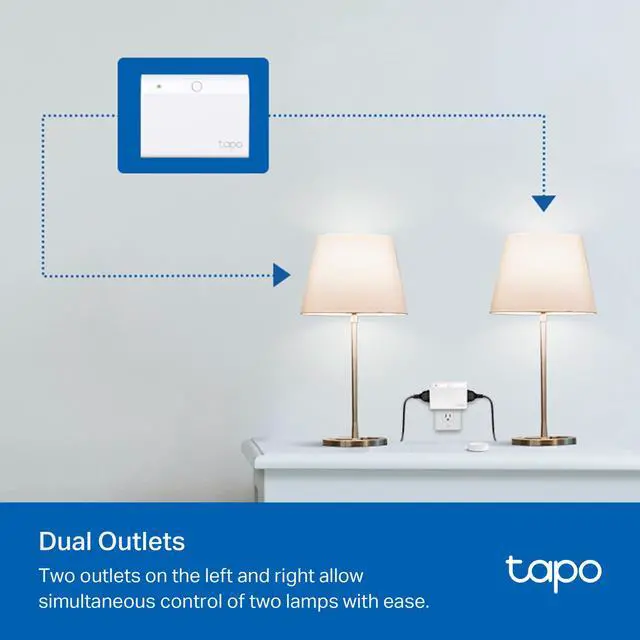
Dual Outlets
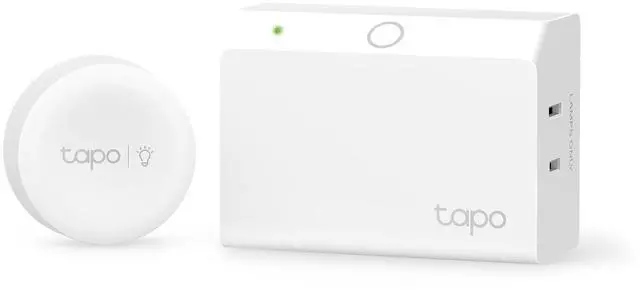
Two outlets on the left and right allow simultaneous control of two lamps with ease.


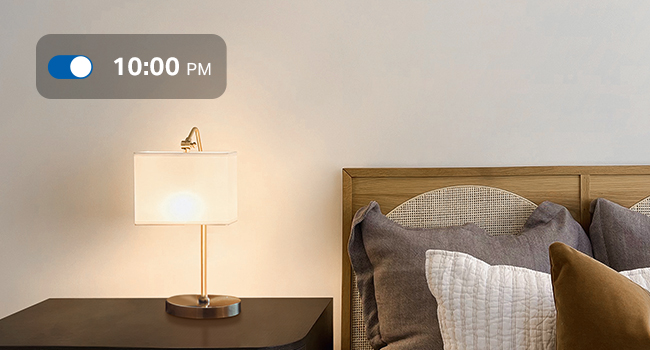
Scheduling
Set your lamps to automatically turn on at a certain brightness at a specific time.

Set Scenes
Control multiple devices all at once for a customizable scene. Instantly set the perfect ambience for any activity.
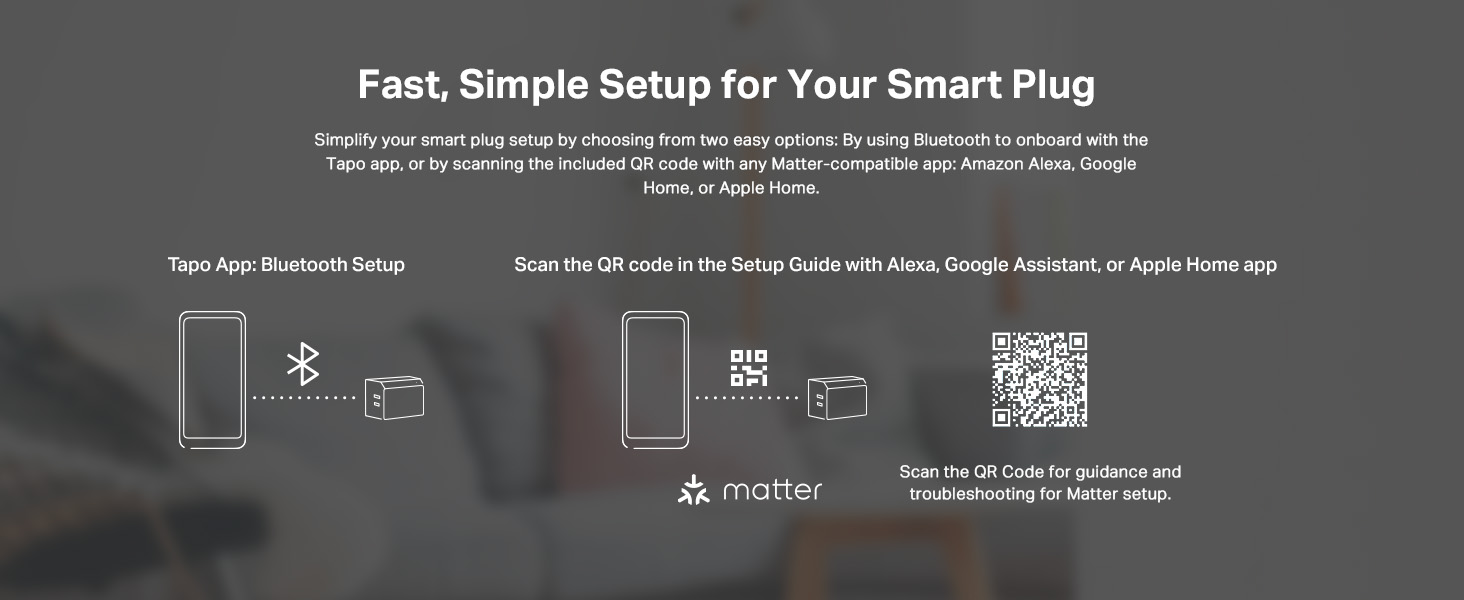



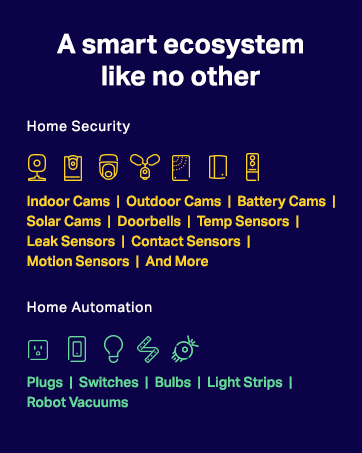


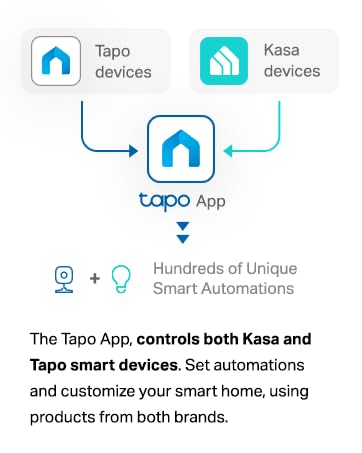

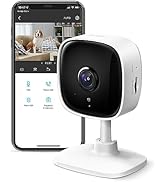
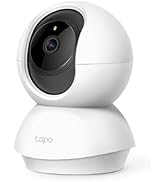
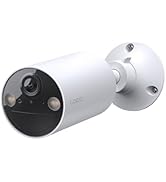
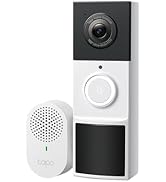
Tapo Camera Deals
Tapo Bulbs
Tapo Plugs
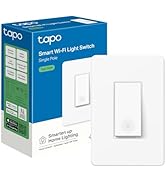
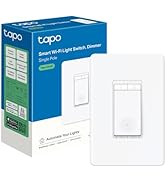
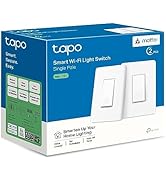
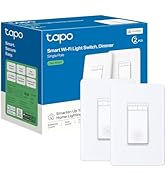
Tapo Switches
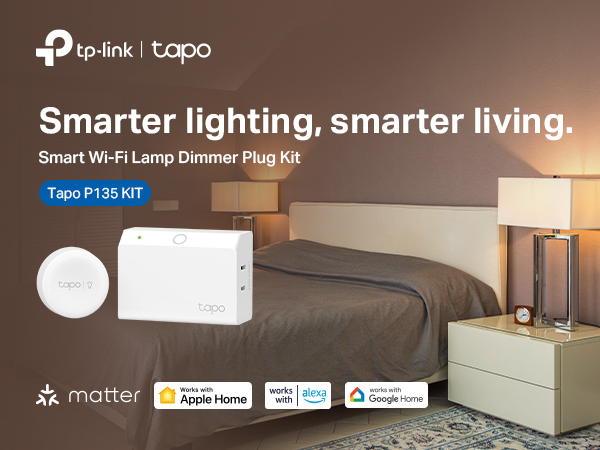
How to Use
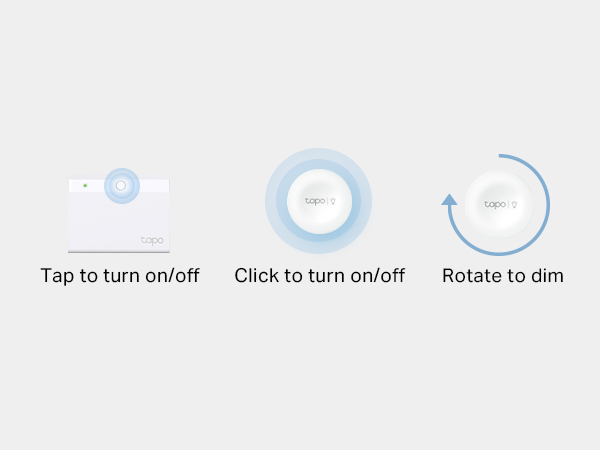
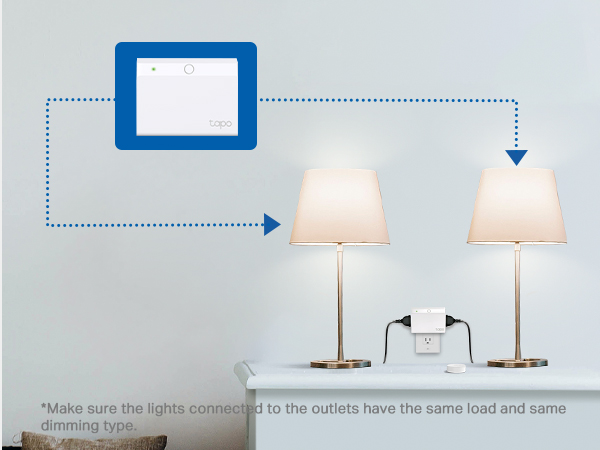
Use the plug or the included button to control two desk lamps simultaneously.
Wireless Button Dimming
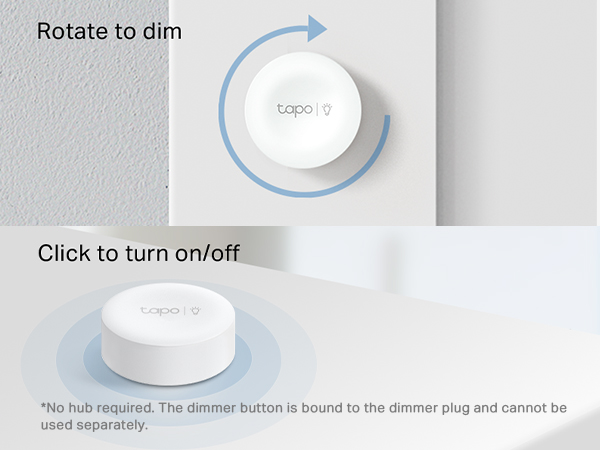
Use the dimmer button to instantly dim and brighten two lamps simultaneously anywhere in your home.
Dual Outlets
Two outlets on the left and right allow simultaneous control of two lamps with ease.

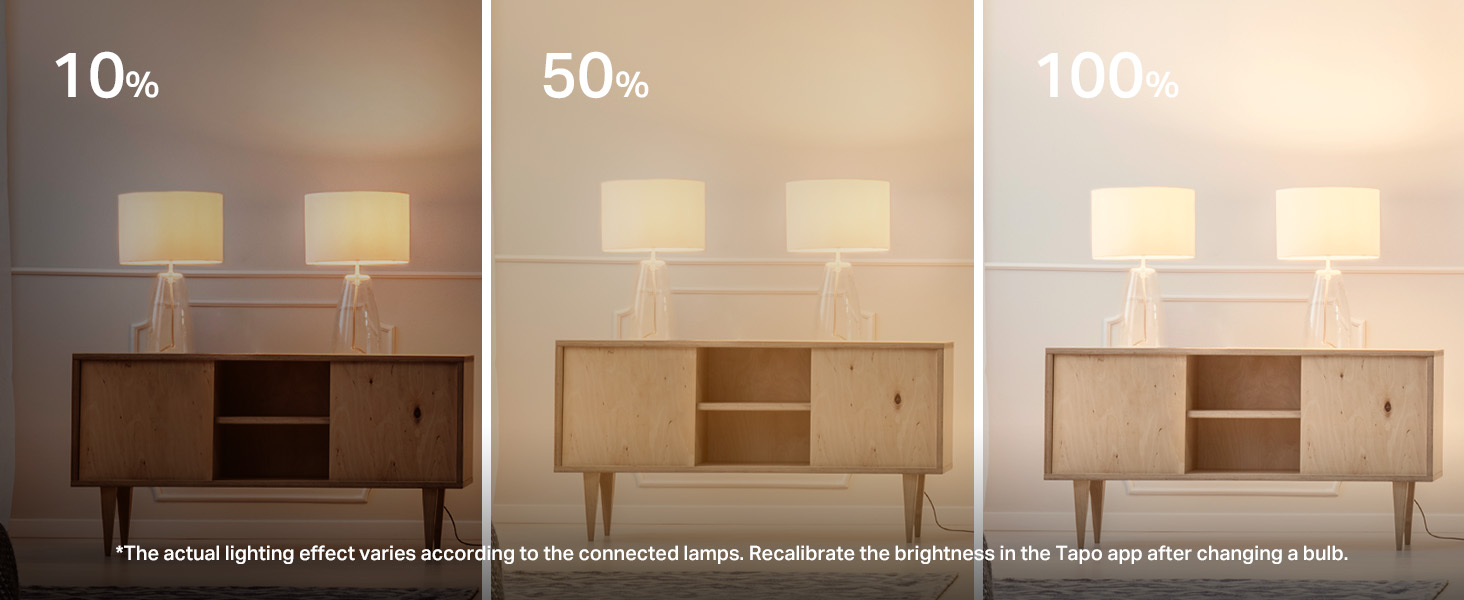
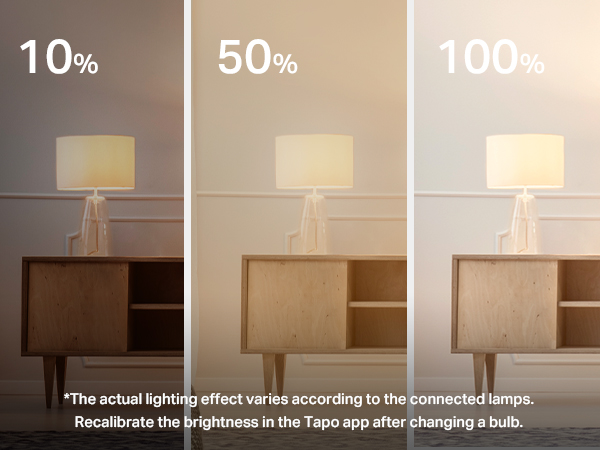
Brightness Control
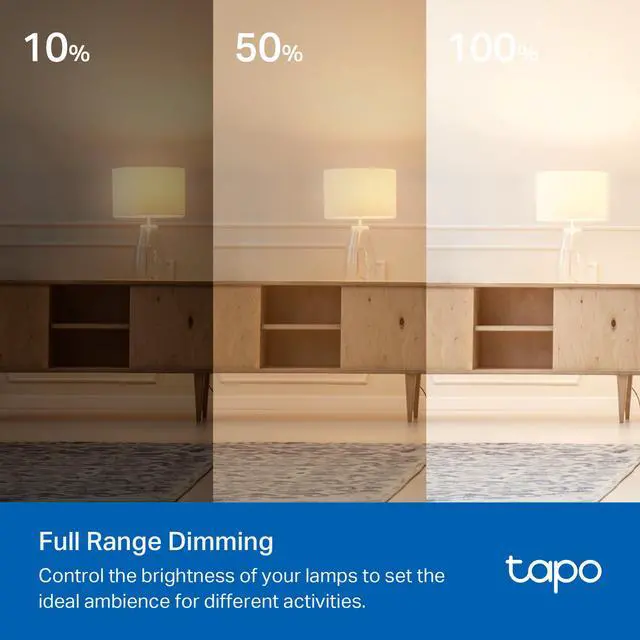
Simultaneously control two lamps' optimal dimming range to achieve the perfect ambience.
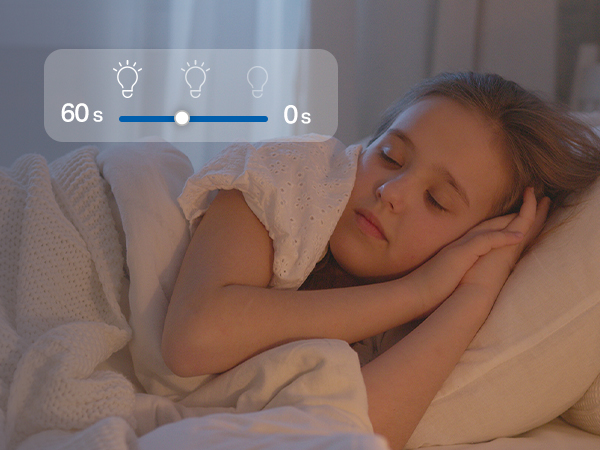
Fade On/Off
Smoothly illuminate or dim your lamps without sudden eye-irritating brightness or darkness.
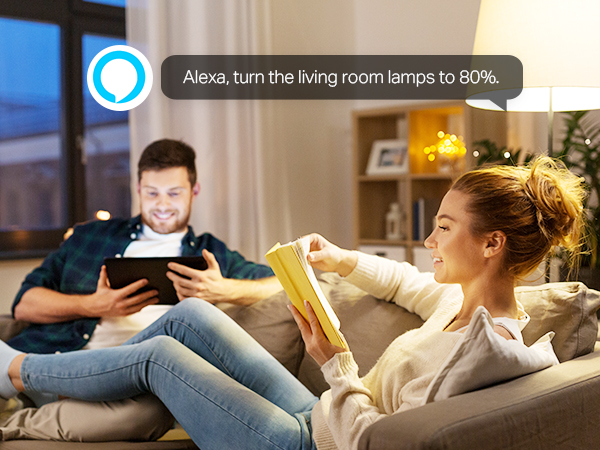
Voice Control
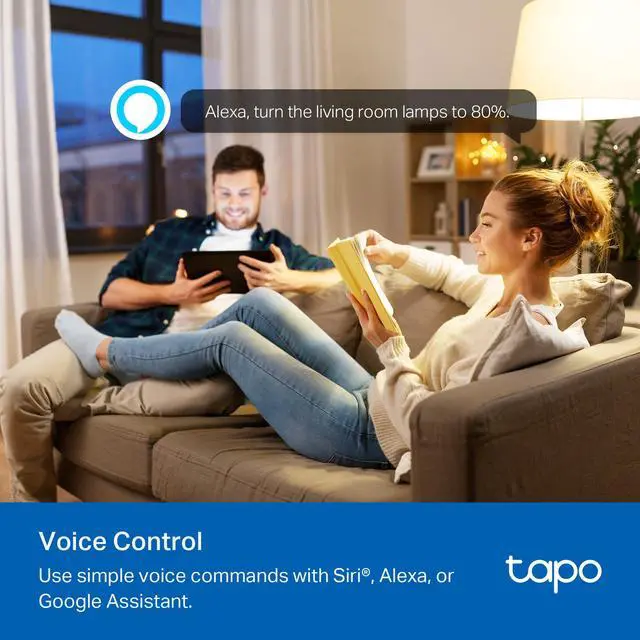
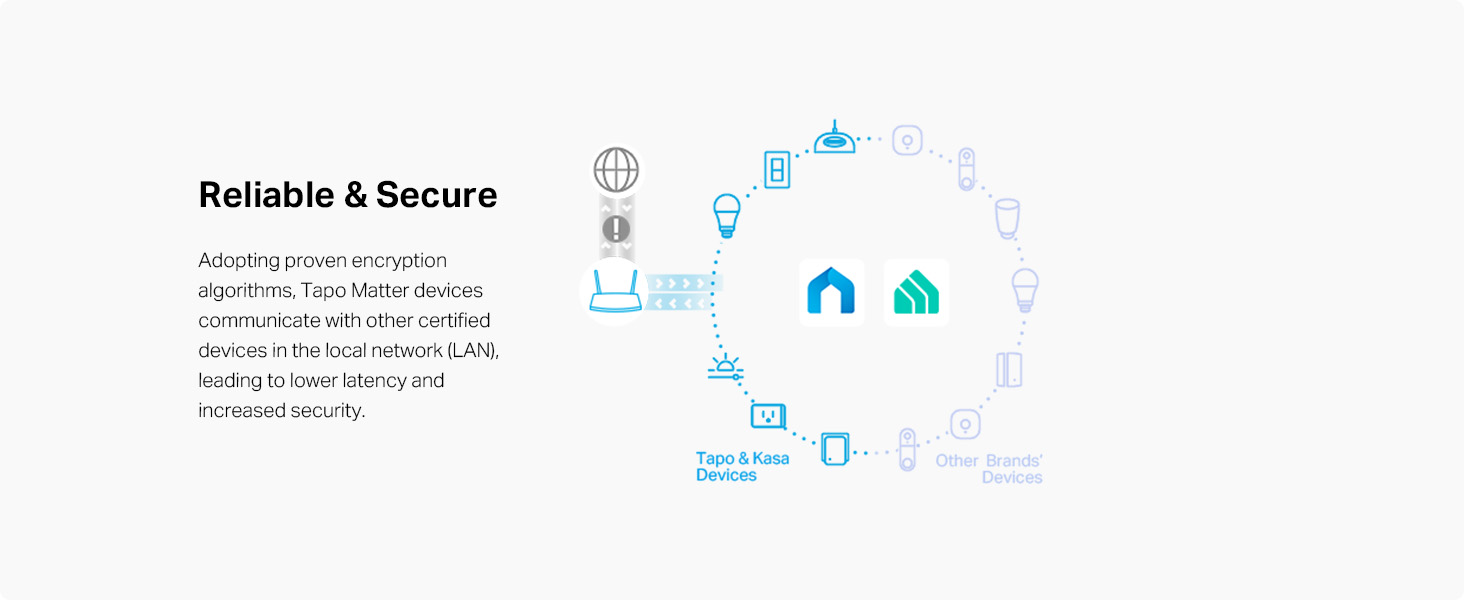
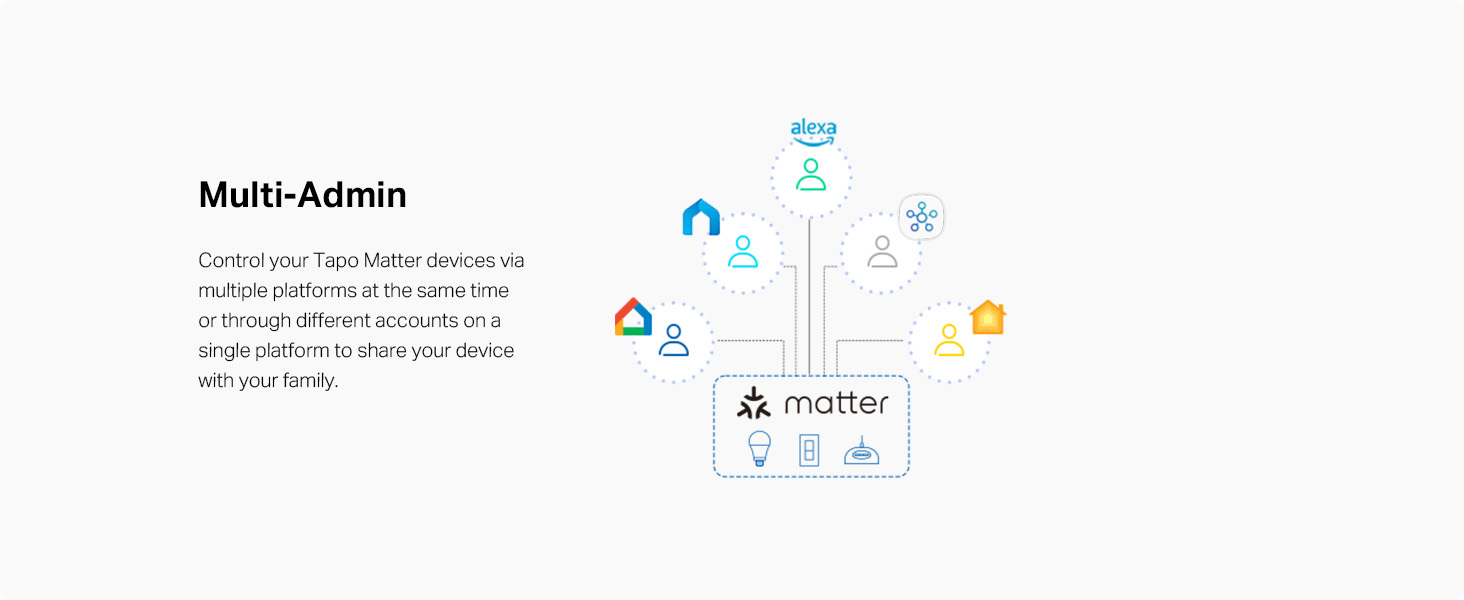
Use simple voice commands with Alexa, Siri, Google Assistant, or other Matter voice assistants.
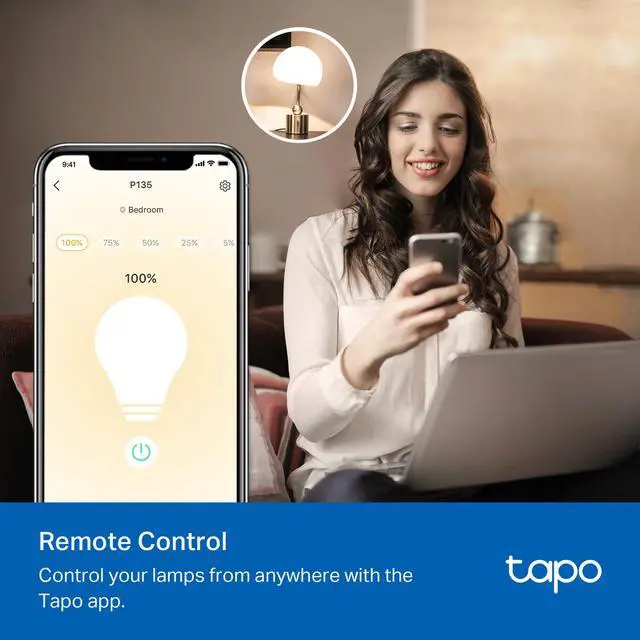
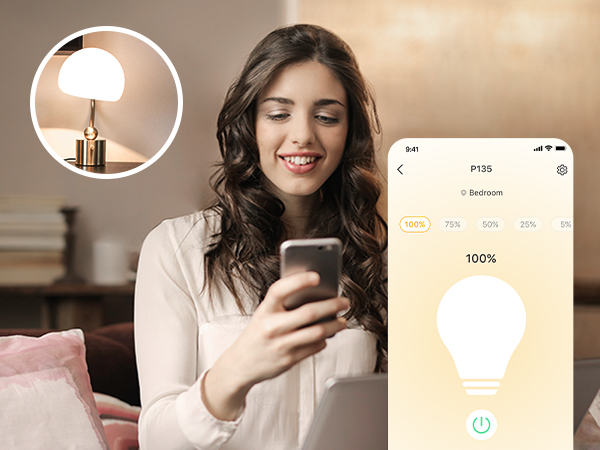
Remote Control
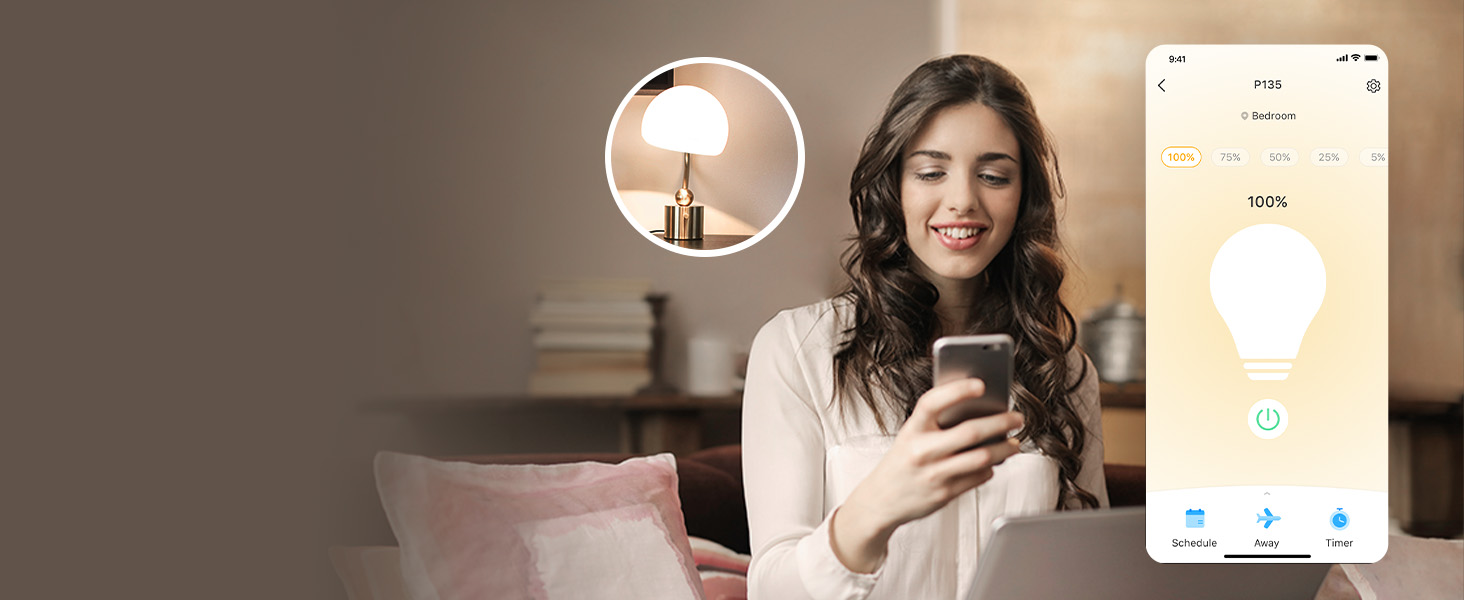
Turn your lamps on/off, or set brightness from anywhere, at any time with the Tapo app.
Scheduling
Set your lamps to automatically turn on at a certain brightness at a specific time.
Set Scenes
Control multiple devices all at once for a customizable scene. Instantly set the perfect ambience for any activity.