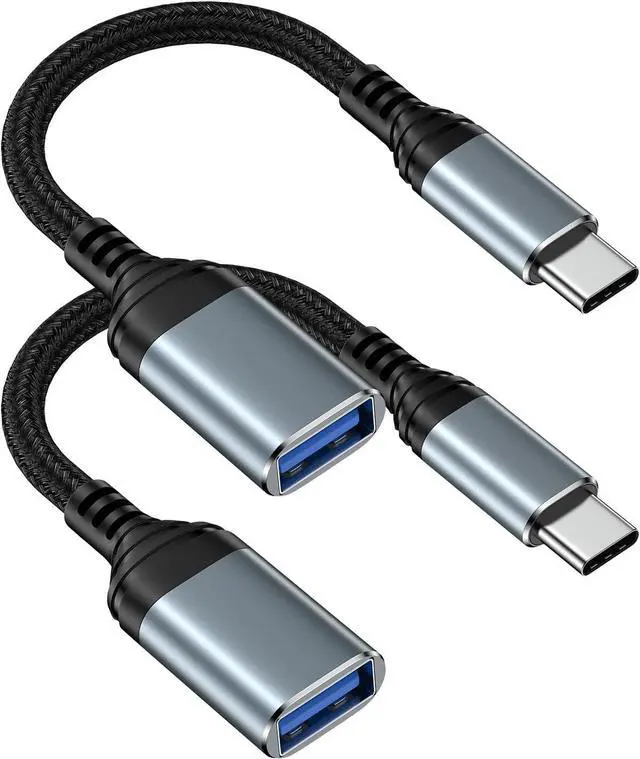
iPhone 17 Pro max USB to USB C Adapter with
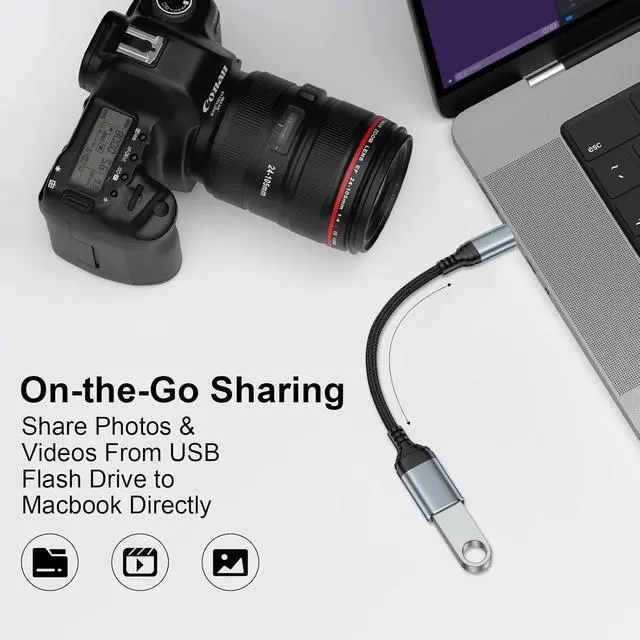
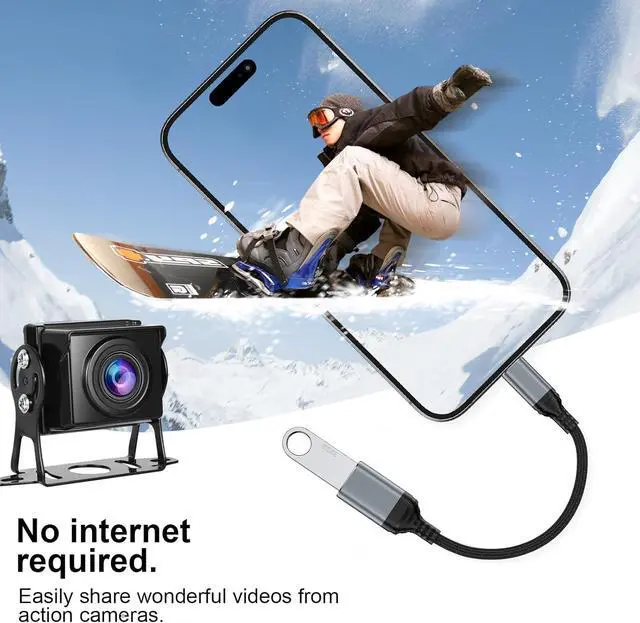
OTG Support: This usb c to usb camera adapter or Camera adapter to iphone USB C for iPhone iPhone 17 17 Pro max 17 Pro/iPhone Air/15/iPhone 16/iPhone 16 Pro Max/iPhone 16 Plus/Phone 16e is an ideal solution for copying photos or videos from the camera to your Devices with USB-C port in a short period. With this USB to iPhone adapter you can transfer photos and videos from your camera to your iPhone 16e 16 Pro Max 16 Plus or iPad or galaxy S25 ultra with USB-C port share the wonderful moments with your family or friend. Plug & Play Macbook Air
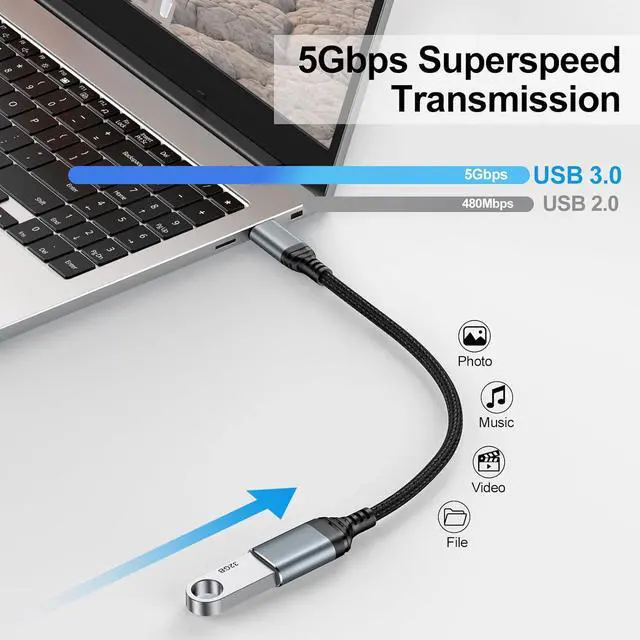
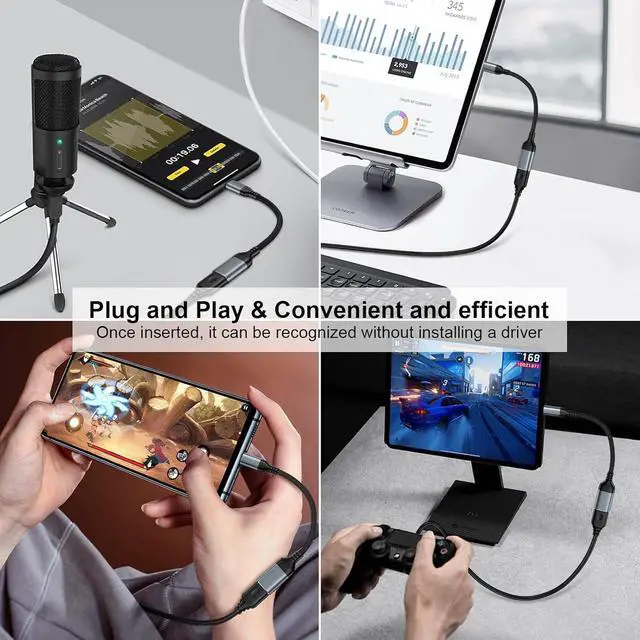
Mouse Adaptor: With this otg adapter for android or iphone 17 usb c to usb camera adapter No App needed and no need to take out the camera's memory card. USB 3.0 supports data transfer speeds up to 5Gbps with backwards compatibility to USB 2.0 (20MB/S~30MB/S). This ensures quick file transfers HD video streaming and efficient backups with this iPhone 16 Pro Max/iPhone 17 Pro Max USB-C to
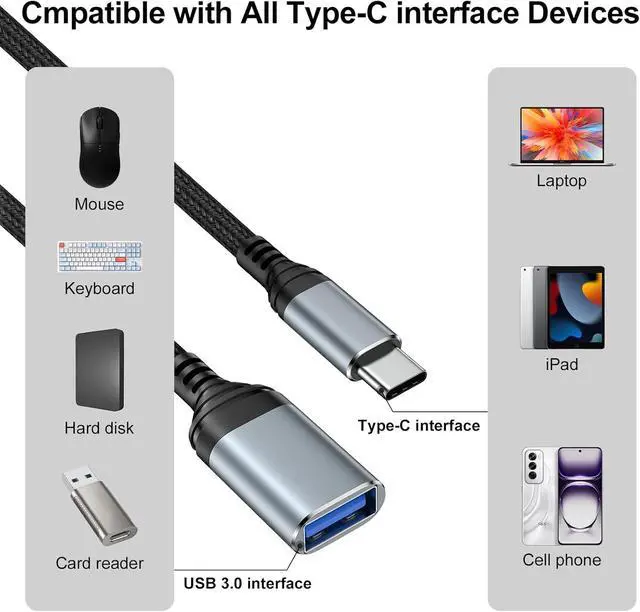
USB adapterWIDE COMPATIBILITY: This Android USB OTG Converter for for iphone 17/17 pro max/17air/Motorola Razr 60 Ultra/ Edge 60 Pro/Razr Ultra 2025/ Razr 60/Razr 2025 Power or usb to usb c cable adapter for android compatible with iPhone 17 17 Pro max 17 Pro/iPhone Air/iPhone 16e 16 16 Pro 16 Plus 16 Pro Max 15 15 Pro 15 Plus 15 Pro Max iPad Air 4 iPad Air 5 iPad mini 6 iPad mini 7 iPad Pro (with USB-C port Galaxy S25 Ultra/S25/S25 Plus/S24/S23/S22/S21 A16/A56/A36/A26/A55 S20 S20+ S20 Ultra Note 10/Note 10Plus/Note8 S9/S9 Plus S8/S8 Plus LG G6 G5 V20 and More.
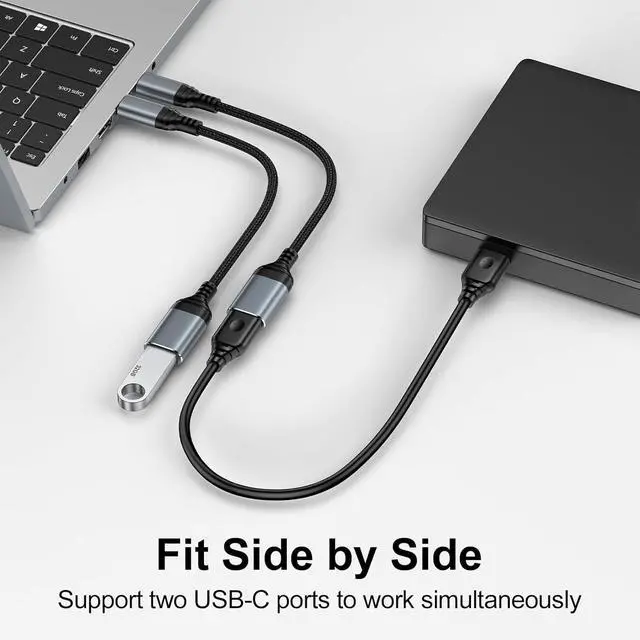
Support Peripherals: Our USB-C Female OTG Data Sync Cable for galaxy S25/S25 lus/S25 Ultra/S25 Edge/S24 ultra/S24 Plus/ Z Flip6/ Z Fold6 also can be widely use for more USB Device such as Digital camera USB flash drive card reader MIDI keyboard Mouse U Disk Hubs electronic piano USB Microphone Drum Audio Interface Mixer etc.
How to connect: Connect the USB-C to USB Camera Dongle to iPhone 17 17 Pro max 17 Pro/iPhone Air/iPad open the Photos app which let you choose photos and videos to import then organizes them into albums.
Tips: If there is no any dispaly when your plug USB Flash Drive. Just find Files on the desktop and click Browse then you can see the USB Flash Drive on your iPhone.