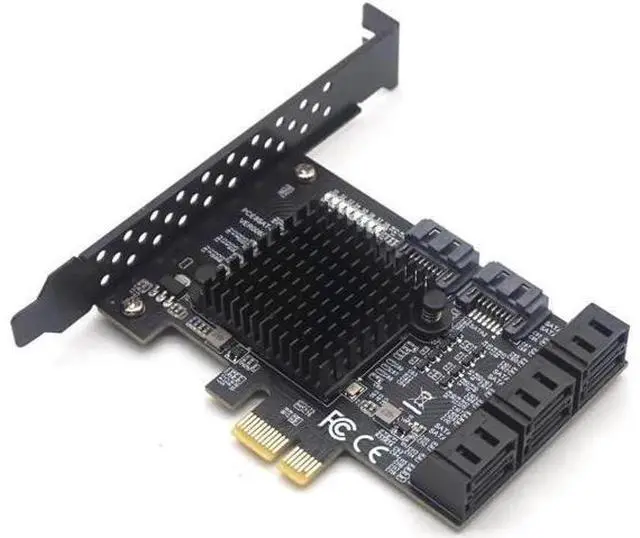
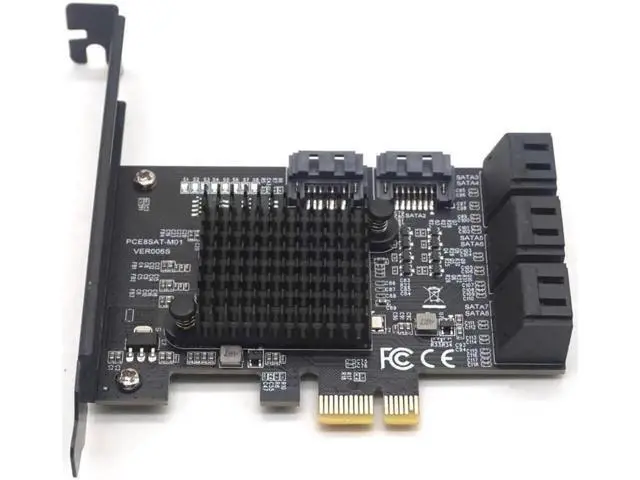
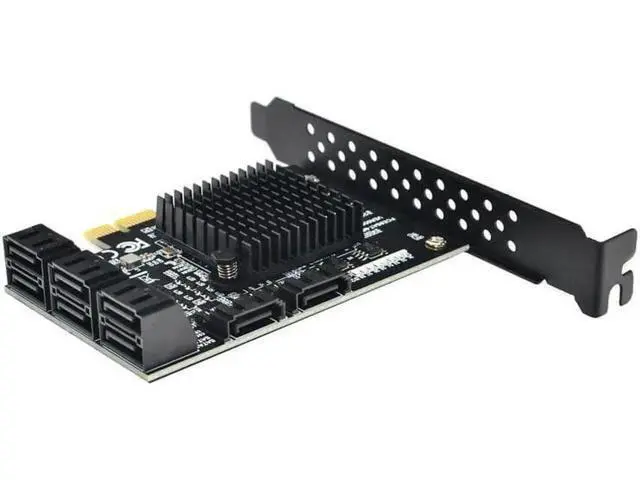
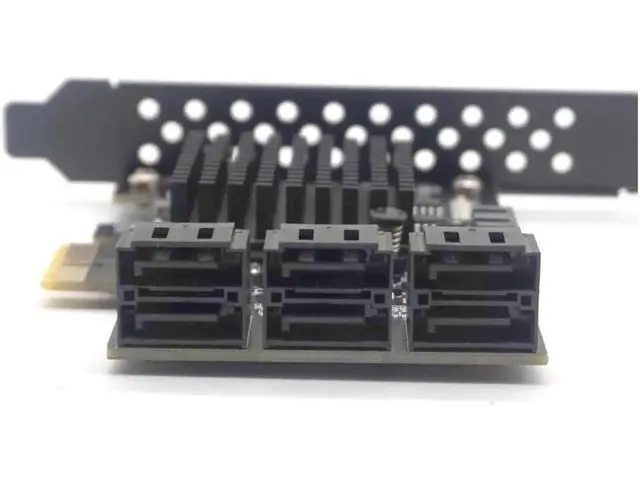
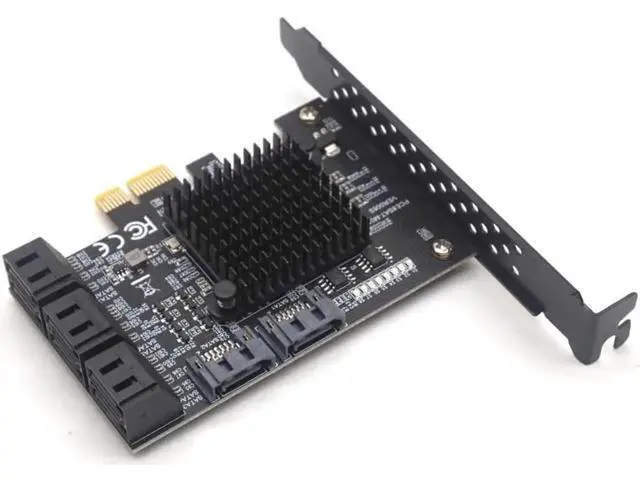
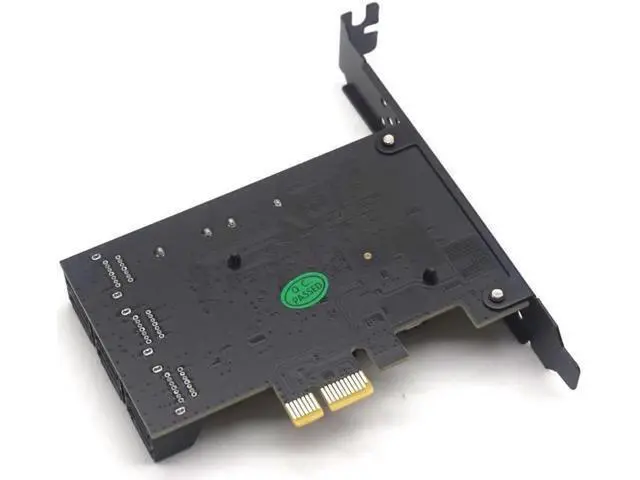
Features: Installation
instructions:
1: Please clean the gold finger of SATA 3.0 card by eraser, Plug the SATA cable of the chassis into the card. then connect all the hard disks.
2: Turn off the power of the computer and open the back cover of the PC; Remove the bars corresponding to the free slot on the chassis.
3: Insert the expansion card into the corresponding PCI-E expansion slot of the host.
4: Secure the iron strip of the expansion card to the chassis with a screwdriver.
5: Close the chassis and plug in the power cord to boot. After entering the system, install the driver. Driver Installation"For Windows XP/Vista/7/8/10(32/64 bit)"
1. Insert the companion drive CD into the CD drive;
2. Open "My Computer", find the location of the disc, open the disc;
3.
Locatethe"CD: / SATA CARD/Marvell/9215/drvsetup inside the. exe driver file;
4. Then follow the instructions of the computer to complete the installation, then restart the computer.
Checktheinstallation: Suitable for PCI-E card with Marvell 88SE9215+JMicron
JMB5xxChipset: Open the "Device Manager", expand the "Universal Serial Bus Controller" option, if there is "Marvell 92xx SATA 6G Controller", the hardware and driver are installed successfully; if there is "unknown device" or other information, the hardware or The driver did not install successfully. If there is "Standard SATA AHCI Controller" hardware information under "Device Manager" or IDE ATA/ATAPI Controller, that means the driver didn't installed...





 here!
here!