




Questions & Answers

BENFEI Uni-directional HDMI to DisplayPort Cable
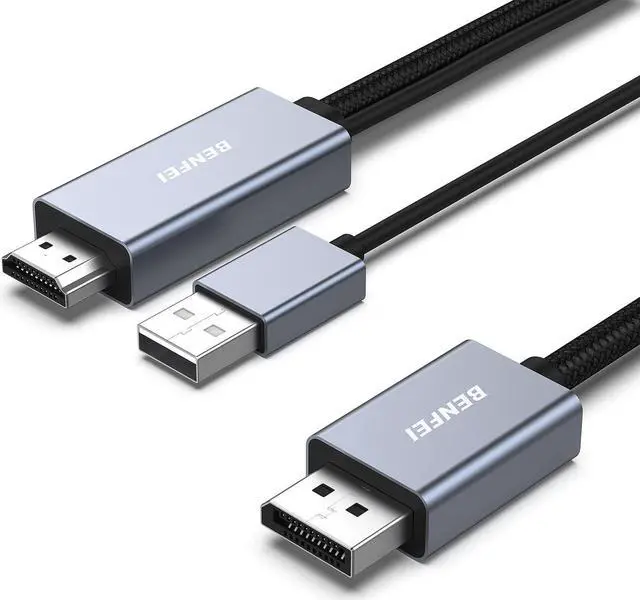
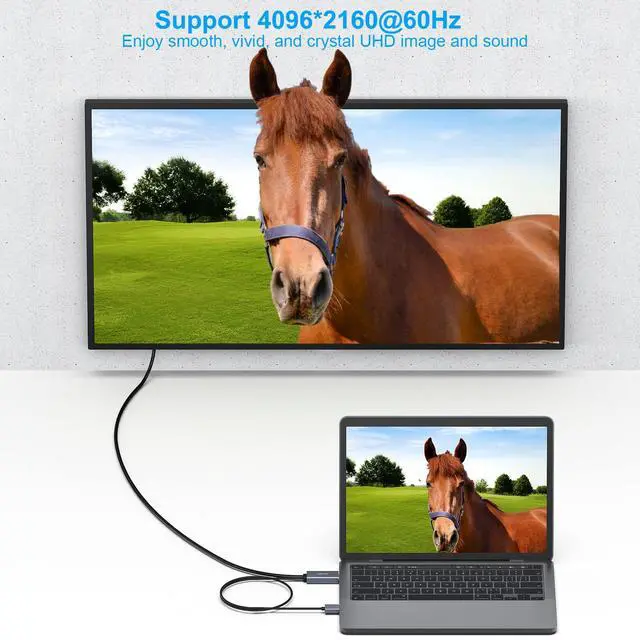
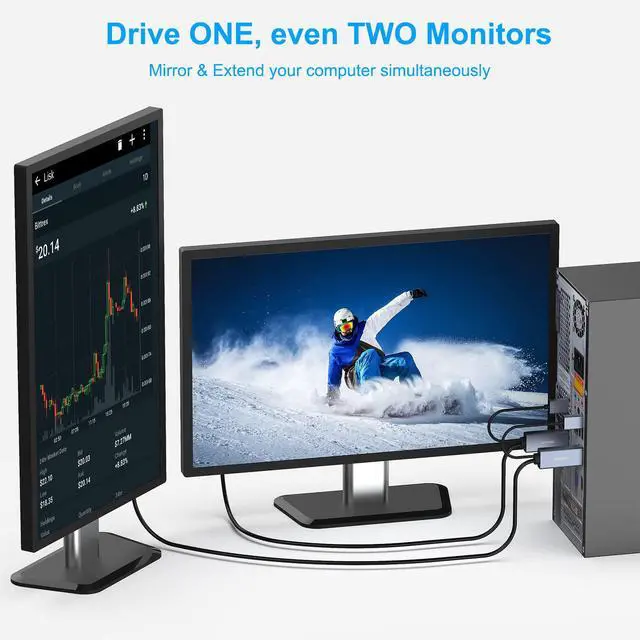
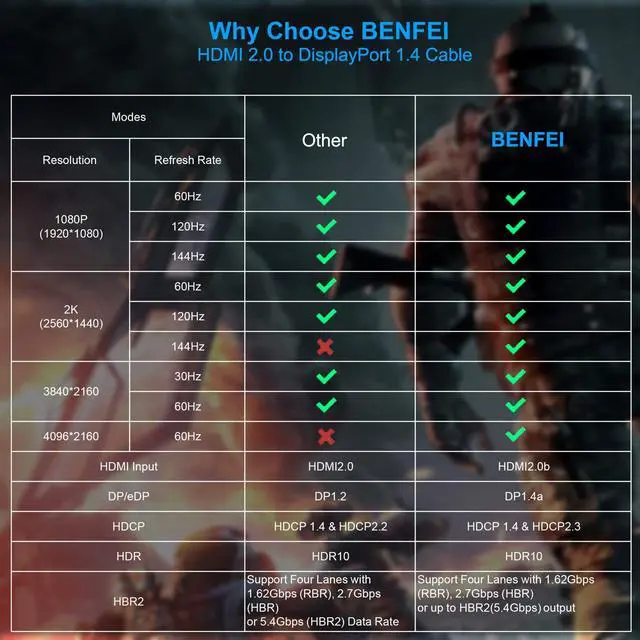
- The BENFEI HDMI to DisplayPort Cable - Gray is designed for connecting HDMI equipped computer systems to DisplayPort equipped monitors, providing optimal video quality up to 4K (3840*2160@60Hz), 1920 x 1200 HDTV or PC graphics.
Specifications
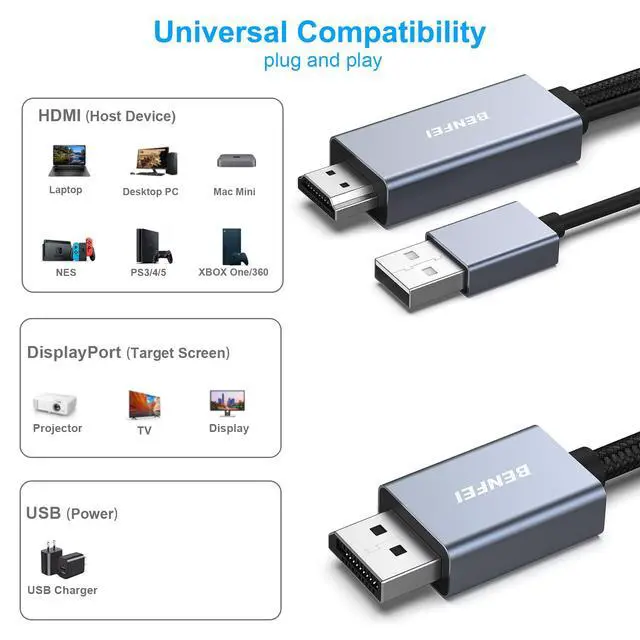
- - Input(from video source): HDMI Male
- - Output(to monitor): DisplayPort Male
- - Charging: USB Male
- - Audio Support: Yes
- - Installation: Plug and Play
- - Resolution: 4K (3840*2160@60Hz)
Important Notes
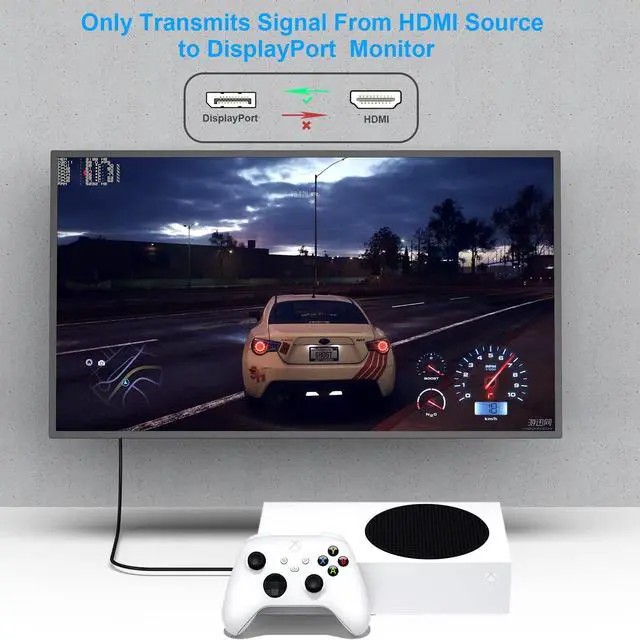
- NOT BI-DIRECTIONAL - Cable only operates from HDMI source to DisplayPort Monitor
- COMPATIBLE VIDEO - BENFEI HDMI-DP Cable, HDMI source and DisplayPort display must share a compatible resolution
What in the Package
- HDMI to DisplayPort Cable1 PCS

Comprehensive HDMI to DisplayPort Solution
- Comprehensive resolution, up to 3840*2160@60Hz, including 1080p, 480i/480p/576i/576p/800x600/720i/720p/1280x1024/1600x1200/1080i/1080p
- Flawless audio pass-thru for uncompressed digital 7.1, 5.1 or 2 channels
Note:
- The Cable is used to connect the Video Source with HDMI output, the monitor with DisplayPort input. It could not work in the opposite direction. For the DP source to HDMI Adapter, please refer to the following table.

Broad Compatibility
- HDMI TO DisplayPort compatible with computer, tablet, Apple TV, Kano Computer Kit, Raspberry Pi Kit, or other device with HDMI output
Note:
- Please ensure the USB charging cable is connected with external power supply at first. The HDMI voltage output is not enough for the chip set to work.
- When you connect the USB slot on the computer, please ensure the computer's USB slot is not in power save mode, you could find the setting info on the Advanced setting ---> USB setting ---> USB selective suspend setting. We recommend to use the phone charger with USB slot.
- Not compatible with KVM switch

Advanced Conductor Selection
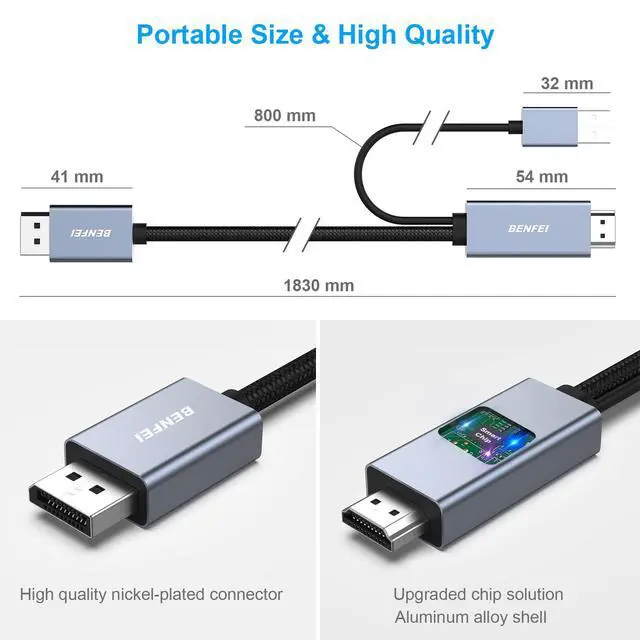
- Nickel-plated connectors resist corrosion, provide rigidity, and improve the signal performance

Enhanced Solution Design
- Adopt Advanced Chipset to achieve the better compatibility and avoid signal interference
- Adopt Advanced PCBA solution to ensure the solution durability

Reinforced Case
- Reinforced joint to ensure the durability
- Aluminum Case prolong service life

Important Notes
- NOT BI-DIRECTIONAL - Adapter only operates from HDMI source to DisplayPort Monitor
- COMPATIBLE VIDEO - Adapter, HDMI source and DisplayPort display must share a compatible resolution
What in the Package
- HDMI to DisplayPort Cable 1 PCS


Since our foundation in 2014, we've been dedicated to building consumer electronic devices and accessories with leading technological innovations.
We focus on HD Video& Audio accessories, Hub, Data Storage and Ethernet connection. We has steadily grown into a brand trusted by over 20 million users in more than 60 countries.
BENFEI is committed to providing high-quality products, friendly design and premium service to our customers.
![BENFEI DisplayPort to DisplayPort 6 Feet Cable [8K@30Hz, Aluminum Shell, Nylon Braided], DP to DP...](//c1.neweggimages.com/sellingpilot/modules/product/a-plus/8a301b74308e17ebb78363d4e8ffac36e2e0f42806bcf9f0c74b7325f1e1a998.jpg)
HD Video & Audio Accessories
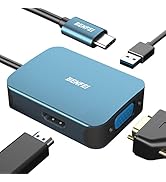
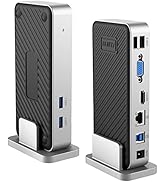
HUB & Dock Station
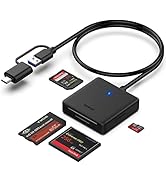
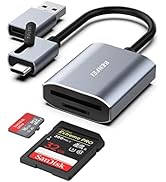
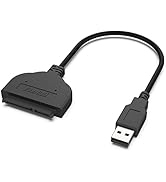
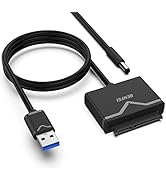
Data Storage
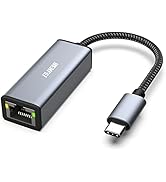
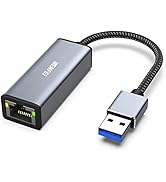
Ethernet Connecttion
![BENFEI DisplayPort to DisplayPort 6 Feet Cable [8K@30Hz, Aluminum Shell, Nylon Braided], DP to DP...](http://c1.neweggimages.com/sellingpilot/modules/product/a-plus/8a301b74308e17ebb78363d4e8ffac36e2e0f42806bcf9f0c74b7325f1e1a998.jpg)
Questions & Answers
| Is the cable bi-directional? | The cable is not bi-directional and can only transmit signals from an HDMI source to a DP monitor or display devices. |
| Cables require external power? | For some low-power devices, we recommend connecting the USB power cord to an external power source first for smoother video output. You can plug the power cord directly into a computer with a USB port, a laptop, or an external wall charger. |
| Poor screen display? | (1) Please check whether the cable is correctly inserted into the device, you can try to clean the insertion port and re-insert the cable. (2) Please adjust the resolution setting of your computer, the cable supports a maximum resolution of 4096x2160@60Hz and refresh rate. |
| About Resolution Settings? | Please make sure your device supports 4k@60Hz resolution, in Windows , you can click the right mouse button on the desktop, select “screen resolution” to set, in Mac os ,go to “System Preferences-Display-Alignment”. |
| How to use the cable? | Step 1: Plug the DisplayPort male into the source device (laptop/PC/video card/PS5......) Step 2: Plug the HDMI male end into the display device (screen/monitor...) Step 3: Connect the USB end to a power source |
| About incompatibility issues? | The cable is used to connect a video source with HDMI output to a monitor with DisplayPort input. It does not work in reverse. Please make sure the cable is connected correctly and note that the cable is not compatible with KVM switches. |
| Role of the USB port? | The USB port cannot be used for signal transmission, the USB port is used to connect to the power supply. |
BENFEI Uni-directional HDMI to DisplayPort Cable
- The BENFEI HDMI to DisplayPort Cable - Gray is designed for connecting HDMI equipped computer systems to DisplayPort equipped monitors, providing optimal video quality up to 4K (3840*2160@60Hz), 1920 x 1200 HDTV or PC graphics.
Specifications
- - Input(from video source): HDMI Male
- - Output(to monitor): DisplayPort Male
- - Charging: USB Male
- - Audio Support: Yes
- - Installation: Plug and Play
- - Resolution: 4K (3840*2160@60Hz)
Important Notes
- NOT BI-DIRECTIONAL - Cable only operates from HDMI source to DisplayPort Monitor
- COMPATIBLE VIDEO - BENFEI HDMI-DP Cable, HDMI source and DisplayPort display must share a compatible resolution
What in the Package
- HDMI to DisplayPort Cable1 PCS
Comprehensive HDMI to DisplayPort Solution
- Comprehensive resolution, up to 3840*2160@60Hz, including 1080p, 480i/480p/576i/576p/800x600/720i/720p/1280x1024/1600x1200/1080i/1080p
- Flawless audio pass-thru for uncompressed digital 7.1, 5.1 or 2 channels
Note:
- The Cable is used to connect the Video Source with HDMI output, the monitor with DisplayPort input. It could not work in the opposite direction. For the DP source to HDMI Adapter, please refer to the following table.
Broad Compatibility
- HDMI TO DisplayPort compatible with computer, tablet, Apple TV, Kano Computer Kit, Raspberry Pi Kit, or other device with HDMI output
Note:
- Please ensure the USB charging cable is connected with external power supply at first. The HDMI voltage output is not enough for the chip set to work.
- When you connect the USB slot on the computer, please ensure the computer's USB slot is not in power save mode, you could find the setting info on the Advanced setting ---> USB setting ---> USB selective suspend setting. We recommend to use the phone charger with USB slot.
- Not compatible with KVM switch
Advanced Conductor Selection
- Nickel-plated connectors resist corrosion, provide rigidity, and improve the signal performance
Enhanced Solution Design
- Adopt Advanced Chipset to achieve the better compatibility and avoid signal interference
- Adopt Advanced PCBA solution to ensure the solution durability
Reinforced Case
- Reinforced joint to ensure the durability
- Aluminum Case prolong service life
Important Notes
- NOT BI-DIRECTIONAL - Adapter only operates from HDMI source to DisplayPort Monitor
- COMPATIBLE VIDEO - Adapter, HDMI source and DisplayPort display must share a compatible resolution
What in the Package
- HDMI to DisplayPort Cable 1 PCS
Since our foundation in 2014, we've been dedicated to building consumer electronic devices and accessories with leading technological innovations.
We focus on HD Video& Audio accessories, Hub, Data Storage and Ethernet connection. We has steadily grown into a brand trusted by over 20 million users in more than 60 countries.
BENFEI is committed to providing high-quality products, friendly design and premium service to our customers.
HD Video & Audio Accessories
HUB & Dock Station
Data Storage
Ethernet Connecttion