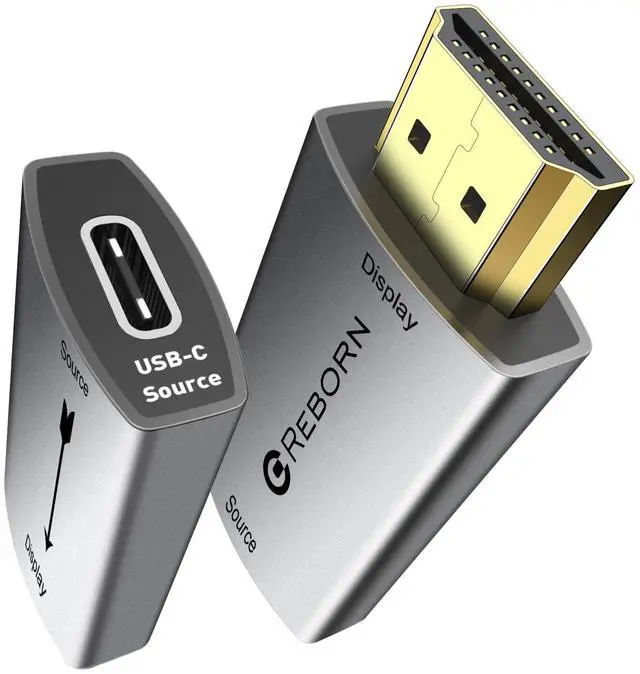
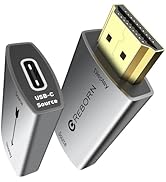
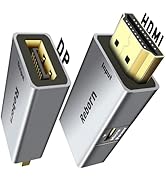
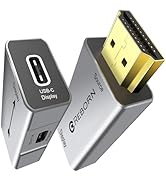
USB C Female to HDMI Male Adapter | 4K Uni-Directional USB Type C Source to HDMI 2.0 Display Converter Thunderbolt 3/4 to HDMI for MacBook Pro/Air, Galaxy S9 to S23, Surface - 1Pack
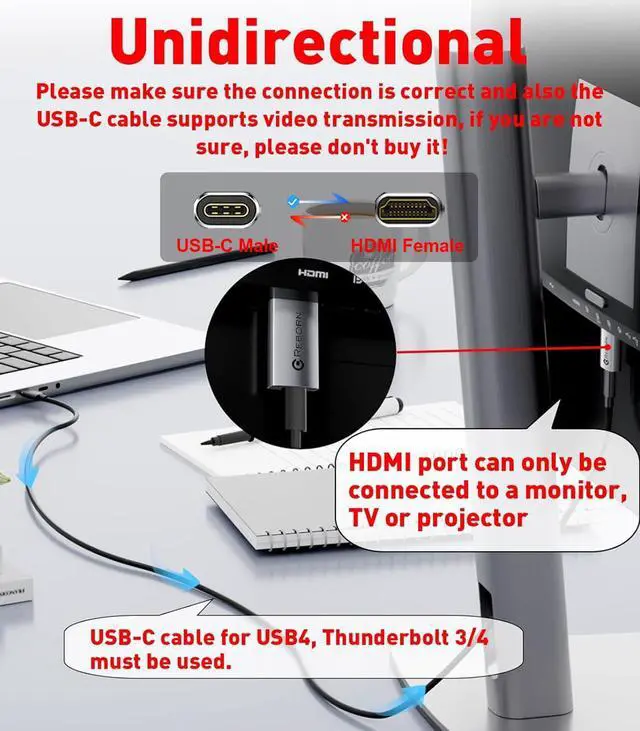
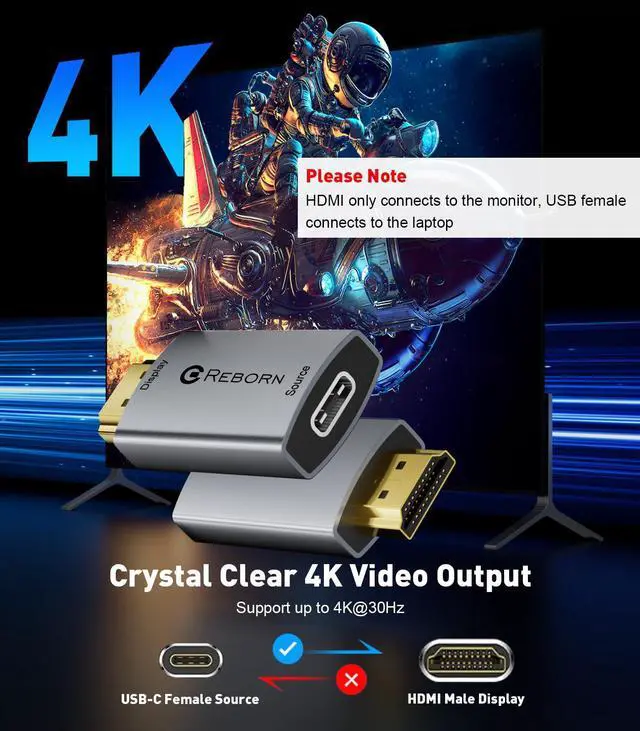
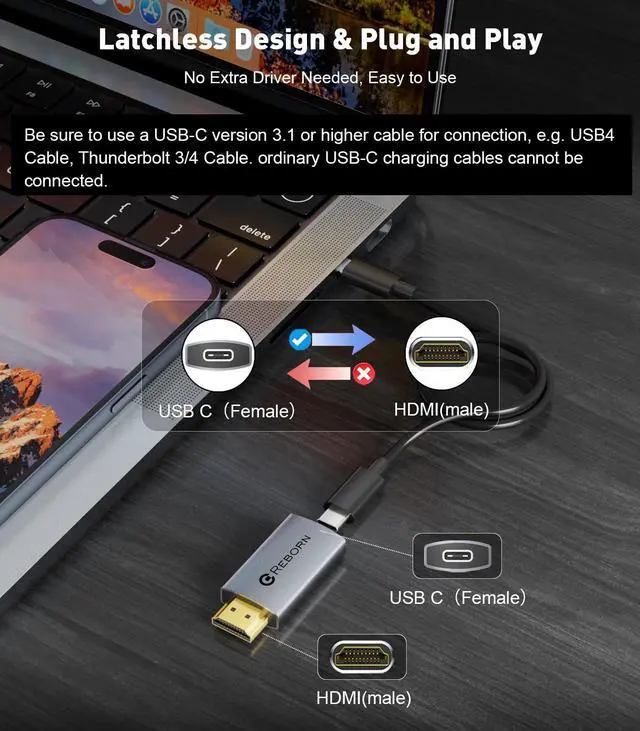
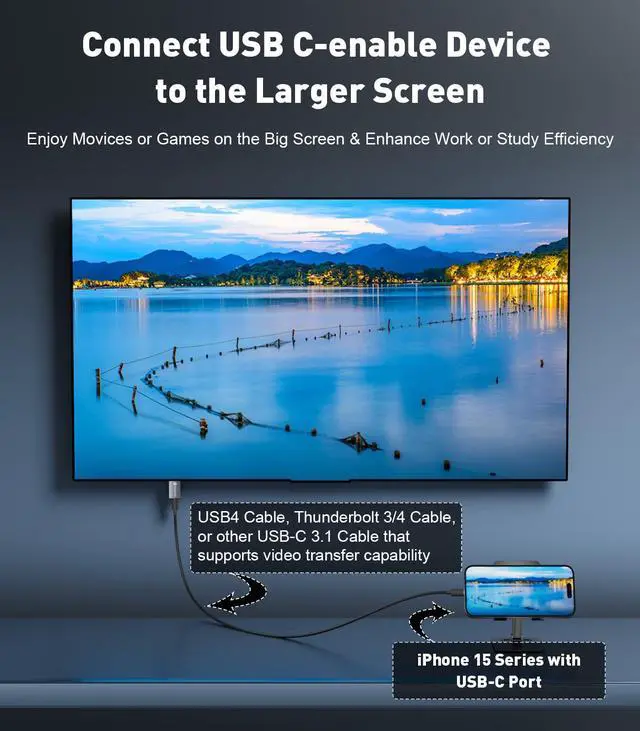
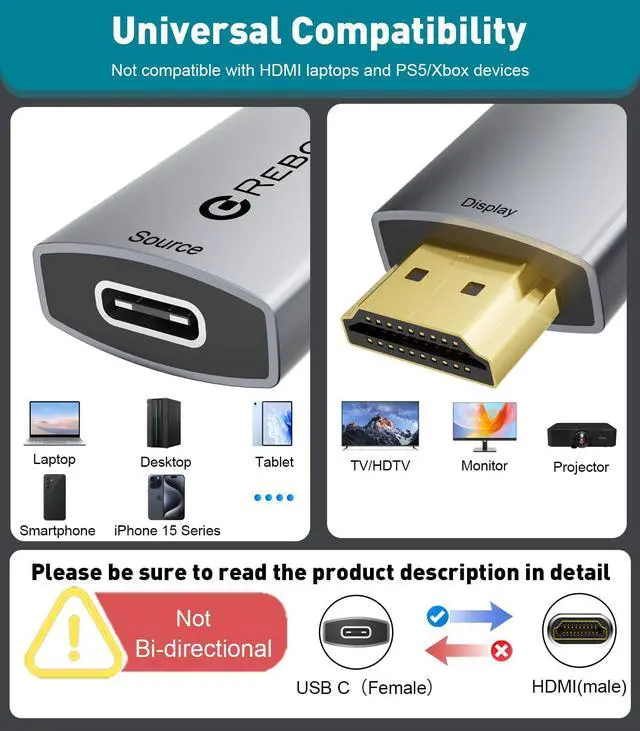
Plug and PlayThis USB-C Female to HDMI Male adapter is plug and play, no driver installation required.it is not bidirectional. How to use: 1. Connect the usb-c female connector to MacBook, iPad, iPhone 15, etc. via usb-c cable range 2. Plug the HDMI male connector into the monitorNote:This is one-way and does not support HDMI to USB-C, USB-C cable Use USB 3.1 or above/Thunderbolt 3/4 cables for video/audio transmission. Don't use with hubs/KVMs/dockings/switches
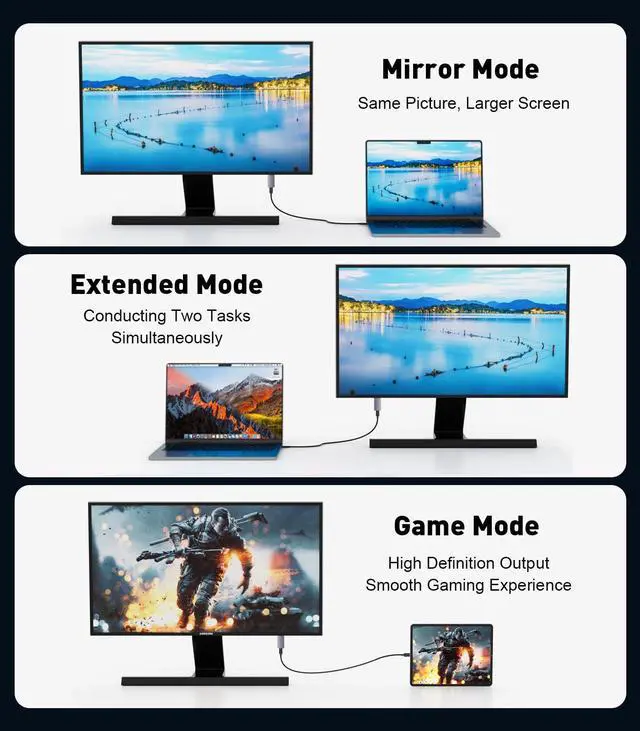
4K UHD VideoThis USB-C to HDMI adapter supports resolutions up to 4K 30Hz (3840x2160), uncompressed digital 7.1, 5.1 or 2-channel perfect audio pass-through. Expandable/mirrorable to a larger screen for a crystal-clear visual experience. Downward compatible with 2K@60 Hz, 1080p@120Hz. Keep visual fatigue away from low refresh rates. Please note: Make sure your Type-c cable supports video transmission, not all USB C cables support video transmission.
Wide CompatibilityThe Thunderbolt to HDMI adapter is designed for Type C ports with video out capability (DP Alt mode) and Thunderbolt 3 & 4. Compatible with a wide range of devices including iPhone 15 series, Apple MacBook Pro (2016 and higher), iMac (2017 and higher), MacBook Air (2018 and higher), iPad Pro (2021 and higher), Mac Studio, Mac Pro, Surface Book 3 Dell XPS 15/13, HP Chromebook x360, Samsung Galaxy S23/S22/S21/S20, Note20/10/9/8, Steam Deck and more. Please note: HDMI to USB-C is not supported. it is not bidirectional.
+
+
Overview
Specs
Reviews
Any questions? Our AI beta will help you find out quickly.
USB C Female to HDMI Male Adapter | 4K Uni-Directional USB Type C Source to HDMI 2.0 Display Converter Thunderbolt 3/4 to HDMI for MacBook Pro/Air, Galaxy S9 to S23, Surface - 1Pack
Learn more about the Detailed Specifications
Additional Information
First Listed on Newegg
May 04, 2026
There are no reviews yet.
Do you own this product?
Warranty & Returns
Warranty, Returns, And Additional Information
Warranty
Please contact the Seller directly for warranty information. Warranty information may also be found on the Manufacturer's website.




![Reborn USB C to HDMI 2.1 Cable [8K@60Hz,4K@144Hz,2K@240Hz] 6FT Type C to HDMI 8K Cord Support 48G...](http://c1.neweggimages.com/sellingpilot/modules/product/a-plus/dd97c112cb8839ac1fff580d3b538178687cb3a17243bf7987a4aa7c7b99fb4e.jpg)


![Reborn USB C to HDMI 2.1 Cable [8K@60Hz,4K@144Hz,2K@240Hz] 6FT Type C to HDMI 8K Cord Support 48G...](//c1.neweggimages.com/sellingpilot/modules/product/a-plus/dd97c112cb8839ac1fff580d3b538178687cb3a17243bf7987a4aa7c7b99fb4e.jpg)