
Your Browsing History





Any questions? Our AI beta will help you find out quickly.
Specifications:
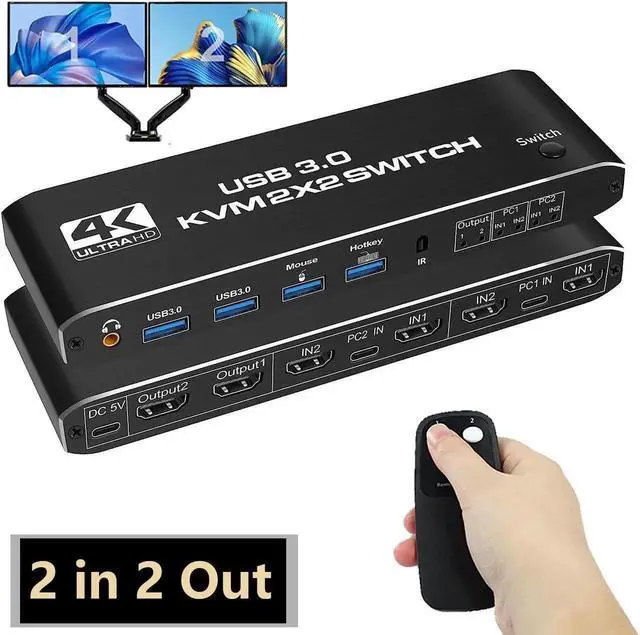
- Product type: HDMI USB 3.0 KVM switcher (2 in 2 out)
- Input ports: HDMI 2.0 x 4, USB-C x2, USB 3.0 x 4
- Output port: 2 x HDMI 2.0,1 x L/R audio
- Supports high-current disk devices
- Supports HDMI 2.0b HDCP 2.2
- Resolution: Supports 1080P/1080@144Hz, 3840x2160p, 4K/60Hz resolution and adaptive screen resolution
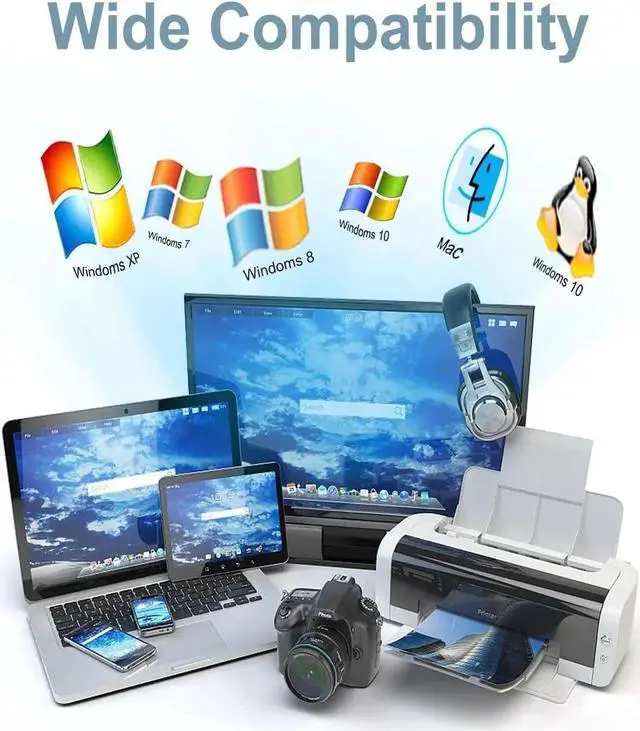
- Supported systems: Windows XP, Windows7, Windows10, Apple MAC, Linux, Unix
- Product size: 111.8x63.2x24.5mm
Product material: aluminum alloy shell rust - proof, anti-corrosion, anti-interference, fast transmission, surface oxidation
The package includes:
1* HDMI KVM switch
2* USB data cable
1* USB power cable
1* User manual
1* Infrared remote control (without AAA battery)
Installation procedure:
1. Shut down all devices and unplug all cables.
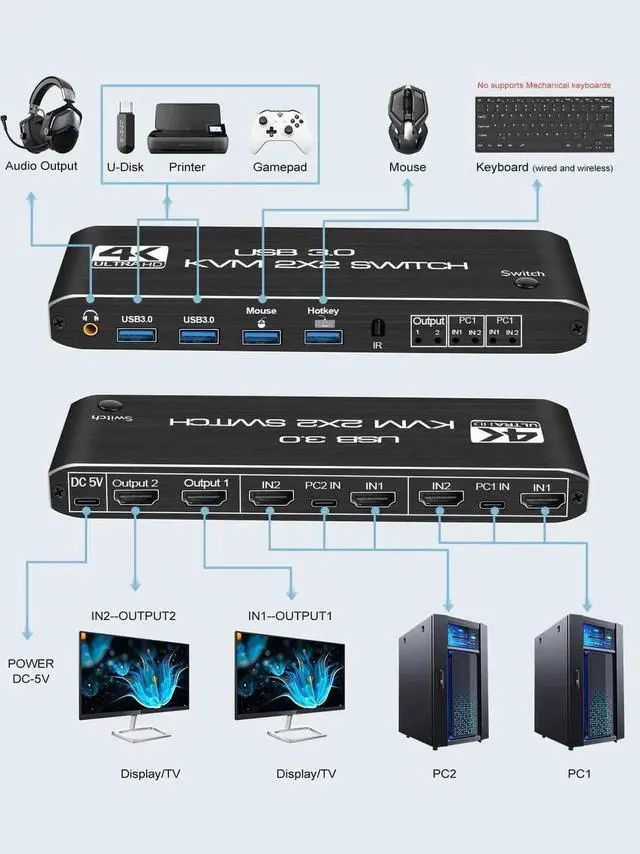
2. Plug the HDMI cable and USB cable into the KVM switcher and your computer/laptop (excluding the HD-MI cable) :
3. Check whether PC1- HDMI IN 1&in 2, PC2- HDMI IN 1&in 2 correspond to USB in1&in 2, HDMI OUTPU 1, and HDMI OUTPU2 correspond to USB in1&in 2, and do not support mixed insertion.
4. PC1 HDMI IN 1+PC1 hdmiin 2+PC1 USB IN=PC1
PC2 HDMI IN
5. PC 1 +PC2 HDMI+ PC2 USB IN 2 =PC1
6. Insert the mouse and keyboard into the KVM switcher.
7. Connect the HDMI cable and USB cable to the KVM switch and monitor.
8. Connect the power supply to the KVM switcher.
9. Boot up your computer/laptop.
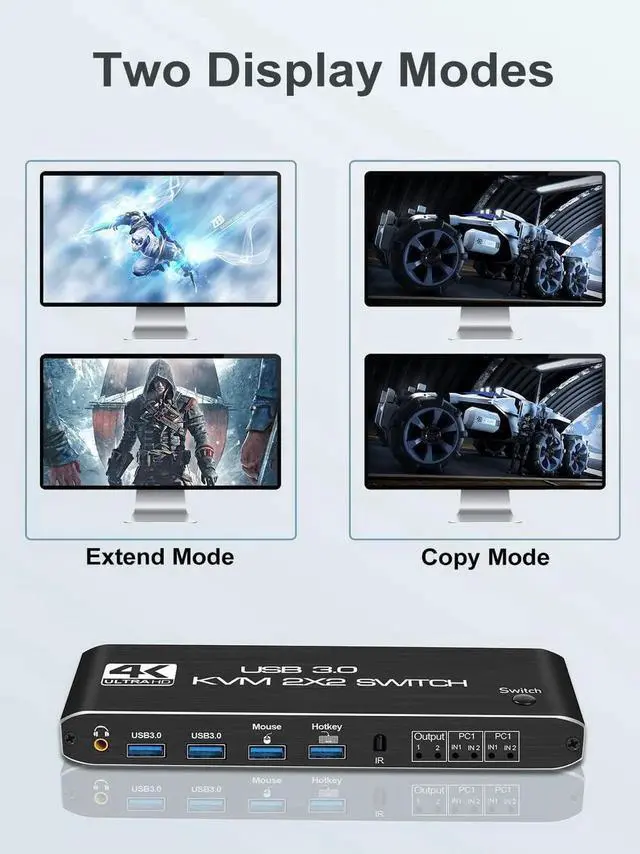
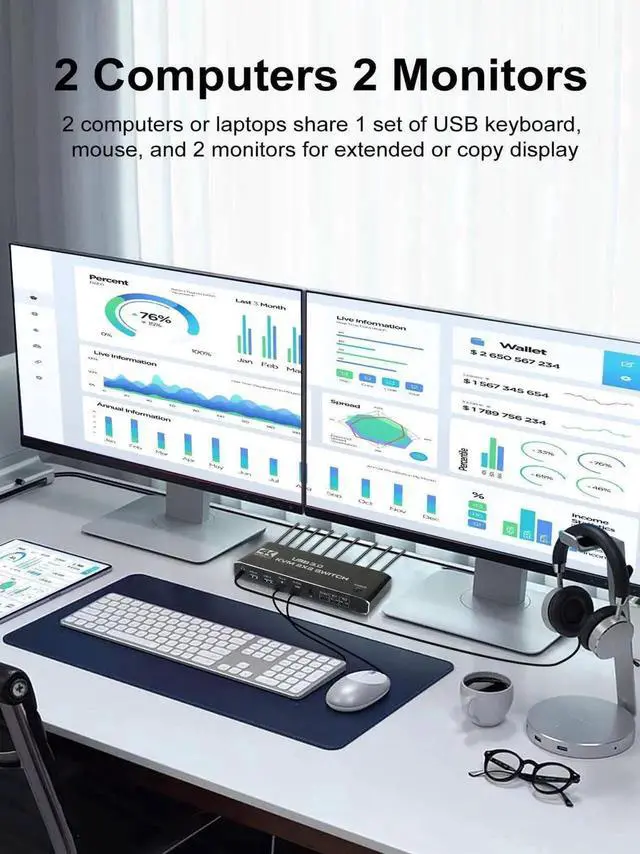
[kvm switch dual monitor] The KVM switch console controls a computer or laptop that shares a set of USB keyboard, mouse and dual-monitor, and expands or copies the display.
NOTE: The computer needs to support 2 screens or more Function.
[USB 3.0 KVM Switch with Audio Output] The integrated 2 USB 3.0 hub ports allow you to share 2 USB peripherals between 2 computers, such as printers, scanners, with a data transfer rate of up to 5Gbp/s. Our KVM switches comes with 3.5 mm Audio Jack ports, which can be inserted into a 3.5 mm earpiece device. (NOTE: Mechanical keyboards not supported)
[UHD 4K@60Hz] Supports resolution 4K @ 60Hz, 2K@144Hz, 1080P@240Hz, RGB
4:4: 4 and backwards compatibility. Support 3D, HDR, HDCP.
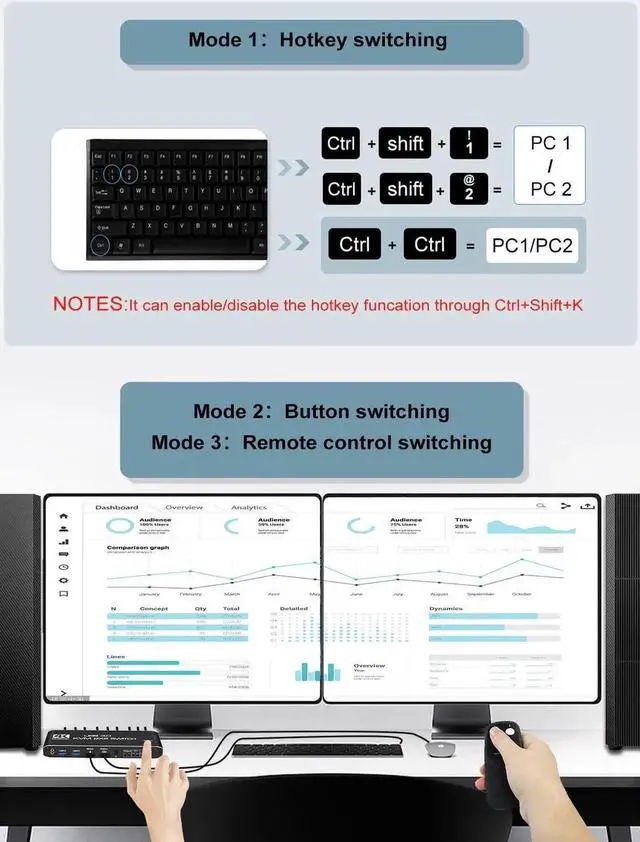
[Multiple switching modes] Provides a variety of switching methods: manual switching through buttons, infrared remote control, keyboard hotkeys for quick channel selection.
[Wide Compatibility] Support Windows XP/7/8/10/MAC /Linux /Unix and other operating systems.