



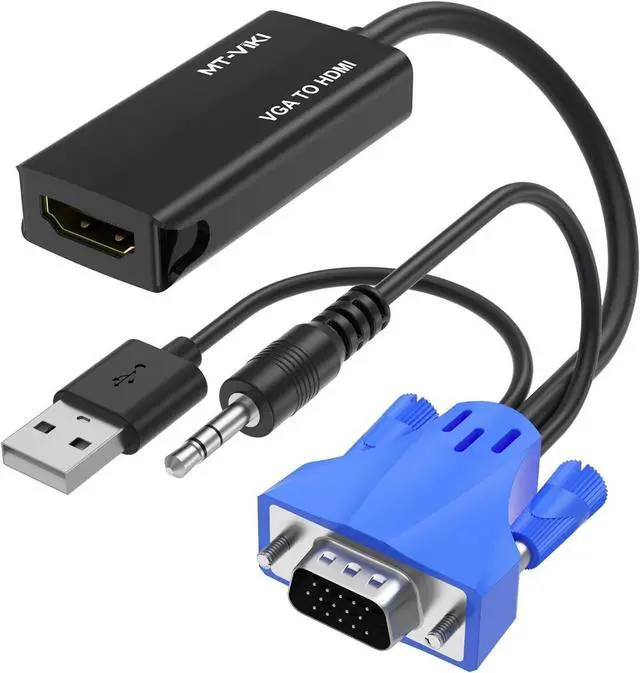
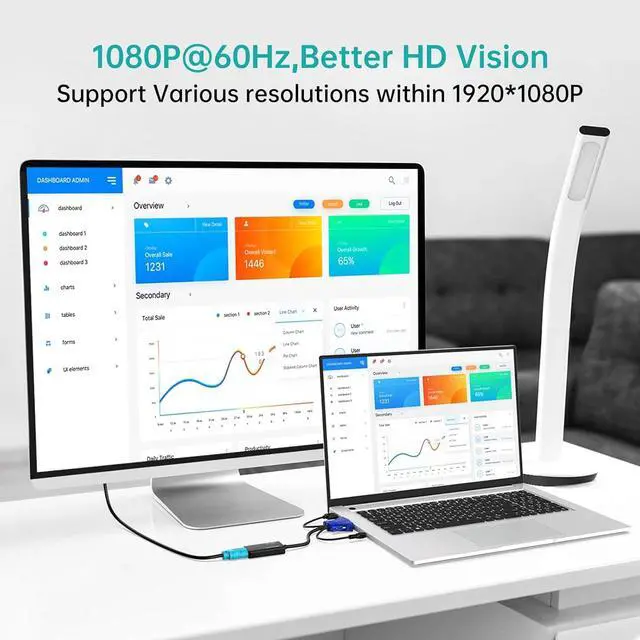
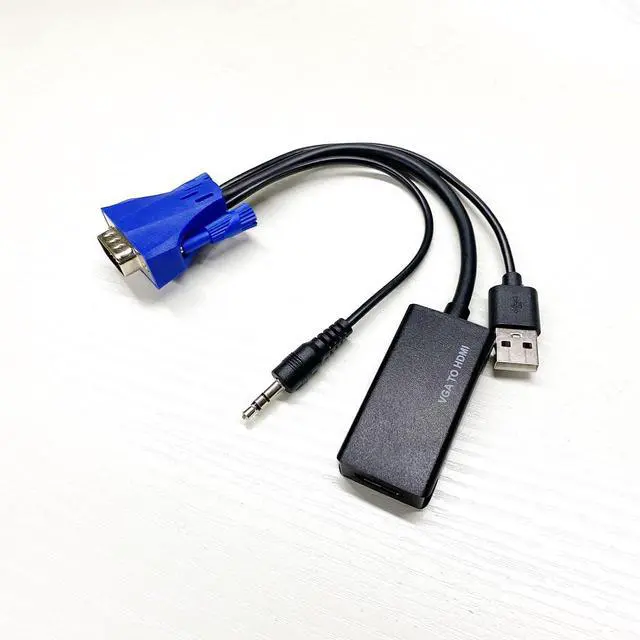


MT-VIKI VGA to HDMI Adapter, MT-H02
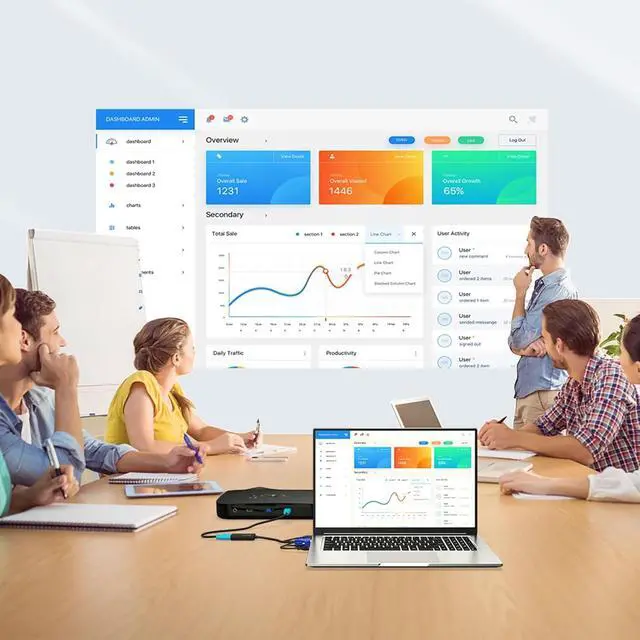
Simply connect to your VGA source device and HDMI screen, then you'll be able to view your VGA signal on the HDMI screen.
Specifications:
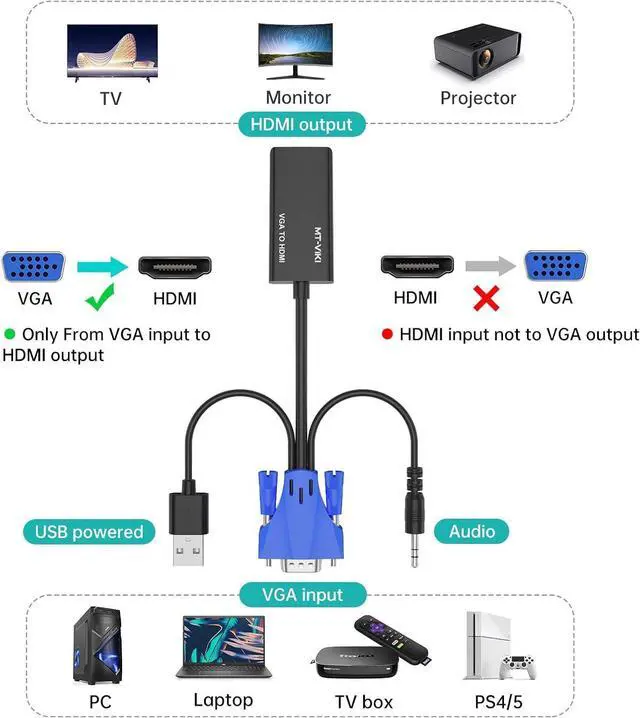
Input:
- VGA connector for video
- 3.5mm mini jack for audio
- USB power supply
Output:
- HDMI jack
NOTE:
- Not bidirectional
- The USB is used to maintain the additional power supply. It must be connected to a 5V1A computer USB port or a 5V1A power supply
- Can't be used as an HDMI to VGA adapter. If you need this HDMI to VGA converter, look for this ASIN: B0C8NKR1LMC
- Can't be used as an USB to HDMI adapter. If you need this USB to HDMI converter, look for this ASIN: B0BX5D7428

Easy to use:
- Just plug and play, no software installation.
How to USE?
- Insert the VGA into the computer or other devices with VGA output
- Connect the USB cable to the appropriate interface of the computer to get the additional power supply.
- Connect the 3.5mm audio cable to the computer to get a stereo audio signal.
- Insert the HDMI jack into the monitor with HDMI input.
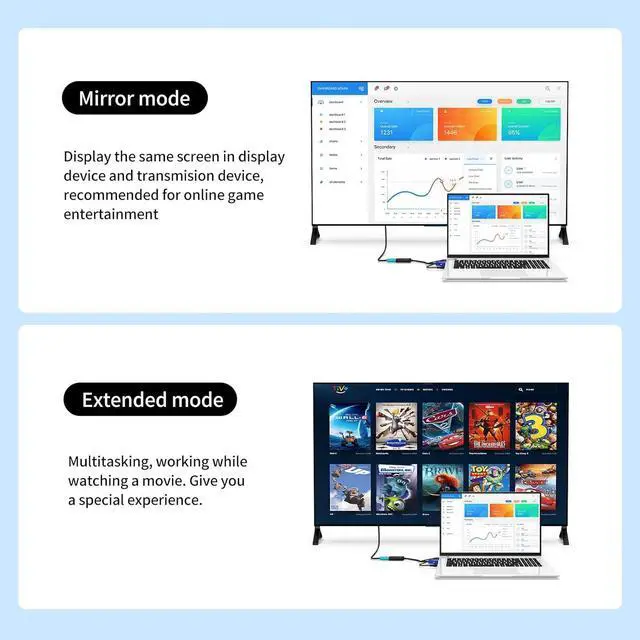
Dual screen display function:
- Extension Mode
- Mirror Mode

Integrated Mini-jack & USB Power Supply 3.5mm
- 3.5mm mini jack for audio
- USB power supply

High Quality Material
ABS cable is durable and reliable

VGA-to-HDMI ONLY
- Only VGA to HDMI transmission
- Non-bidirectional!
