• $23.99
  • Free 30-day Returns
  • Ships from China.
    Price alert
    Shop it at NeweggBusiness.

    Meet Your Seller

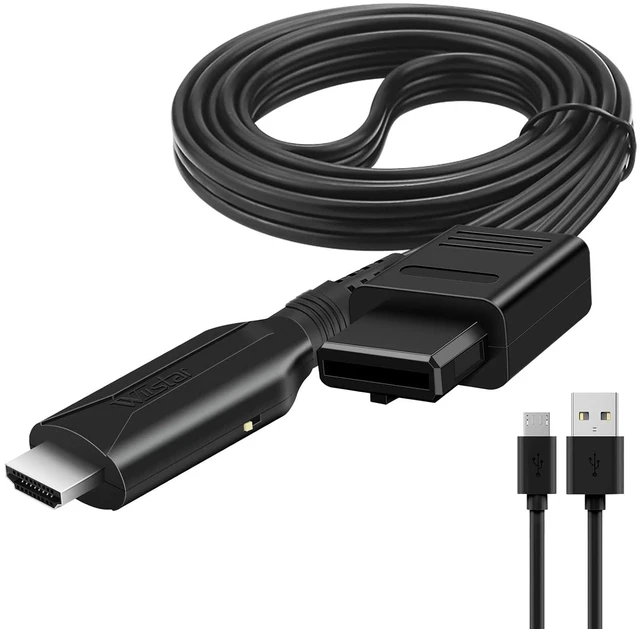
    N64 to HDMI Converter Adapter HDMI Cable for N64 1m/3.2ft,Nintendo 64 to HD Converter Adapter Compatible with Nintendo N64/Super SNES/NGC

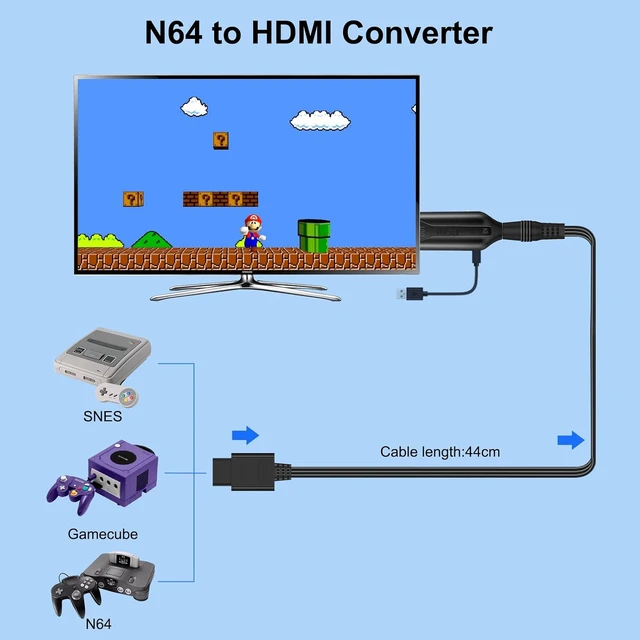
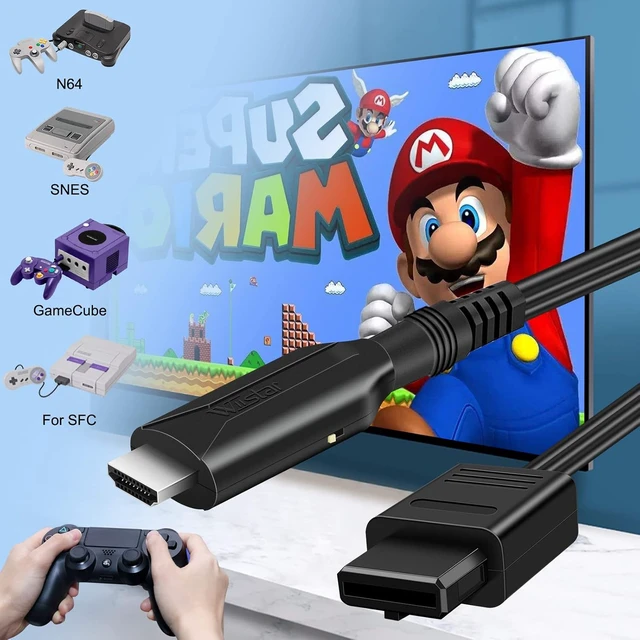
    • N64 to HDMI ConverterConvert N64/NGC/Super NES video audio signal to HDMI video audio signal, to display on HDTV/monitor/ projector with HDMI input.
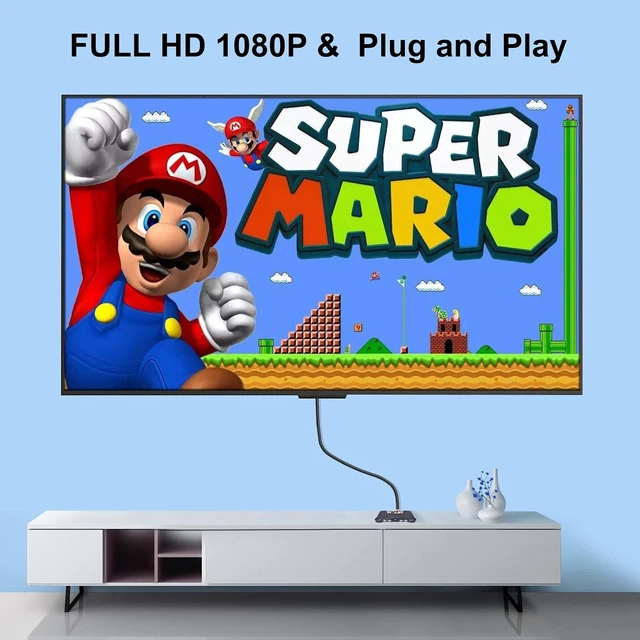
    • HDMI cable for N64 Cable length 1m/3.2ft. Male to male connector, Plug and Play, not need to install drivers.
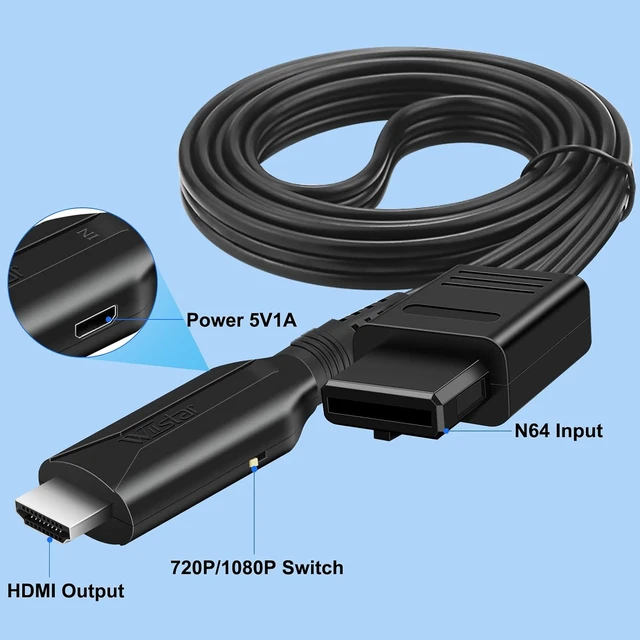
    • Output the audio synchronization with videoComes with USB power cable. Just connection provide 5V power to the unit.
    • No Transmission LossThe picture is Exquisite and Stable with no Blurring, no Fuzzy Lines or Lag.
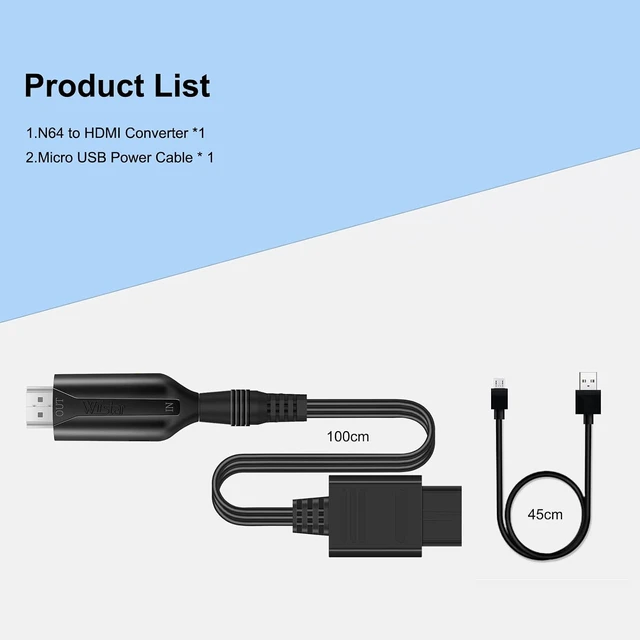
    • YOU WILL GET N64 to HDMI Converter Adapter x 1; USB power cable x 1
    +
    +
    Overview
    Specs
    Reviews
    avatar

    Any questions? Our AI mode will help you find out quickly.

    N64 to HDMI Converter Adapter1m/3.2ft HDMI Cable for Nintendo 64 / N64 to HDMI Converter


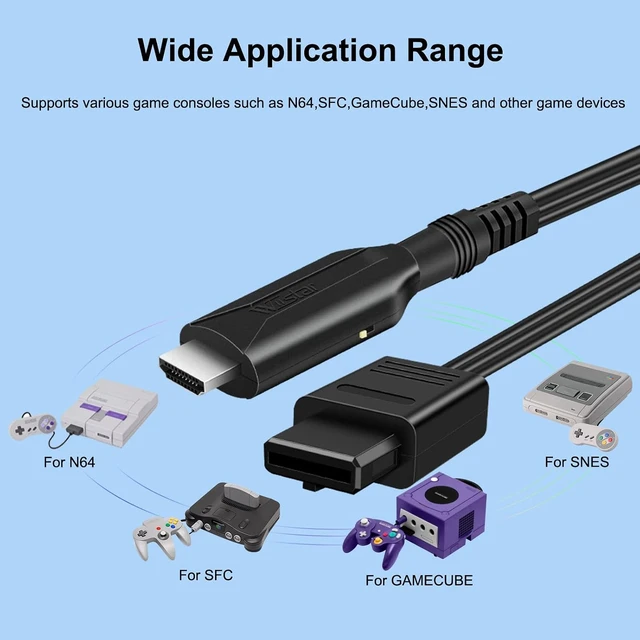
    1. With this N64 TO HDMI adapter cable, you can replay the old N64/NGC/SNES on the new TV and experience the classic gaming experience.


    1. Supports All N64 Display Modes --480i, 576i, 480p, No setup required . Video signal transfer only, can't improve the video quality.


    Convert N64/NGC/Super NES video audio signal to HDMI video audio signalFeatures:


    1. Converts For Nintendo 64/SNES/NGC/SFC signal to multimedia signal


    1. Type:For HDMI Adapter/Converter


    1. Cable length: 1m/3.2ft


    1. Easy to use, plug and play


    1. Compatible with all N64 / SNES / NGC / SFC display modes (PAL / NTSC)


    1. Replay the old N64/SNES/SFC/NGC on the new TV and experience these games. Color:black


    N64 to HDMI Converter Adapte Convert N64/NGC/Super NES video audio signal to HDMI video audio signalQ&A

    Q: The screen only shows blue screen


    1. 1: Reinsert the N64 head end
    2. 2: Rotate the HDMI main body and cable connection, and re-plug it
    3. 3: Set the output resolution of the source device to 480I/576I
    4. 4: If none of the above works, please provide the brand and model of the HDMI display device.


    Q2: The screen has a picture but no sound or the sound has noise


    1. 1: Reinsert the N64 head end
    2. 2: Rotate the HDMI main body and cable connection, and re-plug


    Q3: Screen without picture and sound


    1. 1: Reinsert the N64 head end
    2. 2: Rotate the HDMI main body and cable connection
    3. 3: You can toggle the 720P/1080P switch on the product(on the side of the HDMI port), set to 720P output mode, can improve the compatibility of the product.


    HOW TO USE

    N64 to HDMI Converter Adapter, Converts N64 /Gamecube/Super NES Game Video


    Warranty & Returns

    Warranty, Returns, And Additional Information

    Warranty

    • Please contact the Seller directly for warranty information. Warranty information may also be found on the Manufacturer's website.
    • CONTACT

    Return Policies

    • Return for refund within: 30 days
    • Return for replacement within: non-replaceable
    • This item is covered by CoreDepot Return Policy

    Manufacturer Contact Info

    LOADING...