

Your Browsing History




Any questions? Our AI beta will help you find out quickly.
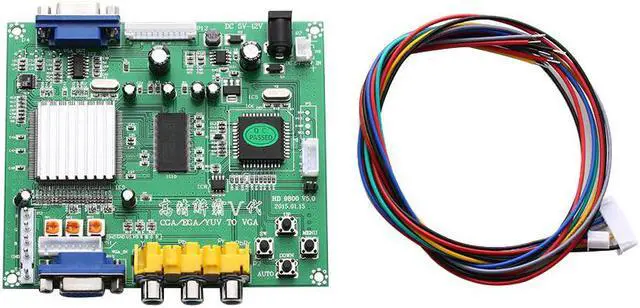
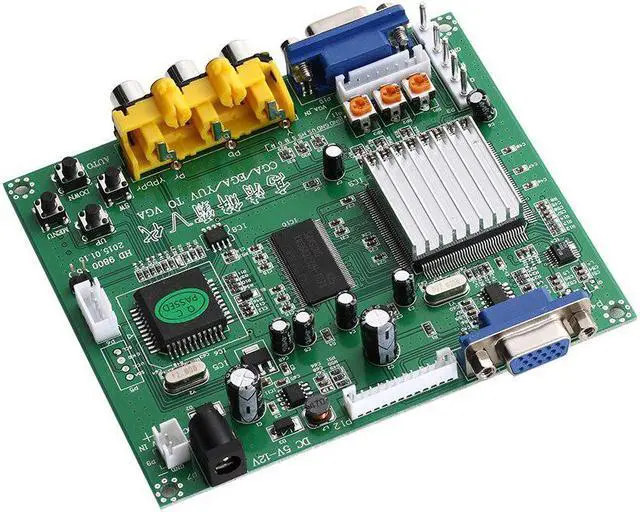
1PC RGB CGA EGA YUV to VGA HD Video Converter Board Moudle HD9800 GBS8200
Latest & official GBS8200 HD-Converter Board.
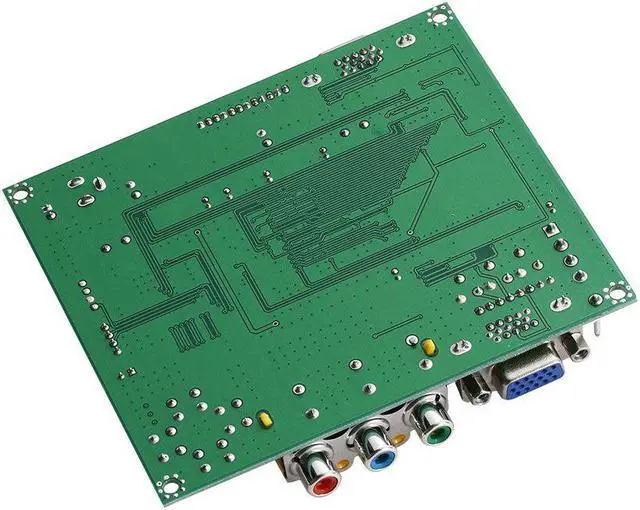
Supports CGA/EGA/VGA/YUV Component Signal Input
Supports VGA Output (640 x 480, 800 x 600, 1024 x 768, 1360 x 768)
CGA/EGA/VGA signal auto scan (15KHz, 24KHz, 31KHz)
YUV Component signal auto scan (480i, 576i, 720i, 1080i, 480p, 576p, 720p, 1080p)
On Screen Display (English and Chinese)
Supports image position control & image zoom control
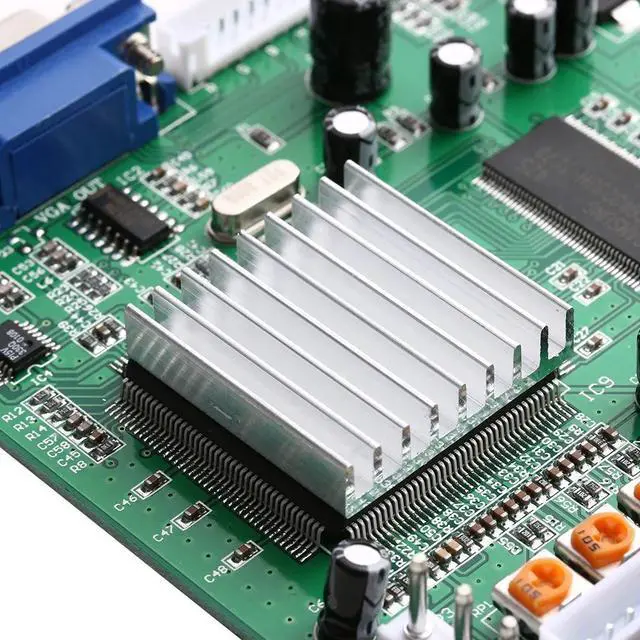
True digital 24-bit A/D converter for true 16.7-million color conversion.
Supports ALL types of VGA monitors (CRT, LCD, PDP, Projector, etc)
Specifications:
Input Power: 5VDC +/- 0.5v (2A)
Input signal:
CGA/EGA
14.5kHz - 16.5kHz
23.5kHz - 25.5kHz
30.5kHz - 32.5kHz
RGBHV: 30.5kHz - 32.5kHz
VGA: 30.5kHz - 32.5kHz
Ypbpr: 480p,576p,720p,1080p
Ycbcr: 480i,576i,720i,1080i
Output signal: VGA:640*480,800*600,1024*768,1360*768
User controls:
Input Switch, Image Zoom, Image Position,
Output Resolution ,RGB gain adjust.
MENU¡± open OSD menu, and enter.
UP¡± up and increase.
DOWN/AUTO¡± down and reduce.
Press this key: auto scan CGA/EGA signal
Press this key over 5 second and release: reset system
this operation is invalid when you open OSD menu)
SW¡± switch input signal Ypbpr/RGBS/RGBHV.
this operation is invalid when you open OSD menu)
Clamp sp¡± & ¡°Clamp¡± please don¡¯t adjust this button, except the monitor has black item or picture discoloration.
For more functions control, please look at OSD to operate.
No signal on you monitor
The monitor says ¡°No signal¡±