




Guamar

We value the user experience, constantly innovate our products according to user needs, and we are committed to providing people with convenient, high quality products, such as HDMI to VGA adapter, 4K DisplayPort to HDMI Adapter, USB C cable, external CD/DVD drive and Removable Arch Support Inserts.
Whether you're at home, in the office or travelling, our products easily meet your needs.
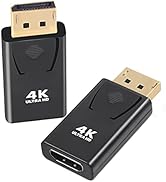
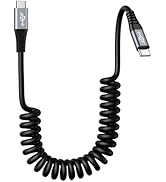
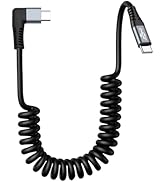
HDMI Adapter + USB C Cable
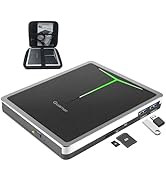
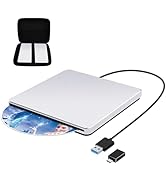
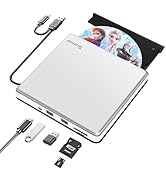
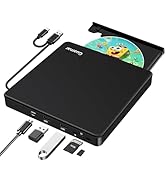
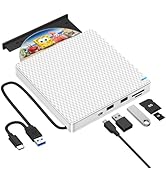
External CD/DVD Drive for PC
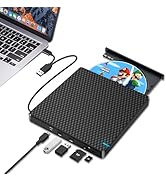
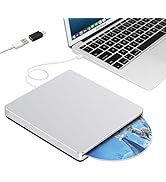
CD Drive for Mac
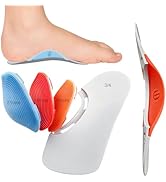
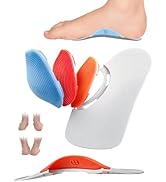
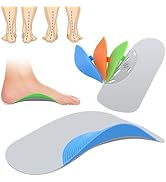
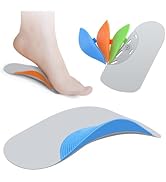
3 Height Arch Support Inserts


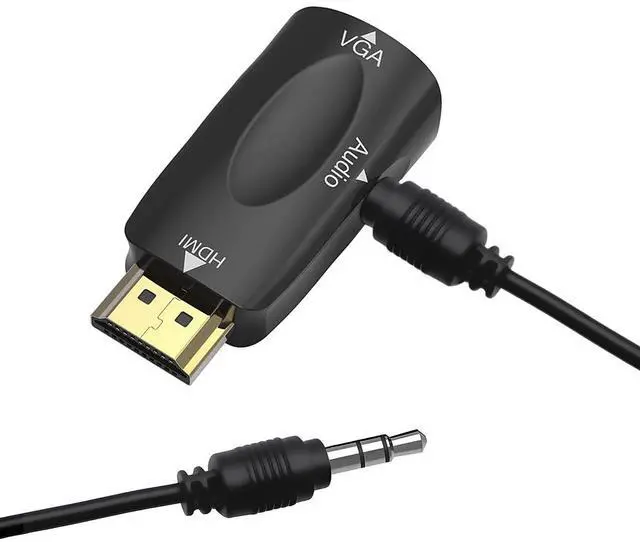
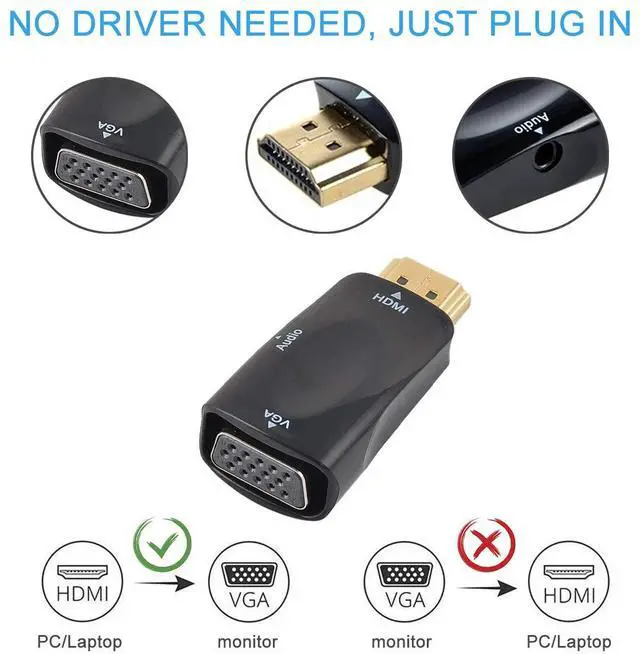
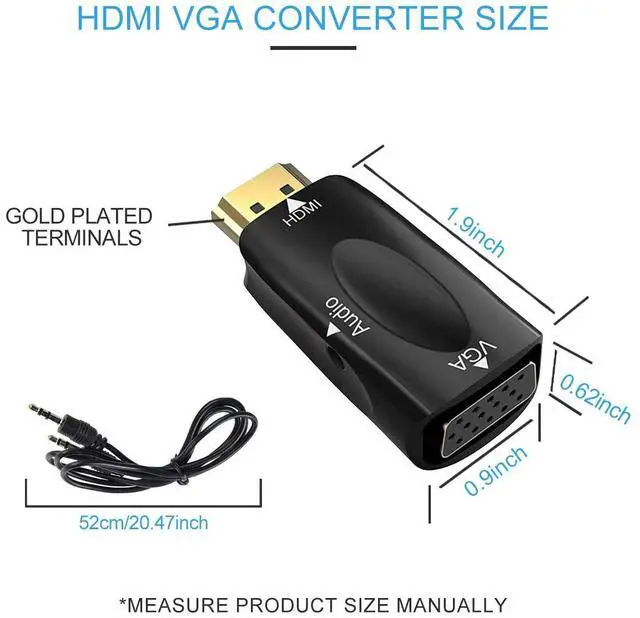
This HDMI to VGA adapter with 3.5mm audio cable is an ideal solution for connecting new HDMI to VGA devices. Plug and play, no extra driver is needed.
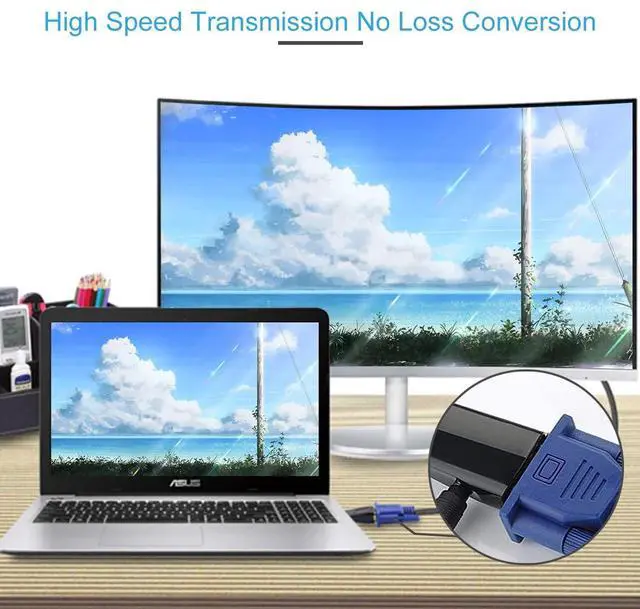
The adapter converts the HDMI signal from a laptop or PC to an output for a VGA monitor, projector or TV. The 3.5 mm audio port sends audio to speakers or a display. A VGA cable is required to connect to devices with a VGA connector, such as monitors or projectors (sold separately).
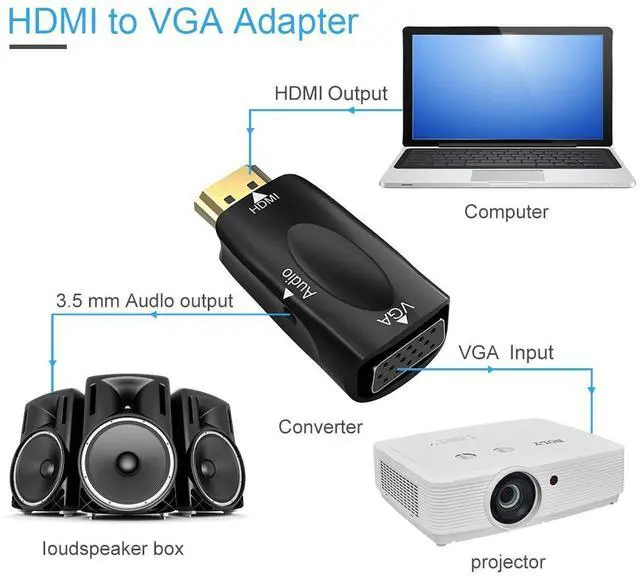
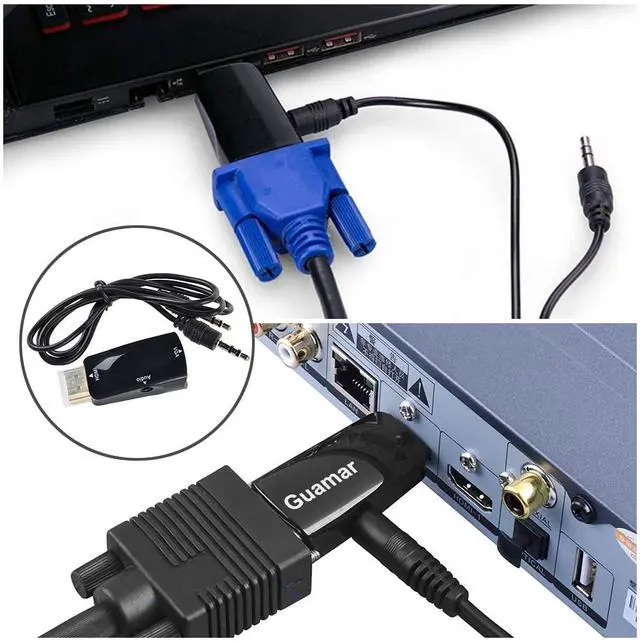
Simply connect the HDMI port to your laptop or PC and link it to the display device (monitor or projector) via a VGA cable. No external power is required.
Warm Tips:
1. The HDMI port must be connected to a laptop, PC, Xbox or STB device rather than to the HDMI port on a TV.
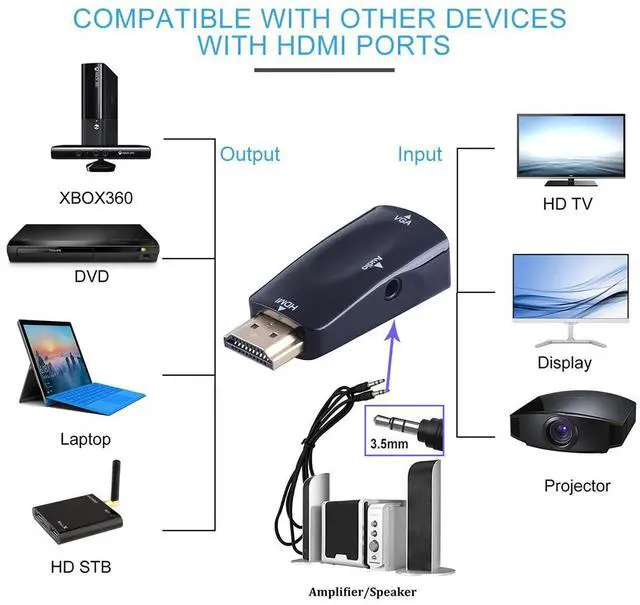
The HDMI port is the output port and can be connected to a laptop, desktop computer, tablet PC or other device with an HDMI interface. The VGA port is the input port and can be connected to a projector, display or monitor and other devices with a VGA interface. The 3.5 mm audio port can be connected to speakers. All three ports must be connected to the corresponding devices for the audio to work properly.
2. If there is noise when the 3.5 mm jack is plugged in, please check that the audio cable is plugged in properly. If there is still no audio, please unplug and reconnect all cables, rotating the plug as you do so.
3. This HDMI to VGA converter does not support the ARC function.
4. This HDMI to VGA adapter is not bi-directional. It only converts signals from an HDMI port to a VGA port. It cannot support VGA to HDMI conversion.
5. Please set the resolution to 1080p 60hz or lower and ensure that the resolution settings of the source device are compatible with the display.
6. If the monitor does not have built-in speakers, select the laptop's main sound output speakers/headphones as the default.
7. When connecting the VGA to a TV, please ensure that the TV's signal source to VGA signal.
8. If the HDMI port on your device is in a hard-to-reach spot, think about using an HDMI extension cable or an HDMI adapter with the right angle to connect this HDMI to VGA adapter and hook up other devices more easily.
The HDMI source end connects to a desktop or notebook computer, a PC or laptop, a gaming console (PS3), a DVD player, a cable box or a media player. The VGA display end connects to an older monitor, flat panel, TV, HDTV or projector.
(This is a one-way conversion and cannot be reversed.)
Example: Laptop - HDMI cable - Guamar HDMI to VGA adaptor - VGA cable - TV, and a 3.5 mm audio cable to a monitor's speaker amplifier. (L/R sound output).

Reliable transmit
The HDMI to VGA adapter with gold-plated resists corrosion, make conductivity better,and built-in advanced IC chip ensures a more stable signal transmission.

Simultaneous Audio and Video Transmission
The HDMI to VGA adapter with 3.5 mm Audio Cable, allows to connect your audio devices to stream audio and video simultaneously.

3.5mm Audio Jack
The audio jack is 3.5mm. Please connect three ports (HDMI, VGA, Audio) to the corresponding devices at the same time for the audio to work properly.

Compact and Portable
The portable HDMI TO VGA adapter is very convenient to fit in your poket or bag to keep you connected on the go.
Enjoy full HD Screen

Things to Know Before Buying:
1.This HDMI to VGA adapter is not bi-directional. It only converts signals from an HDMI port to a VGA port.
2.When connecting the VGA to a TV, please ensure that the TV's signal source to VGA signal.
3.Please set the resolution to 1080p or lower and ensure that the resolution settings of the source device are compatible with the display.


This HDMI to VGA adapter with 3.5mm audio cable is an ideal solution for connecting new HDMI to VGA devices. Plug and play, no extra driver is needed.
The adapter converts the HDMI signal from a laptop or PC to an output for a VGA monitor, projector or TV. The 3.5 mm audio port sends audio to speakers or a display. A VGA cable is required to connect to devices with a VGA connector, such as monitors or projectors (sold separately).
Simply connect the HDMI port to your laptop or PC and link it to the display device (monitor or projector) via a VGA cable. No external power is required.
Warm Tips:
1. The HDMI port must be connected to a laptop, PC, Xbox or STB device rather than to the HDMI port on a TV.
The HDMI port is the output port and can be connected to a laptop, desktop computer, tablet PC or other device with an HDMI interface. The VGA port is the input port and can be connected to a projector, display or monitor and other devices with a VGA interface. The 3.5 mm audio port can be connected to speakers. All three ports must be connected to the corresponding devices for the audio to work properly.
2. If there is noise when the 3.5 mm jack is plugged in, please check that the audio cable is plugged in properly. If there is still no audio, please unplug and reconnect all cables, rotating the plug as you do so.
3. This HDMI to VGA converter does not support the ARC function.
4. This HDMI to VGA adapter is not bi-directional. It only converts signals from an HDMI port to a VGA port. It cannot support VGA to HDMI conversion.
5. Please set the resolution to 1080p 60hz or lower and ensure that the resolution settings of the source device are compatible with the display.
6. If the monitor does not have built-in speakers, select the laptop's main sound output speakers/headphones as the default.
7. When connecting the VGA to a TV, please ensure that the TV's signal source to VGA signal.
8. If the HDMI port on your device is in a hard-to-reach spot, think about using an HDMI extension cable or an HDMI adapter with the right angle to connect this HDMI to VGA adapter and hook up other devices more easily.
The HDMI source end connects to a desktop or notebook computer, a PC or laptop, a gaming console (PS3), a DVD player, a cable box or a media player. The VGA display end connects to an older monitor, flat panel, TV, HDTV or projector.
(This is a one-way conversion and cannot be reversed.)
Example: Laptop - HDMI cable - Guamar HDMI to VGA adaptor - VGA cable - TV, and a 3.5 mm audio cable to a monitor's speaker amplifier. (L/R sound output).
Reliable transmit
The HDMI to VGA adapter with gold-plated resists corrosion, make conductivity better,and built-in advanced IC chip ensures a more stable signal transmission.
Simultaneous Audio and Video Transmission
The HDMI to VGA adapter with 3.5 mm Audio Cable, allows to connect your audio devices to stream audio and video simultaneously.
3.5mm Audio Jack
The audio jack is 3.5mm. Please connect three ports (HDMI, VGA, Audio) to the corresponding devices at the same time for the audio to work properly.
Compact and Portable
The portable HDMI TO VGA adapter is very convenient to fit in your poket or bag to keep you connected on the go.
Enjoy full HD Screen
Things to Know Before Buying:
1.This HDMI to VGA adapter is not bi-directional. It only converts signals from an HDMI port to a VGA port.
2.When connecting the VGA to a TV, please ensure that the TV's signal source to VGA signal.
3.Please set the resolution to 1080p or lower and ensure that the resolution settings of the source device are compatible with the display.
Guamar
We value the user experience, constantly innovate our products according to user needs, and we are committed to providing people with convenient, high quality products, such as HDMI to VGA adapter, 4K DisplayPort to HDMI Adapter, USB C cable, external CD/DVD drive and Removable Arch Support Inserts.
Whether you're at home, in the office or travelling, our products easily meet your needs.
HDMI Adapter + USB C Cable
External CD/DVD Drive for PC
CD Drive for Mac
3 Height Arch Support Inserts