


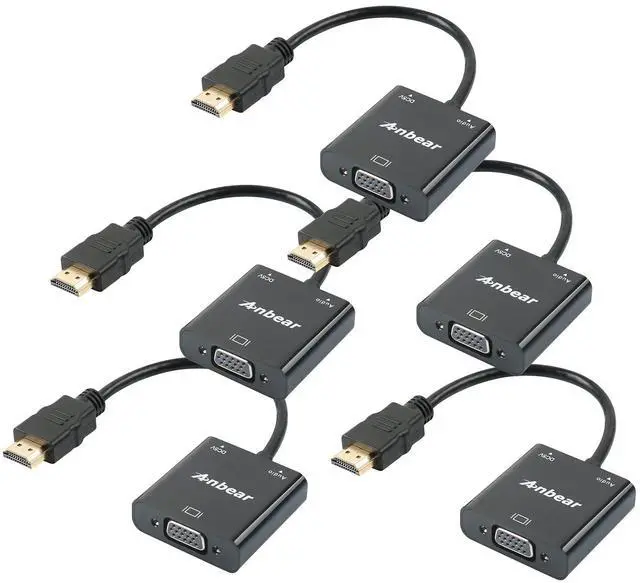
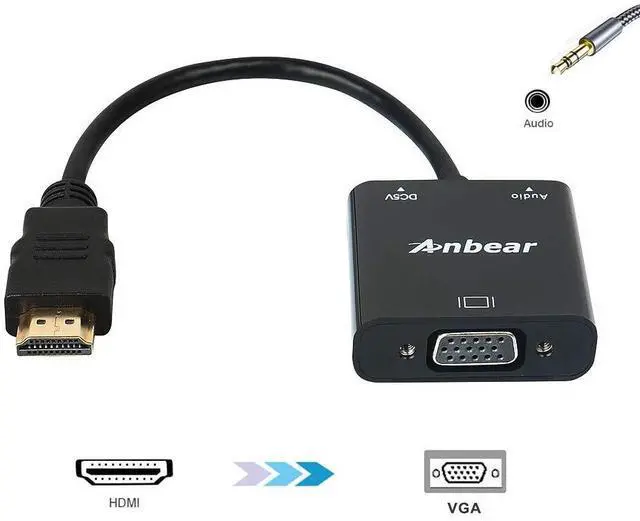
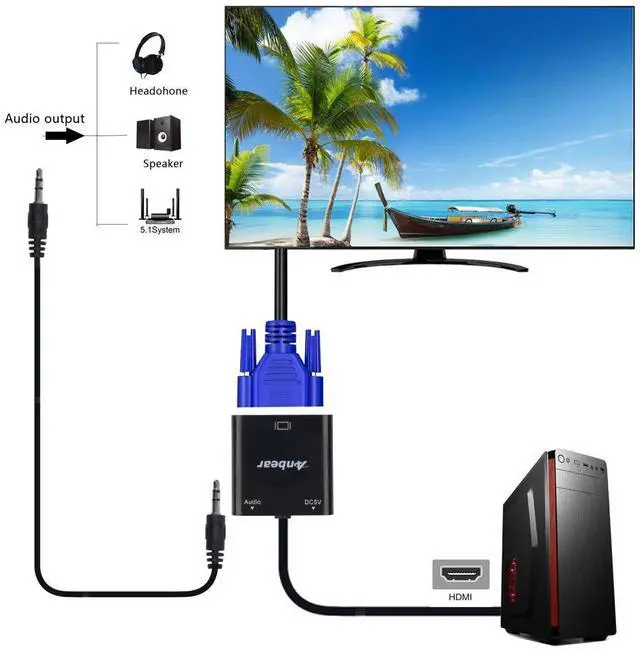


The Anbear HDMI to VGA adapter
Specifications:
- Input : HDMI Male
- Output : VGA Female
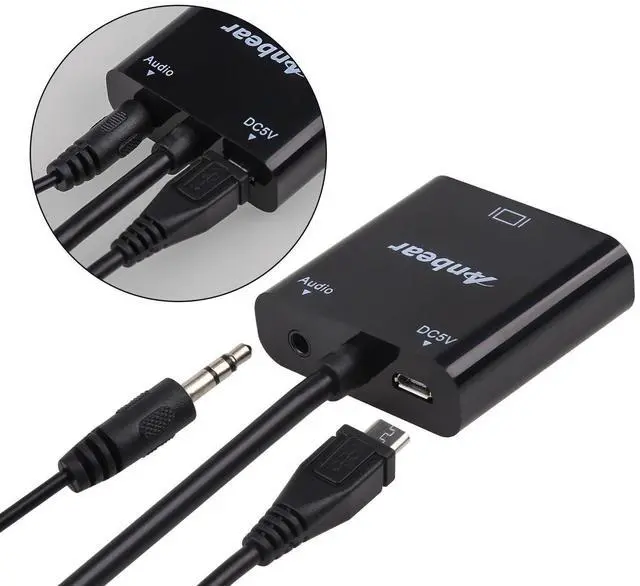
- Output : 3.5MM audio
- Input : Micro USB 5V(When the power supply capacity of HDMI devices is insufficient, additional 5V power supply is required . )
IMPORTANT NOTE:
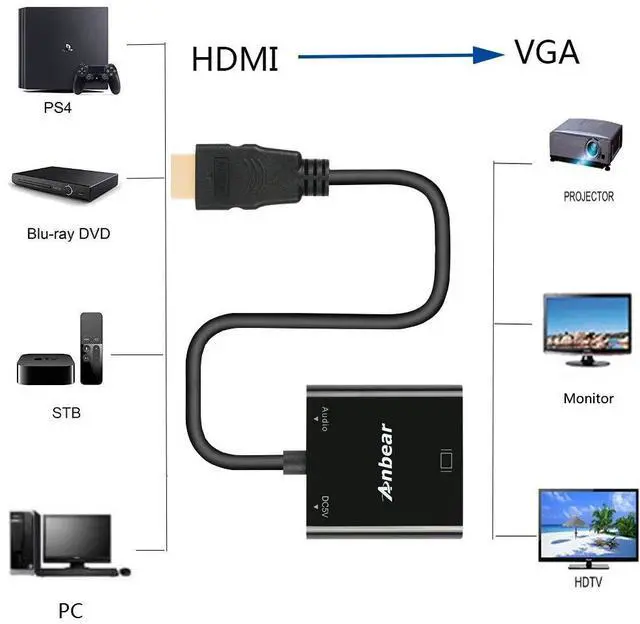
- Transmission: NOT Bi-directional (Only from HDMI to VGA TV/Monitor/Projector).
- Audio: System Preferences ? Sound ? Output. Change the audio output from your laptop to TV (Display devices).
- Support 1080P@60Hz

HDMI
Compatible for computer, pc, desktop, laptop, ultrabook, notebook, Chromebook, Raspberry Pi
Compatible for Roku, PS3, Xbox One, Xbox 360, Wii U, Set Top Box, TV BOX
Compatible for Blu-ray player,SONY PS, Apple MacBook Pro with Retina Display, Mac mini, and Apple TV

Support Mirror & Extend Dual Mode:
Mirror Mode: Makes your holiday photos and favorite films so much more interesting and enjoyable on the big screen!
- Extended Mode: Works like a charm for multitasking.
Mirror and Extend Mode Settings:
- For MacOS, Top left corner Apple icon ? System Preferences ? Displays ? Mirror or Extend Displays;
- For Windows 10, press Windows key + P combination command ? choose Duplicate or Extend;
- For Windows system laptop, if the external monitor could not work, please update the BIOS and graphic card driver from laptop official website.
The Anbear HDMI to VGA adapter
Specifications:
- Input : HDMI Male
- Output : VGA Female
- Output : 3.5MM audio
- Input : Micro USB 5V(When the power supply capacity of HDMI devices is insufficient, additional 5V power supply is required . )
IMPORTANT NOTE:
- Transmission: NOT Bi-directional (Only from HDMI to VGA TV/Monitor/Projector).
- Audio: System Preferences ? Sound ? Output. Change the audio output from your laptop to TV (Display devices).
- Support 1080P@60Hz
HDMI
Compatible for computer, pc, desktop, laptop, ultrabook, notebook, Chromebook, Raspberry Pi
Compatible for Roku, PS3, Xbox One, Xbox 360, Wii U, Set Top Box, TV BOX
Compatible for Blu-ray player,SONY PS, Apple MacBook Pro with Retina Display, Mac mini, and Apple TV
Support Mirror & Extend Dual Mode:
Mirror Mode: Makes your holiday photos and favorite films so much more interesting and enjoyable on the big screen!
- Extended Mode: Works like a charm for multitasking.
Mirror and Extend Mode Settings:
- For MacOS, Top left corner Apple icon ? System Preferences ? Displays ? Mirror or Extend Displays;
- For Windows 10, press Windows key + P combination command ? choose Duplicate or Extend;
- For Windows system laptop, if the external monitor could not work, please update the BIOS and graphic card driver from laptop official website.