






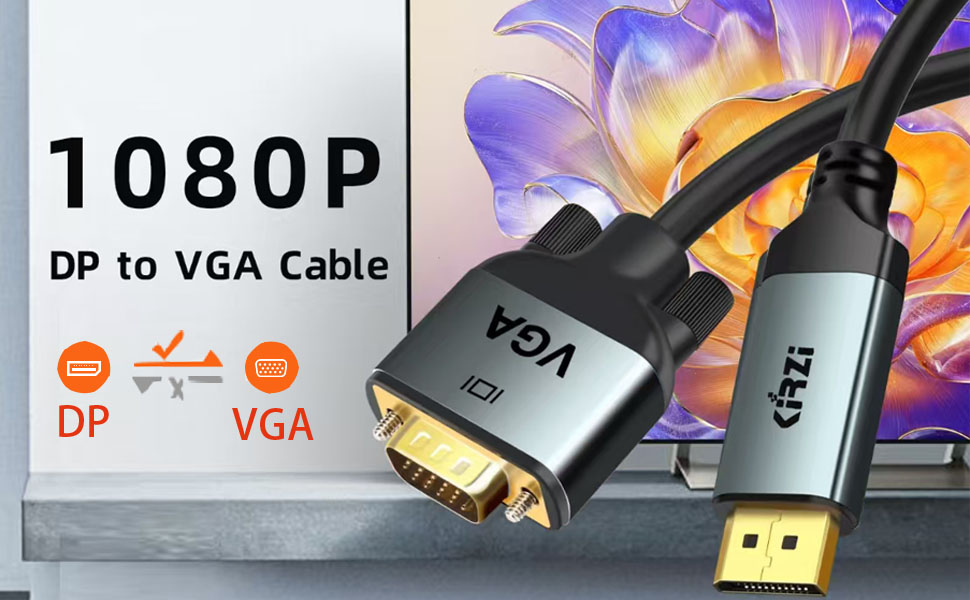
Displayport to VGA Cable
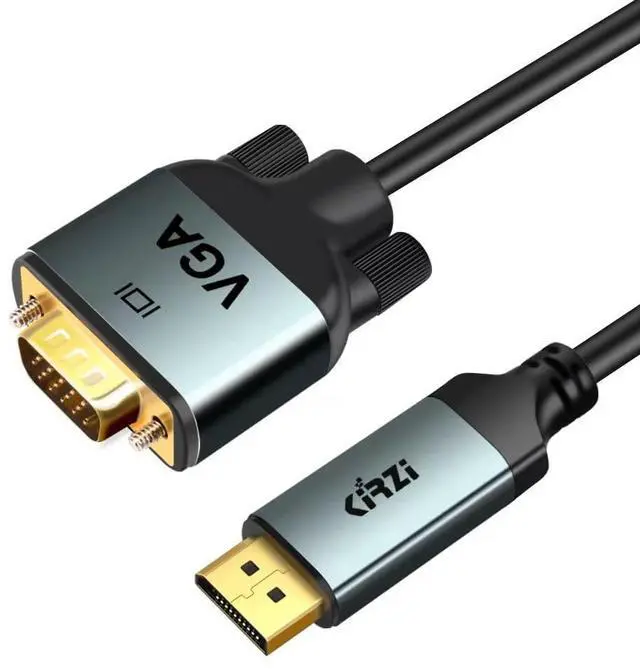
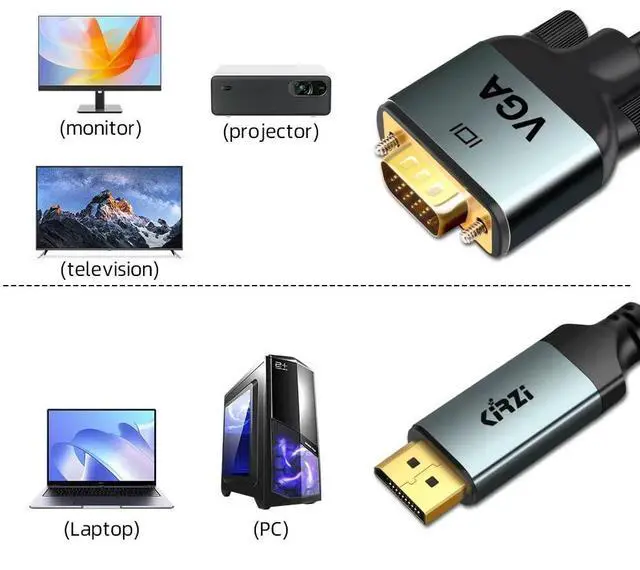
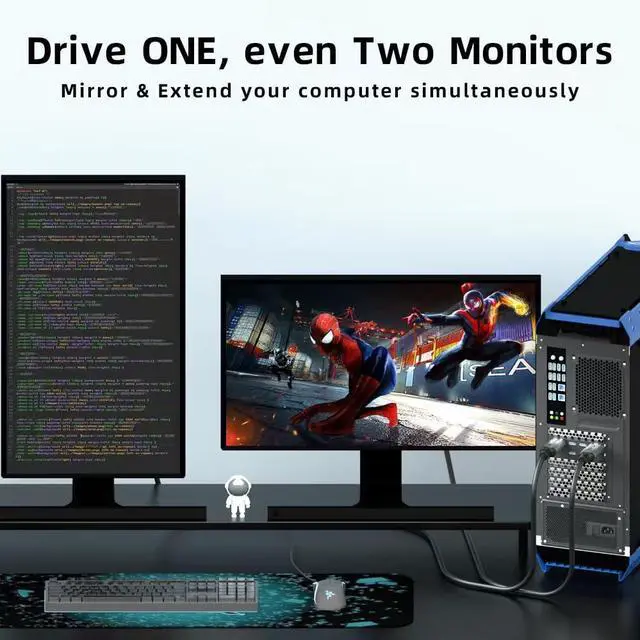
The DisplayPort to VGA adapter cable connects a computer to the TV for video streaming, or to a monitor or projector, plug and play; Ideal for video streaming, gaming, or extending a workstation.
It also supports DP, DP++, and DisplayPort++.
Please Note:
- This cable is not bi-directional, it can only transfer signal from the Displayport source device to VGA monitor/ display/ projector.
- The DP port is different from the USB port, this item can NOT compatible with the USB port.
Enhanced Solution Design
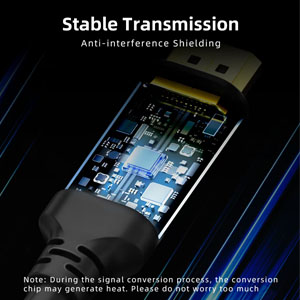
- Adopt high performace chipset to achieve the better compatibility and avoid signal inteference
- Adopt Advanced PCBA solution to gurrante the solution durability
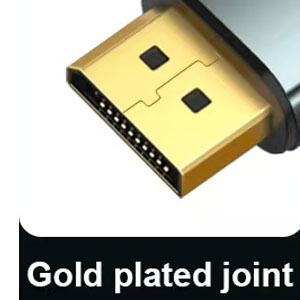
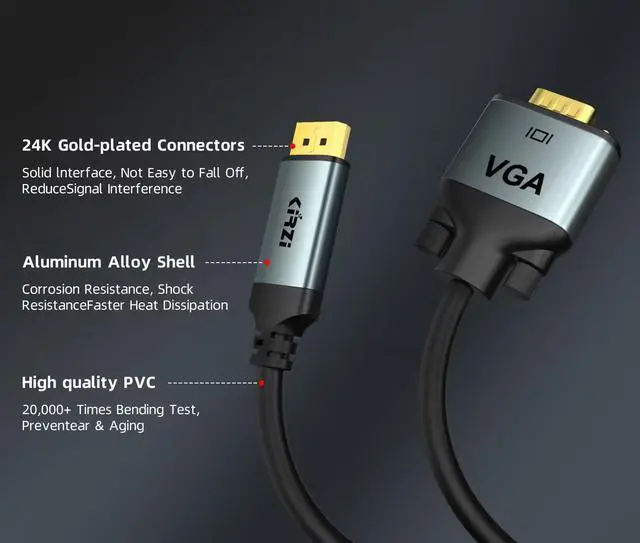
24K Gold plated display port connector
- Gold-plated connectors resist corrosion, provide rigidity, and improve the signal performance
- Reinforced joint to ensure the durability
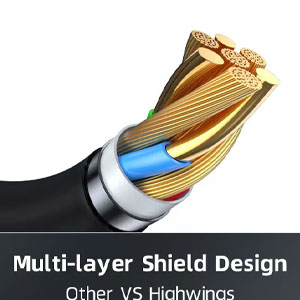
Multi Shielded Cable
Features tin-plated pure copper cable and multiple shieldings, providing premium stereo audio and protection against RFI and EMI.
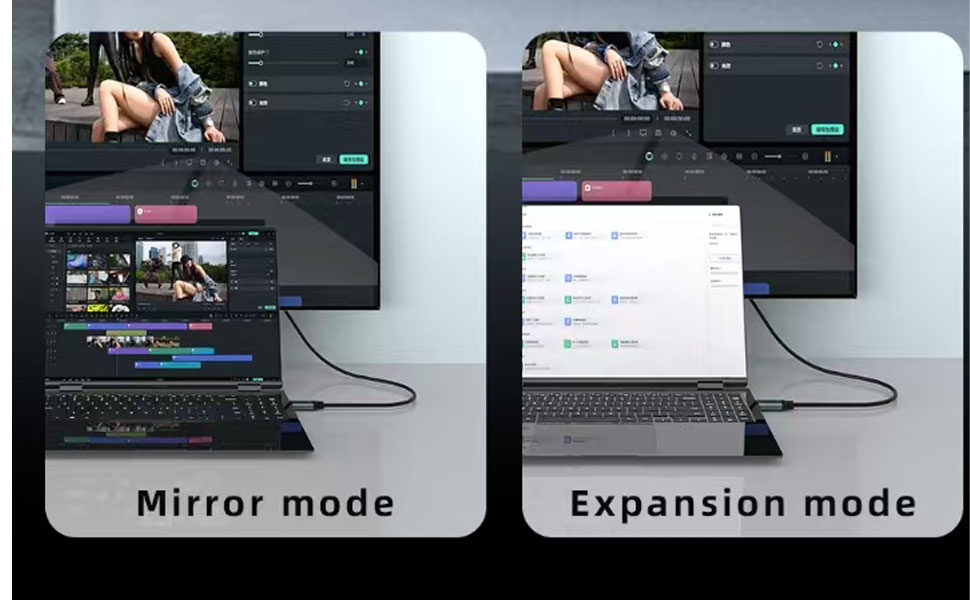
Comprehensive Solution
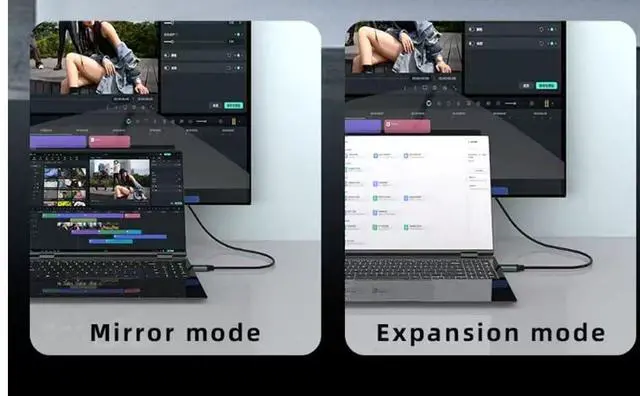
1. For macOS: top left corner Phone icon-->System Preferences-->Displays-->Mirror or Extend Displays;
2. For Windows 10, press Windows key + P combination command-->choose Duplicate or Extend.
3. For Windows system laptops, if the external monitor could not work, please update the BIOS and graphic card driver from the laptop's official website.
High Video Resolutions:
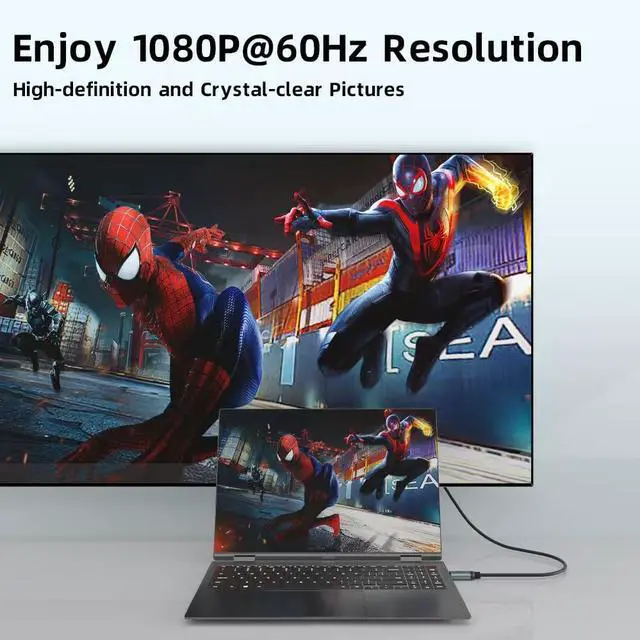
- Supports 1080p full HD, 1920 x 1200 @ 60 Hz high resolution
- Plug and Play, does not require any software or drivers, or extra power supply.
Displayport to VGA Cable
The DisplayPort to VGA adapter cable connects a computer to the TV for video streaming, or to a monitor or projector, plug and play; Ideal for video streaming, gaming, or extending a workstation.
It also supports DP, DP++, and DisplayPort++.
Please Note:
- This cable is not bi-directional, it can only transfer signal from the Displayport source device to VGA monitor/ display/ projector.
- The DP port is different from the USB port, this item can NOT compatible with the USB port.
Enhanced Solution Design
- Adopt high performace chipset to achieve the better compatibility and avoid signal inteference
- Adopt Advanced PCBA solution to gurrante the solution durability
24K Gold plated display port connector
- Gold-plated connectors resist corrosion, provide rigidity, and improve the signal performance
- Reinforced joint to ensure the durability
Multi Shielded Cable
Features tin-plated pure copper cable and multiple shieldings, providing premium stereo audio and protection against RFI and EMI.
Comprehensive Solution
1. For macOS: top left corner Phone icon-->System Preferences-->Displays-->Mirror or Extend Displays;
2. For Windows 10, press Windows key + P combination command-->choose Duplicate or Extend.
3. For Windows system laptops, if the external monitor could not work, please update the BIOS and graphic card driver from the laptop's official website.
High Video Resolutions:
- Supports 1080p full HD, 1920 x 1200 @ 60 Hz high resolution
- Plug and Play, does not require any software or drivers, or extra power supply.