

Your Browsing History

Meet Your Seller




Visit EmpressTech Store
FOLLOW
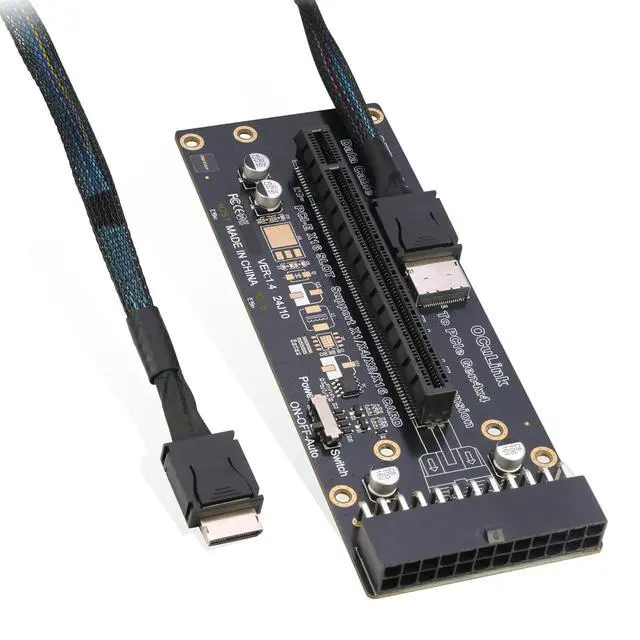
Oculink eGPU Adapter, OCuLink SFF-8612 to PCIe x16 Card with Cable for eGPU
Limited time offer, ends 10/15 By EmpressTech
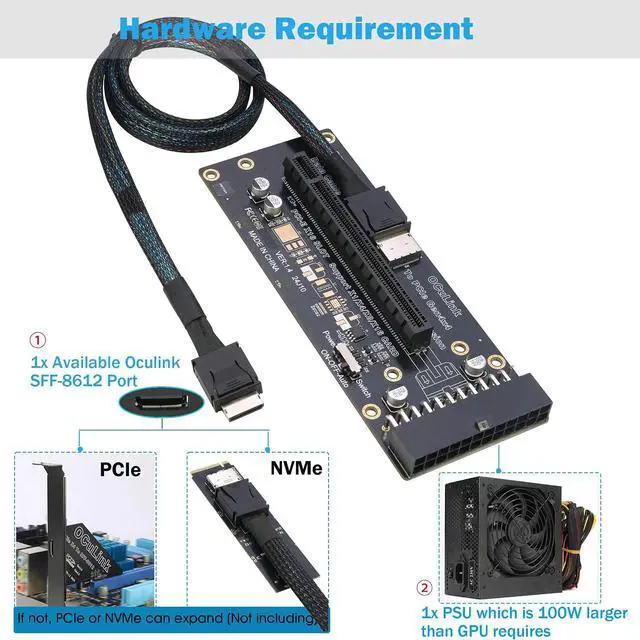
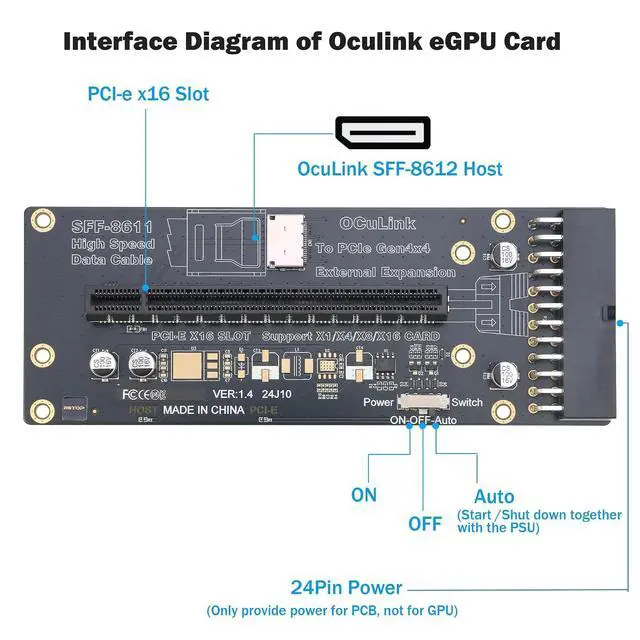
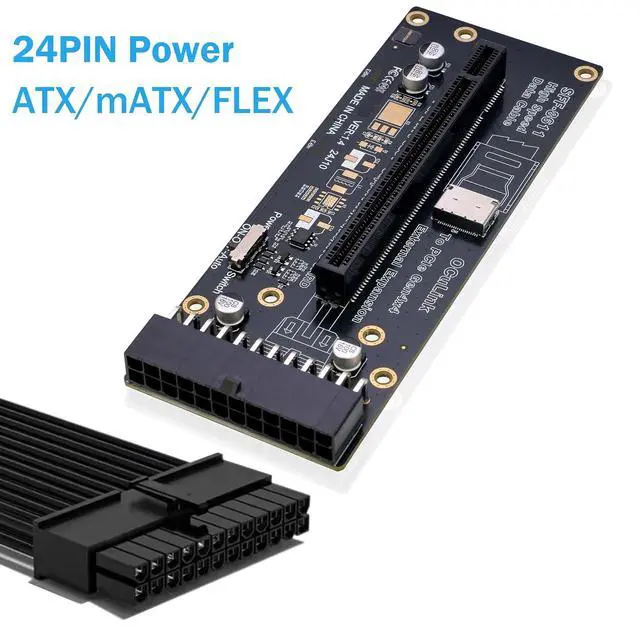
- [OCuLink PCIe Adapter] RIITOP OCuLink eGPU Adapter adds a desktop graphics card to your lightweight laptop or Mini PC, transforming it into a powerful gaming machine or AI workstation; [Hardware Requirement] 1. 1x Available OCuLink SFF-8612 Female Port on your laptop, Mini PC, or motherboard (if not, it needs an NVMe to Oculink Adapter which not including) 2. 1x Desktop Graphics Card or any other PCIe x16, x8, x4device you want to connect. Both NVIDIA and AMD GPU are supported. 3. 1x External 24-Pin Power: RIITOP PCIe OCulink Board requires a standard ATX 24-pin power supply to operate. However, the board itself does NOT supply power to the graphics card so the GPU also needs powers separately from the PSU 4. Power supply sizing tip: Choose a PSU rated at least 100W higher than your GPU's listed TDP; [PCIe 4.0 x4 64Gbps Ultra-Fast Speed No Bottleneck] Powered by PCIe 4.0 x4 interface, this OCuLink adapter delivers a full 64Gbps bidirectional bandwidth no stuttering in games, no lag in GPU rendering, and no wasted potential from your high-end graphics card. Ensure faster token generation of AI/LLM inference; [Plug & Play and Important Safety Note] 1. No additional drivers are required for RIITOP OCULINK EGPU Dock itself, but Standard GPU needs drivers 2. Important: OCuLink does NOT support Hot Plugging. Always shut down your computer completely before connecting or disconnecting the cable to prevent hardware damage or data loss 3. The oculink cable in package is for exte
+
+
Overview
Specs
Reviews

Any questions? Our AI mode will help you find out quickly.
Try me now
RIITOP Oculink to PCIe x16 4.0 Adapter 24Pin with Cable
Warranty & Returns
Warranty, Returns, And Additional Information
Warranty
- Please contact the Seller directly for warranty information. Warranty information may also be found on the Manufacturer's website.
- CONTACT
Return Policies
- Return for refund within: 30 days
- Return for replacement within: 30 days
- This item is covered by EmpressTech Return Policy
Manufacturer Contact Info
- For a directory of all our manufacturers, please click below.
- Manufacturers Directory
LOADING...