

Your Browsing History

Meet Your Seller




Visit EmpressTech Store
FOLLOW
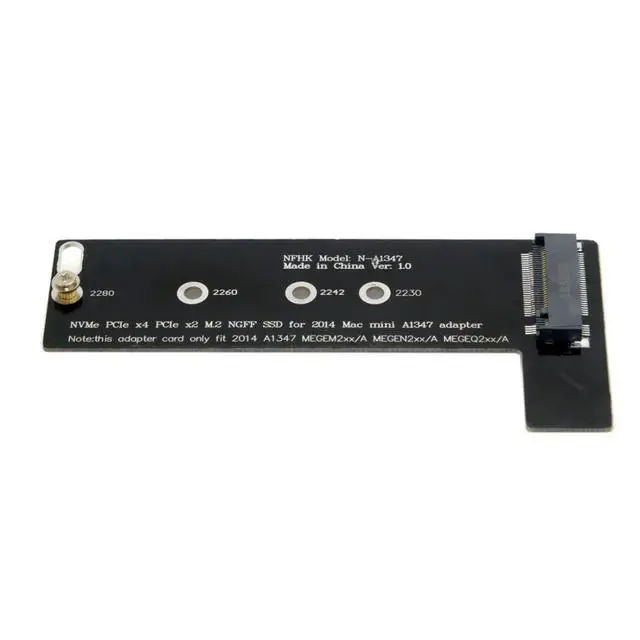
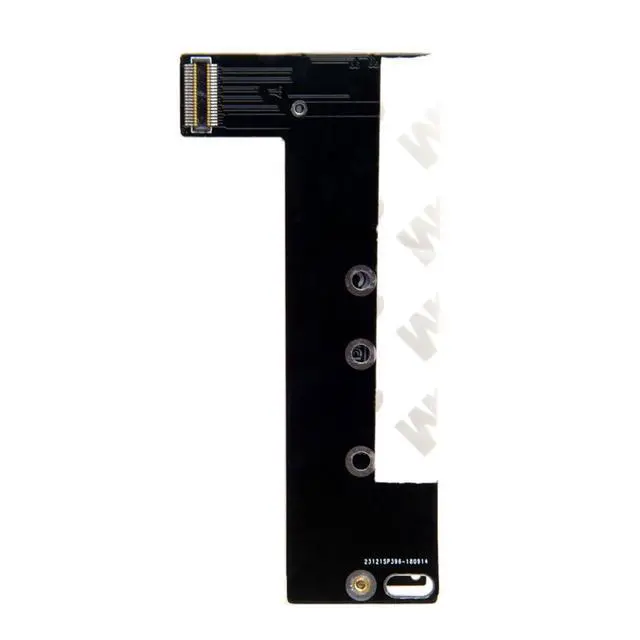
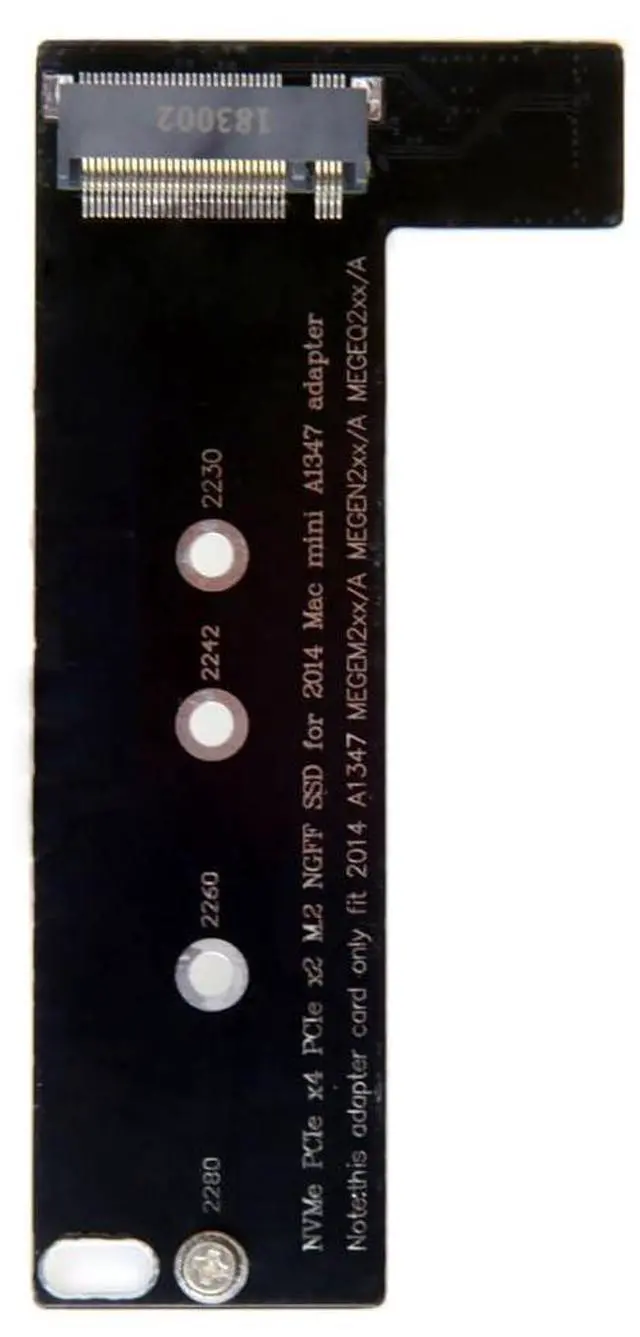
M.2 PCIE NVME/AHCI SSD to MacBook Mini Internal SSD Upgrade Extension Adapter for 2014 MacBook Mini A1347 MEGEN2 MEGEM2 MEGEQ2
Limited time offer, ends 10/15 By EmpressTech
- 1) The adapter can covert the NGFF M-key SSD to the 2014 Macbook Mini A1347 MEGEN2 MEGEM2 MEGEQ2 SSD.; 2) Note:this adapter card only fit 2014 A1347 MEGEM2xx/A MEGEN2xx/A MEGEQ2xx/A.; 3) Note: The adapter only work for M-key NVME/AHCI SSD, cannot work for B-key or B/M-key SATA SSD.; 4) Note: The NVME SSD only work for Mac OS HiSierra.; 5) Brief steps: 1:You need to upgrade to 10.13.3 on the original SSD first 2:Prepare a 10.13.3 system installation USB disk (check the method yourself) 3:Prepare a WIN10PE disk or Linux USB disk system to format the newly replaced SSD 4:For a new installation, first use the disk tool to format the hard disk, then exit the disk tool and install the system. 5:After the new installation, remember to reset the SMC and NVRAM. (The system must be installed completely)
+
+
Overview
Specs
Reviews

Any questions? Our AI mode will help you find out quickly.
Try me now
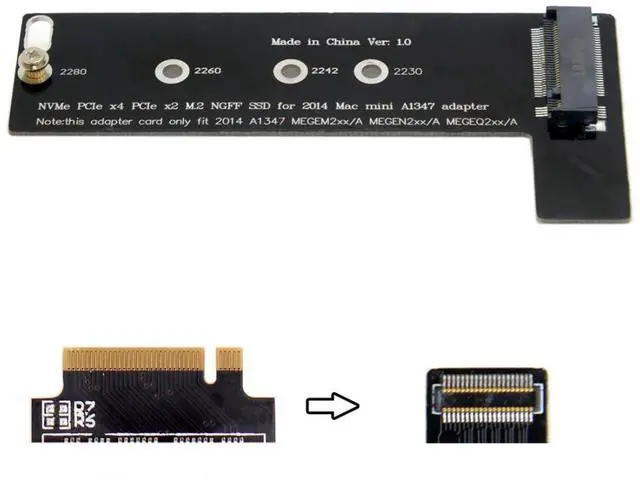
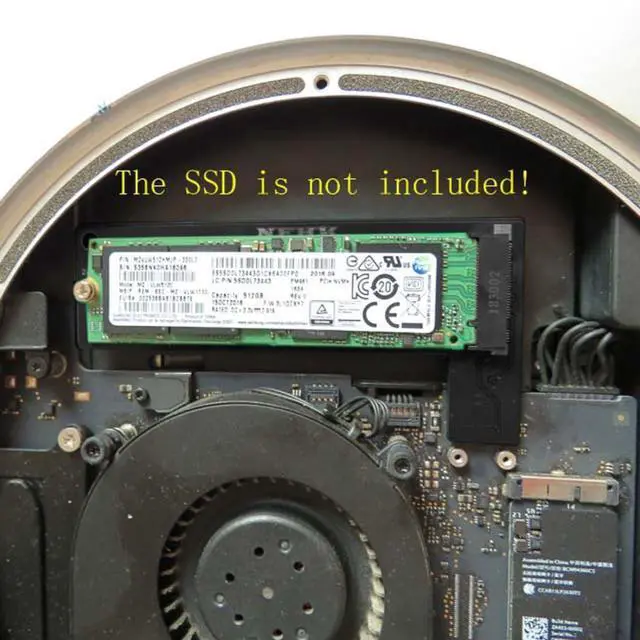
1) The adapter can covert the NGFF M-key SSD to the 2014 Macbook Mini A1347 MEGEN2 MEGEM2 MEGEQ2 SSD.
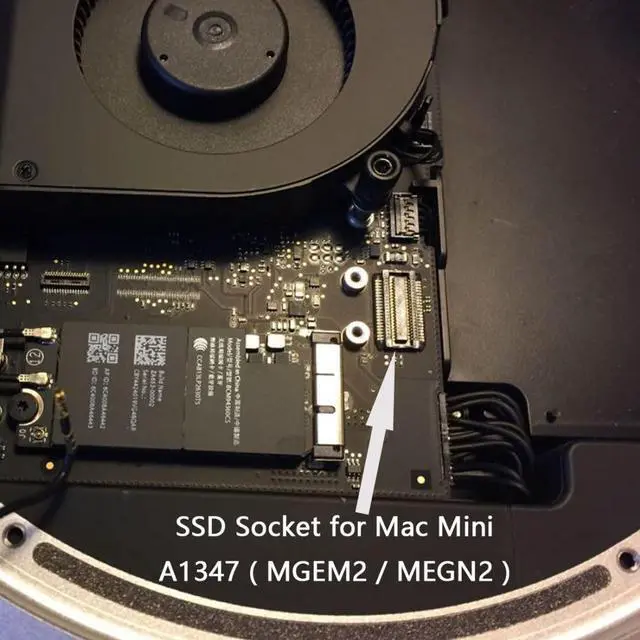
2) Note: this adapter card only fit 2014 A1347 MEGEM2xx/A MEGEN2xx/A MEGEQ2xx/A.
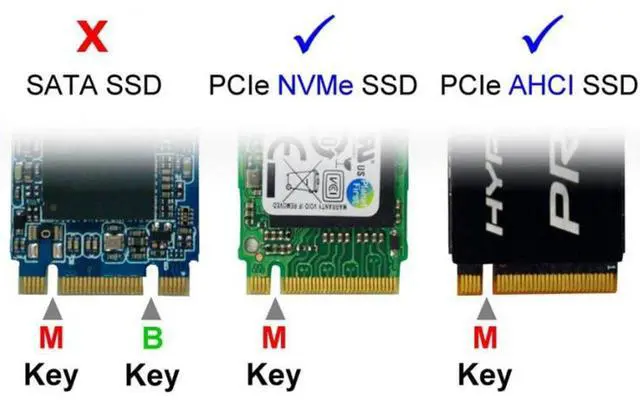
3) Note: The adapter only work for M-key NVME/AHCI SSD, cannot work for B-key or B/M-key SATA SSD.
4) Note: The NVME SSD only work for Mac OS HiSierra.
5) Brief steps:
1: You need to upgrade to 10.13. 3 on the original
SSD first 2: Prepare a 10.13. 3 system installation USB disk (check the method yourself) 3: Prepare a WIN10PE disk or Linux USB disk system to format the newly replaced
SSD 4: For a new installation, first use the disk tool to format the hard disk, then exit the disk tool and install the system.
5: After the new installation, remember to reset the SMC and NVRAM. (The system must be installed completely)
2) Note: this adapter card only fit 2014 A1347 MEGEM2xx/A MEGEN2xx/A MEGEQ2xx/A.
3) Note: The adapter only work for M-key NVME/AHCI SSD, cannot work for B-key or B/M-key SATA SSD.
4) Note: The NVME SSD only work for Mac OS HiSierra.
5) Brief steps:
1: You need to upgrade to 10.13. 3 on the original
SSD first 2: Prepare a 10.13. 3 system installation USB disk (check the method yourself) 3: Prepare a WIN10PE disk or Linux USB disk system to format the newly replaced
SSD 4: For a new installation, first use the disk tool to format the hard disk, then exit the disk tool and install the system.
5: After the new installation, remember to reset the SMC and NVRAM. (The system must be installed completely)
Warranty & Returns
Warranty, Returns, And Additional Information
Warranty
- Please contact the Seller directly for warranty information. Warranty information may also be found on the Manufacturer's website.
- CONTACT
Return Policies
- Return for refund within: 30 days
- Return for replacement within: 30 days
- This item is covered by EmpressTech Return Policy
Manufacturer Contact Info
- For a directory of all our manufacturers, please click below.
- Manufacturers Directory
LOADING...