

Your Browsing History

Meet Your Seller



Visit EmpressTech Store
FOLLOW
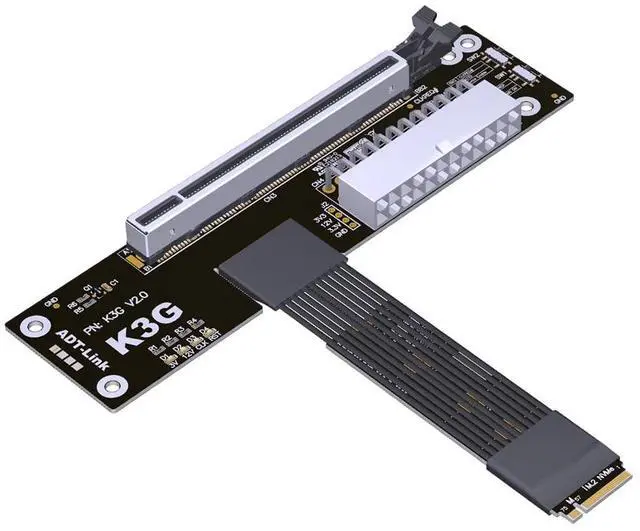
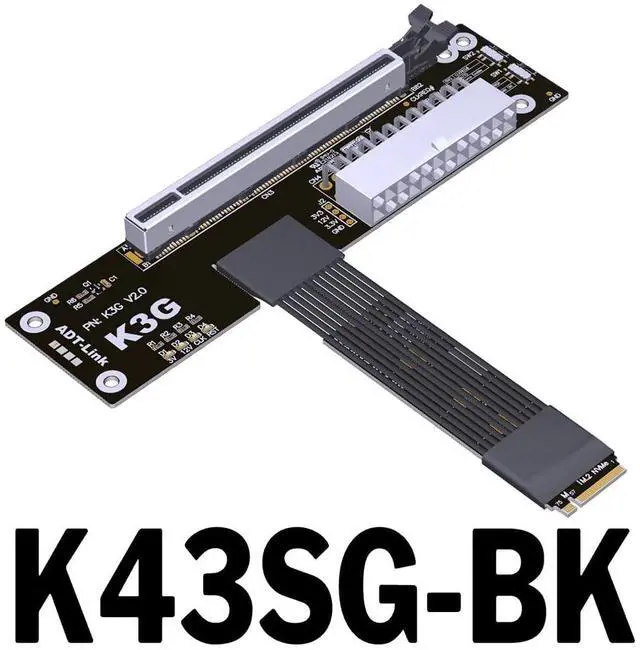
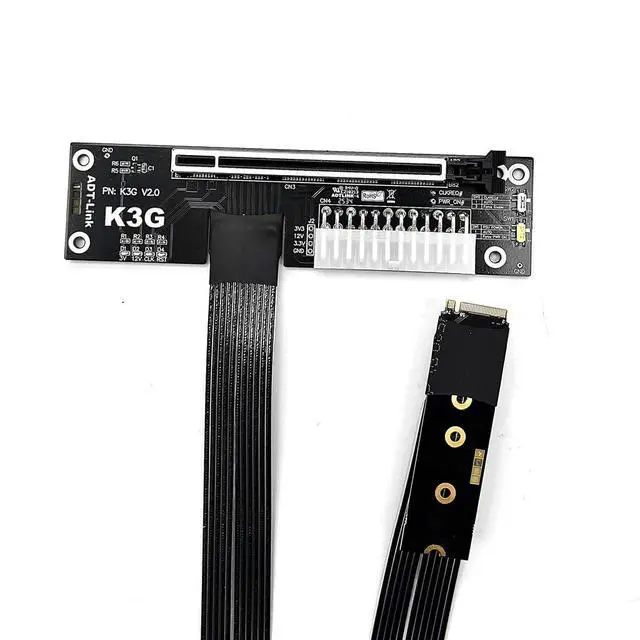
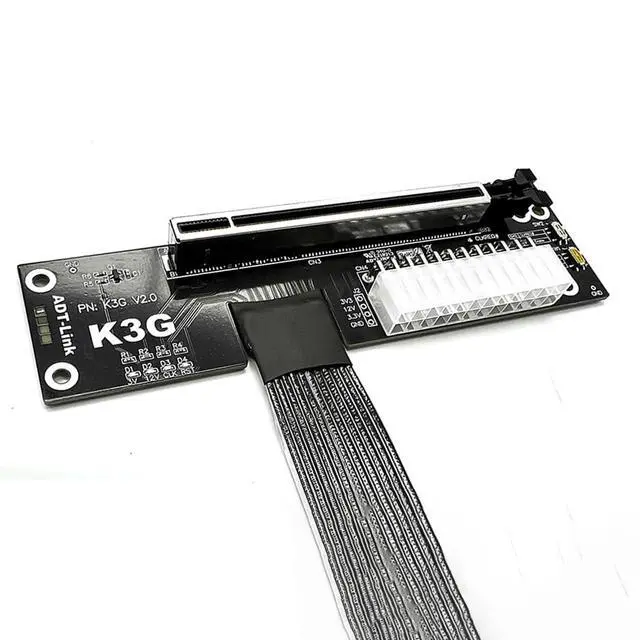
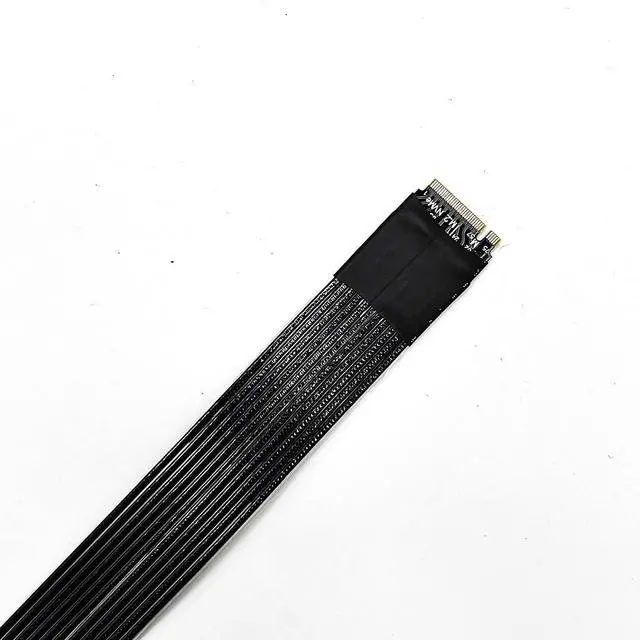
ADT-K43SG-BK PCIe 5.0 X16 to M.2 NVMe Graphics Card Adapter Compatible with RTX50 RX90 Series Docking Station (K43SG-BK-50cm)
Limited time offer, ends 07/12 By EmpressTech
- This product supports not only laptops but also NUC motherboards, STX motherboards, ITX motherboards, and external graphics cards. It requires an M.2 NVMe interface for operation.; Compatible Graphics Cards: Compatible with RTX 50 Series, RX 90xx Series; New PCIe 5.0 graphics cards (backward compatible); Compatible Motherboards: Compatible with Notebooks, ITX/STX motherboards, NUCs. Supports only M.2 NVMe interfaces.; Does not support M.2 SATA interfaces, M.2 Wi-Fi interfaces, M.2 WWAN interfaces, or USB interfaces.; Power Supply Requirements: Supports standard ATX power supplies rated 500W or higher. Not included.
+
+
Overview
Specs
Reviews

Any questions? Our AI beta will help you find out quickly.
Try me now
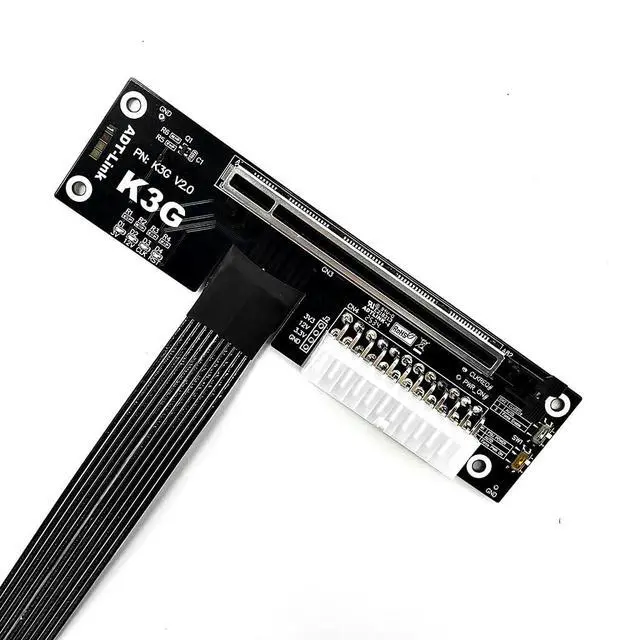
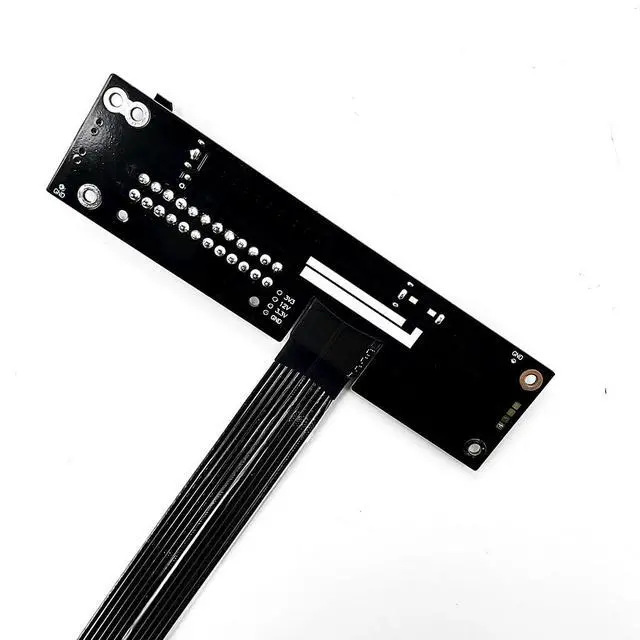
JMT ADT-K43SG-BK PCIe 5.0 X16 to M. 2 NVMe Graphics Card Adapter Compatible with RTX50 RX90 Series Docking Station Two switches on
ADT K3G:
SW1: Power Force-Start Switch. 1 = Auto-Start, 2 = Force-Start. Set to 1 for auto-start.
SW2: Some older graphics cards from 5 years ago lack CLKREQ signal support. If the CLKREQ indicator light fails to illuminate, simply toggle the SW2 microswitch to 2. No BIOS configuration is required, enhancing compatibility and convenience.
Compatibility: Supports nearly all PCIe graphics cards released in the past three years. Ensure the latest official drivers are installed. If a yellow exclamation mark appears, reinstall the drivers and restart the computer. If the yellow exclamation mark persists (error code 43 or code 12), refer to troubleshooting methods from international experts.
Usage Notes: 1. Always verify cable orientation before insertion to prevent reverse or misaligned connections, which may damage equipment. Secure the device's connector before inserting cables to avoid breaking pins due to excessive force. Do not bend or pull the cable within 2cm of the solder joints on either end. 2. Signal transmission capabilities vary across different motherboards and devices. Signal degradation occurs whenever an extension cable is used. 3. Graphics cards and motherboards are electronic components that degrade and oxidize over time. Using an extension cable further compromises stability. This method is not recommended for devices older than three years.
ADT K3G:
SW1: Power Force-Start Switch. 1 = Auto-Start, 2 = Force-Start. Set to 1 for auto-start.
SW2: Some older graphics cards from 5 years ago lack CLKREQ signal support. If the CLKREQ indicator light fails to illuminate, simply toggle the SW2 microswitch to 2. No BIOS configuration is required, enhancing compatibility and convenience.
Compatibility: Supports nearly all PCIe graphics cards released in the past three years. Ensure the latest official drivers are installed. If a yellow exclamation mark appears, reinstall the drivers and restart the computer. If the yellow exclamation mark persists (error code 43 or code 12), refer to troubleshooting methods from international experts.
Usage Notes: 1. Always verify cable orientation before insertion to prevent reverse or misaligned connections, which may damage equipment. Secure the device's connector before inserting cables to avoid breaking pins due to excessive force. Do not bend or pull the cable within 2cm of the solder joints on either end. 2. Signal transmission capabilities vary across different motherboards and devices. Signal degradation occurs whenever an extension cable is used. 3. Graphics cards and motherboards are electronic components that degrade and oxidize over time. Using an extension cable further compromises stability. This method is not recommended for devices older than three years.
Warranty & Returns
Warranty, Returns, And Additional Information
Warranty
- Please contact the Seller directly for warranty information. Warranty information may also be found on the Manufacturer's website.
- CONTACT
Return Policies
- Return for refund within: 30 days
- Return for replacement within: 30 days
- This item is covered by EmpressTech Return Policy
Manufacturer Contact Info
- For a directory of all our manufacturers, please click below.
- Manufacturers Directory
LOADING...