

Your Browsing History

Meet Your Seller




Visit EmpressTech Store
FOLLOW
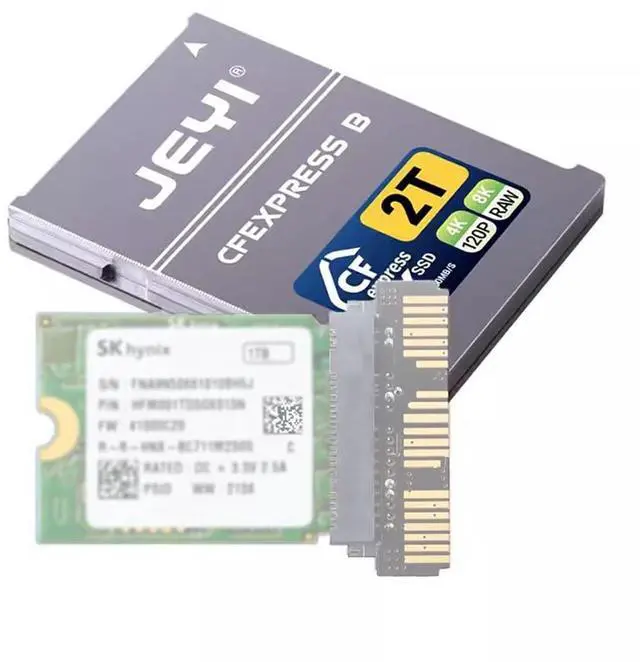
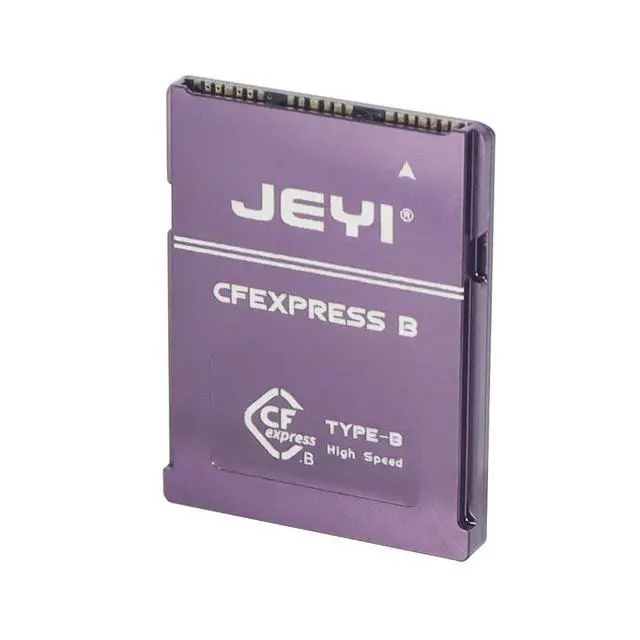
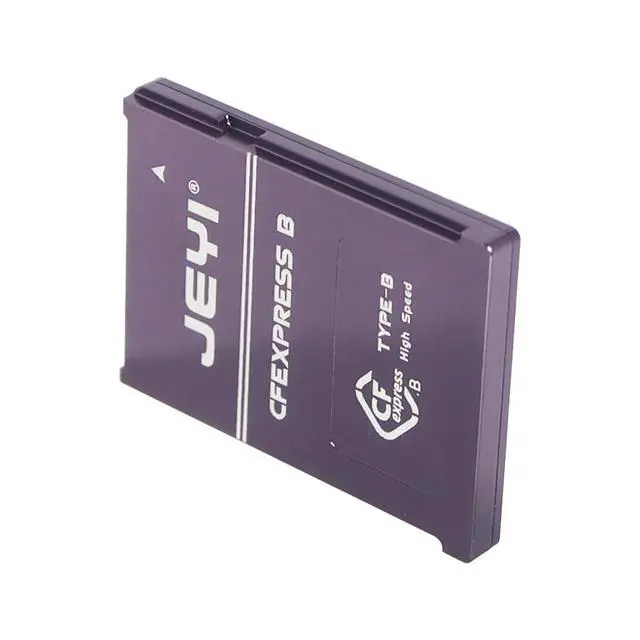
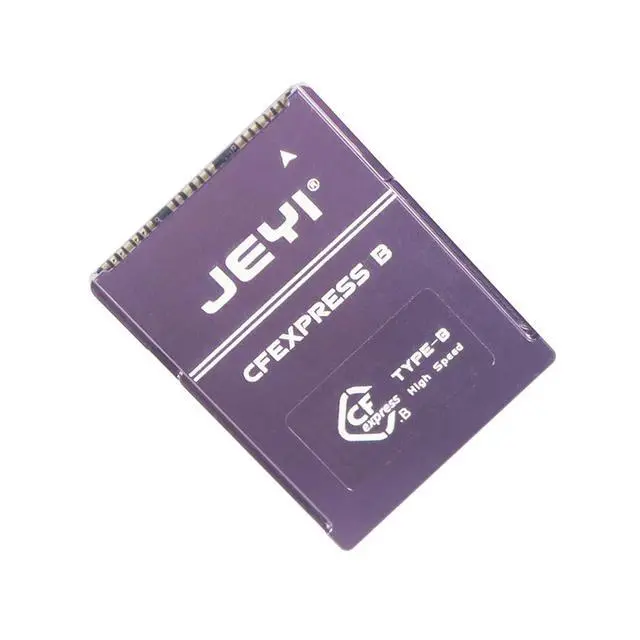
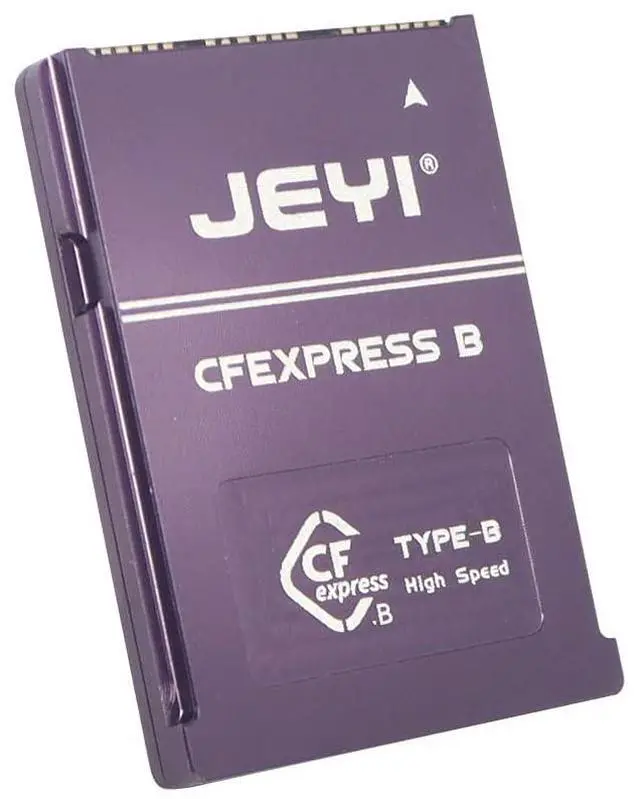
PCIe 4.0 CFexpress Card Kit M.2 NVMe 2230 SSD to Camera Storage Type B Compatible with Canon Nikon Z6 Z7 Z9 R3 R5
Limited time offer, ends 10/15 By EmpressTech
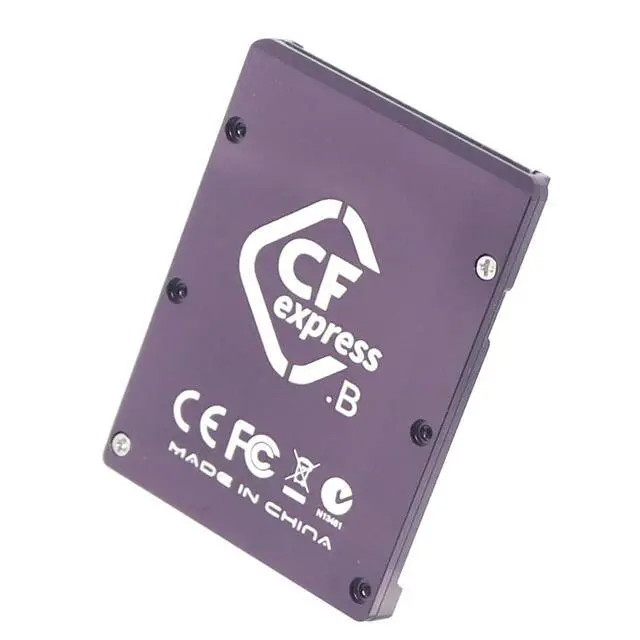
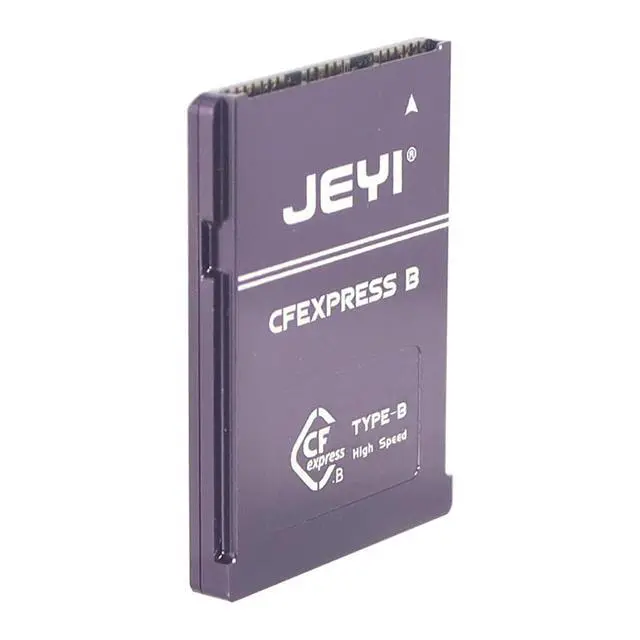
- This is an adapter that converts your 2230-sized M.2 NVMe SSD to a CFexpress Type B storage card by using the PCIe channel protocol.; It can be applied to your camera to achieve a writing speed of 1800Mb/s and a reading speed of 1200Mb/s, supporting 8K RAW format and 4K 120Hz video.; It comes with thermal grease and an aluminum alloy casing for better heat dissipation, efficiently dissipating the heat generated during high loads.; Cost savings: Compared to the CFexpress 1TB storage card available on the market, our reader combined with an M.2 NVMe SSD is a cost-effective option.; Scope of Application: Currently known compatible with CANON NIKON Z6 Z7 Z9 R3 R5.
+
+
Overview
Specs
Reviews

Any questions? Our AI mode will help you find out quickly.
Try me now
JMT PCIe 4.0 CFexpress Card Kit M. 2 NVMe 2230 SSD to Camera Storage Type B Compatible with CANON NIKON Z6 Z7 Z9 R3 R5 Overview This is an adapter that converts your 2230-sized M. 2 NVMe SSD to a CFexpress Type B storage card by using the PCIe channel protocol. It can be applied to your camera to achieve a writing speed of 1800Mb/s and a reading speed of 1200Mb/s, supporting 8K RAW format and 4K 120Hz video. Additionally, it comes with thermal grease and an aluminum alloy casing for better heat dissipation, efficiently dissipating the heat generated during high loads.
Advantages Cost savings. Compared to the CFexpress 1TB storage card available on the market, our reader combined with an M. 2 NVMe SSD is a cost-effective option.
Notes: The currently known compatible cameras and SSDs are listed, but if you have purchased our product and tried other options, please feel free to leave your comment, so that we can enrich more feasible solutions. Easy to
Install Step 1: Unscrew the screws and remove the aluminum alloy case
Step 2: Insert the M.
2 SSD Step 3: Cover the case and tighten the screws.
Advantages Cost savings. Compared to the CFexpress 1TB storage card available on the market, our reader combined with an M. 2 NVMe SSD is a cost-effective option.
Notes: The currently known compatible cameras and SSDs are listed, but if you have purchased our product and tried other options, please feel free to leave your comment, so that we can enrich more feasible solutions. Easy to
Install Step 1: Unscrew the screws and remove the aluminum alloy case
Step 2: Insert the M.
2 SSD Step 3: Cover the case and tighten the screws.
Warranty & Returns
Warranty, Returns, And Additional Information
Warranty
- Please contact the Seller directly for warranty information. Warranty information may also be found on the Manufacturer's website.
- CONTACT
Return Policies
- Return for refund within: 30 days
- Return for replacement within: 30 days
- This item is covered by EmpressTech Return Policy
Manufacturer Contact Info
- For a directory of all our manufacturers, please click below.
- Manufacturers Directory
LOADING...