Your Browsing History
Meet Your Seller
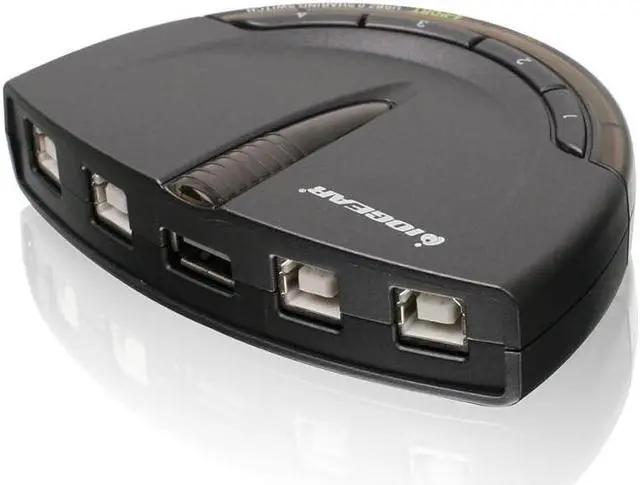
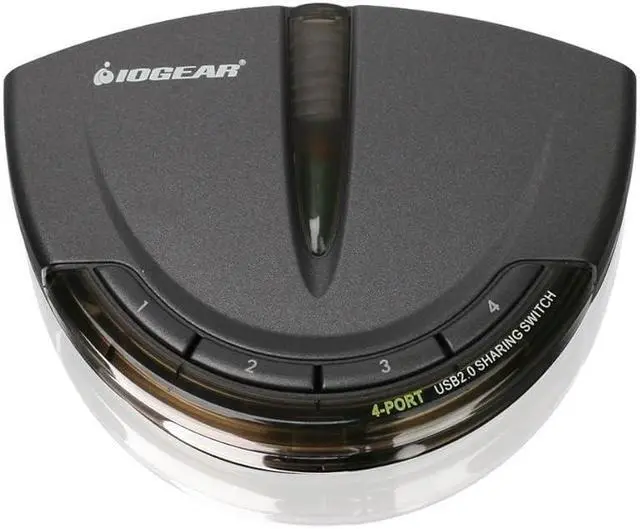
IOGEAR 4-Port USB 2.0 Automatic Printer Switch, GUB431
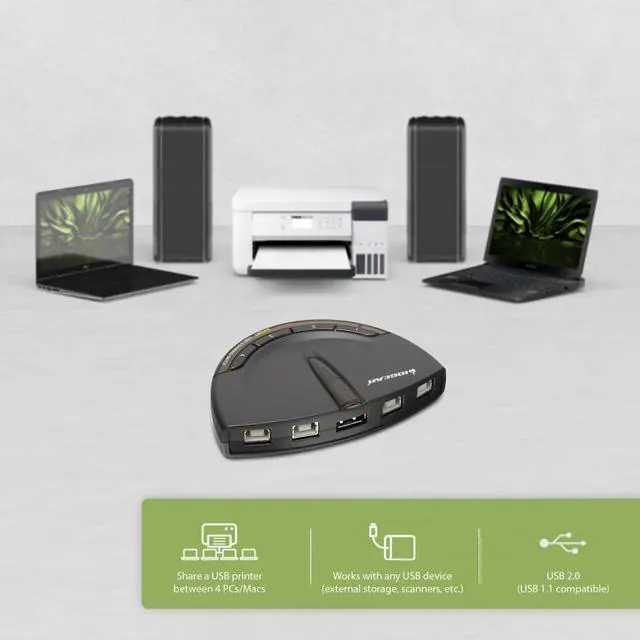
- USB 2. 0 support with data transfer rate up to 480Mbps and USB 1. 1 backward compatible
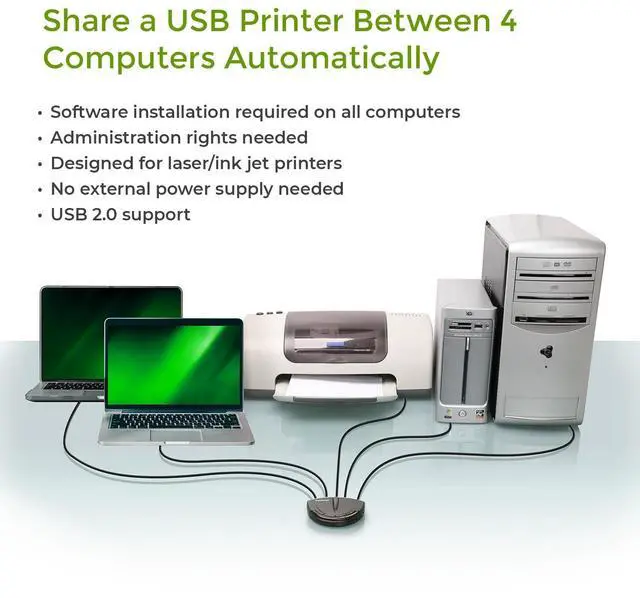
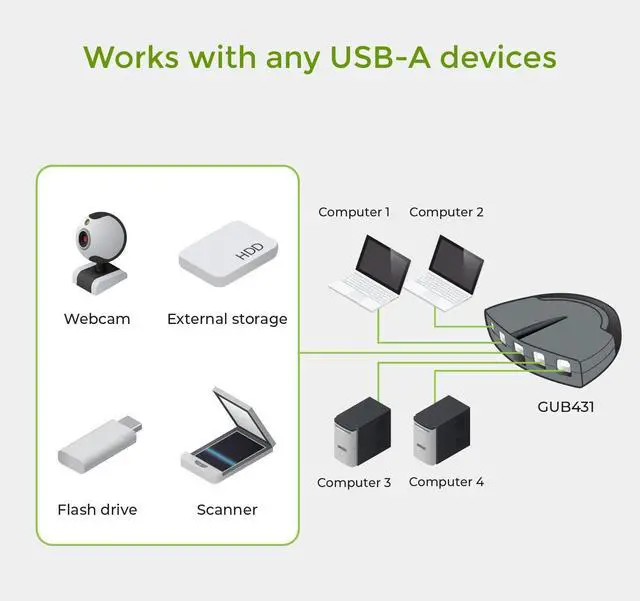
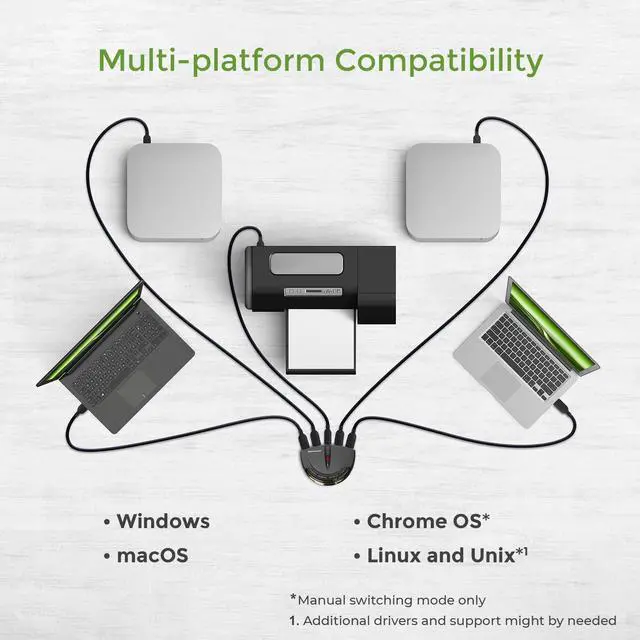
- Automatically switch from one computer to another when connecting to a USB printer or multi-function printer
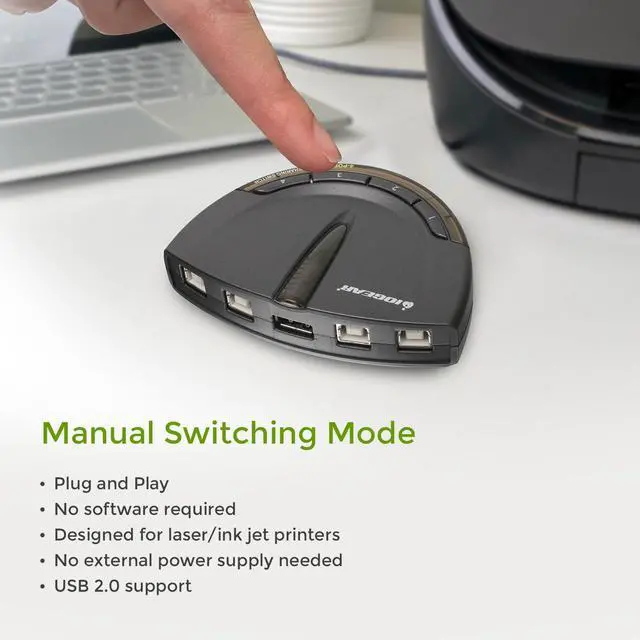
- Simply press a button to switch a USB device between computers
- Switch-lock function prevents other users from switching the USB device and ensures data access consistency
- No external power supply needed
- Backed by IOGEARs 3-year and FREE lifetime technical support
- **Automatic Switching software requires Admin rights
+
+
Overview
Specs
Reviews
Any questions? Our AI beta will help you find out quickly.
Try me now
1Manual Switching: Printer2Manual Switching: Others3Compatible OS 1Features2Sound Notification
Do I need to load the software on all computers for automatic switching?
Yes, a software download is required on ALL computers connected for automatic switching.
Do I need administrative rights?
Yes, administrative rights are needed for the automatic switching function to work.
Can the switch be locked on a specific computer?
Yes, the switch can be locked to a specific computer by using the software or by pressing and holding the lock port button.
Can the sound notification be turned on or off?
Yes, there is a switch on the side of the device that can turn off the audible notification when switching between devices.
Software Installation aplus content video Software Configuration aplus content video Do I need to load the software on all computers for automatic switching?
Do I need administrative rights?
Can the switch be locked on a specific computer?
Can the sound notification be turned on or off?

Do I need to load the software on all computers for automatic switching?
Yes, a software download is required on ALL computers connected for automatic switching.
Do I need administrative rights?
Yes, administrative rights are needed for the automatic switching function to work.
Can the switch be locked on a specific computer?
Yes, the switch can be locked to a specific computer by using the software or by pressing and holding the lock port button.
Can the sound notification be turned on or off?
Yes, there is a switch on the side of the device that can turn off the audible notification when switching between devices.
Software Installation aplus content video Software Configuration aplus content video Do I need to load the software on all computers for automatic switching?
Do I need administrative rights?
Can the switch be locked on a specific computer?
Can the sound notification be turned on or off?
Warranty & Returns
Warranty, Returns, And Additional Information
Warranty
- Please contact the Seller directly for warranty information. Warranty information may also be found on the Manufacturer's website.
- Read full details
- CONTACT
Return Policies
- Return for refund within: 30 days
- Return for replacement within: 30 days
- This item is covered by PrimeVolt’Shop Return Policy
Manufacturer Contact Info
- For a directory of all our manufacturers, please click below.
- Manufacturers Directory
LOADING...