• $68.70
  • Free 30-day Returns
  • Ships from Hong Kong.
    Price alert
    Shop it at NeweggBusiness.

    Meet Your Seller

    KVM Switch, USB & HDMI Switcher for 4 Computers Sharing One HD Monitor and 3 USB Devices Keyboard Mouse Printer, Support 4Kx2K@30Hz

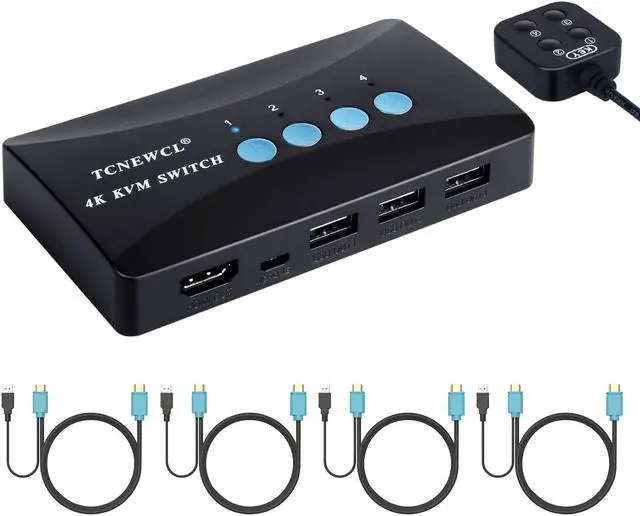
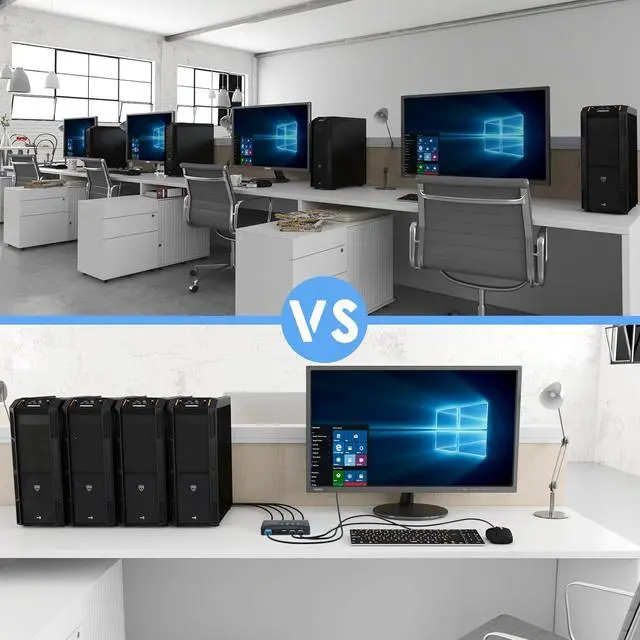
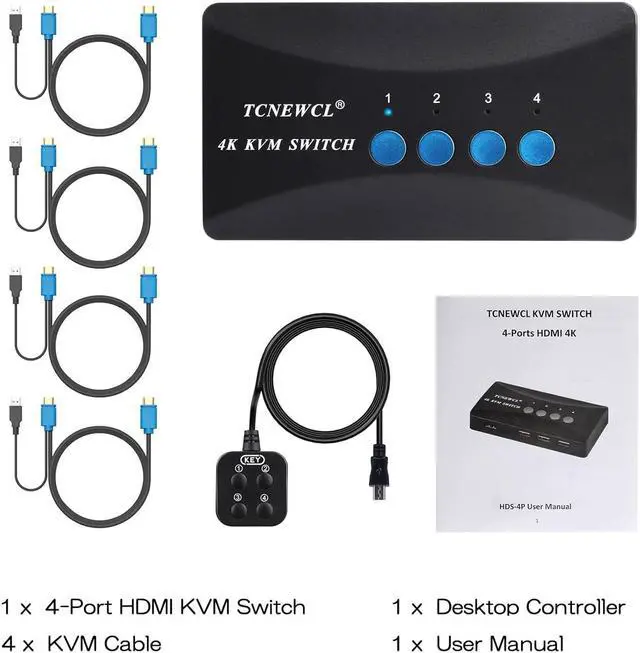
    • Ideal Sharing Devices: USB HDMI KVM Switch Box allows you to control 4 PCs and share 1 Video Monitor and 3 USB Devices such as a printer, scanner, mouse, keyboard, card reader, flash drive. It includes 4KVM cables so you can use one KVM cable for HDMI & USB data transmission that make your workspace tidy and efficient.
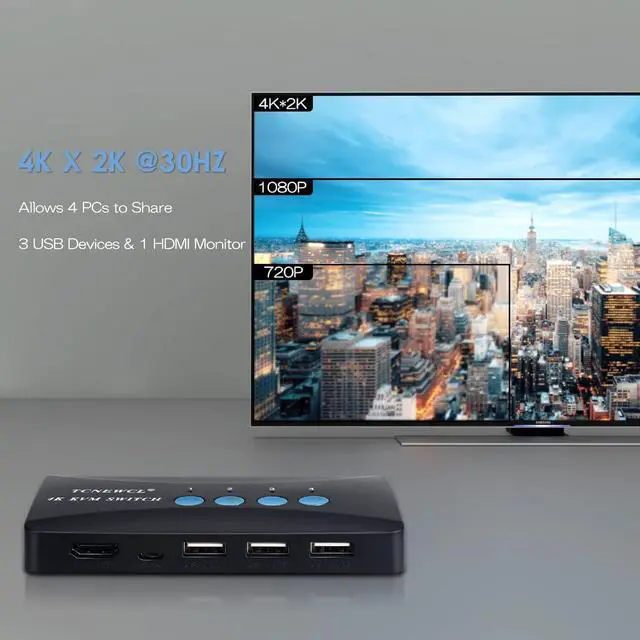
    • Ultra HD visual enjoyment: Support super widescreen display, DDC, and Automatic Identification high-quality output. The resolution is up to 4k×2k@30Hz chroma sampling, which makes the image display more delicate and lifelike, and the colors are brighter and moving, which gives a feast for your eyes. Of course, it also supports Backwards compatibility with 1080P/720P@60Hz or lower resolution.
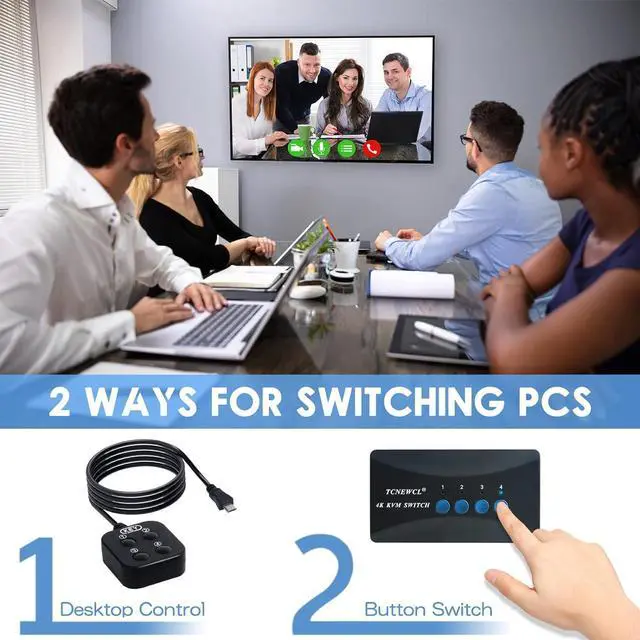
    • Button & LED indicate lights: You can easily switch between 4 computers by a one-button swapping which you can press the button on the panel switch or use the desktop controller to switch the
    +
    +
    Overview
    Specs
    Reviews
    avatar

    Any questions? Our AI beta will help you find out quickly.

    Specification:

    4-ports KVM switch box

    Input: 4 PC MAX with 4 HDMI&USB (2 in 1) cables

    Output: 1* HDMI + 3* USB

    Switching mode: panel button , external controller

    Resolution: 3840*2160@30Hz, 1080P@60Hz/ 720P / 480P, and compatible with lower resolution

    Support system: Windows / Mac / Linux system

    Operating temperature: -50? to 80?

    Color: Black


    2 in 1 KVM Cables *4

    4 x USB&HDMI cables for your computers.

    Please connect all the cables within the package during use this kvm switch.


    Remote Switch

    Switch between 4 PCs easily by using the remote switch included in package.


    LED Indicator

    LED indicator lights allow you to know which computer is in control.

    Warranty & Returns

    Warranty, Returns, And Additional Information

    Warranty

    • Please contact the Seller directly for warranty information. Warranty information may also be found on the Manufacturer's website.
    • CONTACT

    Return Policies

    Manufacturer Contact Info

    LOADING...