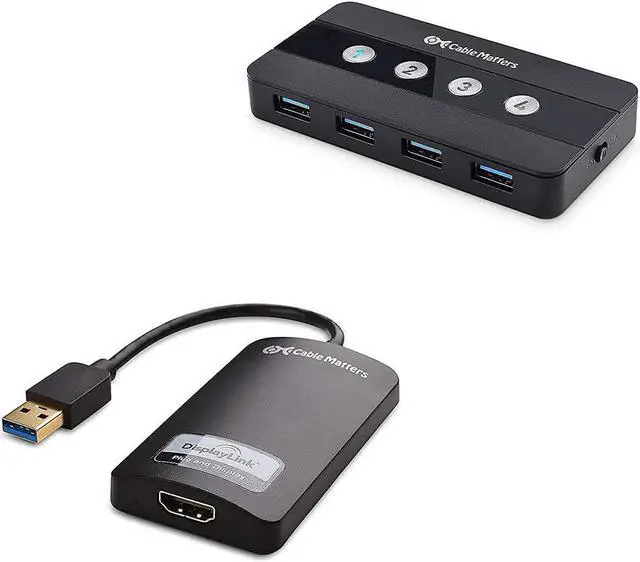
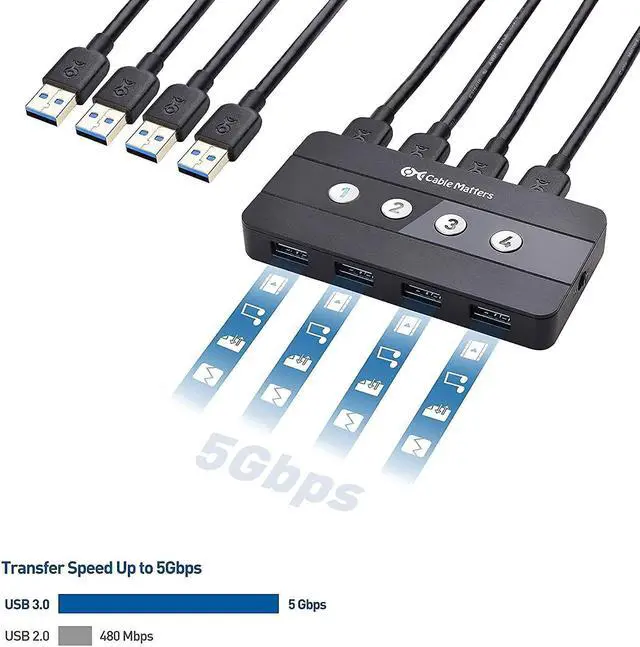
The Cable Matters USB 3.0 Switch is the ultimate accessory for a multiple-device workstation. Share high-speed USB 3.0 and USB 2.0 peripherals between up to four of your devices, eliminating the need for separate pairs of keyboards, mice, and printers for each computer. An included adapter adds support for USB-C or Thunderbolt 3 hosts. Easily swap laptops in and out of your workspace without having to unplug multiple USB cables.
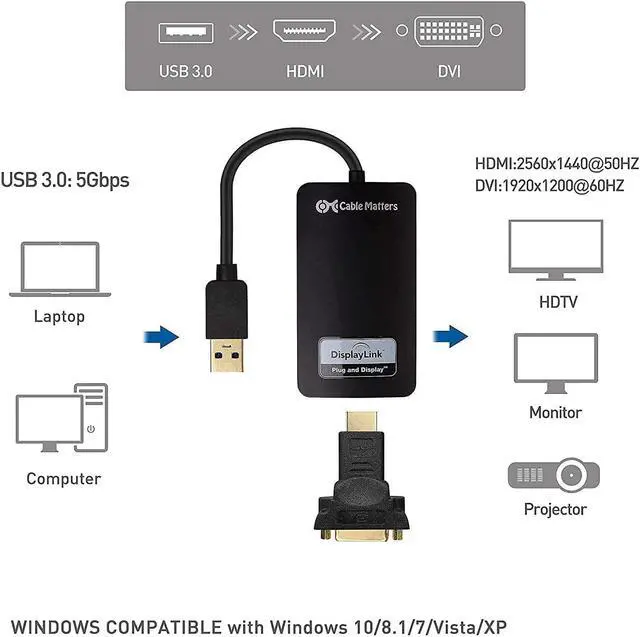
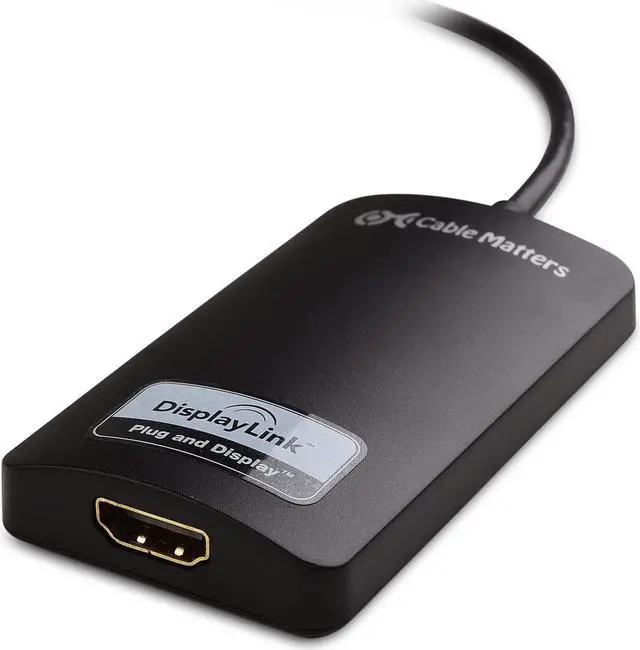
The Cable Matters USB 3.0 to HDMI Adapter is an easy way to connect a display with HDMI to a computer with an available USB port. Add a monitor to a computer without HDMI or add an additional display when the other video ports on your computer are occupied. Mirror or extend the connected monitor for an expanded workspace.
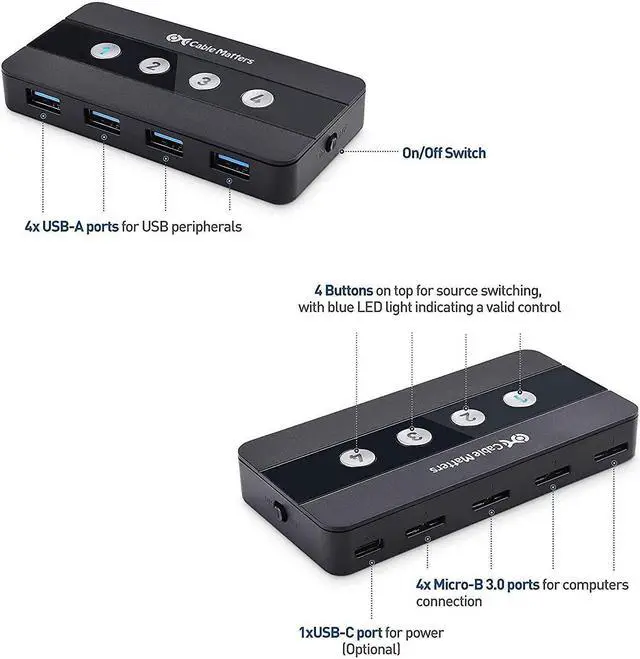
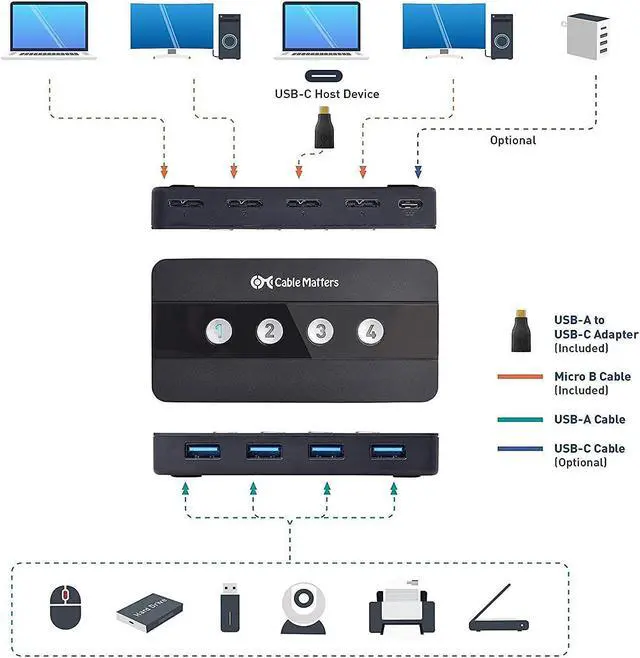
Four micro-B 3.0 ports connect up to four computers or laptops to the switch with the included micro-B to USB 3.0 cables Four USB 3.0 ports connect up to four peripherals to the switch Set the active host with a push of a button, and all four connected peripherals will connect to the active host The included adapter adds support for USB-C or Thunderbolt 3 laptops
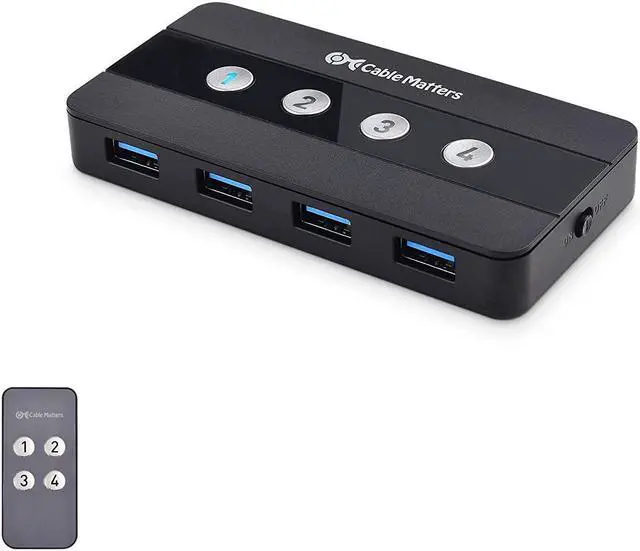
Unique design includes four LED-lit buttons to effortlessly swap between hosts with the push of a single button. No need to press a button multiple times to cycle between hosts Ideal button placement provides space to attach labels, so you can easily keep track of which button controls which host
An included remote control allows for quick, easy switching of the host computer with the push of a single button Easily mount the USB switch in an equipment cabinet or behind the computer and still control it from your desktop. Wireless remote eliminates the need for a tethered pop-out switcher that just adds more cable clutter Remote control can be disabled in situations where RF interference may be an issue
The switch includes a unique on/off switch to prevent power drain when the switch is not in use Reset the switch by power cycling it, eliminating the need for unplugging and reconnecting wires
USB 3.0 supports a transfer rate of 5Gbps Transfer a full-length HD movie to a USB 3.0 flash drive in under one minute 10x faster than USB 2.0 speed Plug & play, no driver required Universally compatible with all OS
Compatible with computers with USB 2.0, USB 3.0, USB-C, and Thunderbolt 3 Included USB-C adapter allows for connecting laptops with only USB-C or Thunderbolt 3 ports. Easily add more USB-C computers by purchasing additional cables or adapters
Video resolution up to 2560 x 1440Includes HD 1080p and belowAudio support for 2, 5.1, and 7.1 channels
DisplayLink drivers are available for download from the Cable Matters website.
OS Compatibility
Windows: 10/8.1/8/7 (64/32 bit) XP SP2 32 bit
Connect an LED monitorShow a presentation on a projectorBlu-ray & iTunes playback is NOT supported
Connect a display with DVISupports up to 1920x1200 via DVIVideo only (no audio)
4 Port USB 3.0 Switch Hub Four Hosts, Four Peripherals One-Touch Switching Remote, Not More Wires Built-in On/Off Switch 5 Gbps Data Transfer Maximum Compatibility USB 3.0 to HDMI Adapter 2K Video & Authentic Audio Simple Installation Mirror or Extend Your Laptop Bonus DVI Adapter