




 here!
here!
I’m your shopping assistant for PC builds, upgrades, and everything tech.
Got questions? Ask away!
Start a conversation
here!
I’m your shopping assistant for PC builds, upgrades, and everything tech.
Got questions? Ask away!
Start a conversation
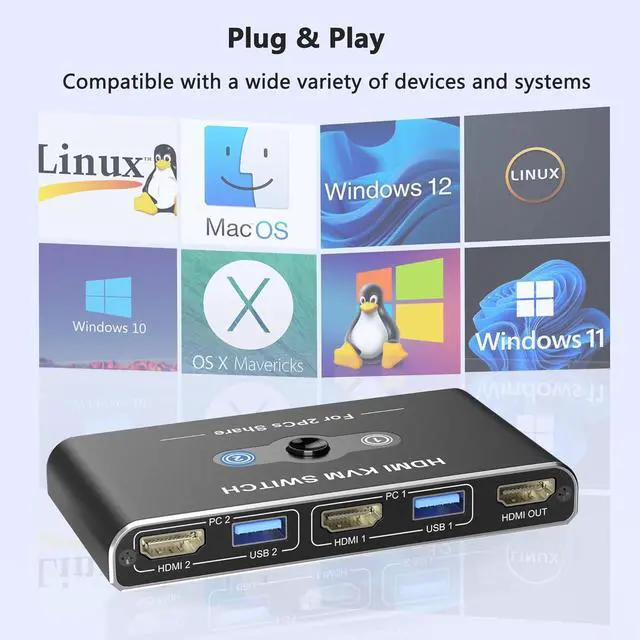
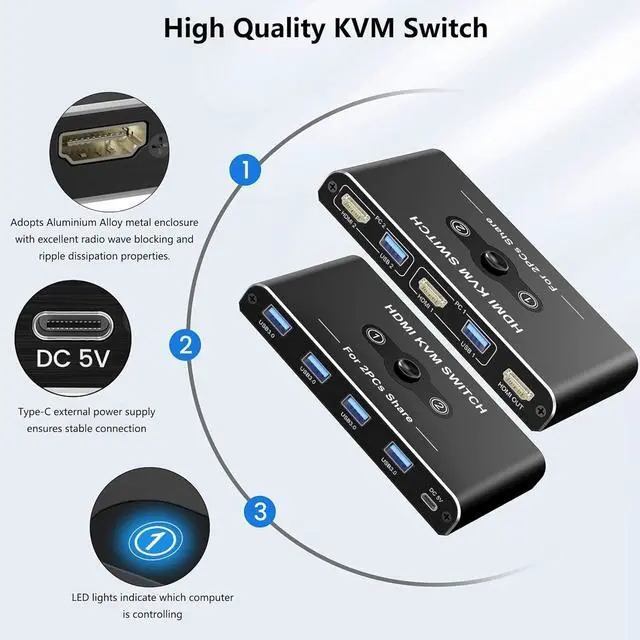
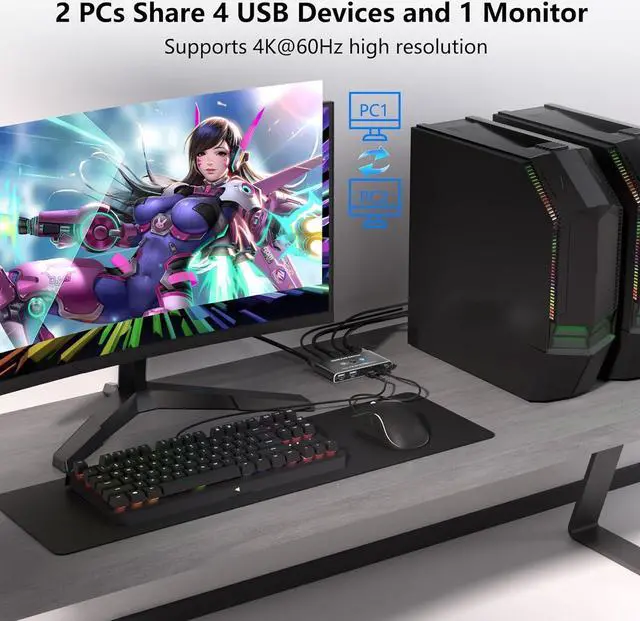



Any questions? Ask CelesteSM will help you find out quickly.

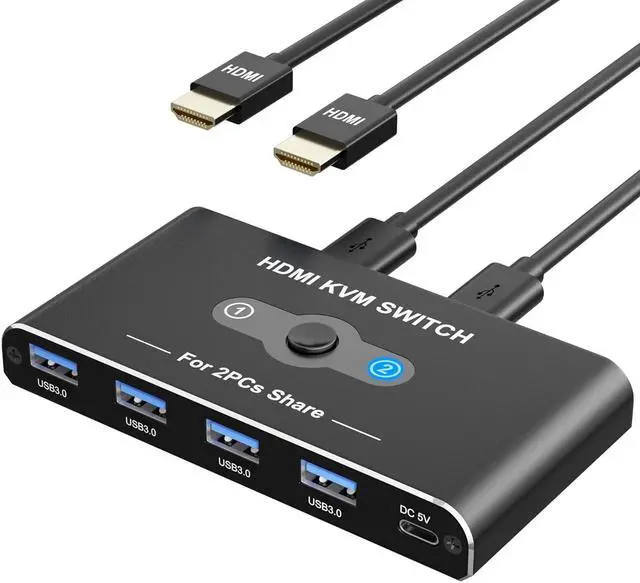
USB HDMI KVM Switch A great accessory for a family, office or other workplaces. You can share a single USB keyboard, USB mouse and HDMI monitor with both systems, saving space on your desk and using your preferred display, keyboard and mouse with both computers.
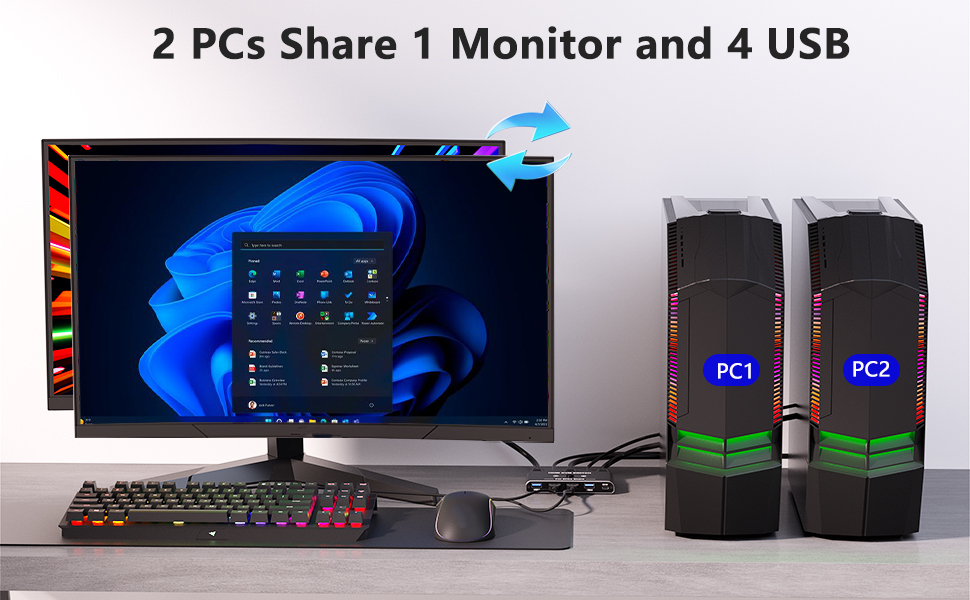

When using multiple PCs, if you have a keyboard and mouse for each one, your work space will be narrow. With a keyboard computer switch, you can operate multiple PCs with one keyboard and mouse. Secure a large work space with a keyboard computer switch and work on your PC comfortably.
More and more companies are separating business computers from computers dedicated to the in-house network. In such cases, it is better to share one display with a computer switch than to put two displays on your desk, as this will save space and improve work efficiency. If you have introduced a computer dedicated to the in-house network or are considering introducing one in the future, it is well worth considering, including the meaning of cost reduction.
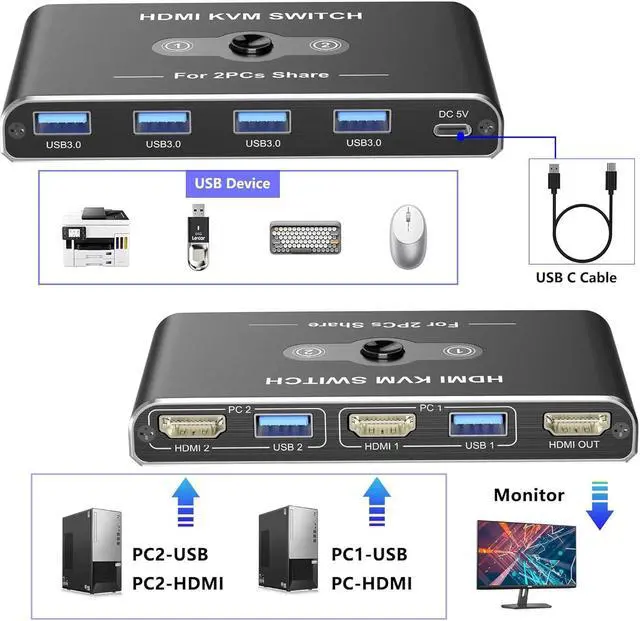
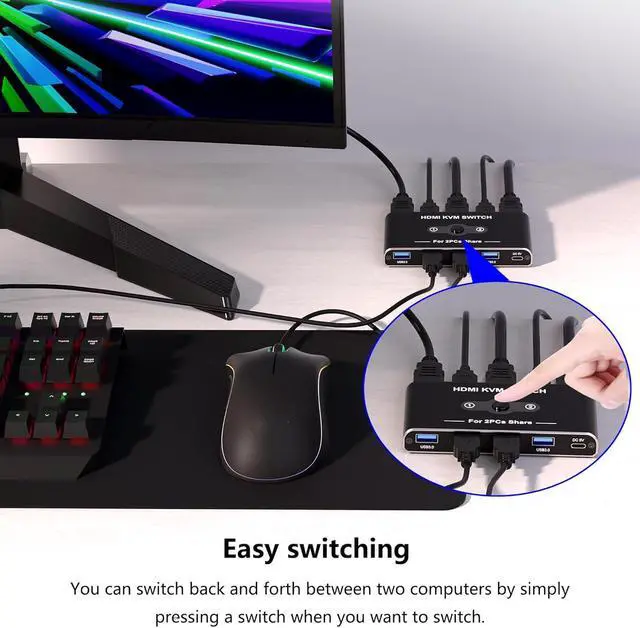
Since you can switch computers just by connecting, you can reduce the number of devices and expand your work space. Connect to two computers and press a button to switch the computer you want to operate the device on.

This is a KVM switch that can connect to a 4K HDMI display. Its appeal is that it supports resolutions up to 4K@60Hz. It can also be used with ultra-wide monitors, so it is recommended for those who want to work efficiently on a large screen. Since it can mirror at 4K@60Hz, it can be used not only to increase the efficiency of work on a normal computer, but also for presentations and digital signage purposes.

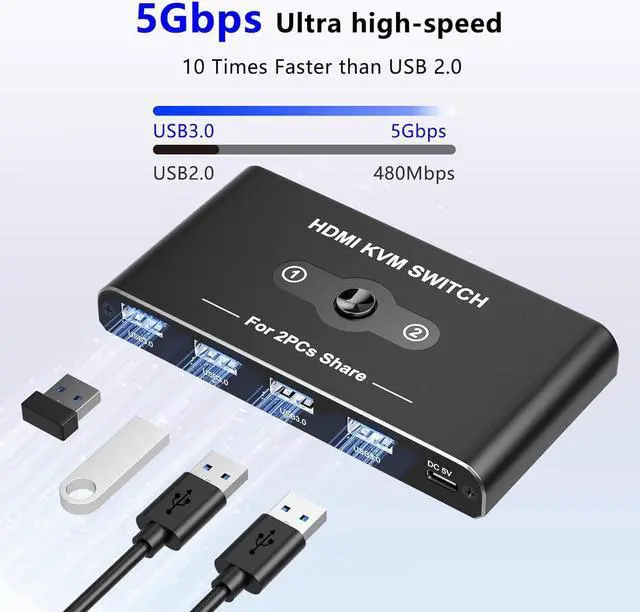
The KVM Switch usb comes with 4 USB 3.0 ports with transfer rates up to 5Gbps for connecting peripherals such as mice, keyboards, printers, webcams, and USB sticks with backward compatibility with 10 times faster than USB 2.0. The USB Switch 3.0 is backward compatible with USB 2.0/1.1. Note: It doesn't support USB devices with more than 10W power
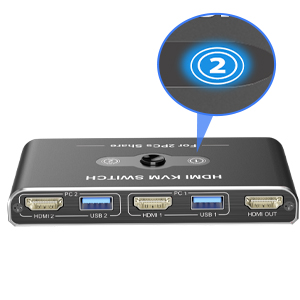
The switch is equipped with an LED light, so you can check the operating status at a glance. In addition, the LED brightness is low, which can reduce the trouble of light entering the eyes.
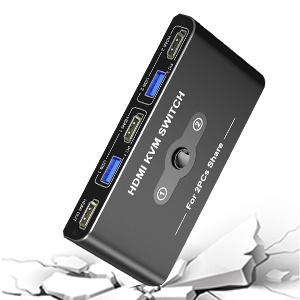
The USB switch adopts an aluminum alloy shell, which is not easy to deform, ensures rapid heat dissipation and durability, and provides perfect stability for work and entertainment.
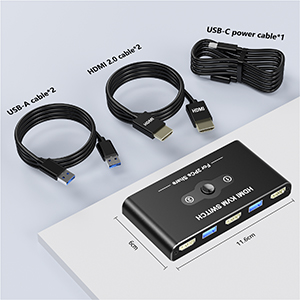
1x KVM switch
2x 4K HD-MI cables
2x USB-A cables
1x USB Type-C power cable
1 x User manual

Notes during use
1. Why does only one of the two monitors have a video output?
Most of the reasons for only one video output are incorrect connections. Make sure each computer is connected to a KVM switch (one HDMI cable + one USB cable).
2. No image when connected via HDMI
(1) Do not connect two PCs, but connect only one PC to the monitor with an HDMI cable to check whether it works properly.
(2) Replace the remaining two HDMI cables one by one to check whether the HDMI signal is output.
(3) Check whether the remaining one PC works properly. Connect the PC to the monitor with an HDMI cable without going through the product to check whether it works properly.
(4) Connect the HDMI output ports of the two PCs to the HDMI input ports of the product, and connect the HDMI input port of the monitor to the output port of the product. Press the switch button to check whether the switch works properly and whether the monitor displays an image.
3. USB terminal does not respond? Keyboard (mouse) input is not reflected properly?
(1) Check the USB devices connected to this product. Connect only the keyboard and mouse to check whether they work properly. The USB port with the icon can only be connected to a mouse and keyboard, and does not support other USB devices.
(2) The KVM switch needs to be reset.
(1) Turn off the power to the PC and remove all cables. If the model is one that receives bus power even when the power is turned off, turn off the power supply unit or unplug the power cable. (2) Connect the keyboard, mouse, and display cables to the KVM switch and turn on the display. (3) Connect the PC to the PC 1 port of the KVM switch. (4) Try connecting the USB-C cable of the KVM switch to the power adapter. (5) Power on PC 1. (6) Connect the PC to the PC 2 port, switch the port, and then power on the PC.


