




 here!
here!
I’m your shopping assistant for PC builds, upgrades, and everything tech.
Got questions? Ask away!
Start a conversation
here!
I’m your shopping assistant for PC builds, upgrades, and everything tech.
Got questions? Ask away!
Start a conversation





Any questions? Ask CelesteSM will help you find out quickly.

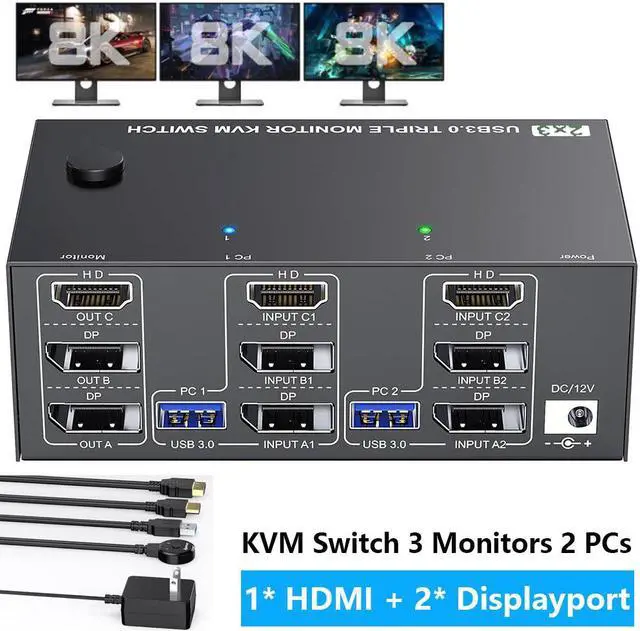
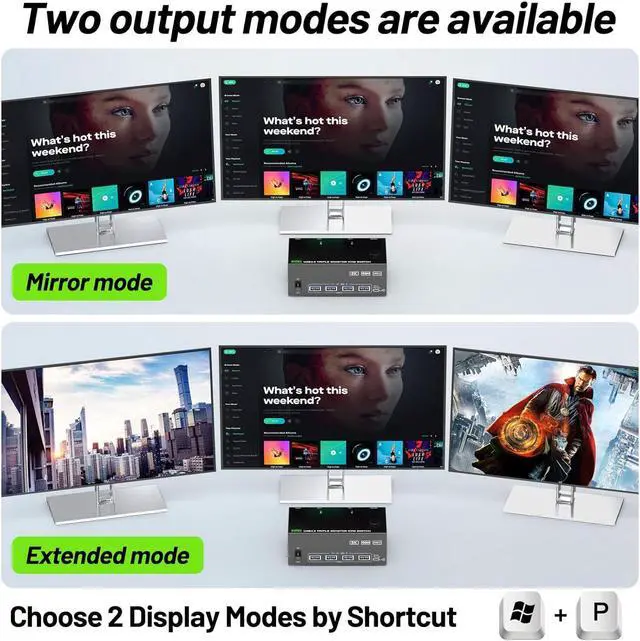
3 Monitors KVM Switch -- 2 Computers Share 3 Monitors and 4 USB 3.0 Devices


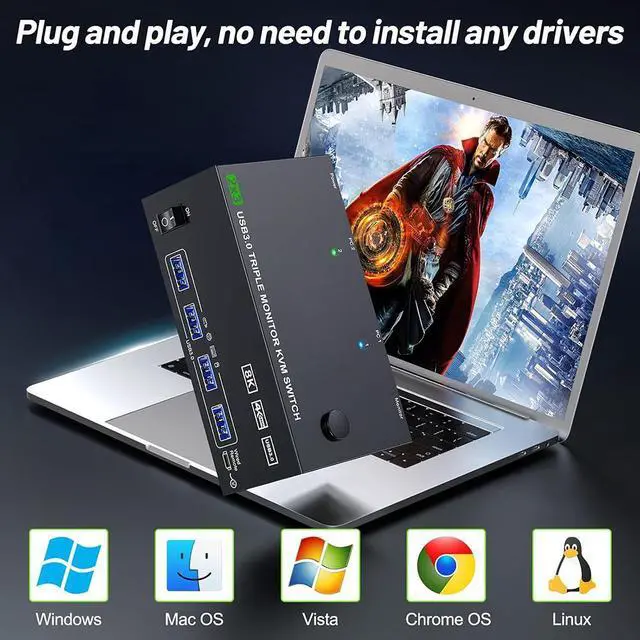
KVM switch 3 monitors driver-free for Windows, Mac, Linux, Unix and Ubuntu. Support PC, Laptop, Raspberry Pi, DVR, NVR.it is widely applied for home, Office, Game, Meeting, etc..

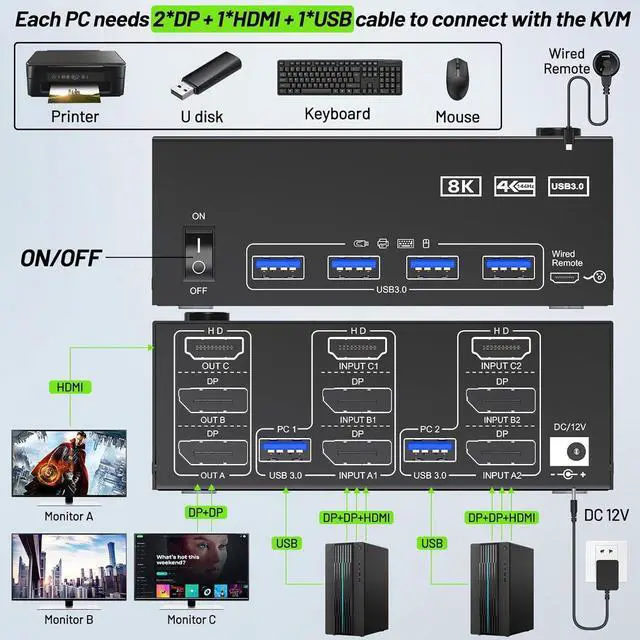
Each PC must have 1*HDMI+2*Displayport +1* USB cable to connect the 3 monitor KVM switch,OUT A, OUT B, OUT C connect to 3 monitors.
Supports DP to HDMI, USB-C/Type C to HDMI, USB-C/Type C to DP converter and USB-C docking station.
Please check your computer configuration.

HDMI+ 2*Displayport KVM Switch has 4 integrated USB 3.0 ports for keyboard, mouse, printer, USB flash drive, etc. Supports ultra-high-speed 5Gbps data transmission, 10 times faster than USB 2.0.

The HDMI 2.1 and DP 1.4 Triple Monitor KVM Switches support resolution up to 8K@60Hz 4K@144Hz and downwards, makes the picture quality clearer and the details are displayed clearly and finely. Note: Final resolution is also subject to graphic cards, monitors and cables.

You can press the button on the panel or use the wired remote (included) to switch the 2 computers.
Two color LED indicate the active computer.


| Input Tip: | 2*DP+1*HDMI+1*USB (for PC 1,PC 2). Desktop: The graphics card is required to have at least 2*DP+1*HDMI ports;Laptop: It is required to be able to expand at least 2*DP+1*HDMI ports (for use with a USB C docking station) |
|---|---|
| Output Tip: | 2*DP+1*HDMI+4*USB 3.0 (for 3 monitors and USB devices).It is recommended to use 2*DP monitor + 1 HDMI monitor, supporting DP to HDMI cable or converter. |
| Resolution | HDMI: up to 8K@60Hz; Displayport: up to 8K@30Hz,The final resolution also depends on your computer, monitor and the version and length of DP and HDMI cables |
| About Power Supply: | KVM can be powered by USB cables connected to the computers. Using the equipped DC12V power adapter can effectively solve the problem of insufficient power supply caused by connecting high-power USB devices. |
| Important Note | The use of 3 monitor KVM will be affected by cables. If the cable version is lower or the cable is too long, the monitor will not work. It is recommended to use HDMI2.0/2.1 and DP1.4 version cables to connect the KVM, and the length of a single cable should not exceed 1.5m. |
| Package Content: | 1x Triple Monitor KVM Switch, 2x USB 3.0 Cable, 1x Power Adapter, 1x Wired Remote, 1x User's Manual. You need to prepare HDMI and DP cables yourself. |


