


• $119.99
  • Free 30-day Returns
  • Ships from China.
    Price alert
    Shop it at NeweggBusiness.

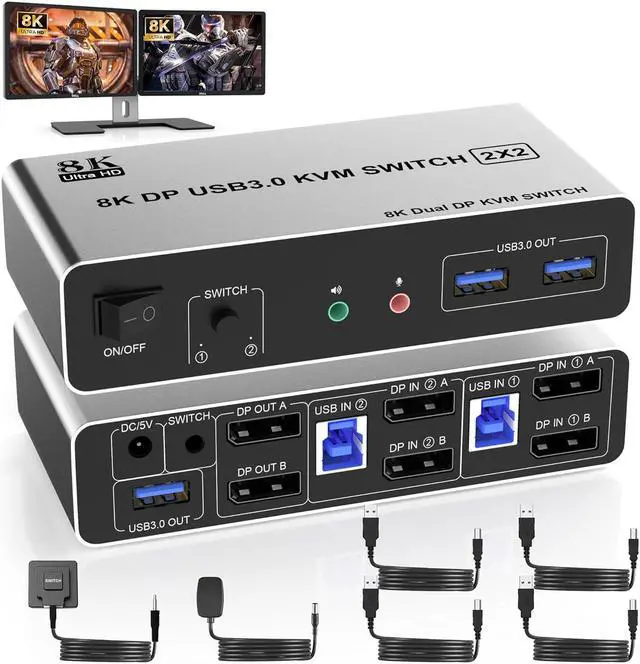
    IHDAPP 8K USB 3.0 DisplayPort KVM Switch 2 Monitors 2 Computers, 8K@60Hz Dual Monitor DP KVM Switch 2 in 2 Out with Audio Microphone and 3 USB 3.0 Ports, 2 Computers 2 Monitors Keyboard Mouse Switcher

    Limited time offer, ends 01/10 By Smarter & Better Life Marketplace

    • KVM Switch DP Dual Monitor:The KVM Switch can control 2 monitors 2 computers with 1 set of keyboard and mouse, and support 2 monitors mirror desktop or extended desktop. NOTE: It requires each computer has 2 displayport output interfaces and support exten
    +
    +
    Overview
    Specs
    Reviews
    avatar

    Any questions? Our AI beta will help you find out quickly.

    8K@60Hz DisplayPort + DisplayPort KVM Switch for 2 monitors 2 computers
    8K@60Hz DisplayPort + DisplayPort KVM Switch for 2 monitors 2 computers


    Advantages:


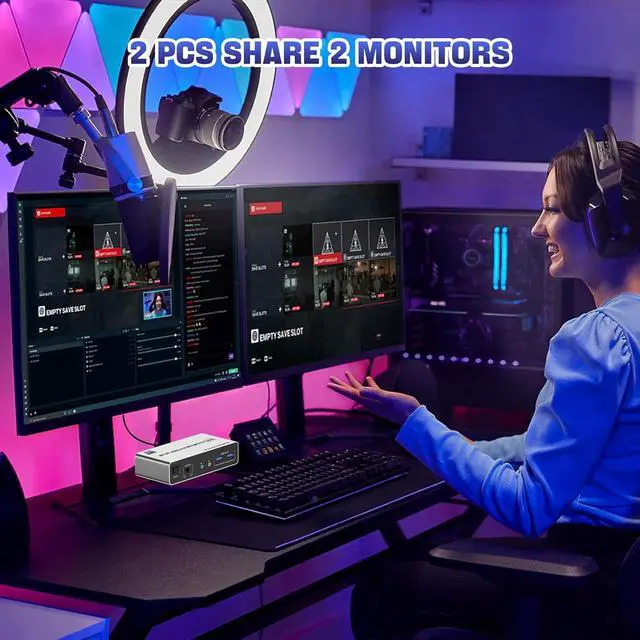
    • 1. 2 computers share one set of keyboard, mouse and 2 monitors
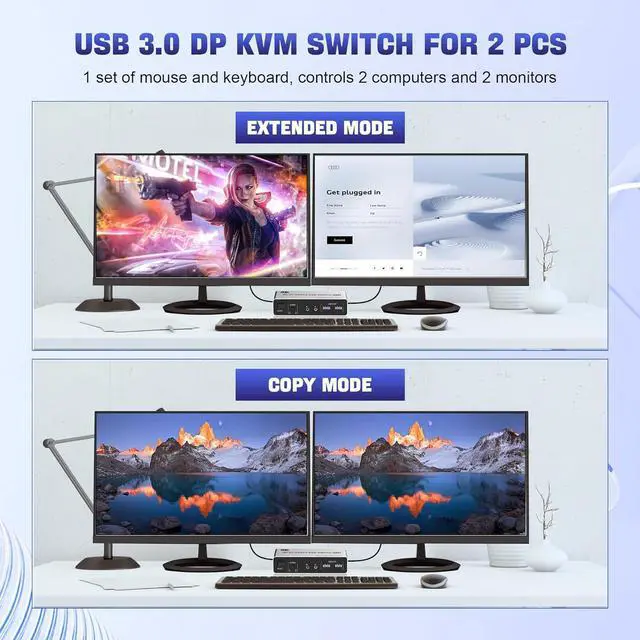
    • 2. Dual monitors output support and mirrored and extended display
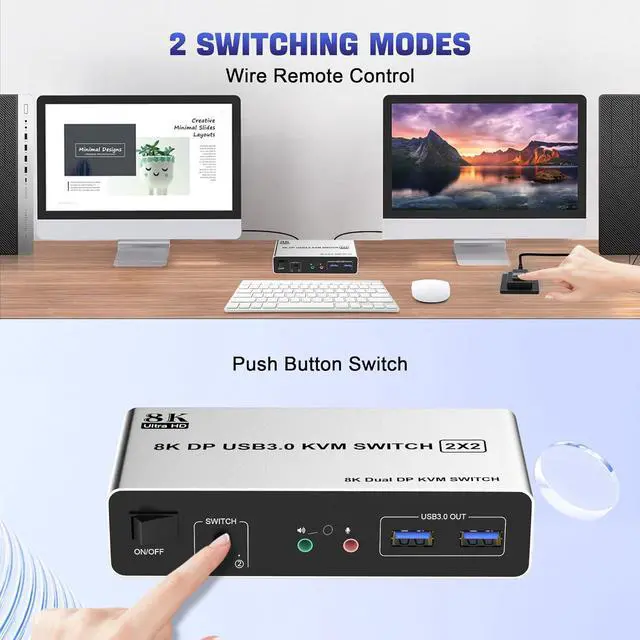
    • 3. Switching modes: Button switch and wired remote
    • 4. Cross support most major OS including Windows, Linux, Mac
    • 6. With extra USB 3.0 ports and audio output.
    • 7. Support max up resolution 8K@60Hz,downward compatible.
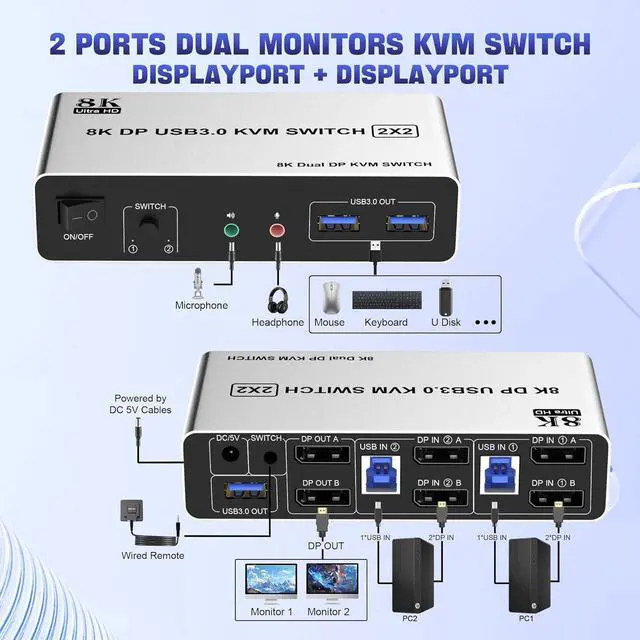
    installation steps:  1. Insert the adapter into the KVM ; 2. Plug the Displayport cable into the KVM
    installation steps:


    • 1. Insert the adapter into the KVM ;
    • 2. Plug the Displayport cable into the KVM switch and monitor;(Output)
    • 3. Plug the Displayport cable and USB cable into the KVM switch and your computer/laptop (DP cables are not included)(Input)
    • Please check whether DP IN1 A , DP IN1 B and USB IN1 are corresponding, and whether DP IN2 A , DP IN2 B and USB IN2 are corresponding. Mixed insertion is not supported.
    • DP IN1 A + DP IN1 B + USB IN1=PC1
    • DP IN2 A + DP IN2 B + USB IN2=PC2
    • 4. Insert the mouse and keyboard into the KVM switch
    • 5. If needed, you can connect a microphone and audio port
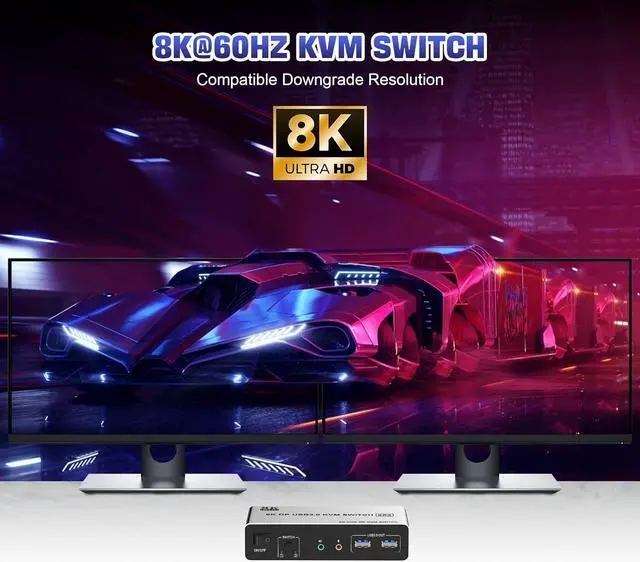
    Ultra HD 8K@60Hz Dual Monitor KVM Switch  Supports up to 8K@60Hz/4K@120Hz, Ultra HD, HDR 10, Dolby v


    Ultra HD 8K@60Hz Dual Monitor KVM Switch


    1. Supports up to 8K@60Hz/4K@120Hz, Ultra HD, HDR 10, Do-l-by vision, 3D effect.
    2. Note: Only when both your computer Graphics card and monitor support 8K@60Hz then you can get 8K@60Hz effect.
    USB
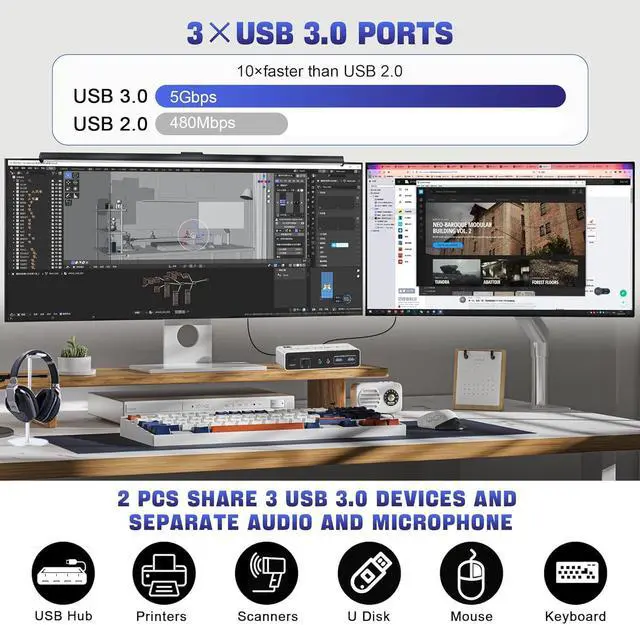
    3 USB 3.0 Ports  Supports ultra-fast USB 3.0 data transfer up to 5Gbps, also supports separate audio
    3 USB 3.0 Ports


    • Supports ultra-fast USB 3.0 data transfer up to 5Gbps, also supports separate audio and microphone output.
    33


    2 convenient switch modes


    • 1. Toggle selection on front panel
    • 2. Wired remote switch (one-touch switch)
    Package
    8K@60Hz DisplayPort + DisplayPort KVM Switch for 2 monitors 2 computers

    Advantages:

    1. 2 computers share one set of keyboard, mouse and 2 monitors
    2. Dual monitors output support and mirrored and extended display
    3.
    Switching modes: Button switch and wired remote
    4. Cross support most major OS including Windows, Linux, Mac
    6. With extra USB 3.0 ports and audio output.
    7. Support max up resolution 8K@60Hz, downward compatible.


    installation steps:

    1. Insert the adapter into the KVM;
    2. Plug the Displayport cable into the KVM switch and monitor; (Output)
    3. Plug the Displayport cable and USB cable into the KVM switch and your computer/laptop (DP cables are not included) (Input)
    Please check whether DP IN1 A, DP IN1 B and USB IN1 are corresponding, and whether DP IN2 A, DP IN2 B and USB IN2 are corresponding. Mixed insertion is not supported.
    DP IN1 A + DP IN1 B + USB IN1=PC1
    DP IN2 A + DP IN2 B + USB IN2=PC2
    4. Insert the mouse and keyboard into the KVM switch
    5. If needed, you can connect a microphone and audio port

    Warranty & Returns

    Warranty, Returns, And Additional Information

    Warranty

    • Please contact the Seller directly for warranty information. Warranty information may also be found on the Manufacturer's website.
    • CONTACT

    Return Policies

    Manufacturer Contact Info

    LOADING...