




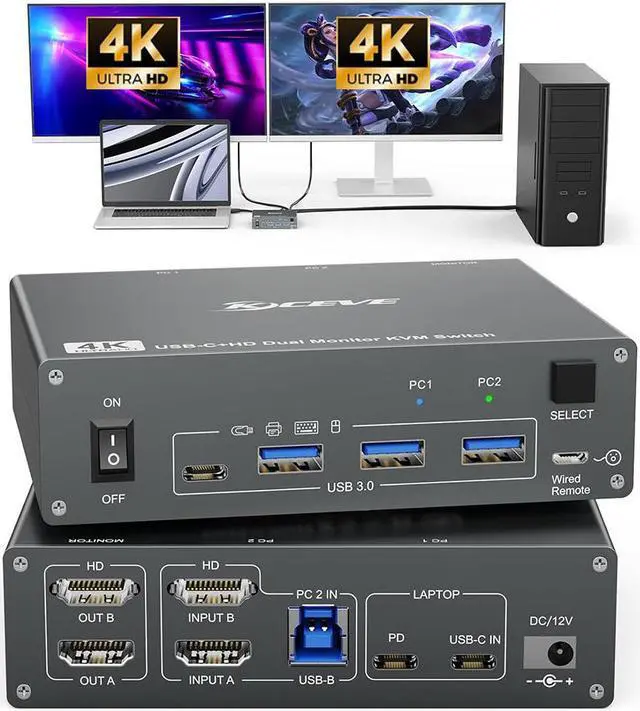
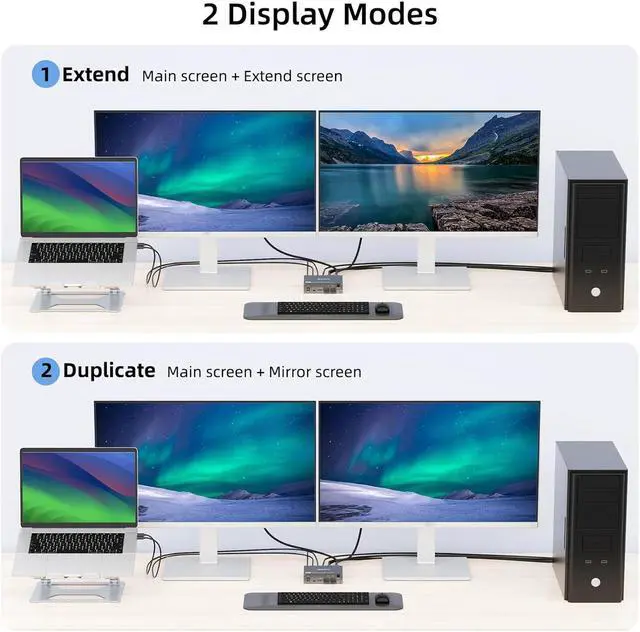
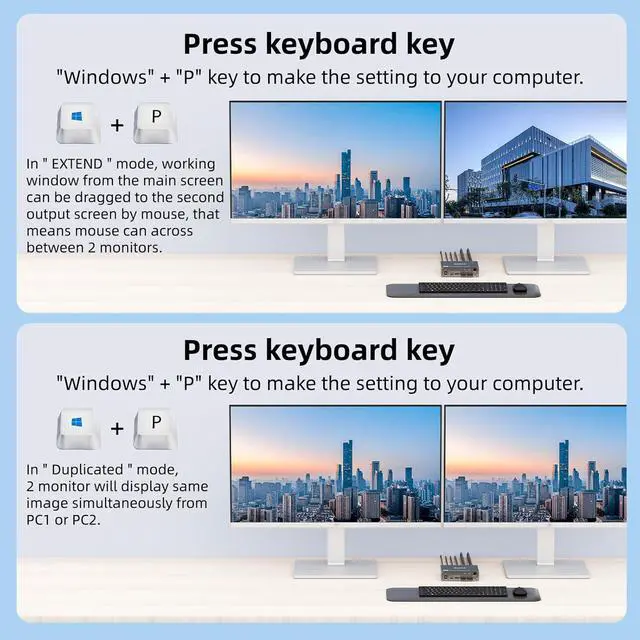
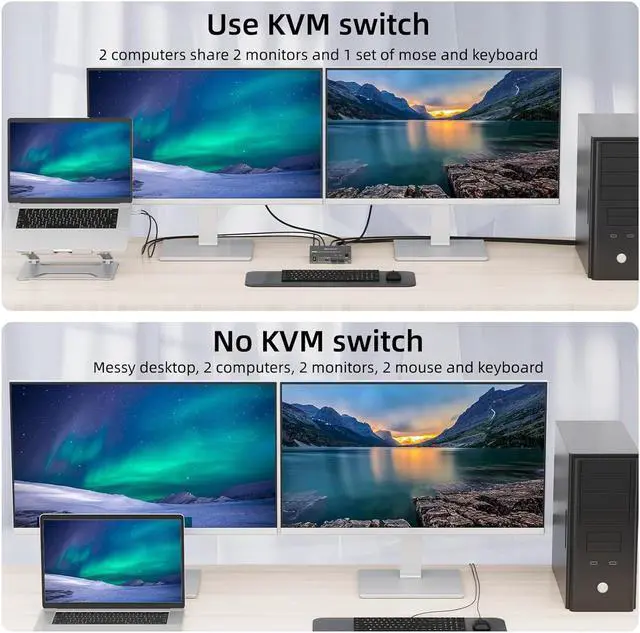


This is a USB C KVM Switch for 1 Laptop + 1 Desktop + 2 Monitors
- Product Name: USB C KVM Switch for 2 Computers, 2 Monitors
- Material: Metal casing
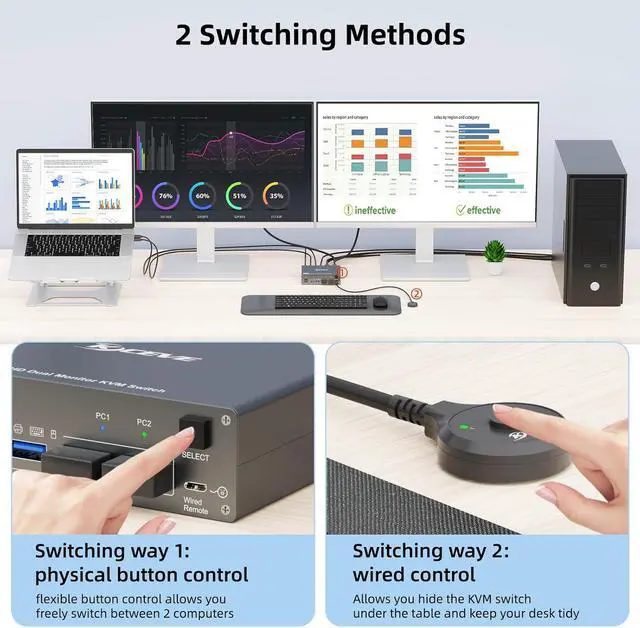
- Control type: physical button and wired control
- Switch mode via keyboard hotkey: Not supported
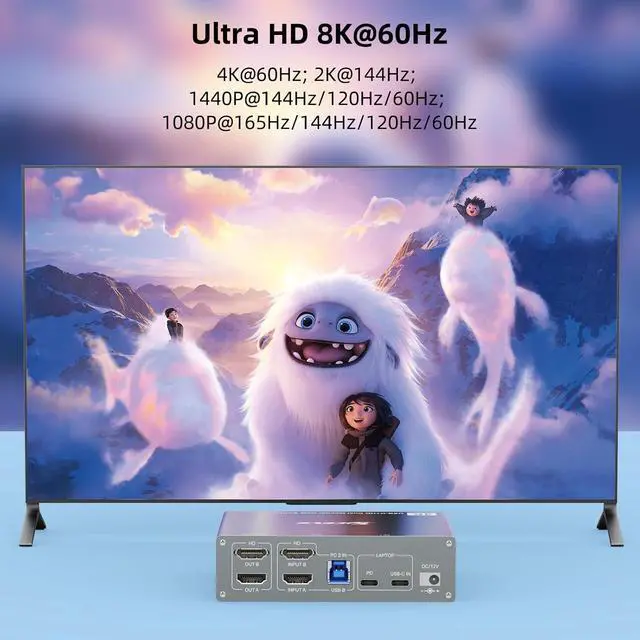
- Resolution range: Up to 4K@60Hz
- Supports wired or wireless keyboard and mouse
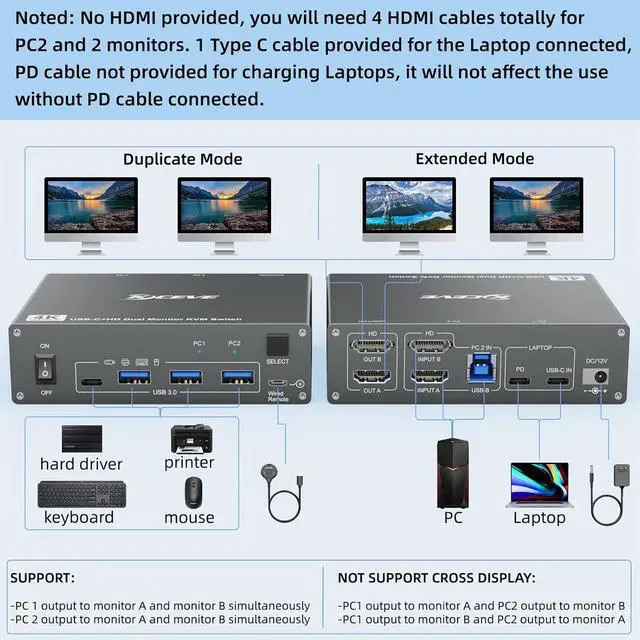
Note: HDMI cable not included

Plug and Play KVM Switch for USB-C Computers and HDMI Computers
1. Please make sure your laptop has a USB Type-C port for audio and video transmission.
USB-C input = PC1A PD cable is not required if you do not need to charge the laptop. If you want to charge the laptop when using this KVM switch, you need an external laptop power supply to connect the USB-C KVM switch to your socket. A laptop adapter is not included. Instead, please do not use a mobile phone power supply. The PD port provides 87W charging.
2. Please make sure your other desktop has 2 HDMI ports.
Input A + Input B + USB B = PC2 For the desktop output signal on 2 monitors, 2 HDMI ports are required. We recommend using HDMI cables with a length of no more than 2 m.


Supports 2 switching options
Physical button control. Wired control, we have improved the wired control, it is larger and the touch feels more comfortable, this switching option responds quickly and is flexible, you can hide the 4 PC KVM switch under the table and thus keep the desk tidy.

2 Monitor KVM Switch with 4 USB 3.0 Ports
The USB 3.0 version ensures faster and more stable data transfer and is a great solution to solve many problems of disconnecting USB devices during use.

DC12V connection for power supply
No external power supply is required for normal USB devices. DC12 power supply is included. When you connect a USB device with high power consumption, you need to connect a power supply to ensure a stable connection.
