Please Note:
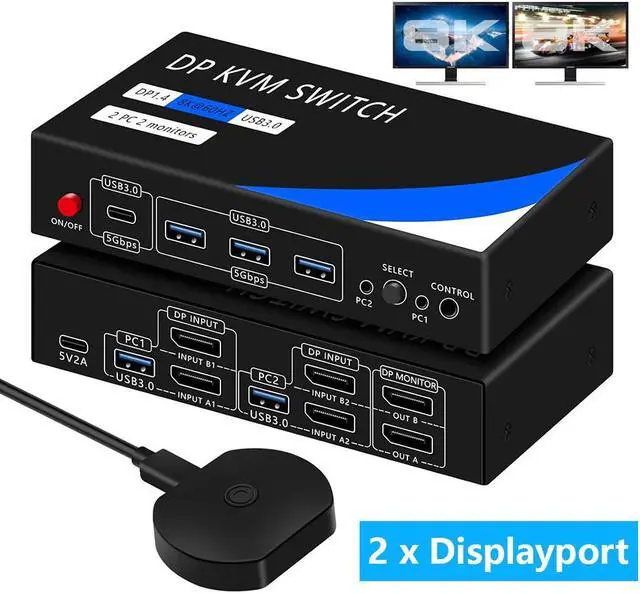
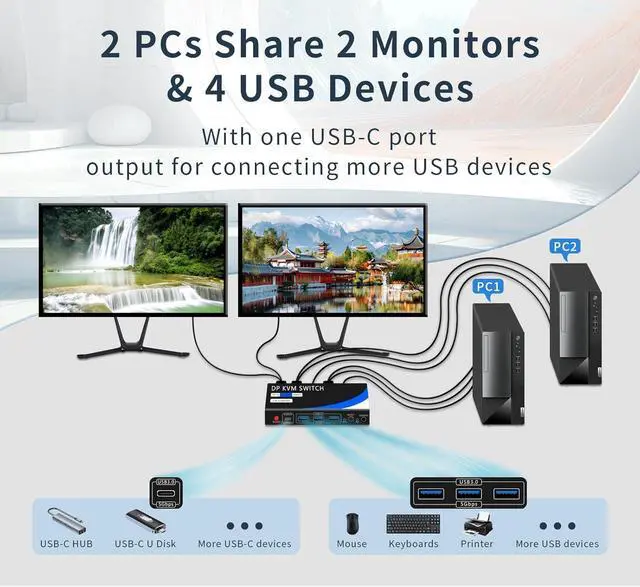
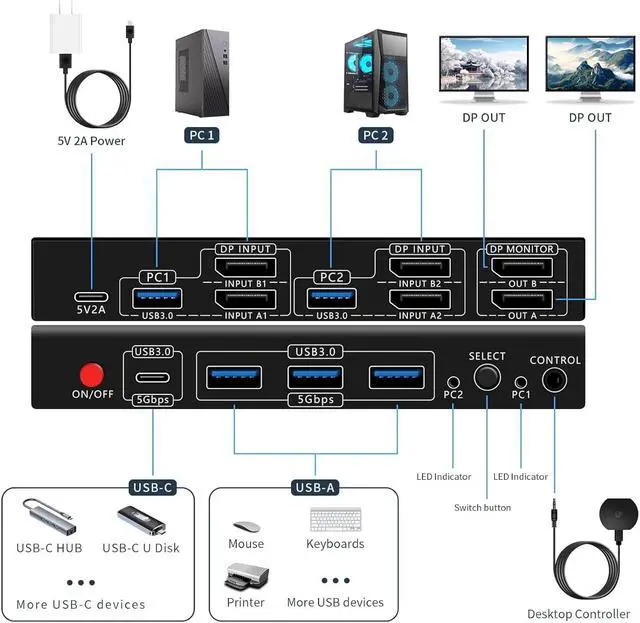
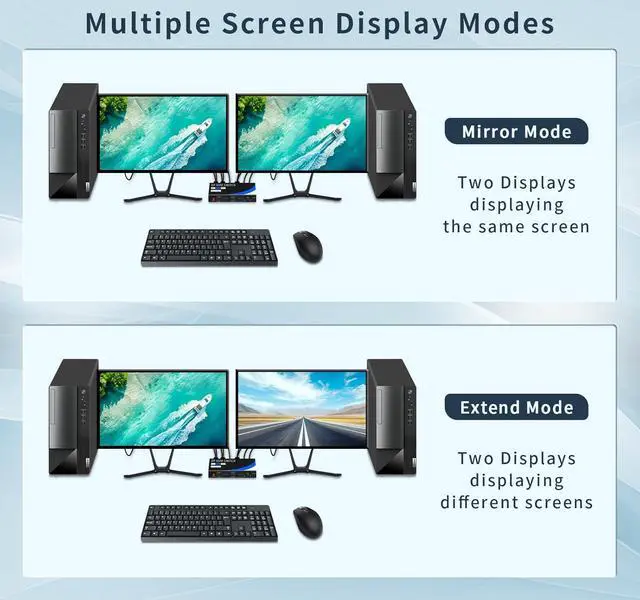
1. Please make sure that the computer you are connecting to itself supports at least two monitors working at the same time. 2. Each computer needs to be connected with 2*Displayport cables for normal dual screen display. For computers without 2 Displayport ports, you need to use a reliable adapter or USB C docking station to extend the Displayport signal. Please make sure that each of your computers supports dual-screen display when purchasing.
Testing method: You can connect your computer directly to 2 monitors (not through KVM).
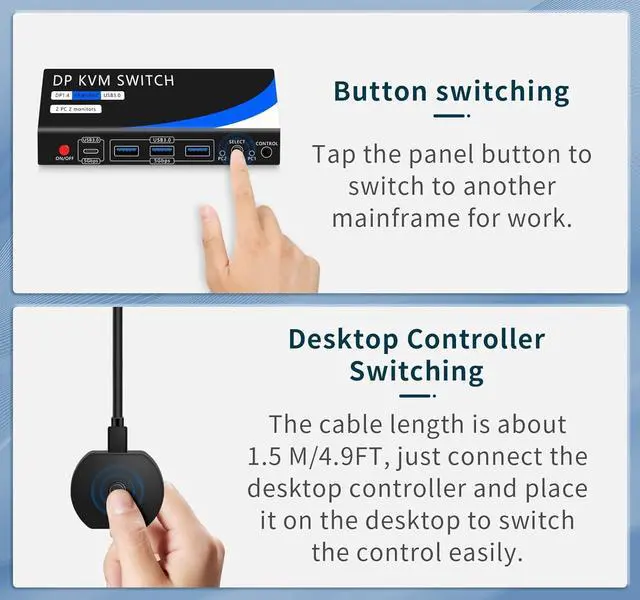
The Dual Monitor KVM Switch Kit includes 1x Displayport KVM Switch, 1x 5V 2A Charger, 1x 1.5 m/ 4.9 ft Desktop Controller, 2x 1m/ 3.3 ft USB 3.0 Cables, 1x 1m/ 3.3 ft USB Power Cord, and 1x User's Manual