




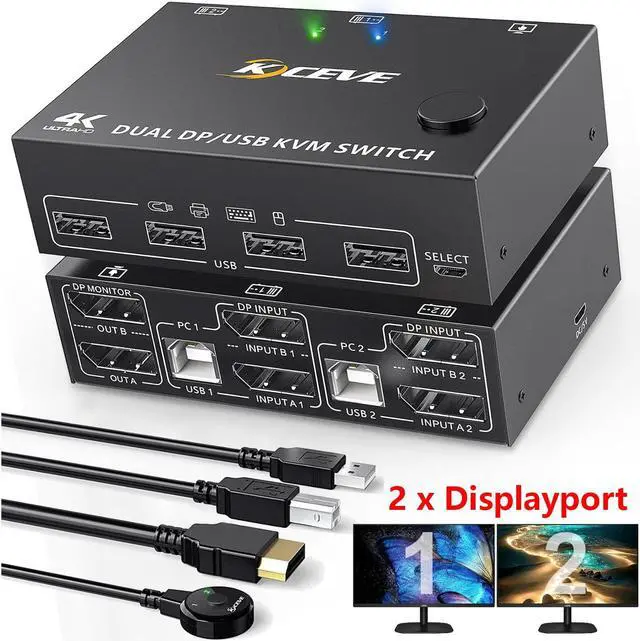
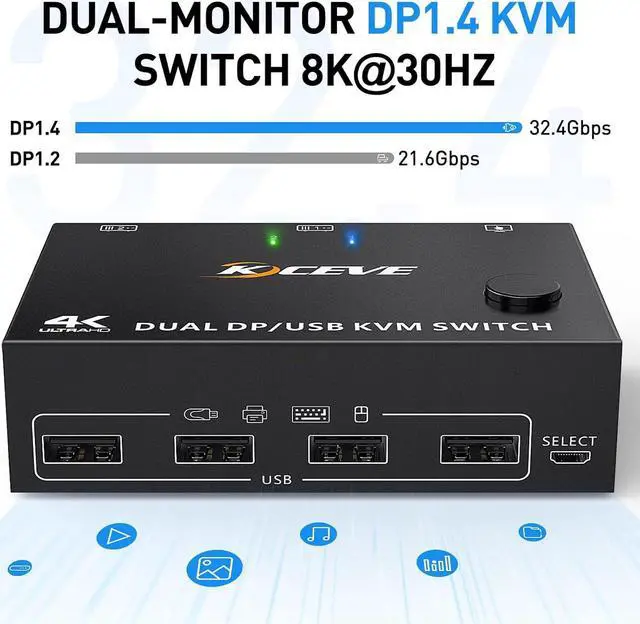


2 Ports Dual Monitor Displayport 1.4 KVM Switch Supports Ultra HD 8K 30Hz for Vivid Visual Experience.
Features:
- 2 computers share a wired/wireless keyboard, mouse and 2 monitors.
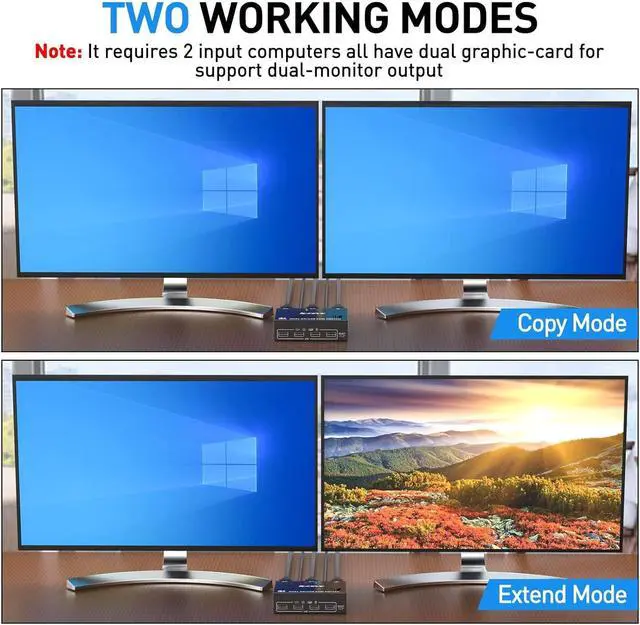
- Dual monitor output supports extended and mirrored display.
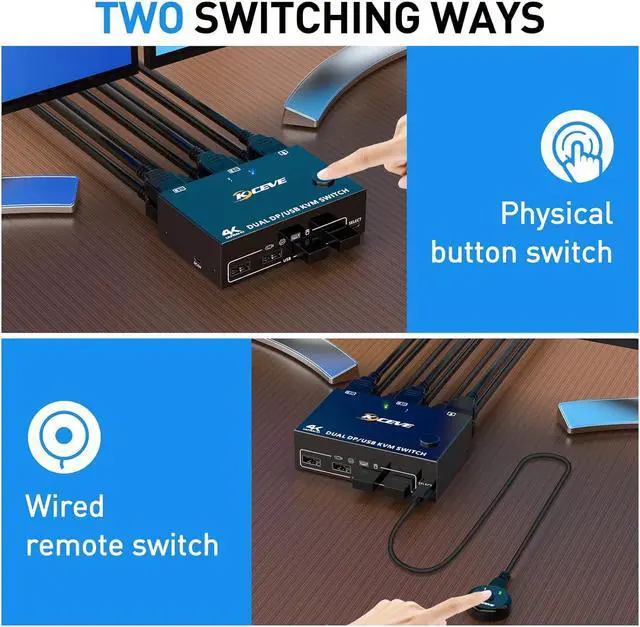
- Switching mode: push-button switch and wired remote control.
- Supports wired or wireless keyboard and mouse.
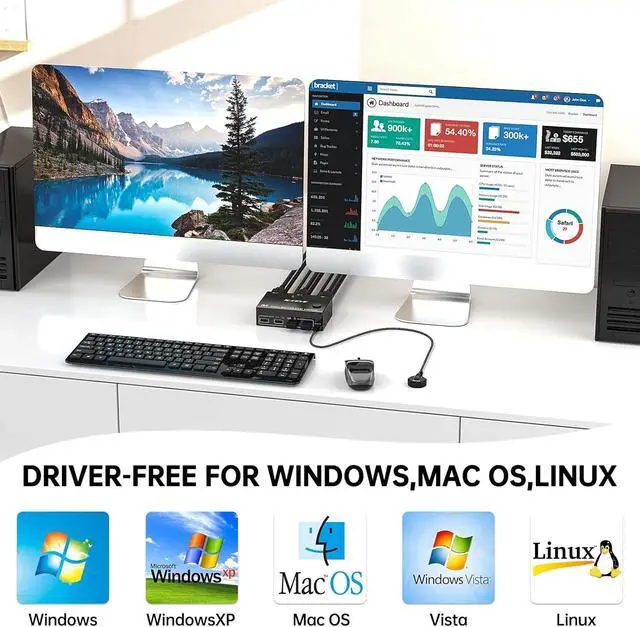
- Cross support for most major operating systems, including Windows, Linux, and Mac
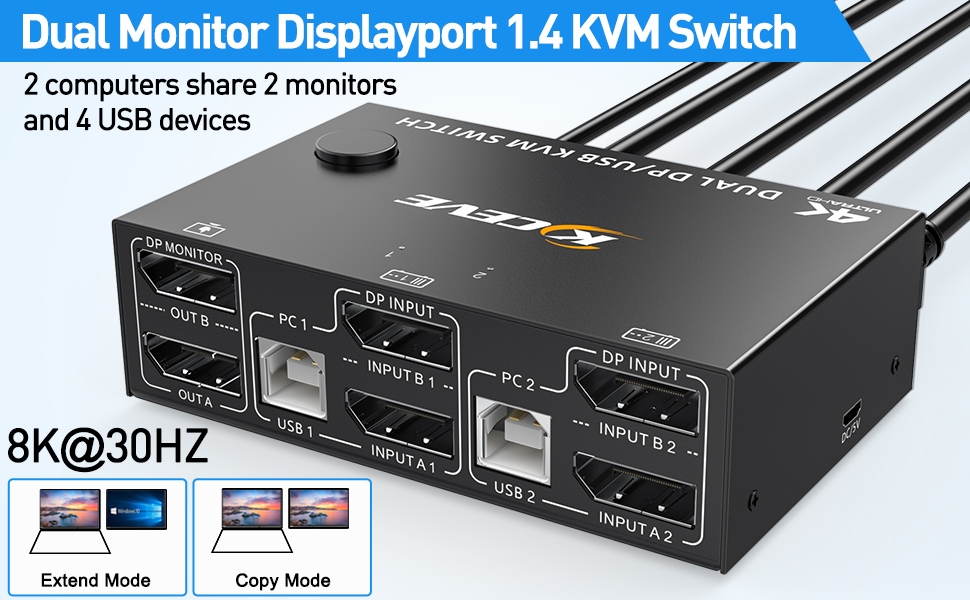
- Support the highest resolution 8K@30Hz,4K@120Hz, 3440*1440@ 144Hz, 2560*1440@144Hz and downward compatible.
- Support DP 1.4 and downward compatible.
Plug & Play, No Drivers or Complicated Software Needed.
Installation Guide Precautions (Incorrect connection may cause faults):
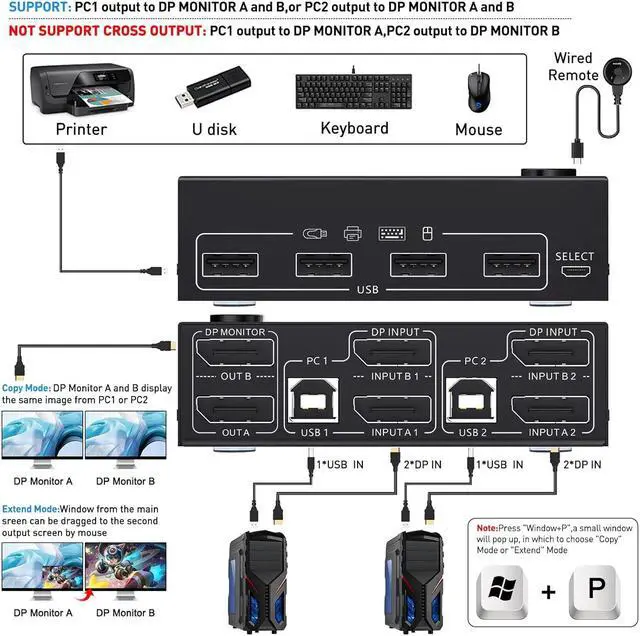
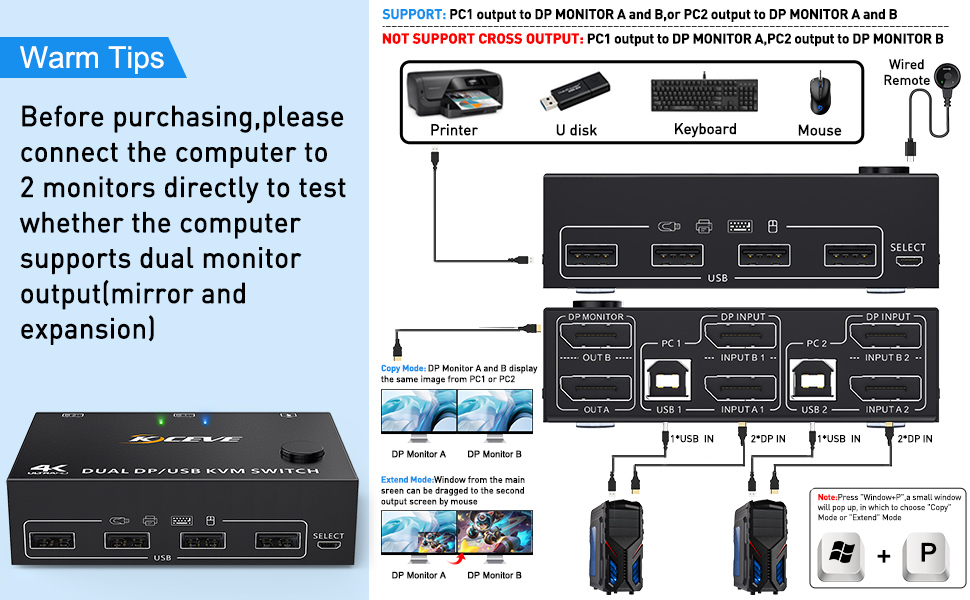
Each computer must be connected with 2 DP cables and 1 USB A/B cable to keep the keyboard, mouse, and 2 monitors working properly.
Connection steps:
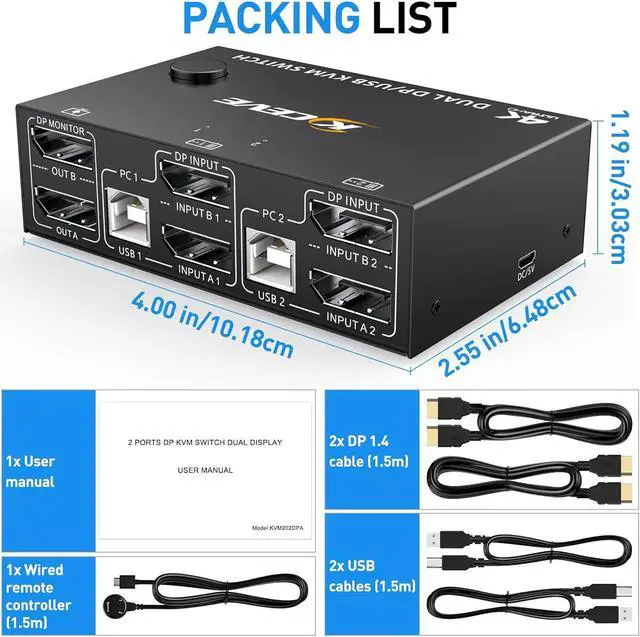
Step 1. Connect 2 x DP cable +1 x USB cable to PC 1 and KVM (USB 1, INPUT A1, INPUT B1).
Step 2. Connect 2 x DP cable +1 x USB cable to PC 2 and KVM (USB 2, INPUT A2, INPUT B2).
Step 3. Connect A 2 x DP cable between the KVM (OUT A, OUT B) and the monitors.
Step 4. Connect the keyboard and mouse to the USB ports on the KVM.
Step 5. Insert the USB devices into the USB port on the KVM.
Step 6. Plug the desktop controller into the SELECT port and remotely switch between PC1 and PC2.
* * * *Note * * **
1. After connecting the computer to the monitor using the KVM, set the screen output mode (press Windows+P) on the keyboard and select the output mode in the dialog box that is displayed. Otherwise, only 1 of the two connected monitors has an image.
2. Before purchasing this product, ensure that the computer is directly connected to the monitor to properly display images. Otherwise, the KVM cannot be used.
3. If you want to output 8K@30Hz or 4K 120Hz or 3440*1440@144Hz, 2560*1440@144Hz video and picture , please make sure the computers, monitors and all cables support it.

Support 2 Display Modes
Note:
Dual monitor DP1.4 KVM switches require each computer to have 2 DP output ports and supports extended display, Support USB-C to DP adapter or cable, not compatible with VGA/DVI/HDMI to DP adapter or cable. If the computer only supports single display, then this product cannot help to get dual display function.
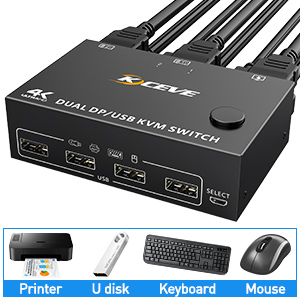
With 4 USB 2.0 Hubs
The DP KVM switch has 4 USB2.0 ports allows you to share 2 more USB devices like keyboard mouse, printer, scanner, USB webcam, headphone and other USB devices between 2 computers or laptops .

Compatible with most operating systems
This dual monitor displayport1.4 kvm switch compatible with most operating systems
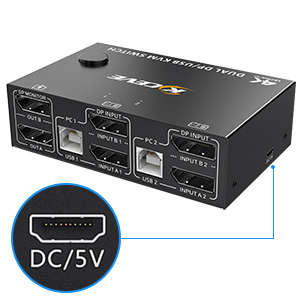
DC5V External power supply
This dual monitor DP KVM is powered by USB input from computer and usually no external power supply required. However, in order to enhance the stability and strengthen the identification function when connecting high -power devices, please plug in the DC 5v power supply.
Note:
Power supply cable is not included in the package, need to provide it own.