




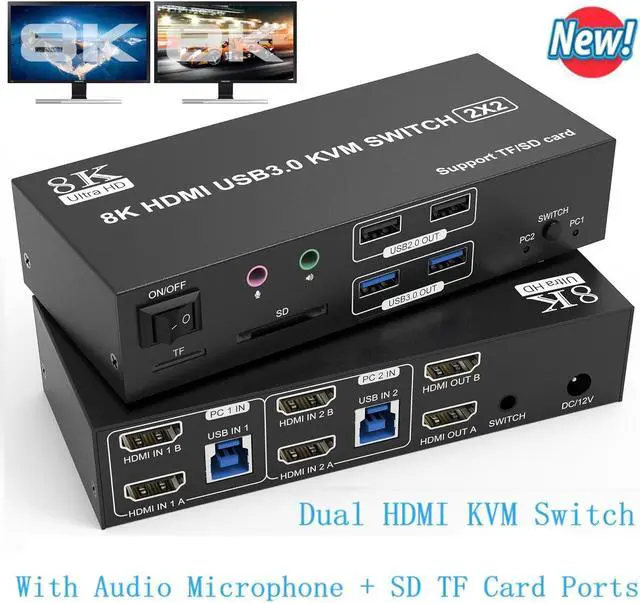


8K@60Hz 4K@120Hz HDMI KVM Switch for 2 Computer 2 Monitors
Features:
- Easily share two monitors and a mouse and keyboard without having to unplug and unplug repeatedly.
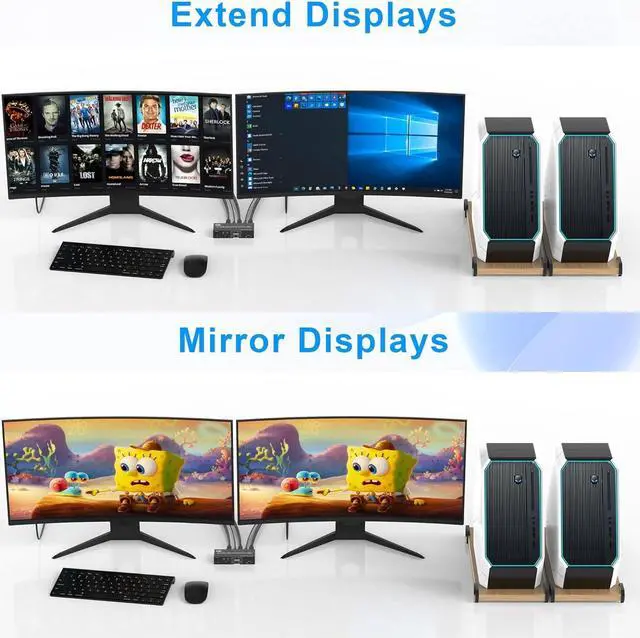
- Two display modes: duplicate mode and extended mode.
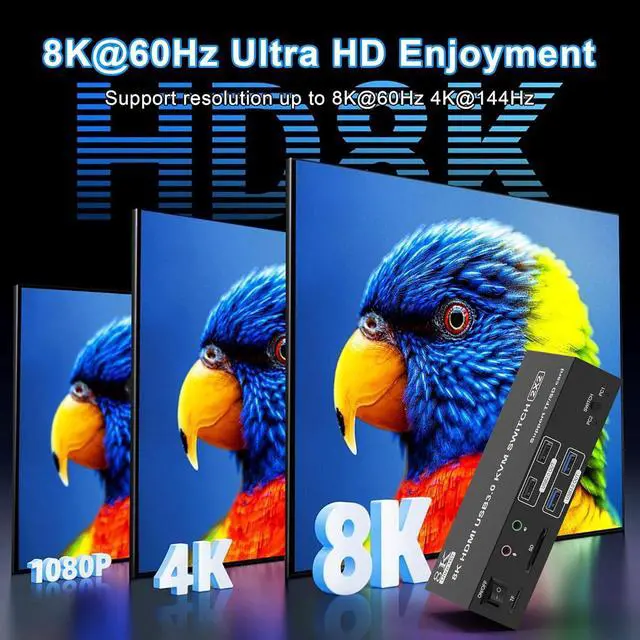
- 8K@60Hz 4K@120Hz Ultra HD display, backward compatible with 4K@60Hz, 1080P, etc.
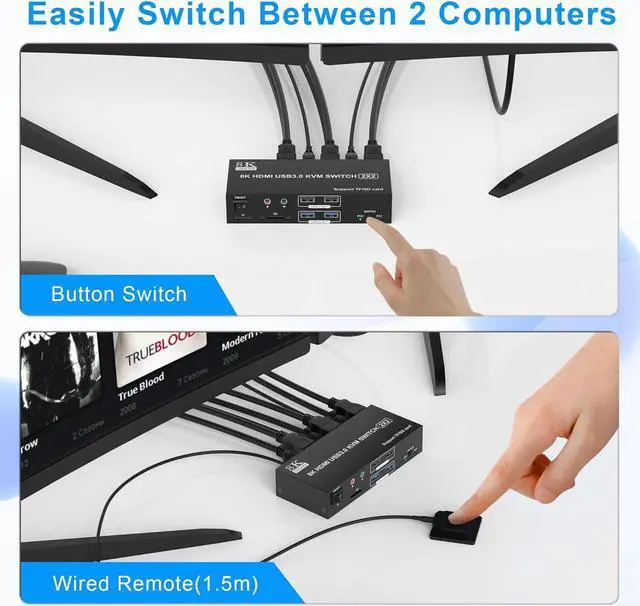
- Two switching modes, allowing you to easily switch back and forth between two computers.
- 4 USB ports for connecting multiple devices.
- Come with 3.5mm audio/microphone and SD/Micro SD card slot, enjoy clear audio and convenient data transfer.

Support 8K@60Hz 4K@120Hz Ultra HD
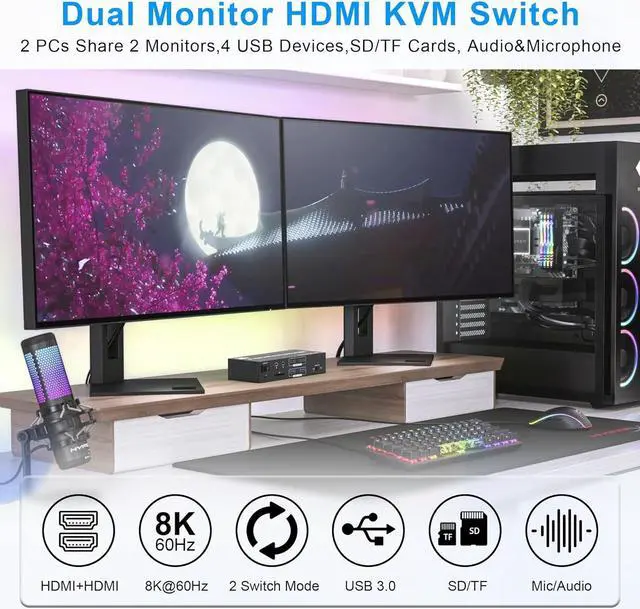
- This Dual monitor hdmi KVM switch equipped with 2 HDMI inputs and outputs, allowing you to connect and control two computers across two hdmi monitors. Experience stunning visual clarity with support for resolutions up to 8K60Hz 4K120Hz.
- The 2 port HDMI KVM Switch is designed for high-definition video editing, detailed graphic design, and immersive gaming.
- Note: make sure your computers, monitors, and cables all support 8K and high refresh rates.

Two display modes
- Copy Mode: It can synchronize the screen of the main screen to the second output screen, so as to realize that the two screens can display the same content, which is a significant advantage in many scenarios, especially suitable for PPT presentations and other situations where the same information needs to be displayed on multiple screens at the same time.
- Extended Mode: You can easily drag and drop the window on the main screen to the second output screen. Then you can realize the two screens to display different contents, which allows users to perform multitasking more efficiently. It provides users with a broader operating space and more flexible task processing methods, making multitasking easier and more efficient.

Plug and Play
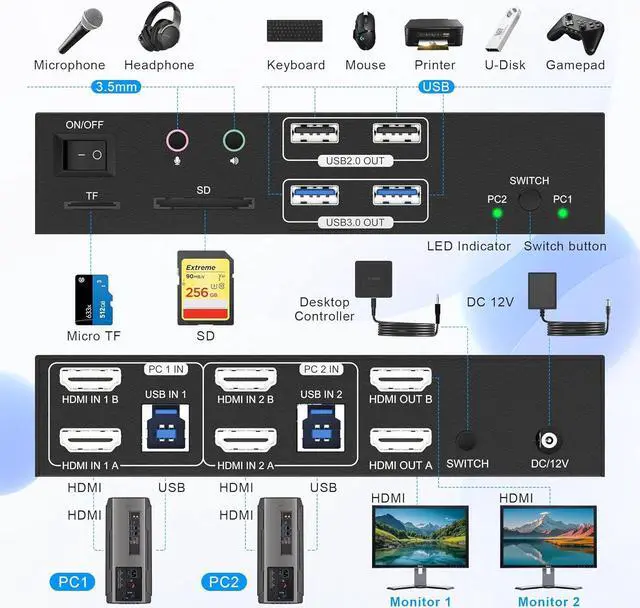
- Power: Connect the DC 12V adapter to the KVM.
- Input: Each computer requires 2 HDMI cables and 1 USB cable to be connected to the KVM switch in order to properly utilize the 2 hdmi port monitors.
- Output: two monitors connected to the KVM via HDMI ports
- Peripherals: mouse, keyboard, Printer and U-Disk linked via USB Port.
- Microphone and speaker linked via 3.5mm audio/mic port.
- SD/TF card can be used by inserting it into the SD/TF card slot.

Two Switching Modes
Easy Switching--Button Switch & External Controller Kit(No Hotkey Switch)
- The body comes with buttons to easily switch back and forth between the two computers.
- Separate desktop controller allows you to place the KVM under the desktop and the desktop controller on top of the desktop for a neat and tidy desktop.
- Note: Keyboard shortcuts (hotkeys) toggles are not supported

2 in 2 Out HDMI KVM Switch with 4 Port USB Hub
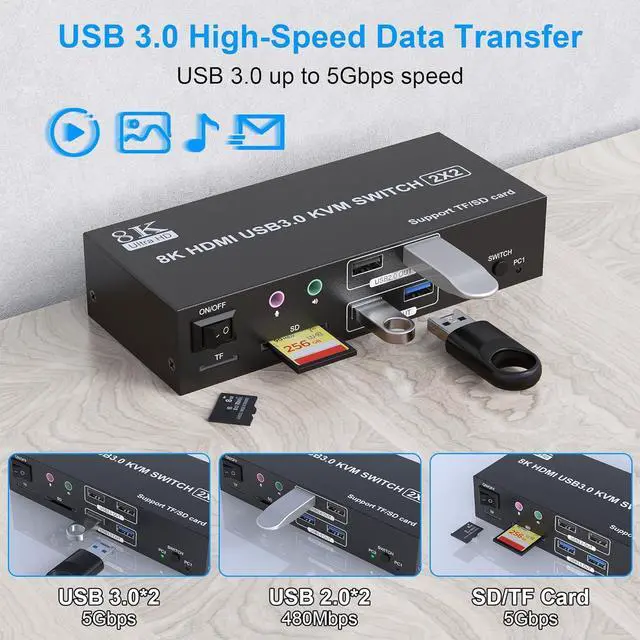
- The dual HDMI KVM switch features 4 USB ports for connecting your keyboard, mouse, and other peripherals.
- High-speed data transfer ensures efficient and reliable connections for all your USB devices.
- The transmission speed of USB 3.0 is as high as 5Gbps, which is far superior to USB2.0 in reading data, and compatible with USB 2.0.

Audio and microphone output
- 8K monitor KVM switch comes with a 3.5mm Audio port and a 3.5mm microphone port. You can inserted into a 3-segment 3.5mm earpiece and microphone device to the 3.5mm Audio/Microphone port and enjoy crystal clear audio without any distortion or interference.
SD card port and a Micro SD card port
- Two SD ports are available for you to use to easily copy like photos, documents, videos and various application data to laptops and PCs.
