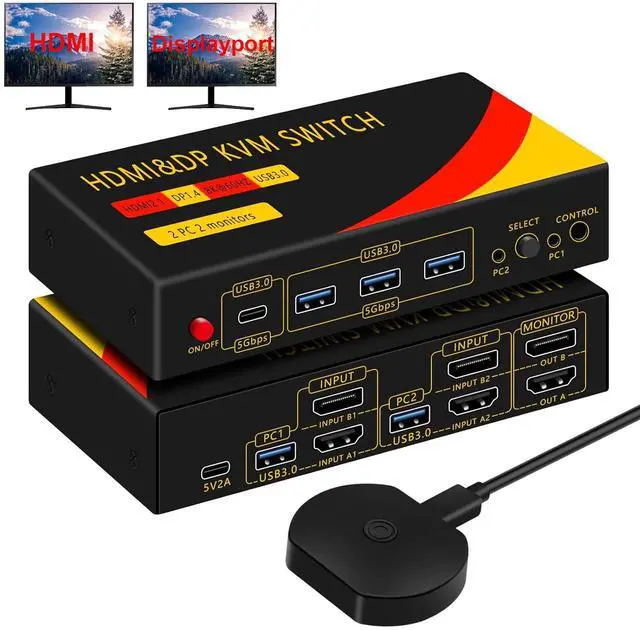
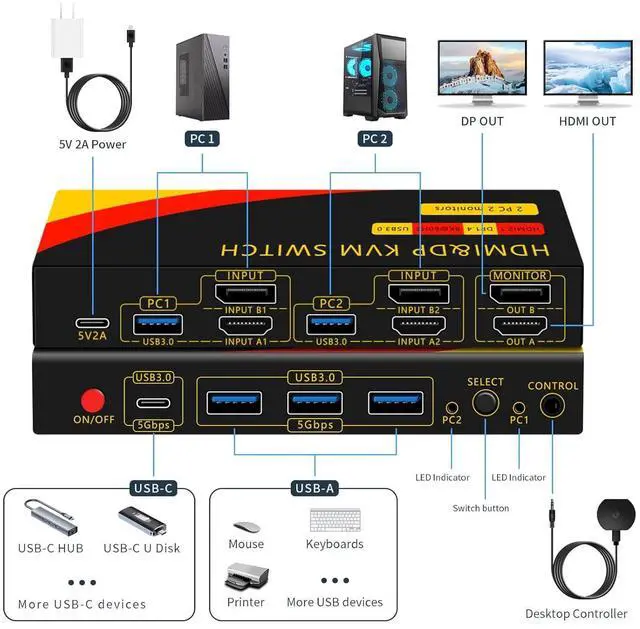
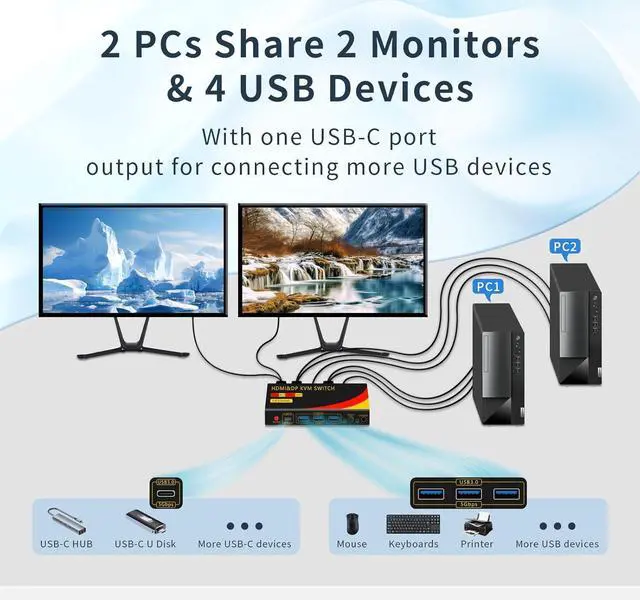
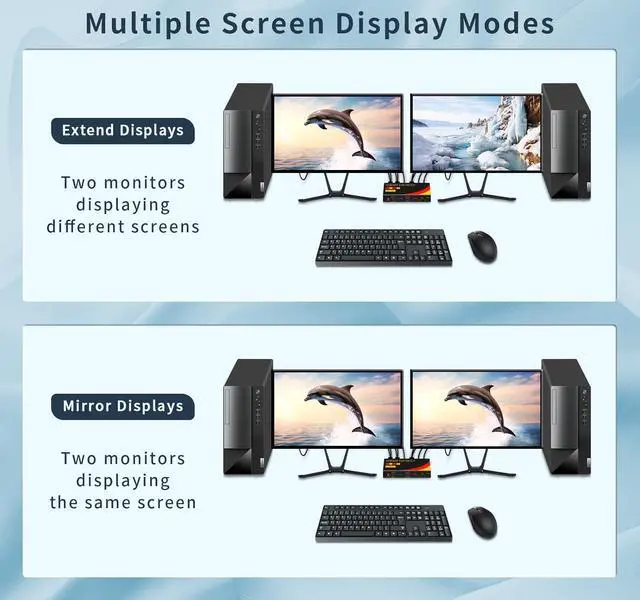
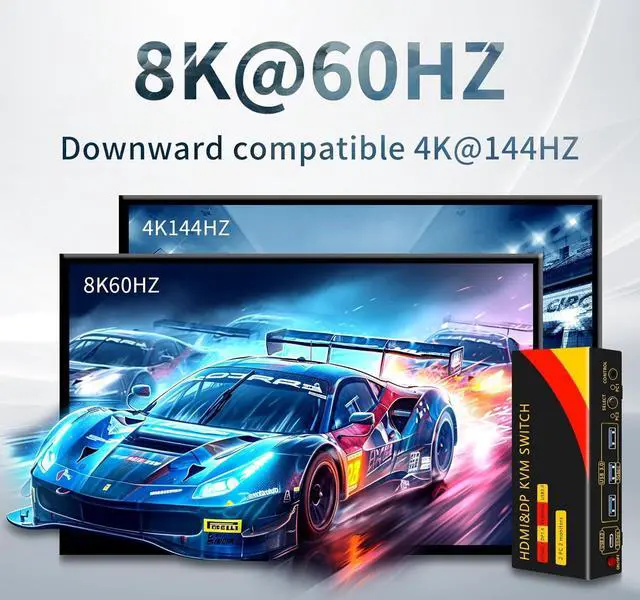
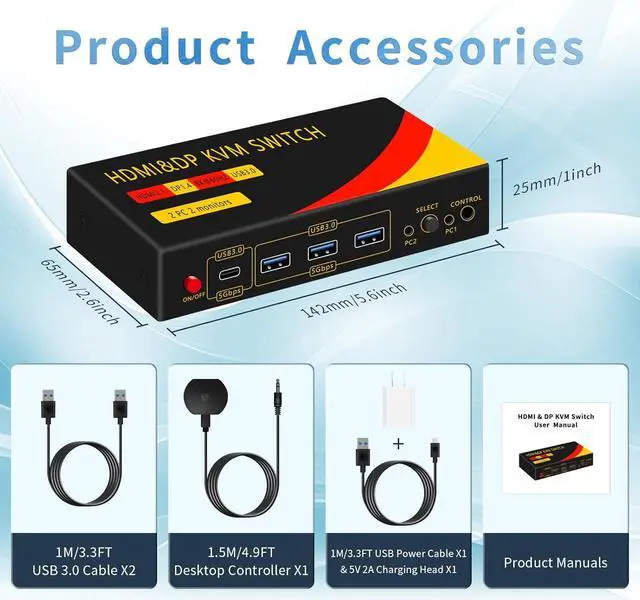
This 8K HDMI DP KVM switch 2 monitors 2 computers, 2 computers support 1 HDMI and 1 DisplayPort input respectively, dual output ports can be connected to two monitors at the same time (1 HDMI monitor and 1 Displayport monitor). Supports duplication mode and expansion mode, which can effectively improve work efficiency and productivity. It also features 4 USB ports, allowing you to control two computers with one mouse and keyboard and share USB devices such as printers. It is compatible with operating systems including Windows/XP, Linux, Mac and others.
Note: Each computer needs to have one HDMI and one Displayport output.
This is a KVM switch that combines a USB switch and a monitor switch in one. In addition to sharing a monitor, it also features 4 USB 3.0 ports, including 3 USB-A and 1 USB-C for compatibility with more USB devices, and a USB transfer rate of up to 5Gbp/s, which can be used for sharing a printer, scanner, USB sound card, keyboard, and mouse.
Note: The USB-C port does not support video transmission.
These dual-monitor KVM switches support up to 7680*4320@60Hz and are backward compatible with 4K@120HZ, 2K@144HZ and below. Supports HDMI 2.1 and
DP 1.4 standards. (Note: To achieve the highest resolution, you must ensure that the source and monitor as well as the HDMI and Displayport cables support 8K@60Hz), it is recommended that all connecting cables are no longer than 1.5 meters and that the output resolution of both computers is set to the same.
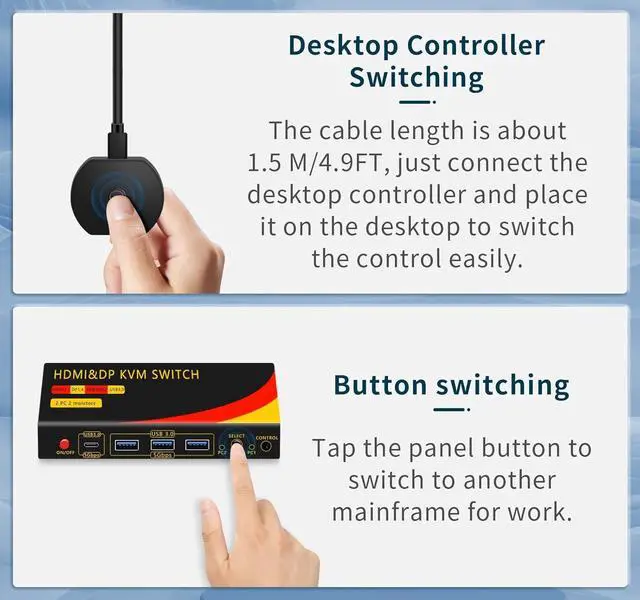
Dual monitor kvm switch can switch to PC1 or PC2 with just one touch, there
are two switching methods: key switching and wired extension controller switching. It is recommended to use wired extension controller for switching, the KVM switch and cables can be placed 4.9 feet from the desktop, the desktop is clean and tidy, more suitable for business office. The switching response time is the same for both switching modes, approximately 2-5 seconds (depending on the host computer and monitor).
Note:
Please make sure that the computer you are connecting to itself supports at least two monitors working at the same time.
2. Each computer needs to be connected with 1 HDMI cable and 1 Displayport cable each for normal dual-screen display. For computers without HDMI and Displayport, you need to use a reliable adapter or USB C docking station to extend the HDMI and Displayport signals. When purchasing, please make sure that each of your computers supports dual-screen display.
Testing method: You can connect your computer directly to 2 monitors (without KVM).





 here!
here!