




 here!
here!
I’m your shopping assistant for PC builds, upgrades, and everything tech.
Got questions? Ask away!
Start a conversation
here!
I’m your shopping assistant for PC builds, upgrades, and everything tech.
Got questions? Ask away!
Start a conversation




Any questions? Ask CelesteSM will help you find out quickly.

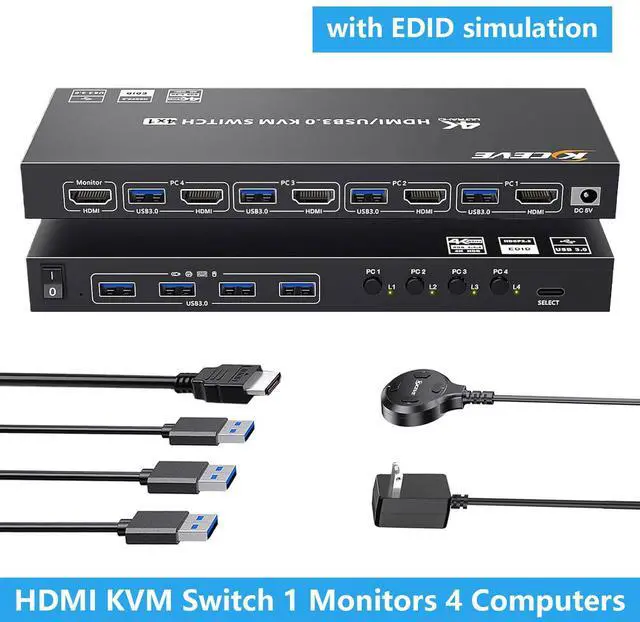
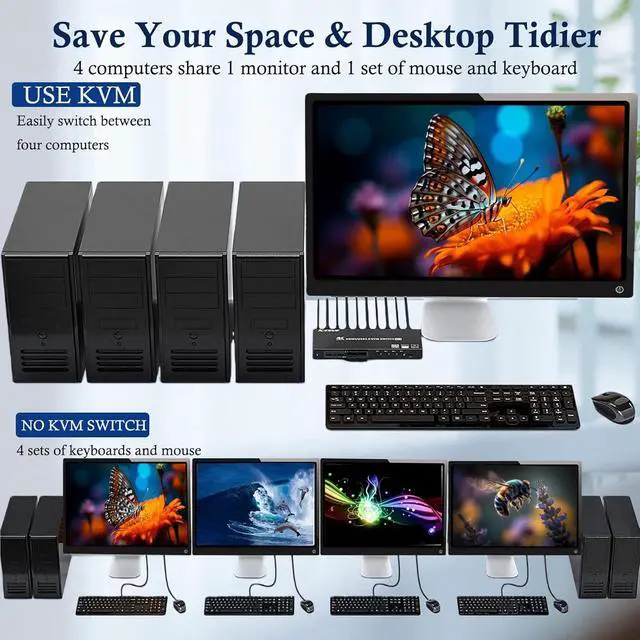
USB 3.0 KVM Switch 4 Ports supports 4 computers to share 1 monitor and 4 USB devices
HDMI KVM switch can control 4 computers to share 1 monitor and 1 set of wire or wireless keyboard mouse with just one click, you can switch between 4 computers at an time. It is very suitable for people with multiple computers, which saves your space and improves your office efficiency
NOTE: This is HDMI KVM Switch not a DisplayPort KVM switch
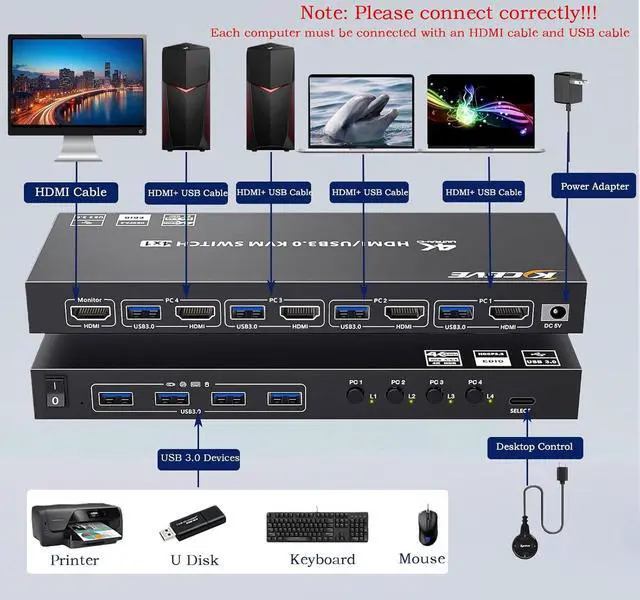
(1) Each computer should be connected to the KVM with one HDMI cable and one USB cable;
(2) For USB function: Connect the included USB 3.0 cable from each computer to the KVM's rear USB-A port. Don't cross-connect

Support Simulation EDID
USB3.0 KVM switch can simulate the EDID of the display, when the monitor is switched between four computers, the original window order will not change
Methods to turn ON/OFF EDID Emulation: Pressing and holding the "PC1" button for 3~5 seconds until the EDID indicator blinks constantly

Each computer must connect 1 HDMI cables +1USB-A cable to ensure working properly

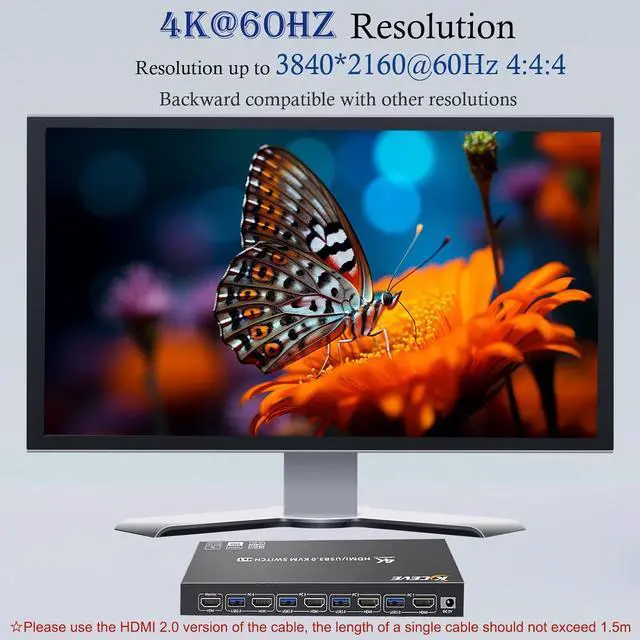
Support up to 3840*2160@60Hz and backward compatible with other resolutions

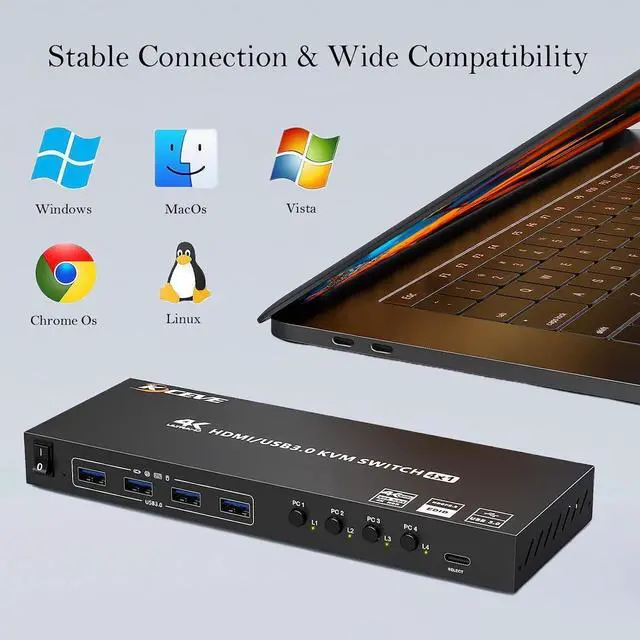
Supports Windows, MacOS, Linux systems, and other mainstream operating systems

Pressing and holding the "PC1" button for 3 ~5 seconds until the EDID indicator blinks constantly

Supports ultra-fast USB 3.0 data transfer, Data transfer speeds up to 5Gbps, and is backward compatible with USB 2.0/1.1
This HDMI KVM switch has 4 USB 3.0 ports (4 USB-A) for sharing mouse, keyboard, USB flash drives, printer, mobile hard drives, and other USB devices
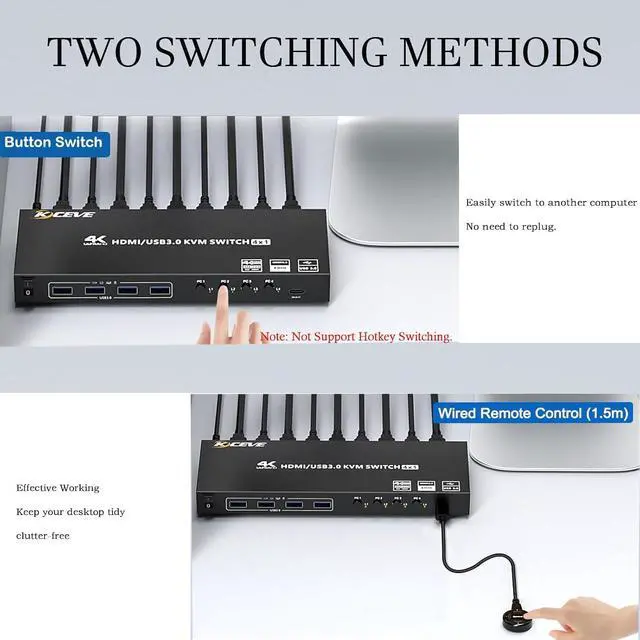
Two switching modes
It supports button switching and Wired Remote switching, freely switch between 4 computers. LED lights indicate the corresponding computer


