




 here!
here!
I’m your shopping assistant for PC builds, upgrades, and everything tech.
Got questions? Ask away!
Start a conversation
here!
I’m your shopping assistant for PC builds, upgrades, and everything tech.
Got questions? Ask away!
Start a conversation




Any questions? Ask CelesteSM will help you find out quickly.
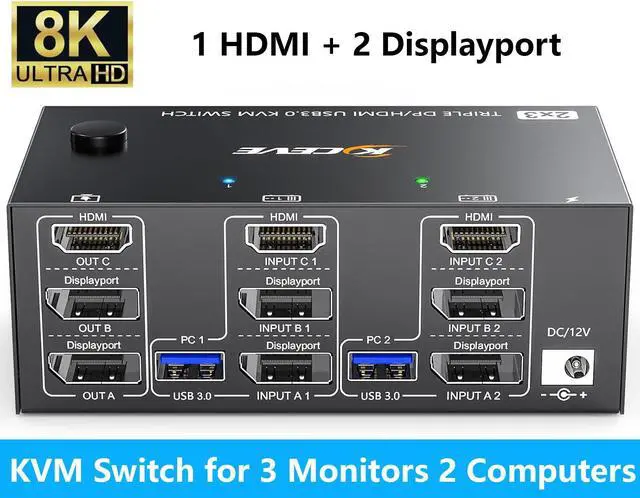
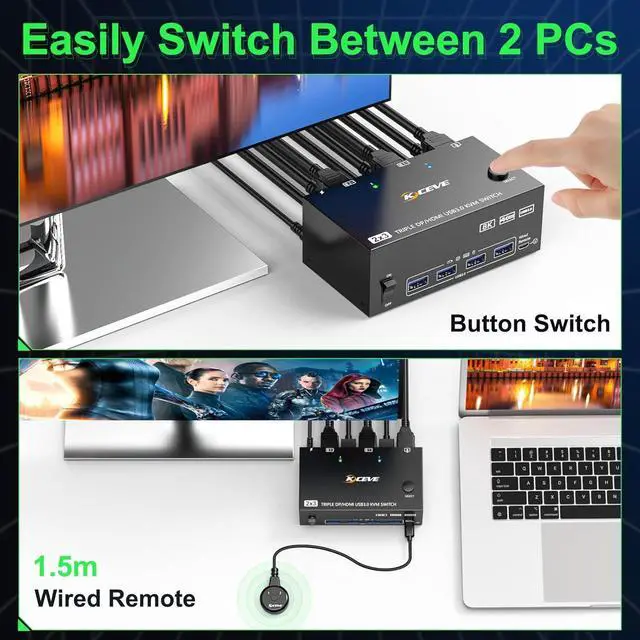
2 PCs Share 3 Monitors and a Set of Keyboard Mouse--Simplifying Your Office


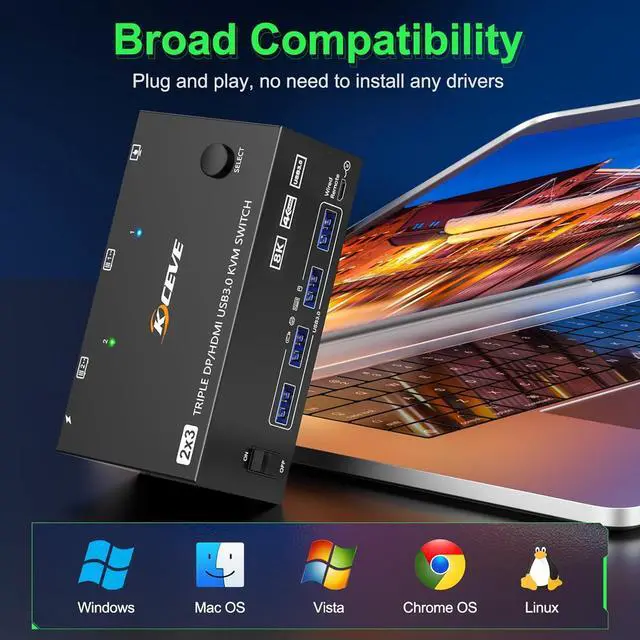
KVM switch 3 monitors driver-free for Windows, Mac, Linux, Unix, Ubuntu. Support PC, Laptop, PS4, Raspberry Pi, DVR, NVR.it is widely applied for home,Office,Game,Meeting,etc..

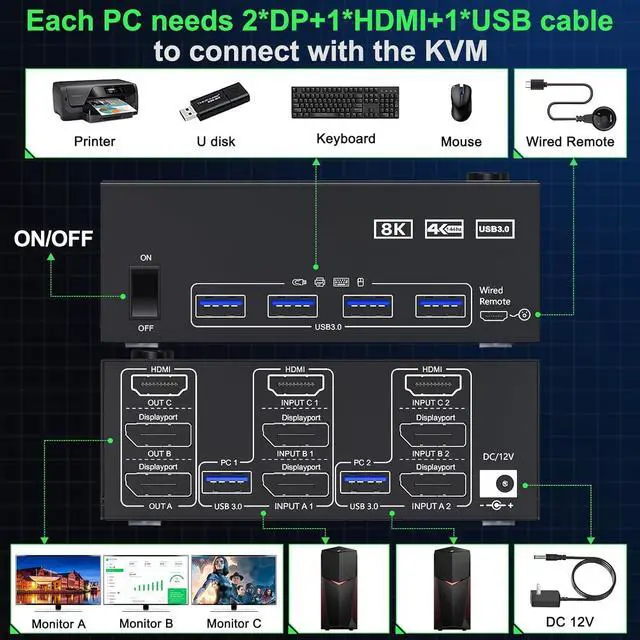
Connection diagram of triple monitor KVM switch
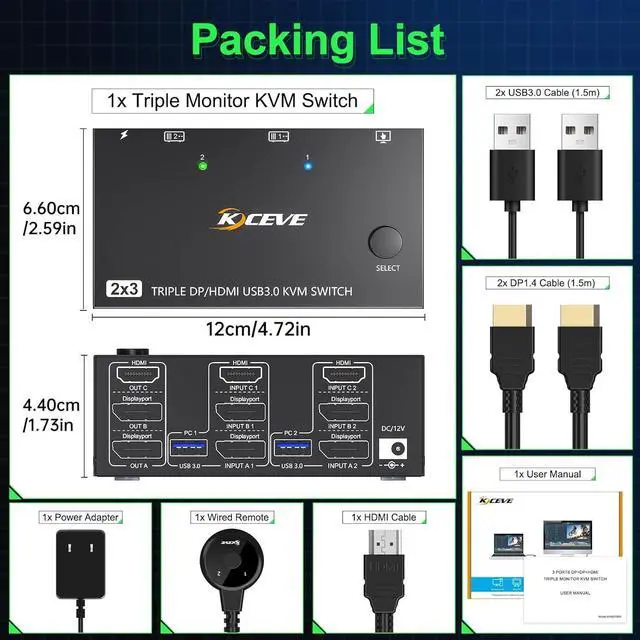
Each PC requires 1*HDMI+2*Displayport +1* USB cable to connect the 3 monitor KVM switch,OUT A, OUT B, OUT C connect to 3 monitors.
Supports DP to HDMI, USB-C/Type C to HDMI, USB-C/Type C to DP converter and USB-C docking station.
Please check your computer configuration.


The setting method is the same as 2 monitors 2 computers KVM switch
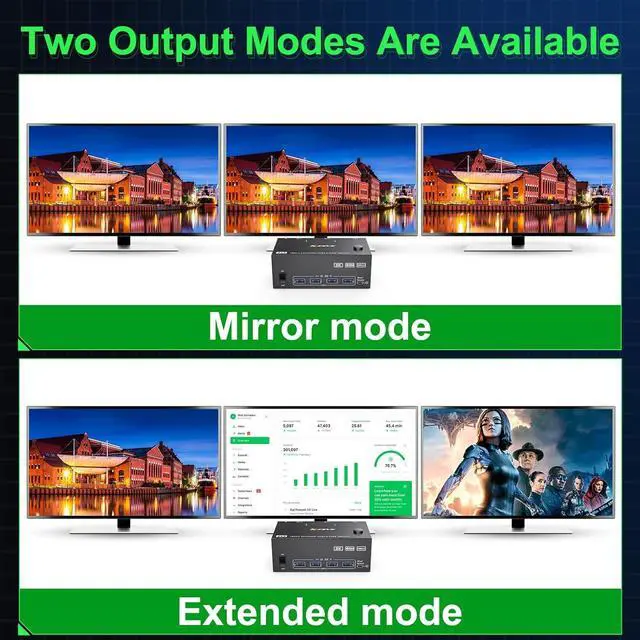
Windows OS: Press the shortcut key "WIN+P" and then select "Extension" or "mirror" below
Mac OS: Set [Mirror Mode]: Select [A-p-p-l-e Icon] [System Preferences], click [Display] [Arrange], and then check [Mirror Display];
Set [Extended Mode]: When [Mirror Display] is unchecked, "Extended Mode" can be achieved.


