


OUT OF STOCK
This item is currently out of stock and it may or may not be restocked.
Ships from China.
Price alert
Shop it at NeweggBusiness.

Hitoor USB 3.0 DisplayPort KVM Switch 2 Monitors 2 Computers, Dual Monitor 8K@60Hz DP KVM Switch 2 in 2 Out with Audio Microphone Output and 3 USB 3.0 Ports, 2 PC 2 Monitors Keyboard Mouse Switcher

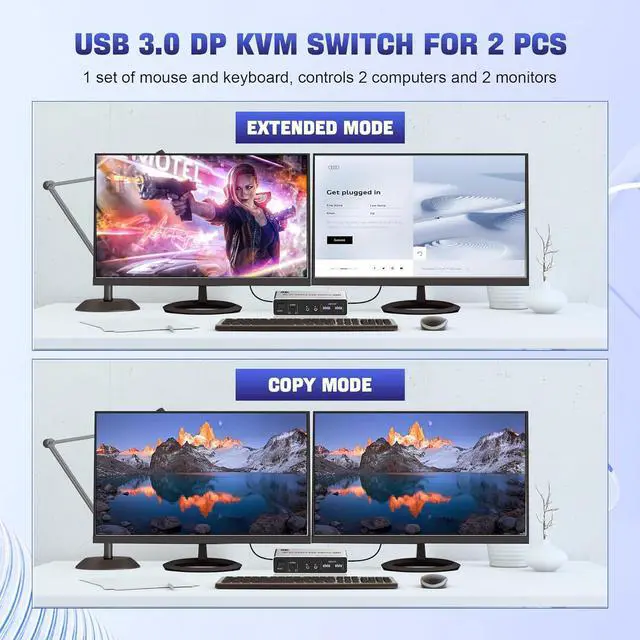
  • KVM Switch DP Dual Monitor: The kvm can control 2 monitors 2 computers with 1 set of keyboard and mouse, and support 2 monitors mirror desktop or extended desktop. NOTE: It requires each computer has 2 displayport output interfaces and support extended di
+
+
Overview
Specs
Reviews
avatar

Any questions? Our AI mode will help you find out quickly.

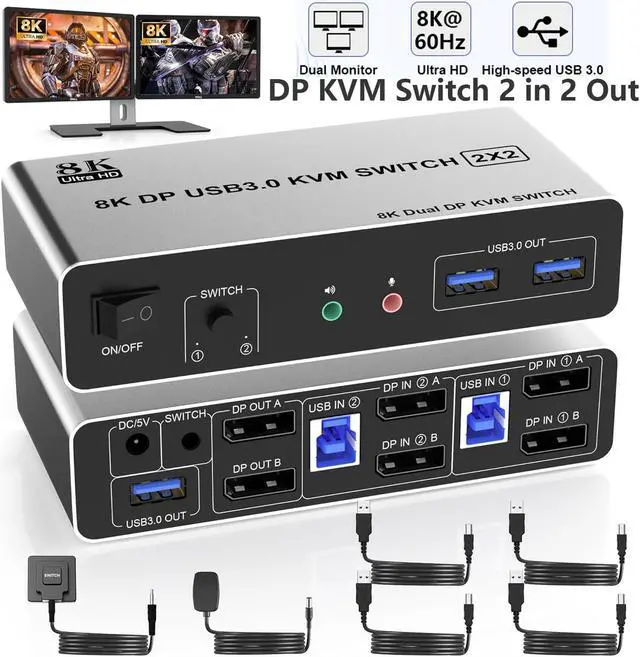
USB 3.0 DisplayPort KVM Switch 2 Monitors 2 Computers, Dual Monitor 8K@60Hz DP KVM Switch 2 in 2 Out
8K@60HZ DisplayPort USB 3.0 Dual Monitor KVM Switch for 2 Computer Sharing 3 Monitor and 3 USB 3.0 Ports, Audio & Microphone


Advantages:


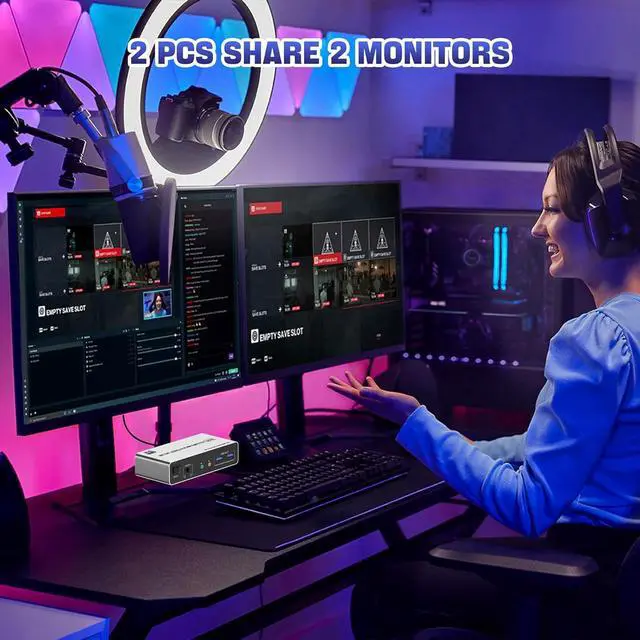
  • 1. 2 computers share one set of keyboard, mouse and 2 monitors
  • 2. Dual monitors output support and mirrored and extended display
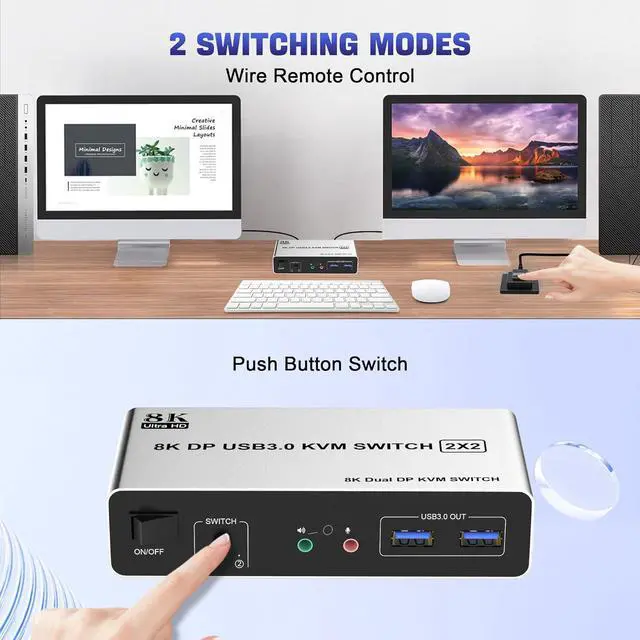
  • 3. Switching modes: Button switch and wired remote
  • 4. Cross support most major OS including Windows, Linux, Mac
  • 6. With extra USB 3.0 ports and audio output.
  • 7. Support max up resolution 8K@60Hz,downward compatible.
How to connect
How to connect the KVM Switch


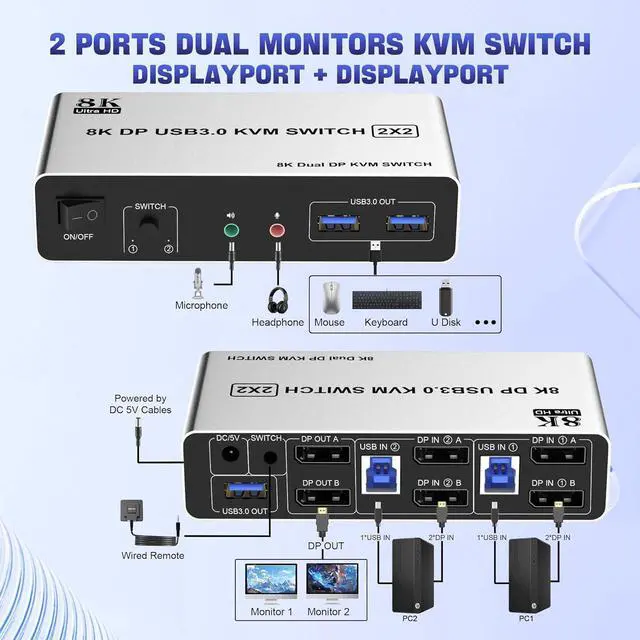
installation steps:


  • 1. Insert the adapter into the KVM ;
  • 2. Plug the Displayport cable into the KVM switch and monitor;(Output)
  • 3. Plug the Displayport cable and USB cable into the KVM switch and your computer/laptop (DP cables are not included)(Input)
  • Please check whether DP IN1 A , DP IN1 B and USB IN1 are corresponding, and whether DP IN2 A , DP IN2 B and USB IN2 are corresponding. Mixed insertion is not supported.
  • DP IN1 A + DP IN1 B + USB IN1=PC1
  • DP IN2 A + DP IN2 B + USB IN2=PC2
  • 4. Insert the mouse and keyboard into the KVM switch
  • 5. If needed, you can connect a microphone and audio port
Ultra HD 8K@60Hz Dual Monitor KVM Switch  Supports up to 8K@60Hz/4K@120Hz, Ultra HD, HDR 10, Dolby v


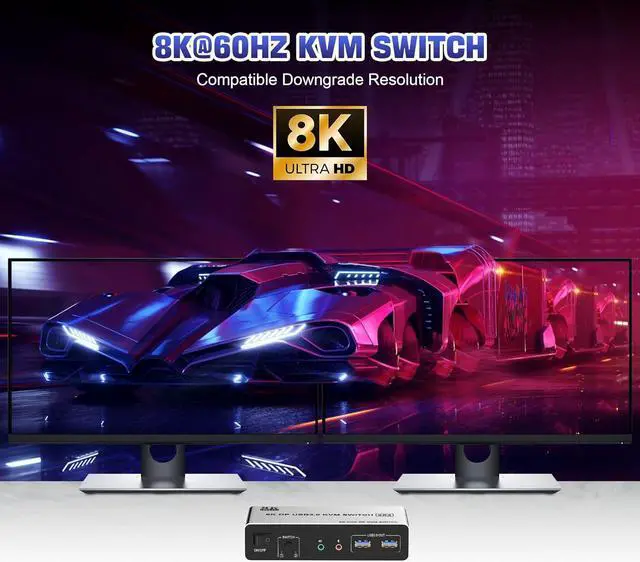
Ultra HD 8K@60Hz Dual Monitor KVM Switch


  1. Supports up to 8K@60Hz/4K@120Hz, Ultra HD, HDR 10, Dolby vision, 3D effect.
  2. Note: Only when both your computer Graphics card and monitor support 8K@60Hz then you can get 8K@60Hz effect.
Ultra HD 8K@60Hz Dual Monitor KVM Switch  Supports up to 8K@60Hz/4K@120Hz, Ultra HD, HDR 10, Dolby v

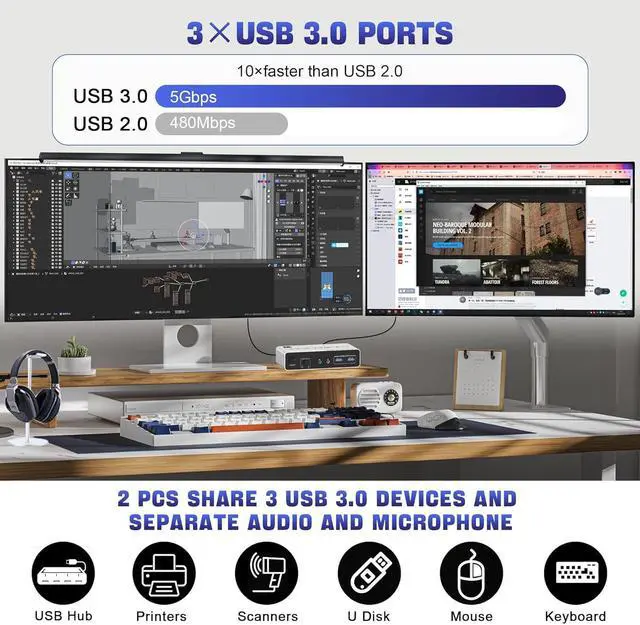
KVM Switch with 3 USB 3.0 Ports


  • Supports ultra-fast USB 3.0 data transfer up to 5Gbps, also supports separate audio and microphone output.
2 convenient switch modes  1. Toggle selection on front panel 2. Wired remote switch (one-touch swit


2 convenient switch modes


  • 1. Toggle selection on front panel
  • 2. Wired remote switch (one-touch switch)
Package contents
8K@60Hz DisplayPort + DisplayPort KVM Switch for 2 monitors 2 computers

Advantages:

1. 2 computers share one set of keyboard, mouse and 2 monitors
2. Dual monitors output support and mirrored and extended display
3.
Switching modes: Button switch and wired remote
4. Cross support most major OS including Windows, Linux, Mac
6. With extra USB 3.0 ports and audio output.
7. Support max up resolution 8K@60Hz, downward compatible.


installation steps:

1. Insert the adapter into the KVM;
2. Plug the Displayport cable into the KVM switch and monitor; (Output)
3. Plug the Displayport cable and USB cable into the KVM switch and your computer/laptop (DP cables are not included) (Input)
Please check whether DP IN1 A, DP IN1 B and USB IN1 are corresponding, and whether DP IN2 A, DP IN2 B and USB IN2 are corresponding. Mixed insertion is not supported.
DP IN1 A + DP IN1 B + USB IN1=PC1
DP IN2 A + DP IN2 B + USB IN2=PC2
4. Insert the mouse and keyboard into the KVM switch
5. If needed, you can connect a microphone and audio port

Warranty & Returns

Warranty, Returns, And Additional Information

Warranty

  • Please contact the Seller directly for warranty information. Warranty information may also be found on the Manufacturer's website.
  • CONTACT

Return Policies

Manufacturer Contact Info

LOADING...