USB 3.0 Dual Monitor 4 Port HDMI + HDMI KVM Switch 4K@60Hz for 4 Computers 2 Monitors
Product Features:
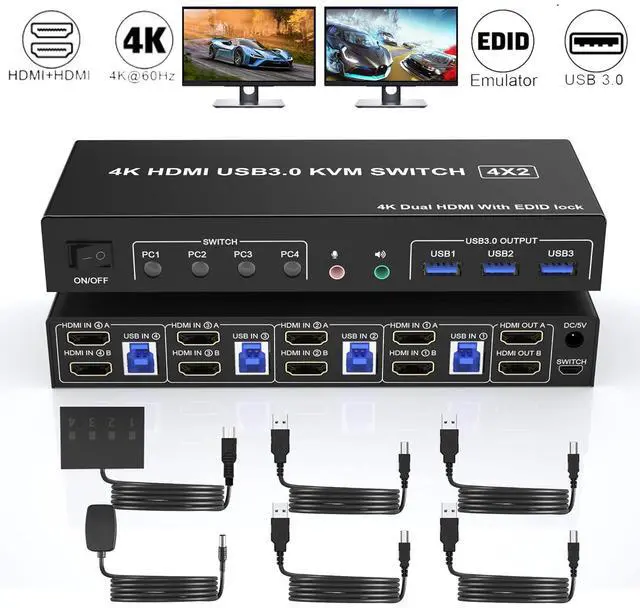
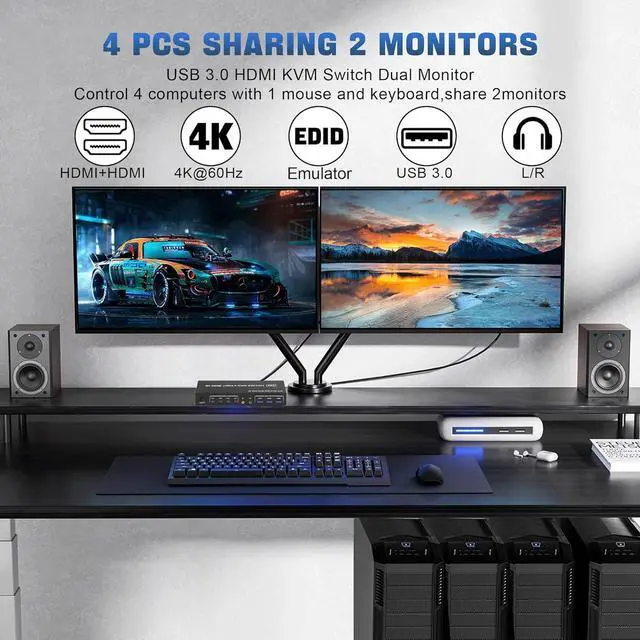
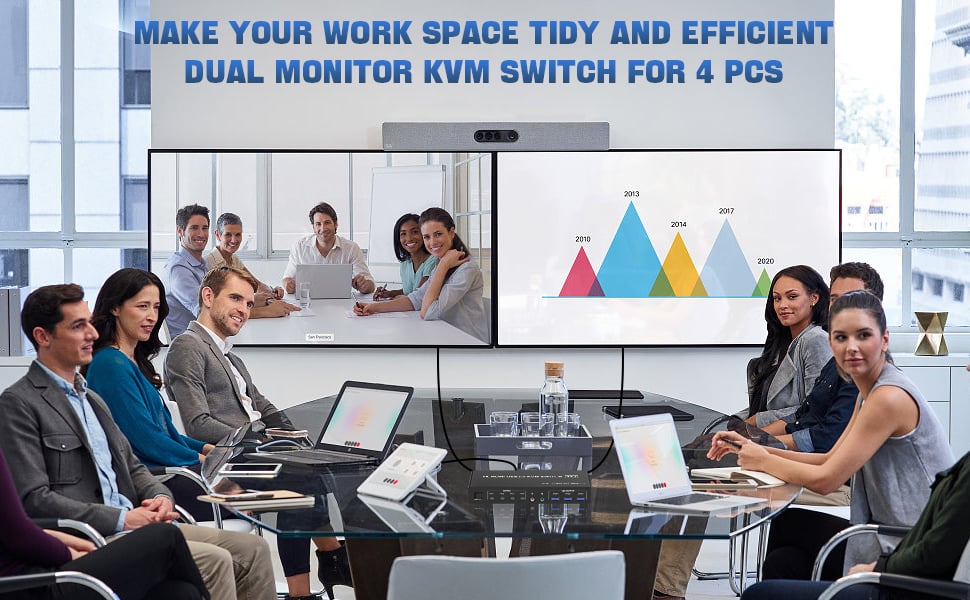
- 4 computers/laptops share one set of keyboard, mouse and dual monitors, and more USB 3.0 ports;
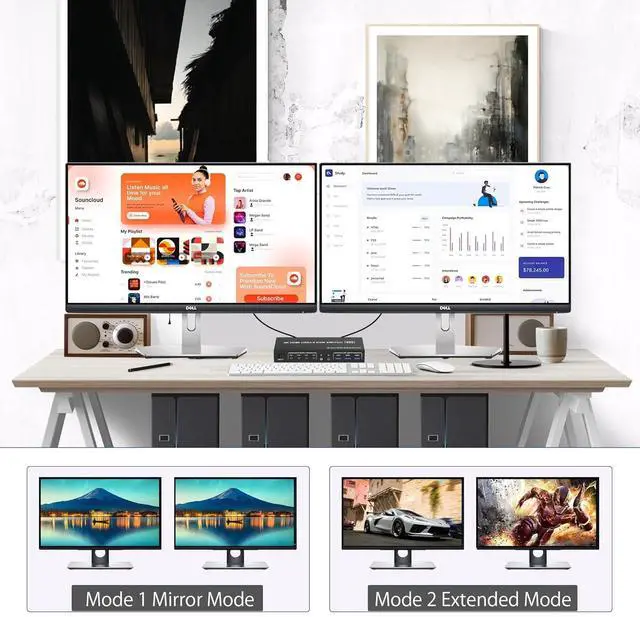
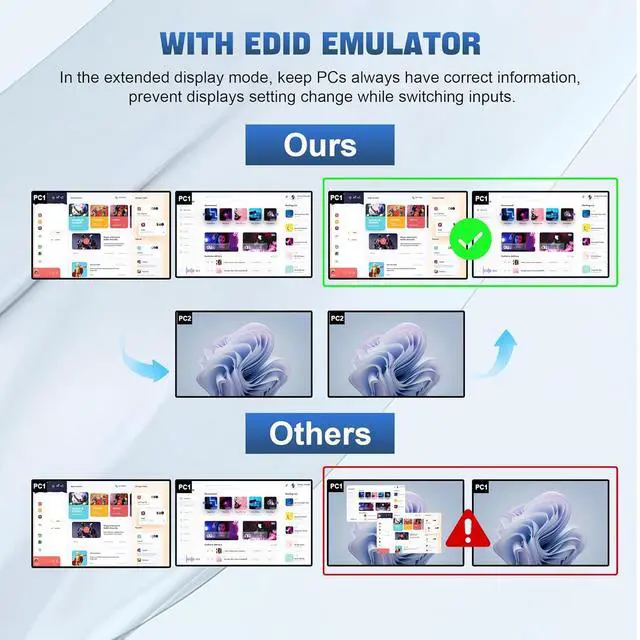
- Support maximum resolution up to 4K 60Hz; Dual monitors output support up to 4K@60Hz for extended and mirrored display;
- Compatible with Windows 11/10/7/2000/XP/Vista, Linux, UNIX, Ubuntu, Fedora, and other systems;
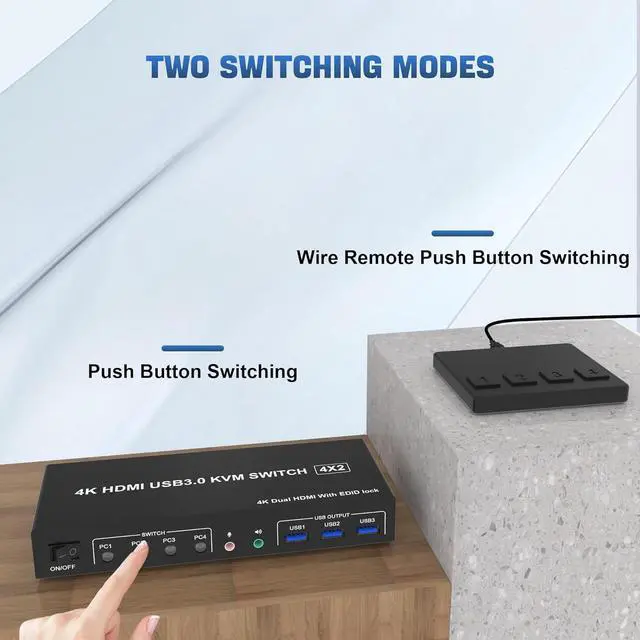
- Advanced switching modes: push button and wired remote;
- No complicated installation is required, and non-professionals can easily operate it;
- The ports that need to plug in HDMI/USB cables are all hidden behind the KVM, so the desktop doesn't get cluttered;
- Audio Microphone output.
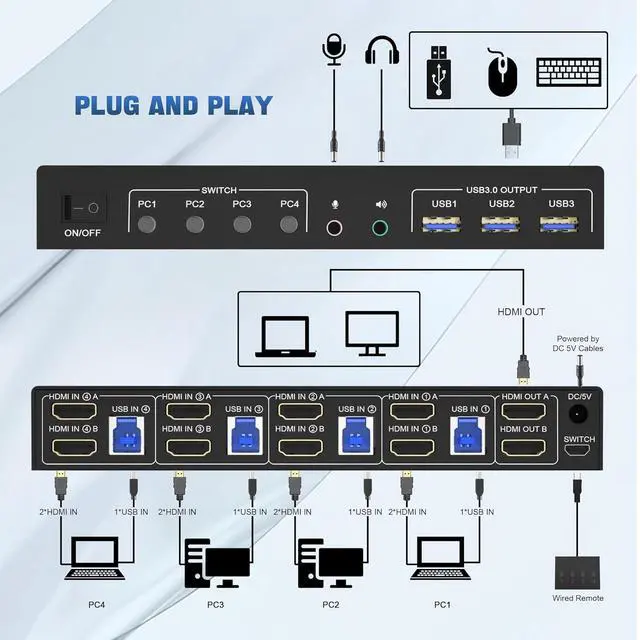
1. Insert the DC/5V adapter into the KVM ;
2. Plug the HDMI cable into the KVM and monitor;(Output)
3. Plug the HDMI cable and USB cable into the KVM and your computer/laptop (HDMI cables are not included)(Input)
HDM1 IN1 A + HDM1IN1 B + USB IN1=PC1
HDM1 IN2 A + HDM1IN2 B + USB IN2=PC2
HDM1 IN3 A + HDM1IN3 B + USB IN2=PC3
HDM1 IN4 A + HDM1IN4 B + USB IN2=PC4
4. Insert the mouse and keyboard into the KVM switch
5. If needed, you can connect a microphone and audio port
Note:
1. Most of the reasons why only onevideo output works is because of incorrect connection. Please make sure eachcomputer have 2 HDMI cables connect to the KVM.
2. If the KVM switch does not work, you can turn off the switch on the panel and turn it on again after 2-3 seconds, and it will return to normal.
3.Please check the HDMI IN and USB IN is corresponding, HDMI OUT A, HDMI OUT B is corresponding, NOT support mixed insertion.
4.Note: HDMI cables are not included
Support up to 4K@60Hz for extended and mirrored display
Supports high resolution up to 4K@60Hz and downwards.
Note: Only when both your computer Graphics card and monitor support 4K@60Hz then you can get 4K@60Hz effect, so if you want the max resolution you have to check your devices first.
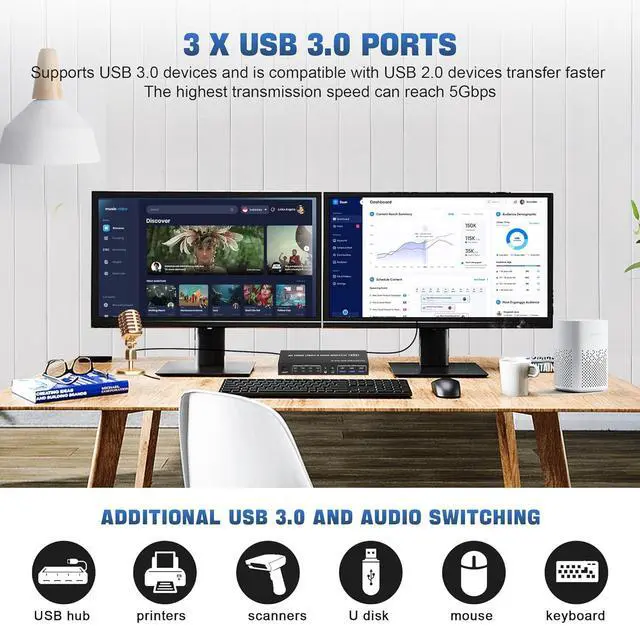
3 Port USB 3.0 interface with 5Gbps
Plug and Play
- Supports 5Gbps data transfer speed , can transfer files in Seconds, Much faster than USB 2.0.
- 3 USB 3.0 ports, backward compatible with USB 2.0 and USB 1.1, share USB devices such as keyboard mouse scanner, printer, flash drive, etc.
What's in the Box:
1 x USB 3.0 KVM Switch 2 Monitor 4 Computers
4 x USB 3.0 a-b Cables
1 x switch button cable
1 x 5V adapter
1 x User manual
Note: HDMI cables are not included
USB 3.0 Dual Monitor 4 Port HDMI + HDMI KVM Switch 4K@60Hz for 4 Computers
Product Features:
4 computers/laptops share one set of keyboard, mouse and dual monitors, and more USB 3.0 ports;
Support maximum resolution up to 4K 60Hz; Dual monitors output support up to 4K@60Hz for extended and mirrored display;
Compatible with Windows 11/10/7/2000/XP/Vista, Linux, UNIX, Ubuntu, Fedora, and other systems;
Advanced switching modes: push button and wired remote;
No complicated installation is required, and non-professionals can easily operate it;
The ports that need to plug in HDMI/USB cables are all hidden behind the KVM, so the desktop doesn't get cluttered;
Audio Microphone output.
installation steps:
1. Insert the DC/5V adapter into the KVM;
2. Plug the HDMI cable into the KVM and monitor; (Output)
3. Plug the HDMI cable and USB cable into the KVM and your computer/laptop (HDMI cables are not included) (Input)
HDM1 IN1 A + HDM1IN1 B + USB IN1=PC1
HDM1 IN2 A + HDM1IN2 B + USB IN2=PC2
HDM1 IN3 A + HDM1IN3 B + USB IN2=PC3
HDM1 IN4 A + HDM1IN4 B + USB IN2=PC4
4. Insert the mouse and keyboard into the KVM switch
5. If needed, you can connect a microphone and audio port
Note:
1. Most of the reasons why only onevideo output works is because of incorrect connection. Please make sure eachcomputer have 2 HDMI cables connect to the KVM.
2. If the KVM switch does not work, you can turn off the switch on the panel and turn it on again after 2-3 seconds, and it will return to normal.
3. Please check the HDMI IN and USB IN is corresponding, HDMI OUT A, HDMI OUT B is corresponding, NOT support mixed insertion.
4.
Note: HDMI cables are not included
What's in the Box:
1 x USB 3.0 KVM Switch 2 Monitor 4 Computers
4 x USB 3.0 a-b Cables
1 x switch button cable
1 x 5V adapter
1 x User manual
Note: HDMI cables are not included





 here!
here!