Q & A:
Q: Why is only one monitor displaying the screen?
A: 1.Please check if each computer supports multi-display output, and set the display mode to "Extend" or "Duplicate" in the system display settings.
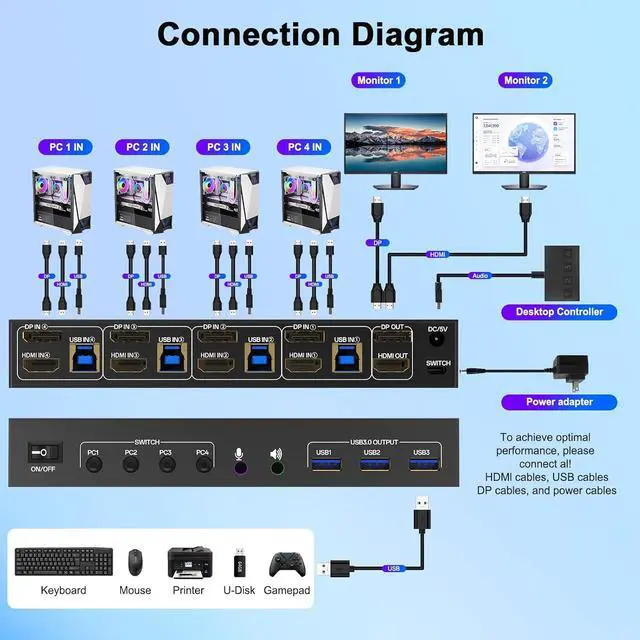
2.Ensure each computer is properly connected to the KVM switch with HDMI + DP cables and 1 USB cable.
Q: Why aren't the keyboard and mouse working?
A: This issue usually occurs because the USB cable between the computer and the switch is not properly connected. If you're using a mechanical keyboard, there may be compatibility issues.
Q: Do I need to install any drivers?
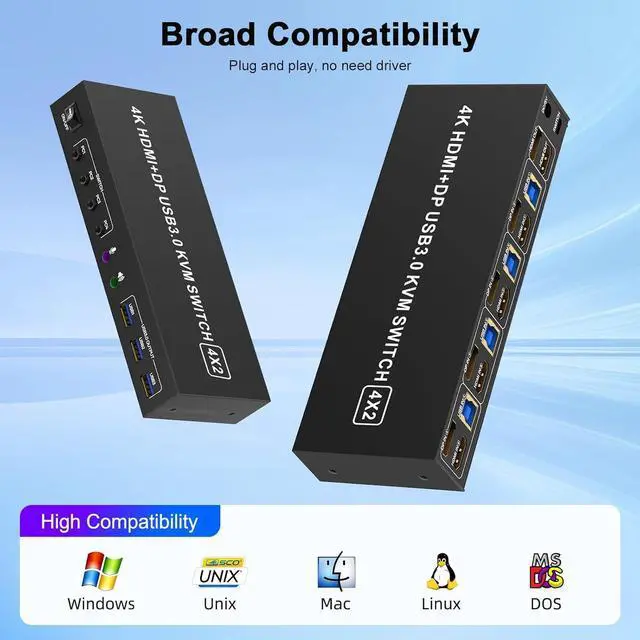
A: No driver installation required, plug and play.
Q: What should I do when the KVM fails to display my Windows PC content correctly?
A: 1. Please make sure the KVM iscorrectly (4 HDMI2.0 cables + 4 DP cables + 4 USB3.0 cables + 1 Power Adapter to be connected at the same time).
2. If you encounter problems during use, please contact service support for assistance.
Q: What operating systems are supported?
A: It is compatible with Windows 10/8/7/XP, Linux, Mac, and more.
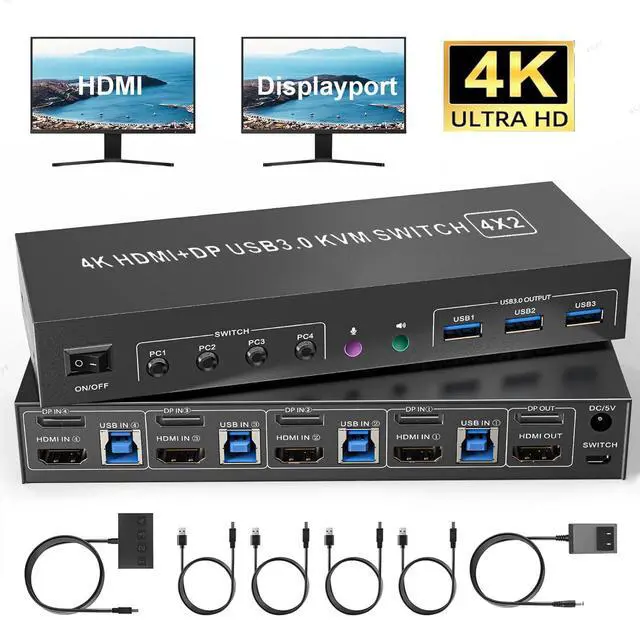
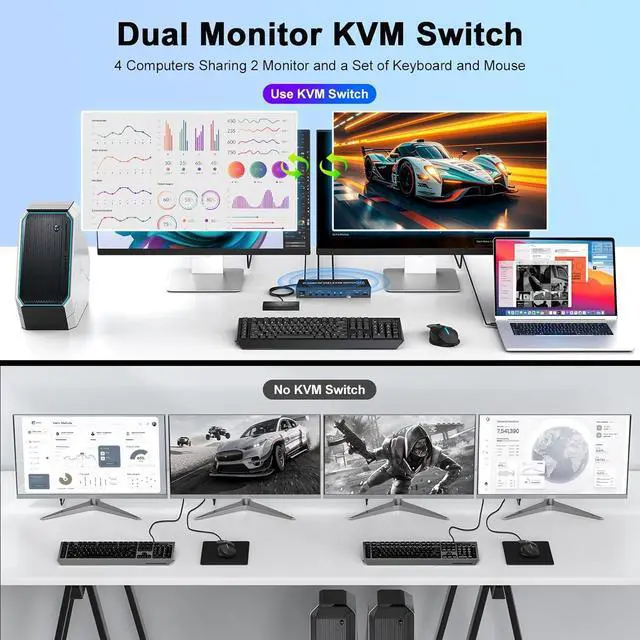
The HDMI Displayport dual monitor kvm switch is mainly designed to share 2 monitors (1 HDMI and 1 DP) and 3 USB 3.0 devices between 2 computers, easy switching, plug and play, making it an ideal solution for home offices, multimedia classrooms, business meeting rooms, and gaming setups. It supports flexible switching between extended mode (displaying different content on dual screens) and mirror mode (duplicating identical content).
Note: this is a 1 Displayport+1 HDMI kvm switch, please make sure each PC has 1 DP+1 HDMI ports to get 2 external screens
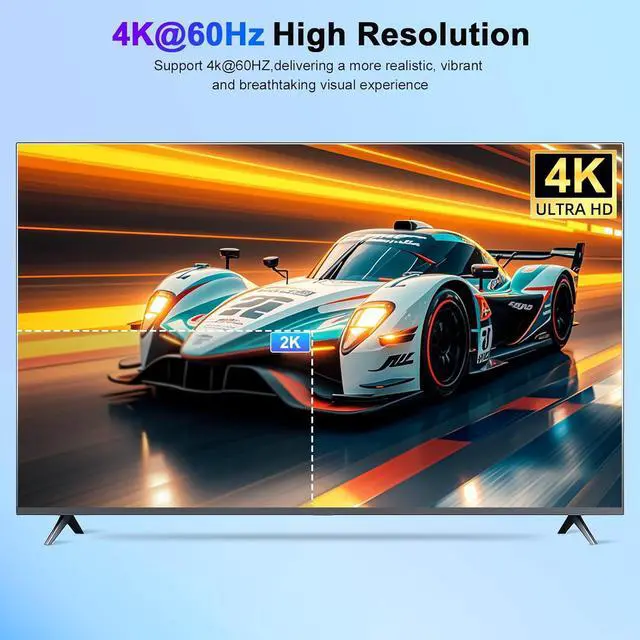
These 2 monitor KVM switch supports up to 3840*2160@60Hz and is backward compatible with 3D, 1080p and below. Support HDMI 2.0 and DP 1.2 standard, HDCP 2.2, maximum data rate HDMI 18Gbps/
DP 21.6G bps. (Note: To achieve the highest resolution, you must ensure that both the source and the monitor, as well as the HDMI and DP cable, support 4K@60Hz)
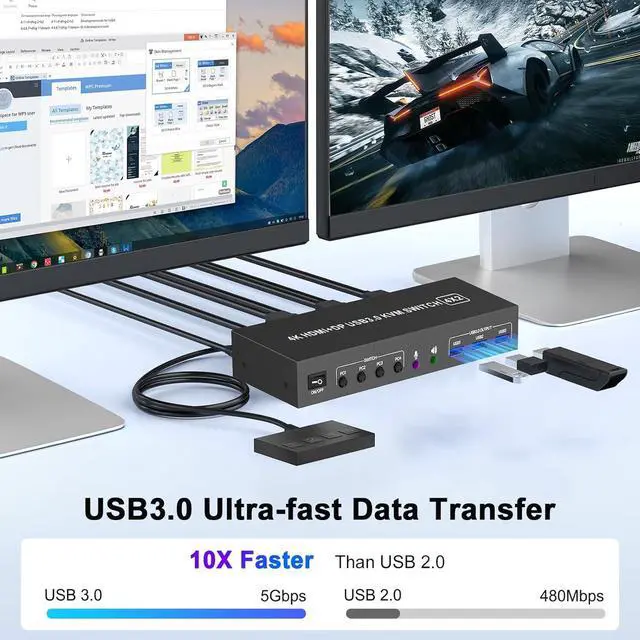
This 4 computers dual monitors kvm switcher features three high-speed USB 3.0 ports, a dedicated microphone/headphone jack. Effortlessly connect peripherals including external hard drives, printers, microphones and headphones, eliminating adapter clutter for a streamlined and productive workspace
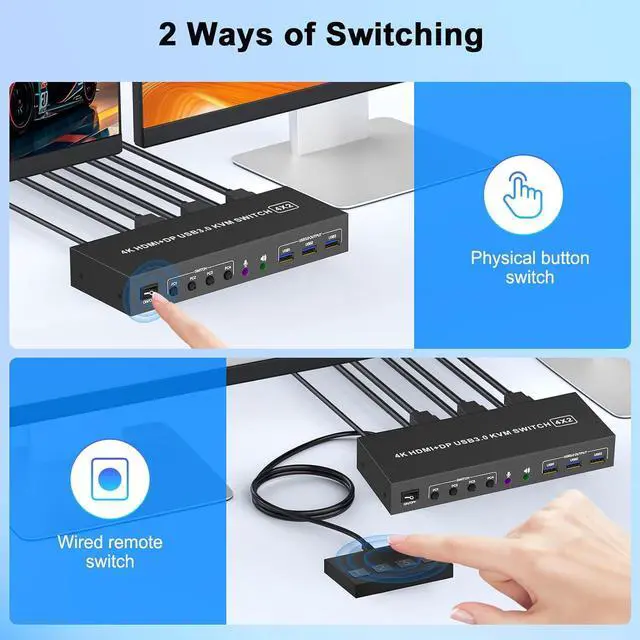
This 2 monitor hdmi displayport kvm switch driver-free for Windows, Mac OS, Linux and Chrome OS. Compatible with PC, Laptop, TV Box. It is widely applied for home, office, teaching, games, etc. You can press the button on the panel or use the wired remote (included) to switch the computers, LED indicate the active computer
The kvm switch 2 monitors 4 computers display port is powered by USB cables, and the upgraded 5V power adapter makes the 4K two monitor four computer kvm switch work smoother and provides more stable recognition when connecting high-power USB devices. When not in use, just turn off the hdmi displayport kvm switch without unplugging the cables
PACKAGE LIST: 1*4K UHD+DP USB 3.0 KVM switch; 4*USB Cable (1M); 1*Wired Remote( 1.5M ); 1*5V Power adapter and 1*User Manual.





 here!
here!