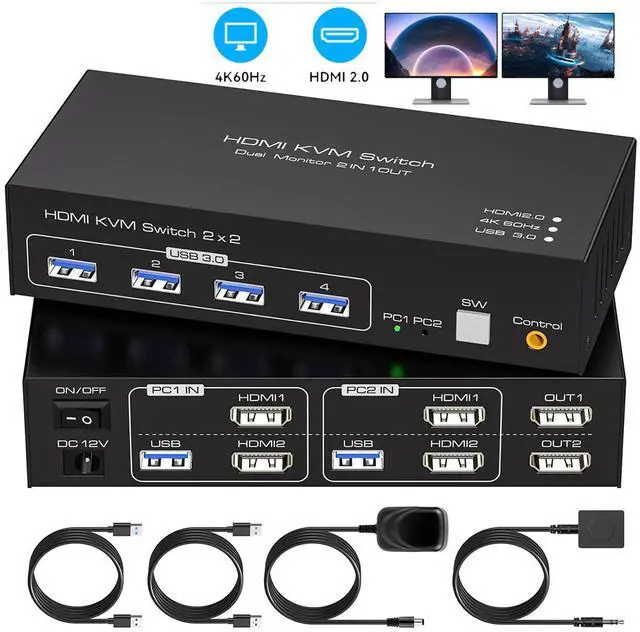
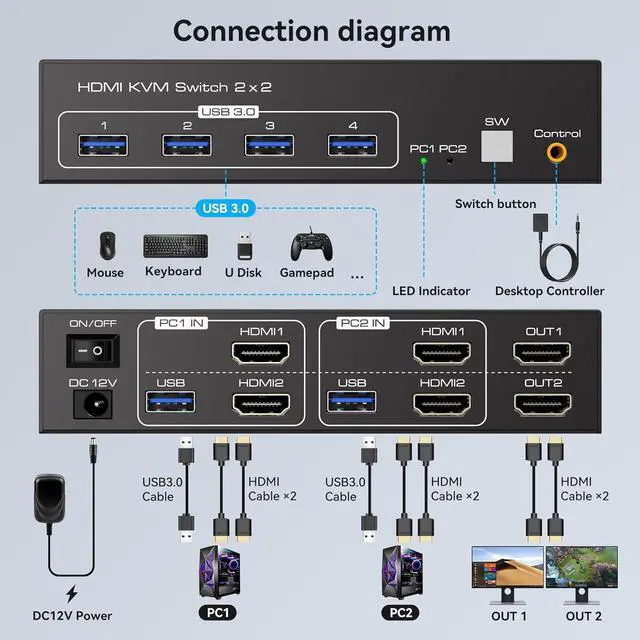
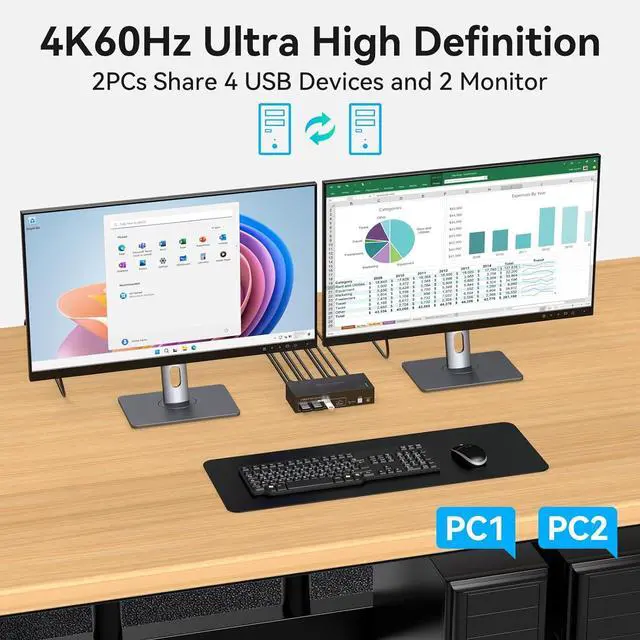
The "PC1 IN" and "PC2 IN" ports each have two HDMI input interfaces and one USB interface. Both computers must be connected to the two HDMI input interfaces and one USB interface to output to two monitors.
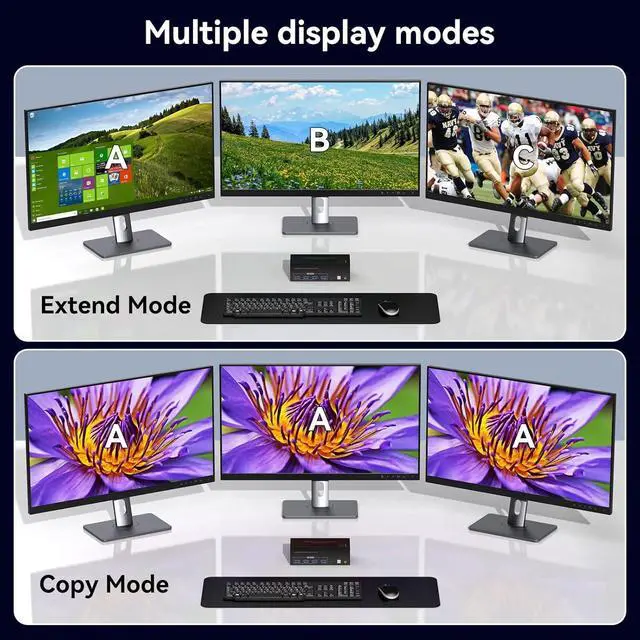
- Extended Mode: Three monitors display different screens
- Copy Mode: Three monitors display the same screen
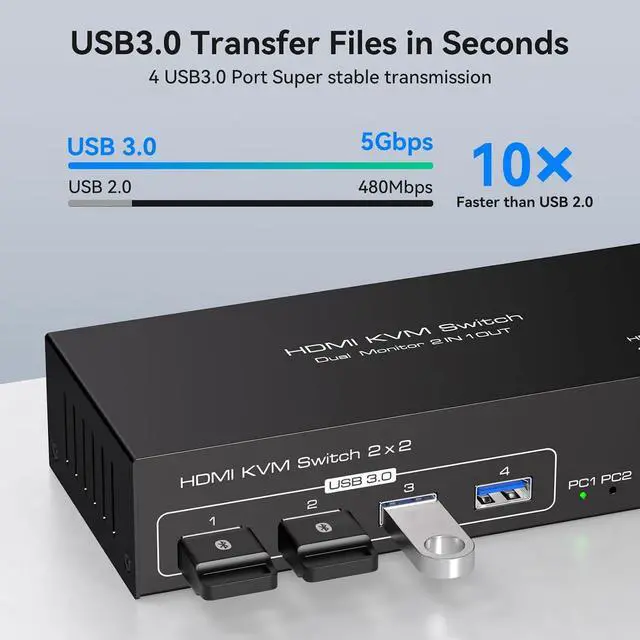
The HDMI KVM switch allows two computers to share dual monitors and four USB devices, such as a mouse, keyboard, printer, and scanner. Supports both extended and copy modes. Whether you're working in a home office or a professional environment, this kvm switches provides seamless switching, making it easy to handle multiple monitors and increase productivity.
Note: Requires two HDMI ports for each connected computer, and ensure that your PC or laptop supports multiple monitors
Multiple Modes
Extended Mode: Three monitors display different screens
Copy Mode: Three monitors display the same screen
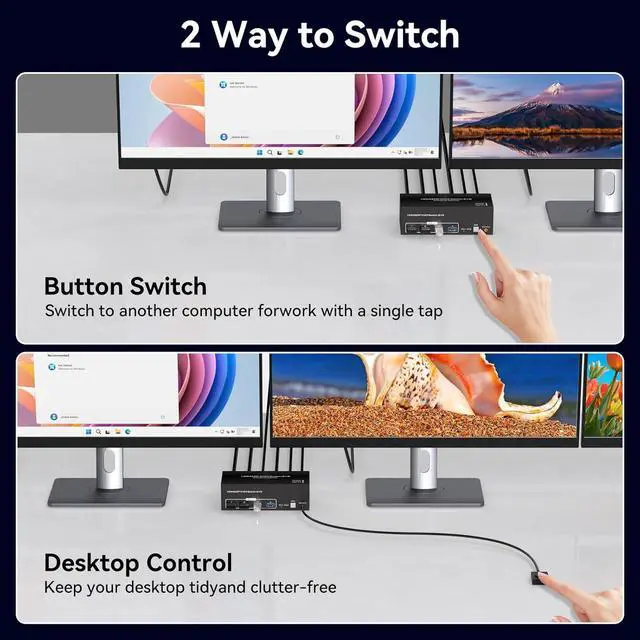
Two switching modes
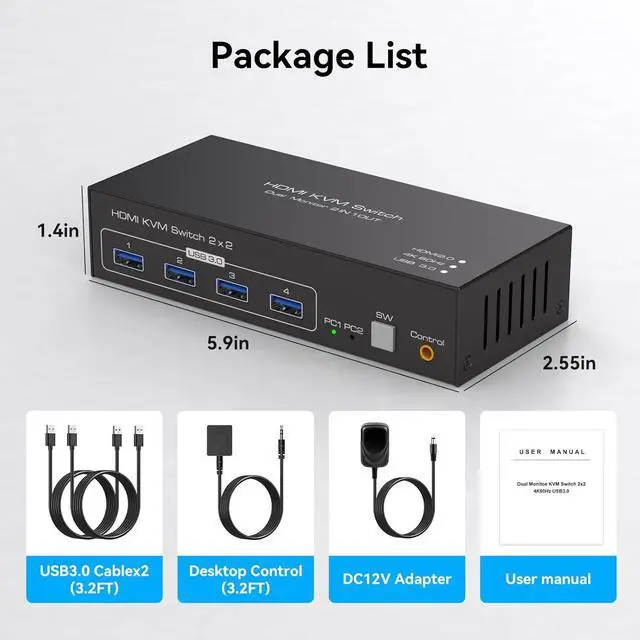
Switching button: The switching button allows you to switch between different signal sources at the touch of a button.
Wired Controller: With the wired controller, you can switch sources without having to get close.