





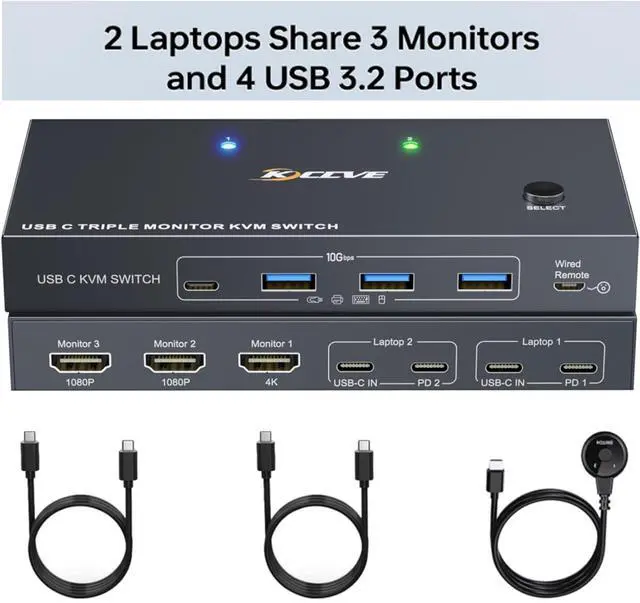
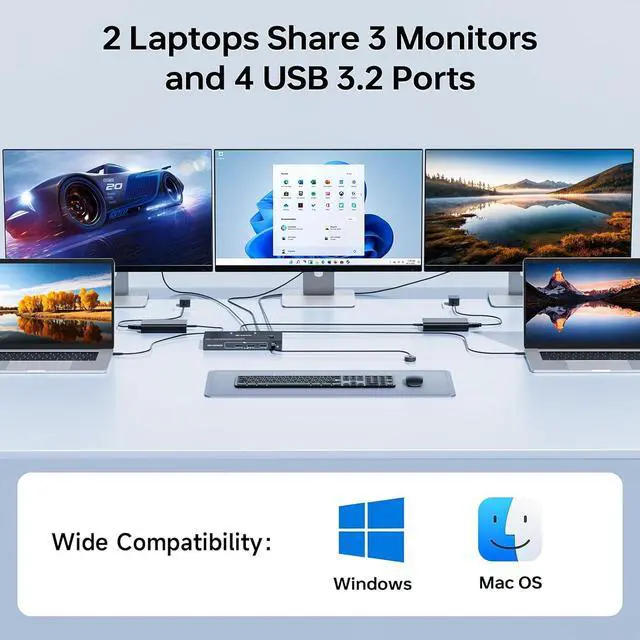
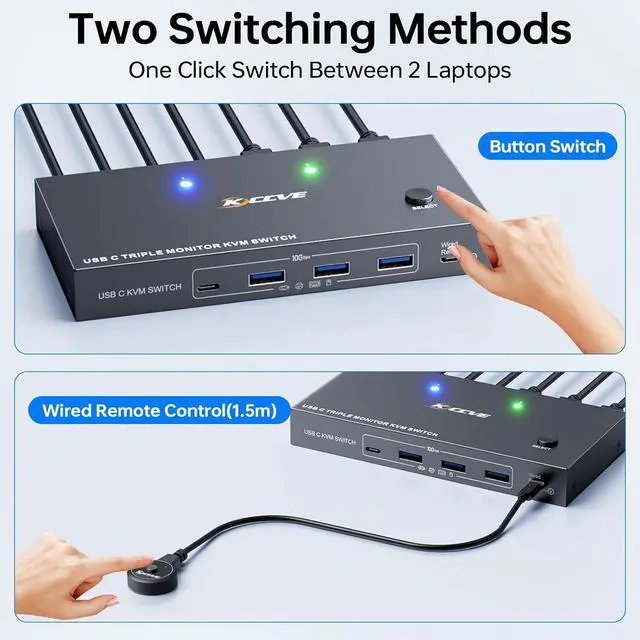
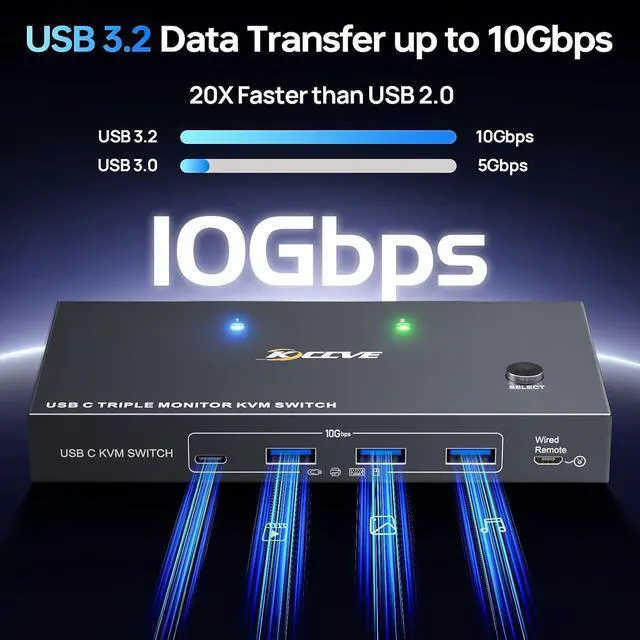


With our USB C 3 monitors KVM switch, you can switch between 2 laptops to share 3 HDMI external displays and 4 USB 3.2 ports.


Q & A:
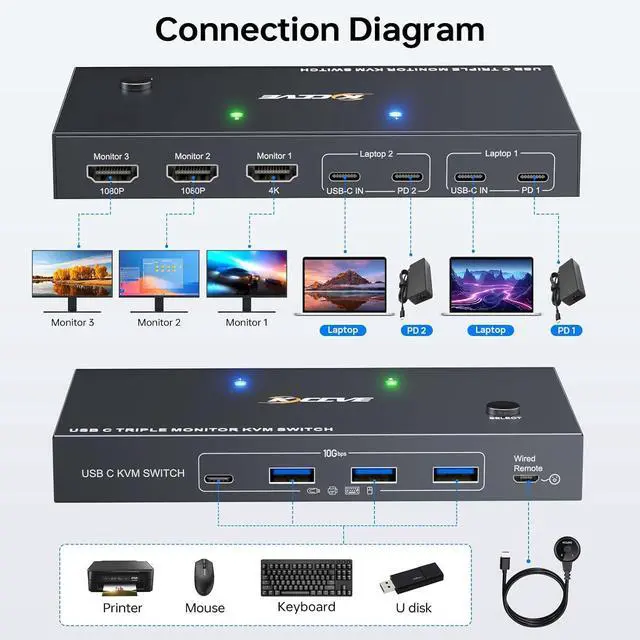
Q: I want to share 3 monitors between 2 Laptops. How do I connect the cables?
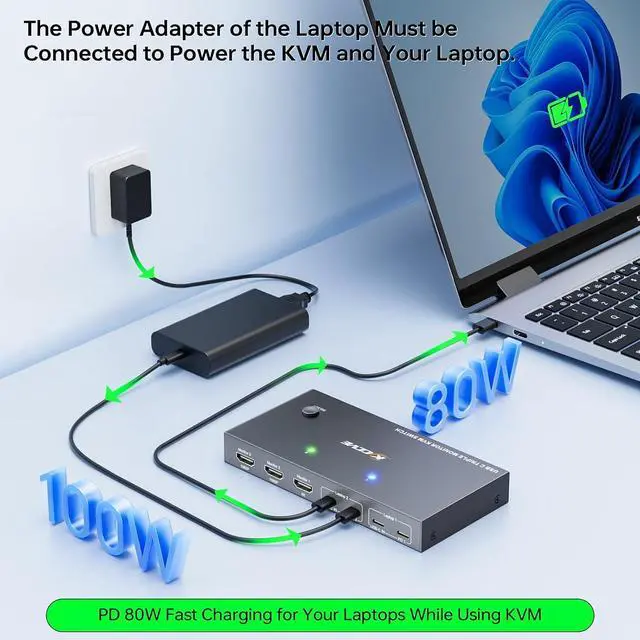
A: You only need to use 2 USB C cables to connect your 2 laptops to the KVM switch, then plug in the power adapter to charge the laptops, and use 3 HDMI cables to connect 3 external monitors to the KVM.
Q: Do I need to install drivers to use this 3 monitors KVM switch?
A: Drivers need to be installed for the KVM switch to function properly.
Q: Which hosts is this KVM suitable for?
A: Suitable for laptops and Mini boxes (11th generation or higher CPUs) that support DP alt mode.
Q: What operating systems can this KVM be used for?
A: This KVM switch is only compatible with Windows (WIN10 or higher) and Mac OS (MAC OS11 or above), Low version systems may not be able to install the required driver.
Q: Does this KVM switch support 4K@60Hz?
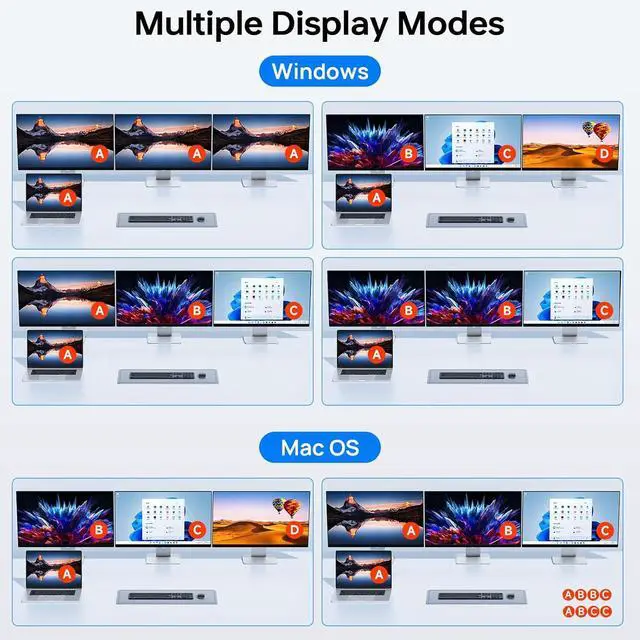
A: Supports simultaneous output of 3 external monitors, 1* 4K@60Hz +2* 1080P@60Hz , and supports mirror and expansion mode output.