




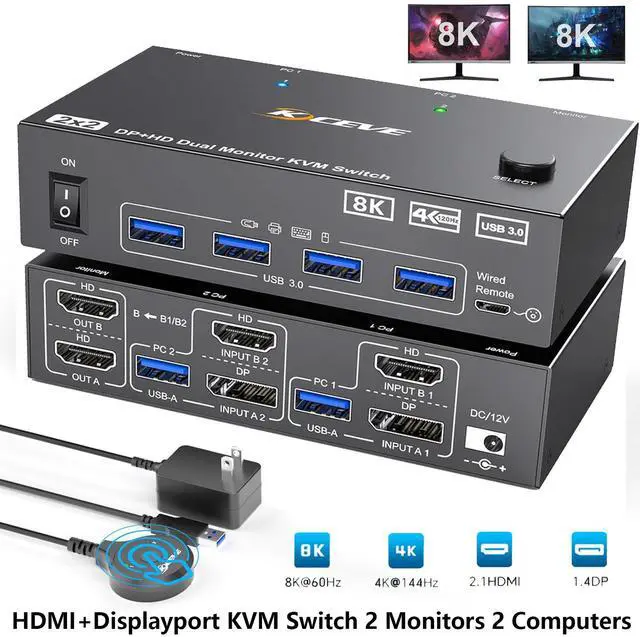


HDMI and Displayport KVM Switch dual monitor 2 computers to share 2 monitors and 4 USB devices together

8K@60Hz 4K@144Hz KVM Switch 2 Monitors 2 Computers
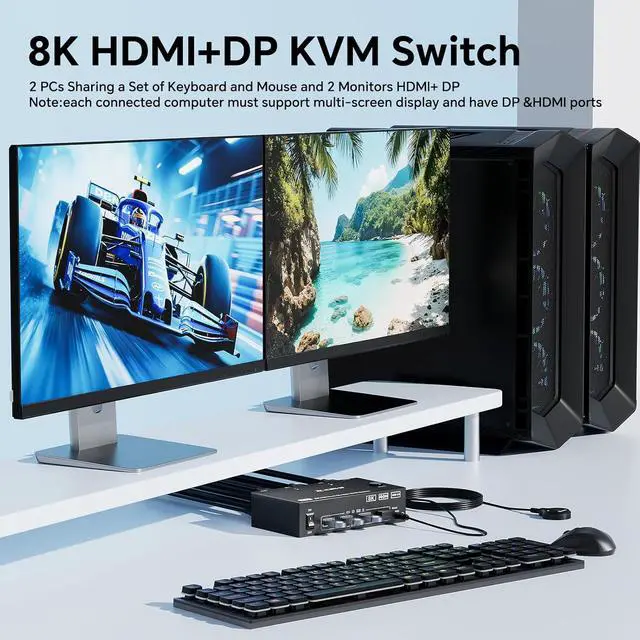
This 8K@60Hz 2 port HDMI DP KVM Switch 2 monitors 2 computers allows you to control two HDMI DP--enabled devices with a single keyboard, mouse, and dual monitors setup. It designed for home offices, gaming setups, and professional environments. No need for drivers or software installation. Just plug and play. KVM switches support extended & mirrored Mode.

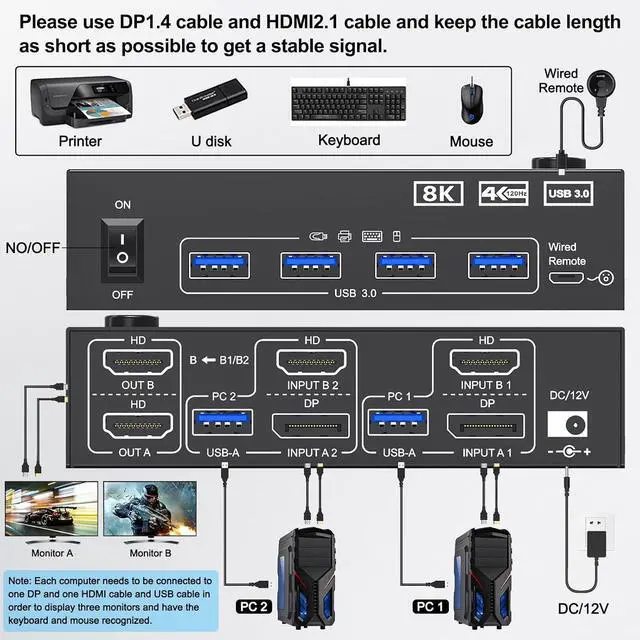
Connection Steps:
- Connect 1*HDMI cable+1*DP cable+1*USB3.0 cable between computer 1 and KVM
- Connect 1*HDMI cable+1*DP cable+1*USB-A cable between computer 2 and KVM
- Connect 2*HDMI cables between the KVM (OUT A, OUT B) and the monitor 1 and monitor 2
- Plug your USB device (keyboard, mouse, printer, USB stick, etc.) into the USB-A port on the KVM.

Two output modes are available
Mirrored display mode will copy the image from the main screen to the secondary screen, suitable for presenting your PPT or other works.
Extended display mode can output two different images, allowing you to move application windows to another screen for efficient multitasking.

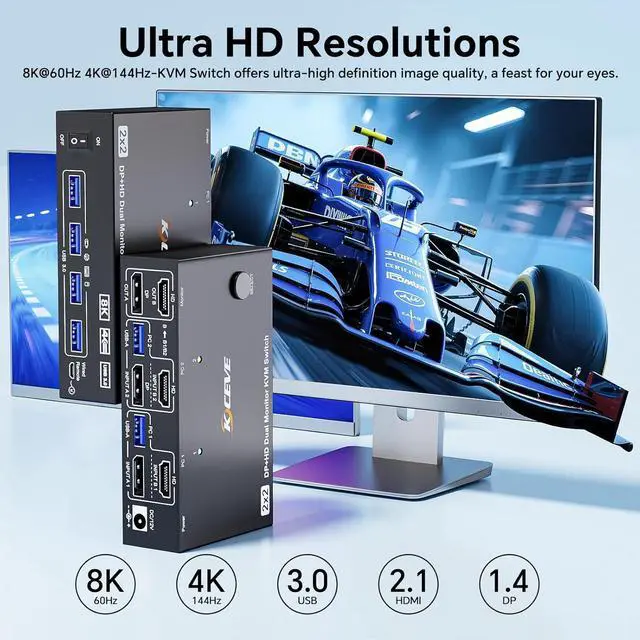
Up to 8K@60Hz,4K@144Hz
Up to 7680*4320@60Hz;3840*2160@60Hz/144Hz; 2560*1440@165Hz/144Hz/120Hz/60Hz.Experience the stunning clarity of 8K@60Hz resolution with this 8K KVM Switch. Enjoy vibrant colors, sharp details ,and immersive visuals, bringing vivid world to your life.
Note: Final resolution is subject to graphic cards, monitors, cables and adapters. To achieve 8k resolution please use 8K HDMI cable and 8K DP cable.

2 PC share 2 Monitor and 4 USB3.0 Devices
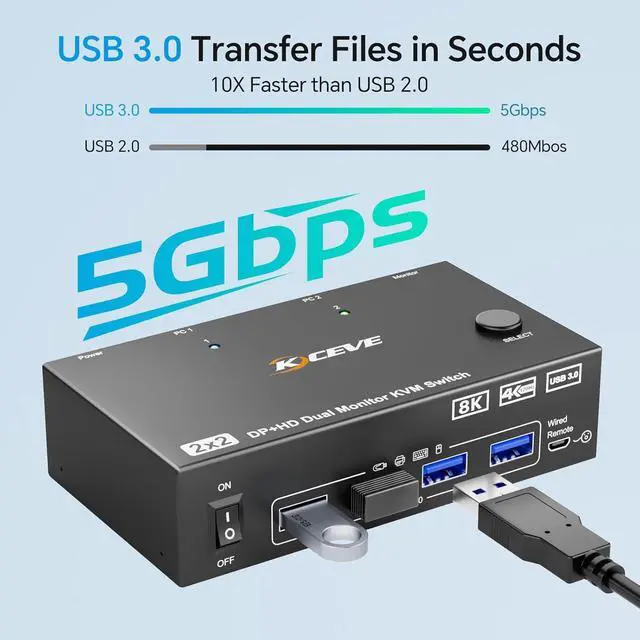
Dual monitor KVM Switch with 4 USB 3.0 Ports which can recognize keyboard, mouse, printer, scanner and other USB devices. USB 3.0 offers data transfer speeds of up to 5Gbps

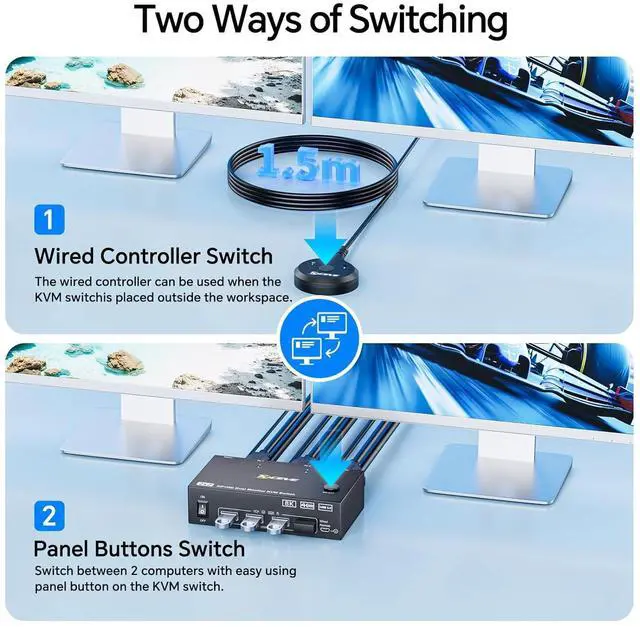
Support 2 Switching Methods - Wired Controller Switch/Panel Buttons Switch

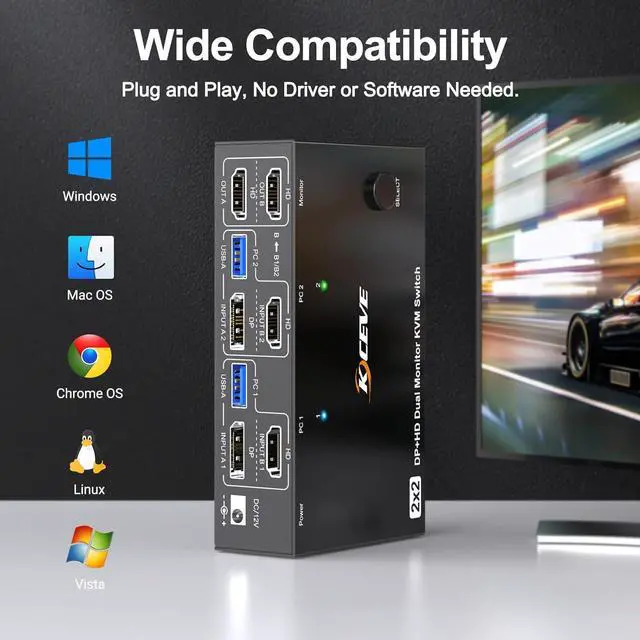
This USB KVM Switch 2 in 2 out plug and play without any software driver. Wide compatible with Windows/Vista/XP and Mac OS, Linux and Unix
How to use our KVM switch?
Power: Connect the DC 12V adapter to the KVM.
Input: Each computer requires 1 HDMI,1 Displayport cables and 1 USB cable to be connected to the KVM switch
Output: two monitors connected to the KVM via HDMI Displayport ports
Peripherals: mouse, keyboard, Printer and U-Disk linked via USB Port.

Four USB 3.0 Ports
With 4 USB 3.0 port,transfer rate up to 5Gbps,very fast and convenience.

Wired Remote (1.5m)
you can hide the KVM switch under the table and keep desk tidy when using this wired remote.

LED Light Indicator
LED indicate the active computer. Blue light shows PC1 working. Green light shows PC2 working.
