




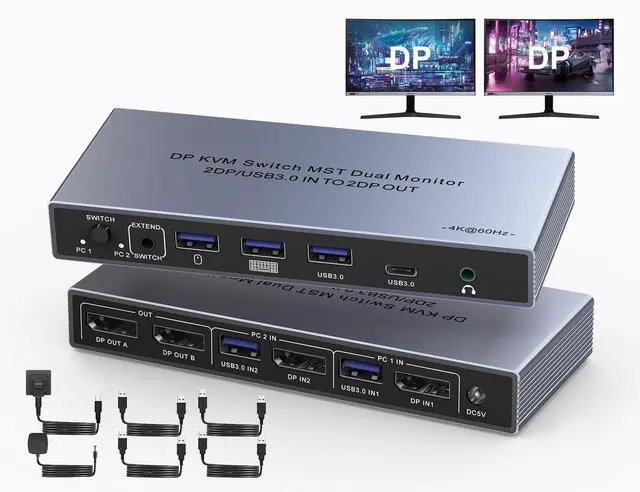
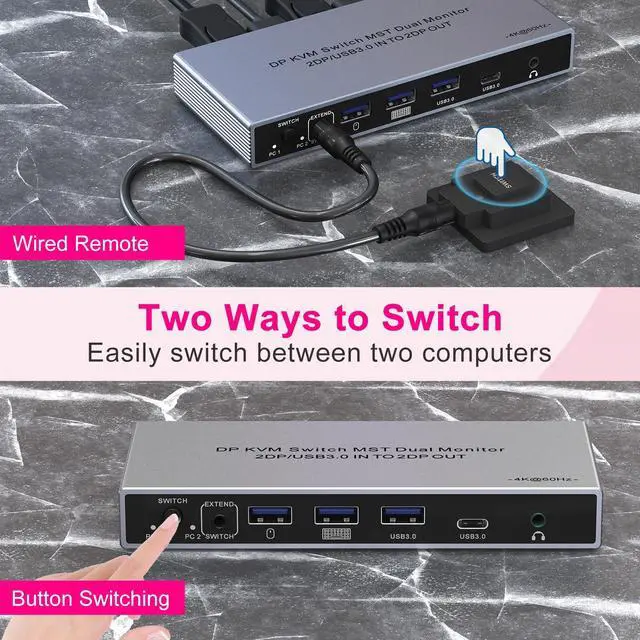


KVM Switch 2 Monitors 2 Computers Display Port
2-in-1 input DP chip (space-saving)
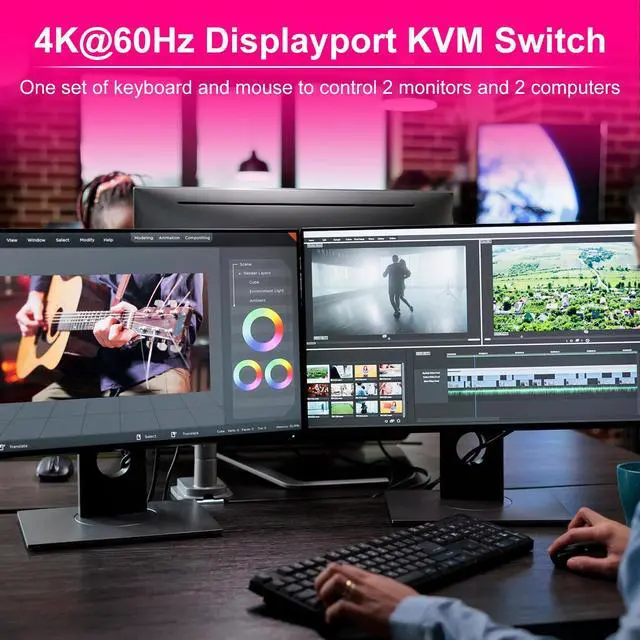
2 computers share DP dual monitors
Up to 4K@60Hz
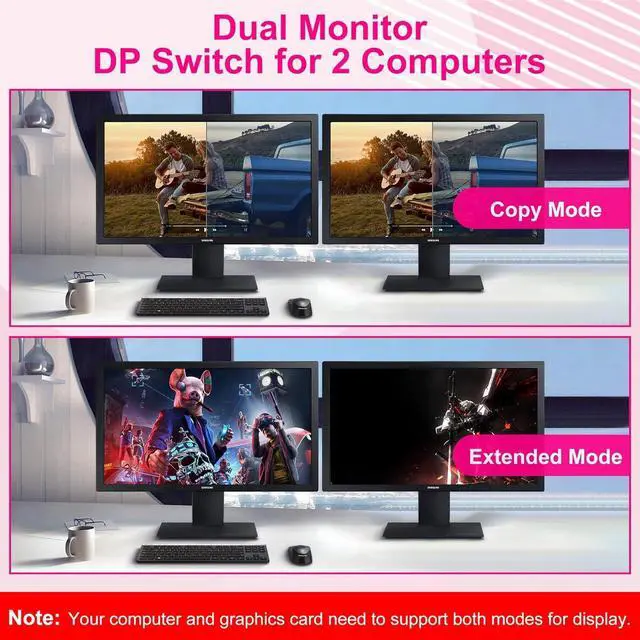
2 display modes - mirror and extend mode
Add 3 USB 3.0 ports and 1 USB-C 3.0 port
With audio Jack
Plug and play function, no driver required

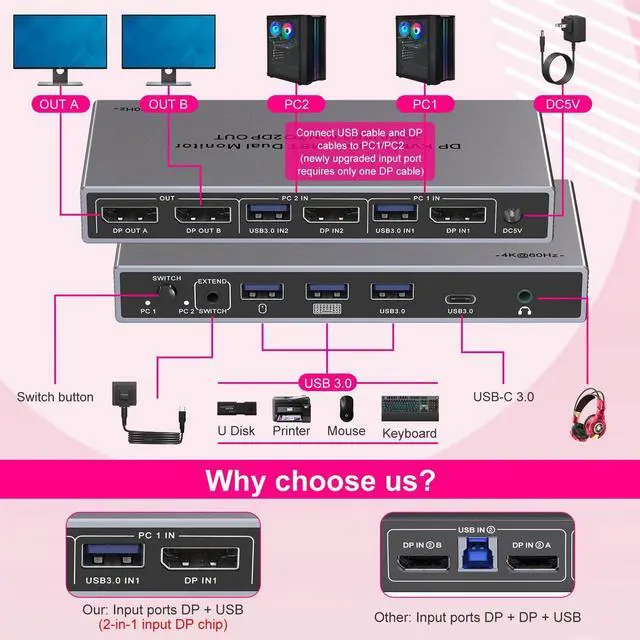
New Upgrade 2-in-1 Input DP Chip
- Other: DP IN1 A + DP IN1 B + USB IN1=PC1
- Our: DP IN1 + USB IN1=PC1
You can reduce the number of DP input cables by two, saving space

Installation steps:
1. Connect the DC/12V adapter to the KVM.
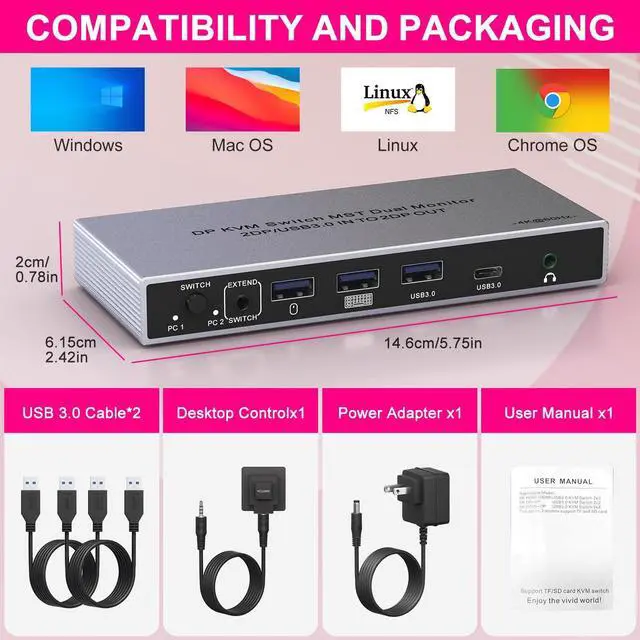
2. Connect the DP cable and USB cable to the KVM and the computer/laptop (input)
(2 USB cables are included in the package, no DP cable is provided).
- DP IN1 + USB IN1=PC1
- DP IN2 + USB IN2=PC2
3. Connect the DP cable to the KVM and the monitor (output).
4. Plug the mouse and keyboard into the KVM switch
Notes:
1. Most of the reasons why only one video output works are due to improper connection. Please make sure that each computer has 1 DP cables connected to the KVM.
2. Please check whether DP IN and USB IN correspond, DP OUT A, DP OUT B correspond, mixed insertion is not supported.
3. For the best audio-visual performance, a short DisplayPort cable works better.

Duplicate and Extend Mode
Delivers stunning ultra-high-definition visuals with resolutions up to 4K@60Hz
- In Duplicate mode, both monitors display the same content simultaneously, making it easy to share information.
- In Extend mode, each monitor operates independently, allowing seamless transitions between screens and providing a larger workspace for multitasking.
(Note: Your computer's graphics card must support Duplicate and Extend modes for optimal functionality)


LED Indicator Lights
The aluminum casing provides excellent heat dissipation, and the LED indicator lights clearly show the current connection status.

Additional Audio Jack
A 3.5mm audio jack allows you to easily listen, speak, or record, so you can enjoy your music without interruption.

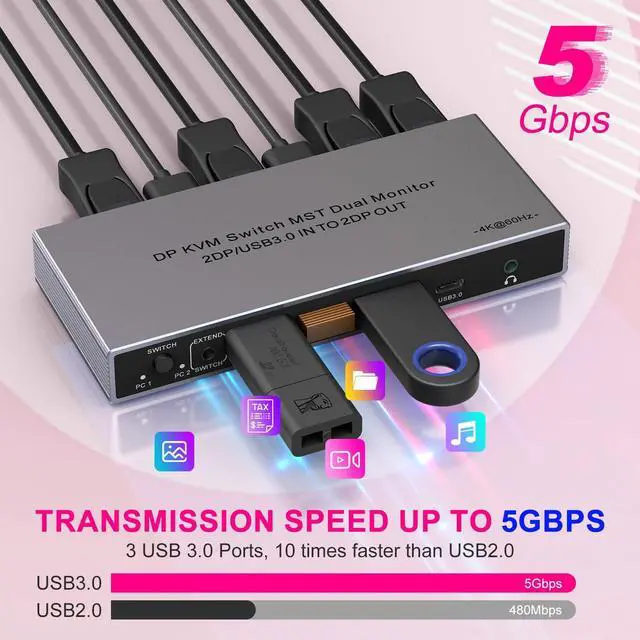
Equipped with 3 USB 3.0 ports and 1 USB-C 3.0 port
Data transfer speeds up to 5Gbps, seamlessly recognizing USB devices such as keyboards, mice, flash drives, and printers.
