






KVM Switch 2 Monitors 2 Computers - Dual Monitor KVM Switch with HDMI2.1 + DP1.4, 4 USB 3.0 Ports, Easy Switching, and Stable Work
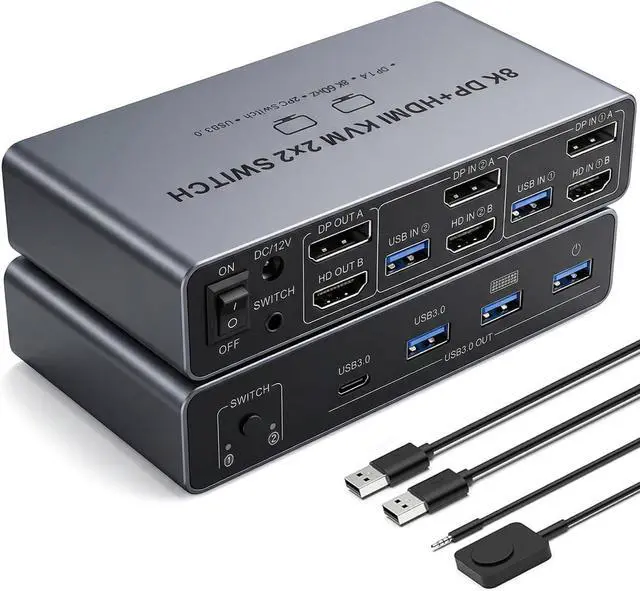
- Dual Monitor KVM Switch: Seamlessly switch between two computers or laptops while sharing two HD monitors and 4 USB 3.0 ports, including mouse, keyboard, printer, U disk, or gamepad.
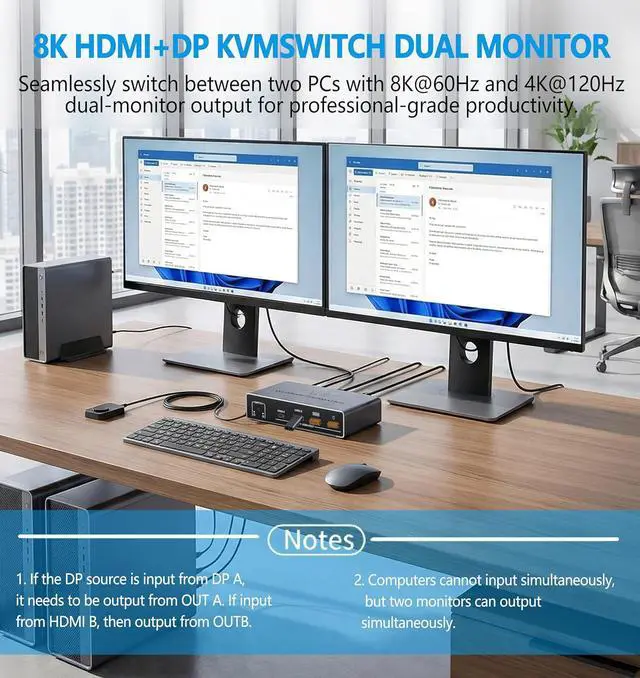
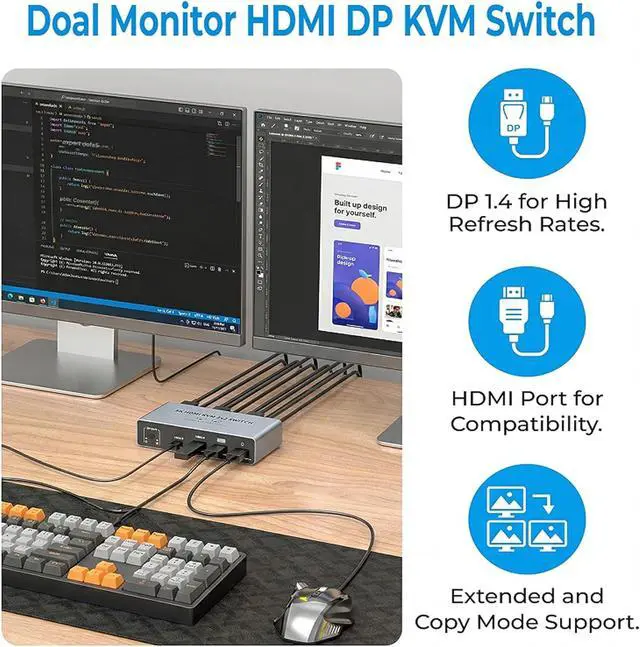
- HDMI2.1 + DP1.4 Support: Enjoy high-resolution displays up to 8K@60Hz and 4K@120Hz, with backward compatibility for 4K@60Hz, 1080P, and 720P. Automatically identifies and switches between different resolutions.
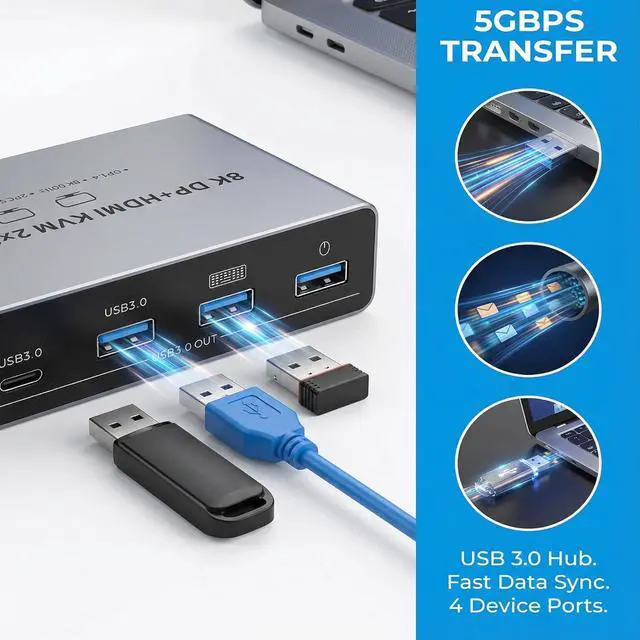
- USB 3.0 Connectivity: Equipped with 4 USB 3.0 ports, providing up to 5Gbps transmission speed, which is 10 times faster than USB 2.0. Compatible with a wide range of USB peripherals, including USB 2.0 devices.
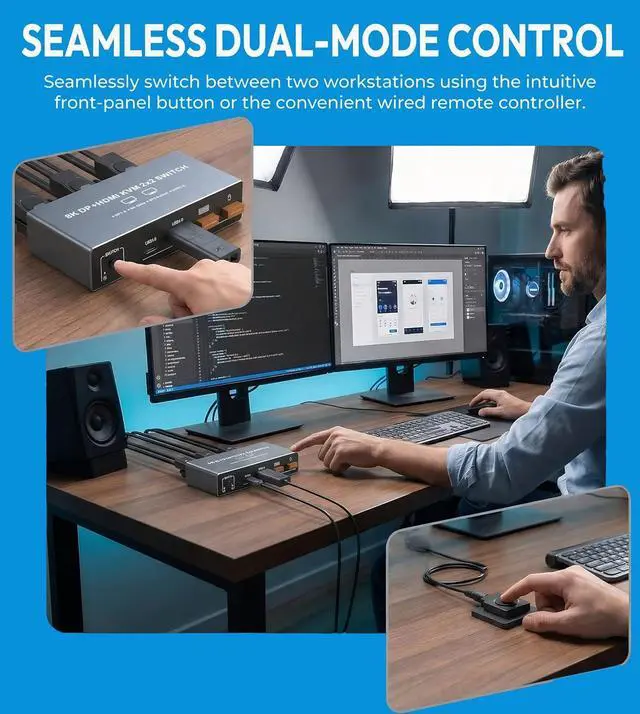
- Easy Switching Methods: Plug and play, no software or drivers required. Switch between signal sources using the select button on the device or via a wired extension button for a tidier desktop setup.
- Stable and Reliable Operation: Includes a 12V power adapter to ensure stable operation for USB devices.

Precautions of 8K HDMI HDMI Displayport KVM Switch 2 Monitors 2 Computers
- USB Port Usage: The USB ports are only used for transferring data such as images and music. The HDMI and Displaypor ports can transmit both audio and video information.
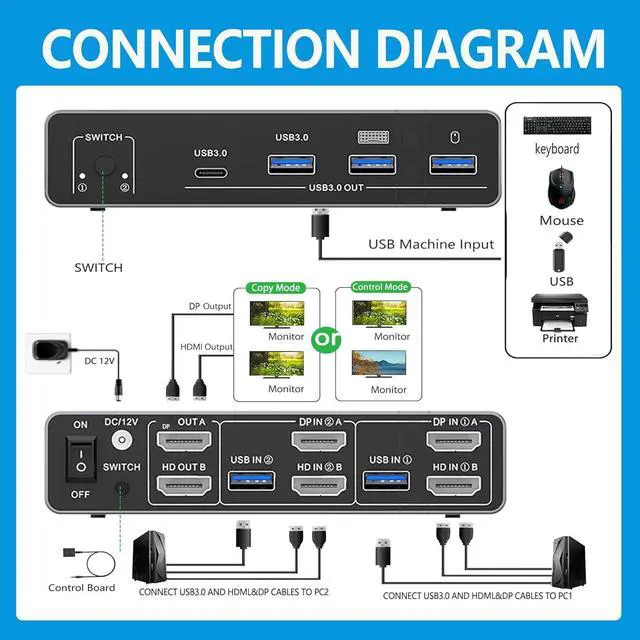
- HDMI&DP Input and Output: If the HDMI source is input from HDMI B, it needs to be output from OUT B. If the DP source is input from DP A, then it needs to be output from OUT A.
- Switching Behavior: When switching between two computers, the display will go black for a few seconds.
-
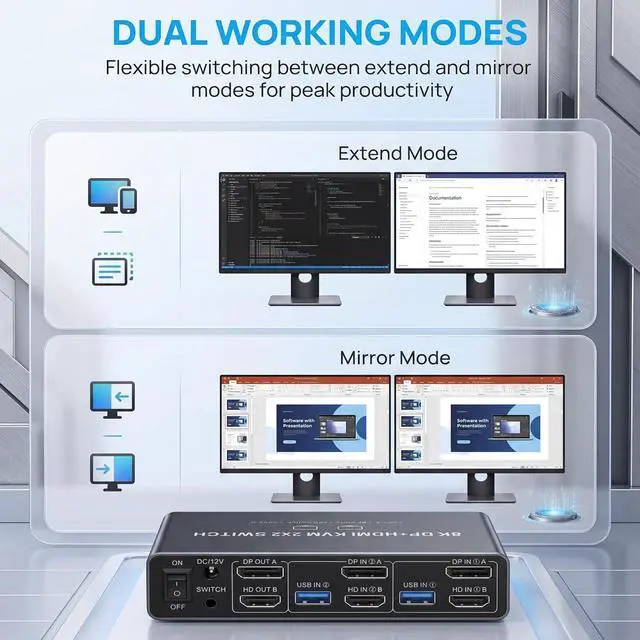
Extended and Mirrored Modes: The KVM switch supports both extended and mirrored modes, but the computer itself must support these modes. The KVM switch is only used for signal transmission and cannot alter the information.
- Power Supply: For optimal stability, please connect the KVM switch to the included 12V power adapter.
- Simultaneous Monitor Output: To output to 2 monitors simultaneously, connect HDMI and DP ports of one source computer. Specifically, connect DP A and HDMI B of PC1 IN, and OUTA and OUTB of the output ends. OUTA will display the video from DP A, and OUTB will display the video from HDMI B.
