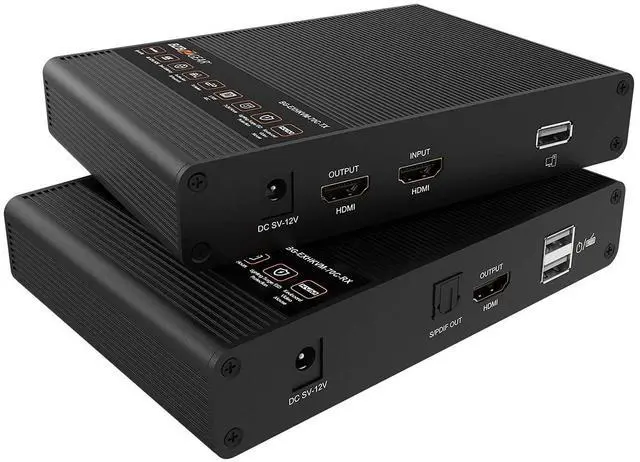
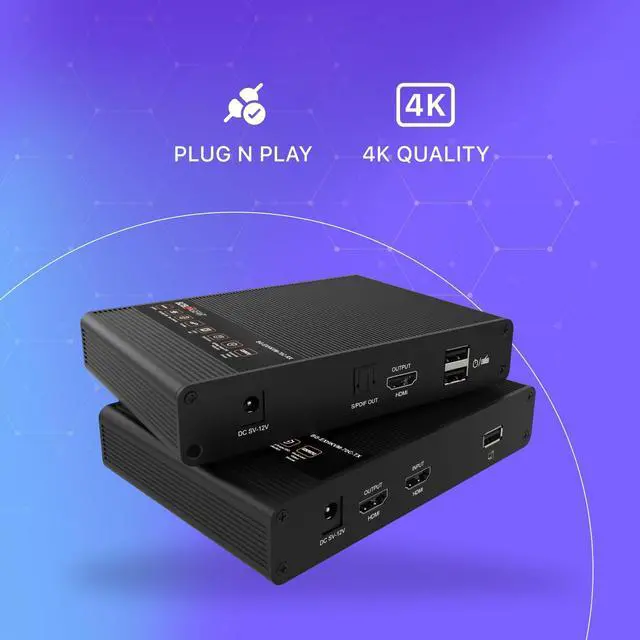
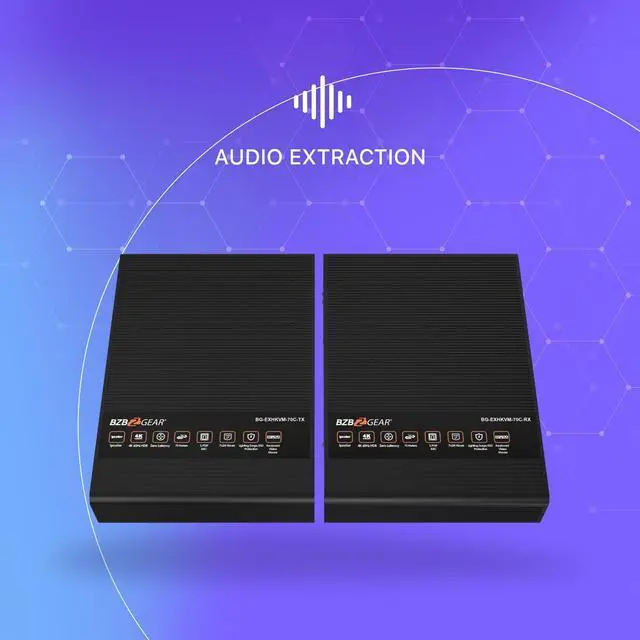
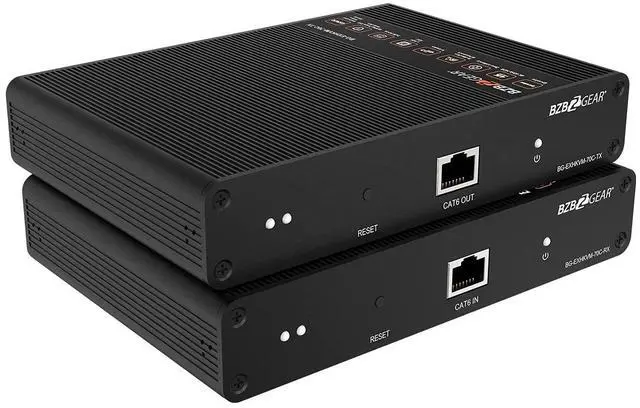
With a new IPCOLOR technology (a global leading and innovative protocol for UHD video digital transmission with lossless compression) this extender is capable of transmitting HDMI and USB signals with zero latency (gamers loved it) across distances of up to 70 meters (230 ft) over a single Cat6/6a/7 cable.
If your computer makes uncomfortable level of noise and you want to send it away to the basement and work peacefully in your office, or if your company policies require your workstation to be locked in server room these are exactly why KVM extender was created. When you need to separate your PC and your Display/Keyboard&Mouse for a long distance this device will serve you well.
You can use USB connectors on the receiver not only for your mouse and keyboard, but also for any USB 2.0 devices, like storage drives or web camera. S/PDIF connector on the receiver will de-embed audio signal from HDMI, so you can connect your local audio system.
BG-EXHKVM-70C supports resolutions up to 4K 60fps HDR10 as well as many audio formats like LPCM/DTS-HD/DTS-Audio/Dolby Digital 5.1CH.
Aluminum housing and integrated surge protection provides more durability for your setup.
Supports HDMI 2.0a, compatible with HDCP 2.2 and HDCP 1.4Supports auto down-scaling to match display resolutionSupports uncompressed 4K@60Hz 4:4:4 with HDR10 and zero latency
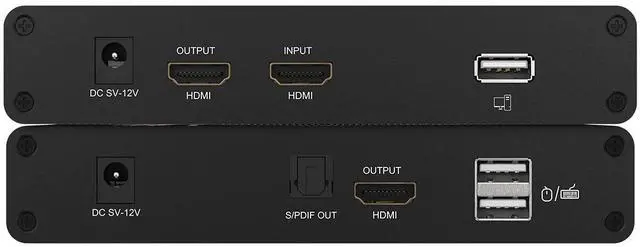
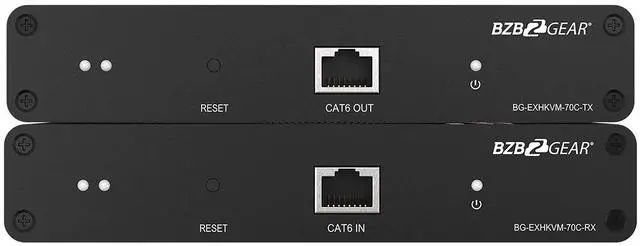
HDMI complianceHDMI2.0, compatible HDMI1.4HDCP complianceHDCP2.2, compatible HDCP1.4Transmission meduimCAT6/CAT6A/CAT7Transmission distance70 metersVideo bandwidth18GbpsVideo support1280x960, 1280x800, 1280x768, 1680x1050, 1360x768, 1366x768, 1600x900, 1024x768, 800x600, 480i@60Hz, 480p@60Hz, 576i@50Hz, 576p@50Hz, 720p@50/60Hz, 1080i@50/60Hz, 1080p@50/60Hz, 3840x2160@24/25/30/50/60Hz, 4096x2160@24/25HzTransmitter. Input:HDMI IN x1, DC2.1 x1, USB-A x1Transmitter. Output:HDMI OUT x1, RJ45 x1Receiver. Input:DC2.1 x1, RJ45 x1, USB-A x2Receiver. Output:HDMI OUT x1, S/PDIF OUT x1HDMI connectorType A 19 Pins,FemaleNetwork cable standard CAT6/CAT6A/CAT7, follow IEEE-5688 standardDimensions LxWxH5.9" x 4.2" x 1.1" [150.0 x 107.0 x 28.4mm]WeightTransmitter: 0.57lbs [260g], Receiver: 0.57lbs [260g] 1. KVM Light: If connected to a computer, the indicator light is on. If there is no signal transmission, the indicator light is off. If there is a signal transmission, the indicator light flashes.
2. Reset button: Press to restart the device.
3. RJ45 signal output: Connect with network cable.
4. Power signal indicator: When there is power and no HDMI signal, the indicator will flash, when there is HDMI signal, the indicator will light solid blue.
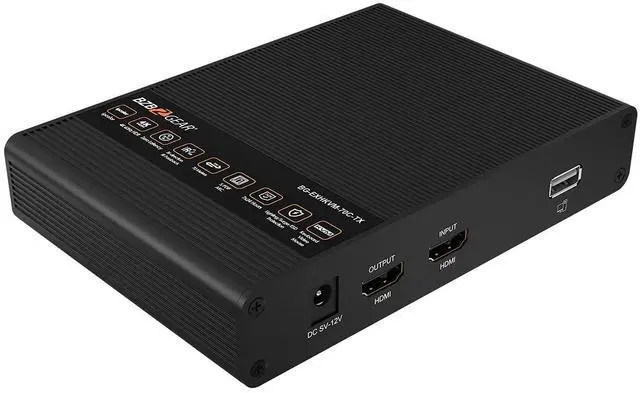
5. DCSV-12V input: Connect with DCSV-12V power adapter.
6. HDMI output: Connect with an HDMI display device. 7. HDMI input: Connect with the source device.
8. USB-A port: Connect with the computer.
9. KVM Light: If a mouse/keyboard is connected to the USB port, the indicator light will illuminate.
10. Reset button: Press to restart the device.
11. RJ45 signal input: Connect with network cable.
12. Power signal indicator: When there is power and no HDMI signal, the indicator will flash, when there is HDMI signal, the indicator will light solid blue.
13. DCSV-12V input: Connect with DCSV-12V power adapter.
14. S/PDIF out: Output digital audio signal.
15. HDMI output: Connect with an HDMI display device.
16. USB-A port: Connect with keyboard and mouse.