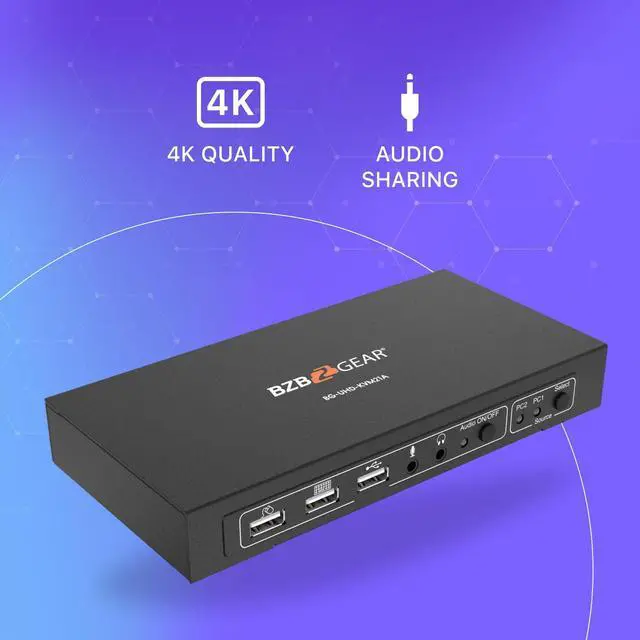
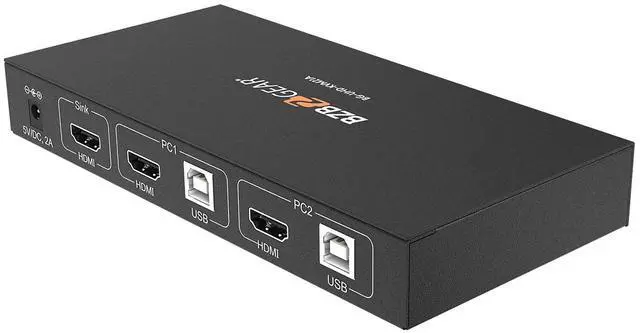
The BG-UHD-KVM21A is a 4K HDMI USB 2.0 KVM switch. With support for resolutions up to 4K@30Hz, this device allows users to control two computers and share USB peripherals from a single workstation. Perfect for offices, software programmers, and support desks, users can easily switch between multiple operating systems without leaving their seat.
Connectivity and Features
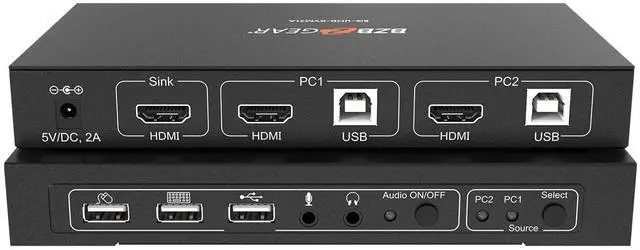
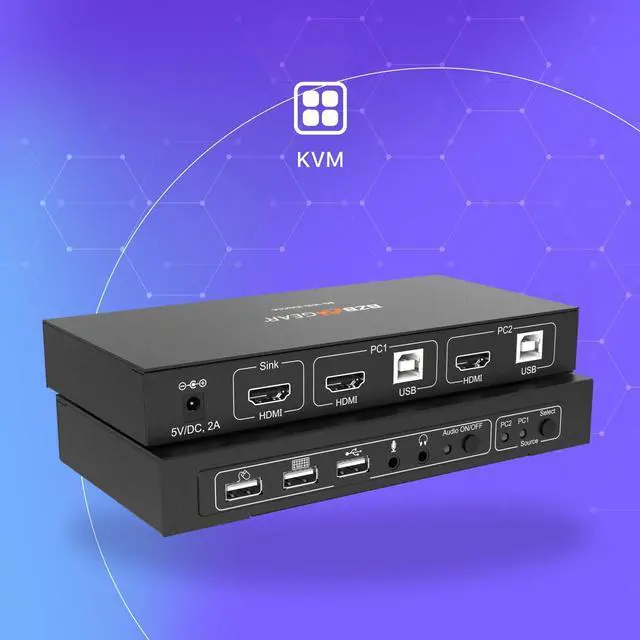
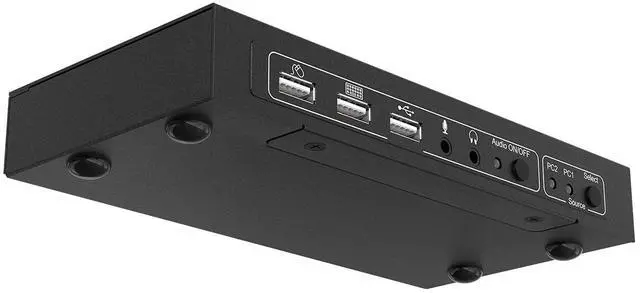
The rear panel of the BG-UHD-KVM21A is equipped with two PC connections, each including one USB 2.0 type-B host port and one HDMI 1.4 input. There is also one HDMI 1.4 output for connection to a monitor. On the front panel, there are three USB 2.0 ports for a keyboard, mouse, and a spare port for additional devices. The BG-UHD-KVM21A also provides 3.5mm audio connections for a microphone and headphones/speakers.
Control
The BG-UHD-KVM21A is simple to operate using the front panel buttons. The source select button toggles between the two connected computers, switching the HDMI and peripheral connections. It can also be operated using hotkeys. There is also an audio toggle which enables/disables the audio in/out connections.
Share an HDTV or display, USB keyboard & mouse, and microphone between 2 USB/HDMI computers and devicesProvides an additional USB 2.0 sharing port with over-current detection and protectionSwitch between devices via front push button or hotkeySupports Dolby True HD and DTS HD Master Audio formatsVideo bandwidth: up to 3GbpsMetal housing for better RF shielding
Supports resolutionsUp to 4K@60HzInput Ports2 HDMI, 2 USB 2.0 Host, 3 USB 2.0 Peripheral, 1 analog audioOutput Ports1 HDMI, 1 Analog AudioControlPanel ButtonsPower SupplyAC 100 - 240V 50/60HzWeight9.1oz [258g]Dimensions6.15"(W) x 2.7"(D) x 1"(H) [156mm (W) x 69mm (D) x 25mm (H)]HousingMetal Enclosure 1. USB Mouse Port: Connect to a USB mouse.
2. USB Keyboard Port: Connect to a USB keyboard.
3. USB Port: Connect to other USB devices.
4. MIC: Connect to a microphone.
5. Audio out: Connect to earphones.
6. Audio LED: Audio ON/OFF Indication.
7. Audio Switch: Switch to enable/disable the MIC/Audio out function.
8. Port LED: Indicate which HDMI source is selected.
9. Port Select: Switch between the HDMI sources.
10. Power Jack: Connect to the included power adapter.
11. HDMI Sink: Connect to local HDMI Display.
12. PC1/2 HDMI Inputs: Connect to the source/remote device's HDMI output.
13. PC1/2 USB Type-B Port: Connect to the source/remote PC's USB port for USB control.
Overview Features Specifications Interface