




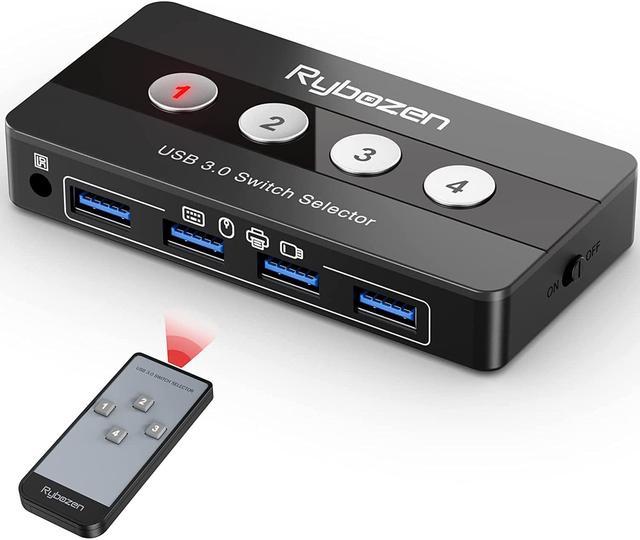
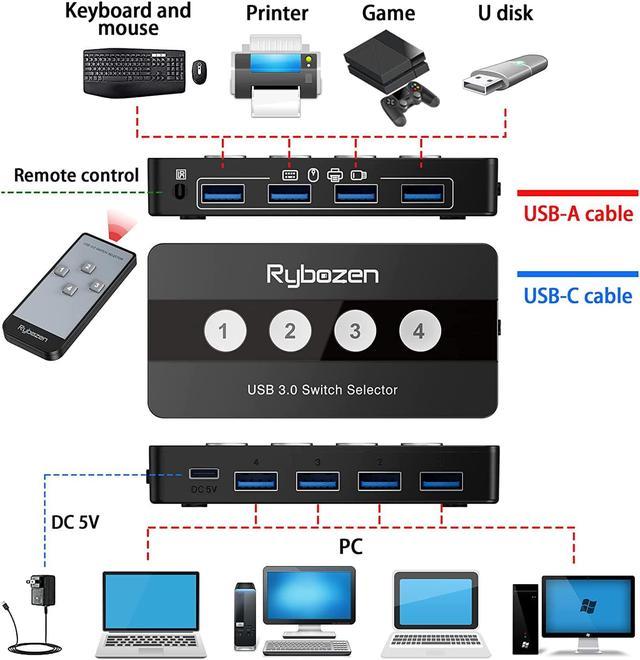


Ideal Switch for 4 Computers Share 4 USB Devices
- Rybozen 4-Port USB 3.0 Switch is an excellent choice to share 4 USB 3.0 or USB 2.0 devices between 4 Computers, saving time and space!
Universal USB 3.0 Device
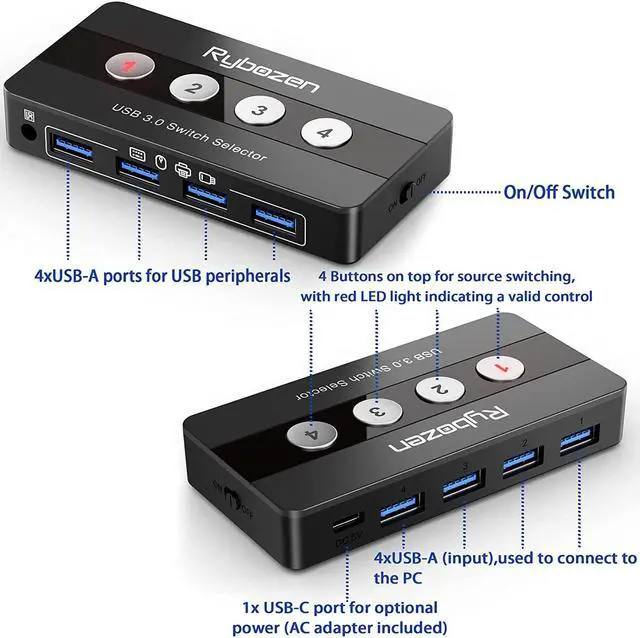
- USB 3.0 sharing switch with a separate micro USB-C Receptacle for option power, optimizing its compatibility with more devices, such as HDD,Digital Video Cameras, SSD etc.
No Driver Needed, Plug and Play
- This USB 3.0 switch is plug-and-play compatible, with no additional driver installation needed.USB bus-powered - No power adapter required.
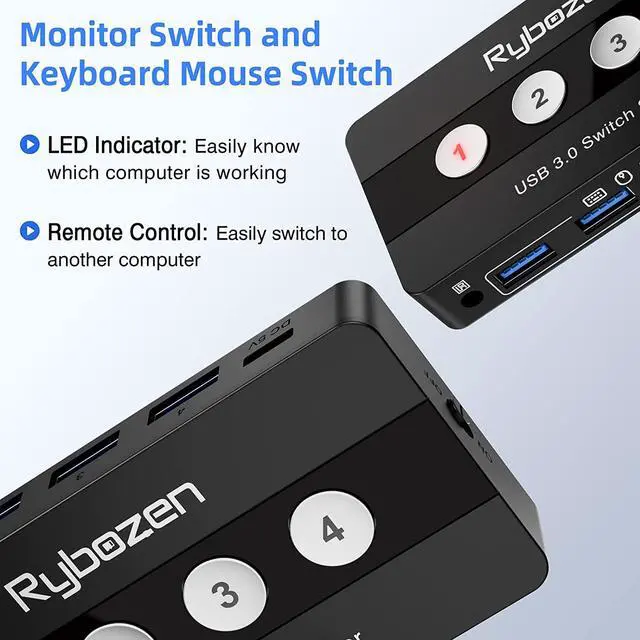
LED Indicates 4 Hosts
- The flashing LED lights indicate active host
Use tips:
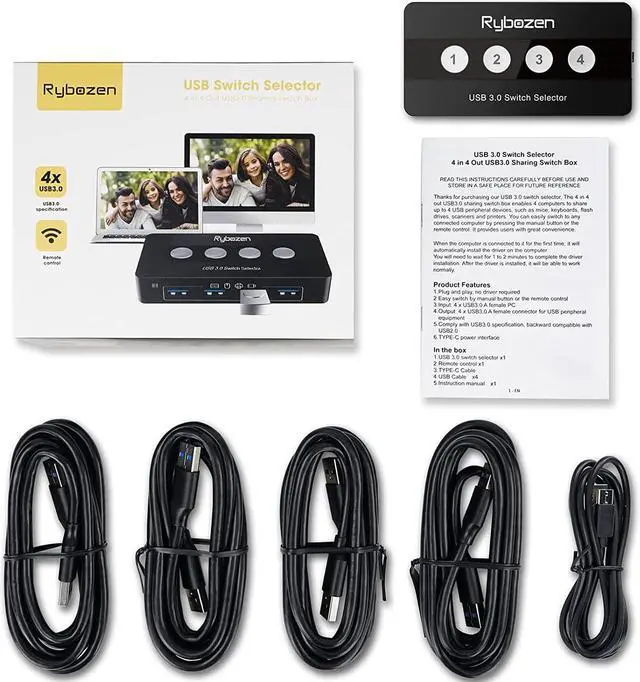
- Connect your computers by using the provided type A to type A cable.
- Connect your USB devices to any of the four USB ports. The USB devices could be USB flash disk, mouse, keyboard, printer, scanner and etc.
- Please use Standard 5V Adapter(Not Included, sold separately) for powering.
- Any charger with higher voltage output is NOT allowed and may affect the product performance.

4 Hosts, 4 Peripherals
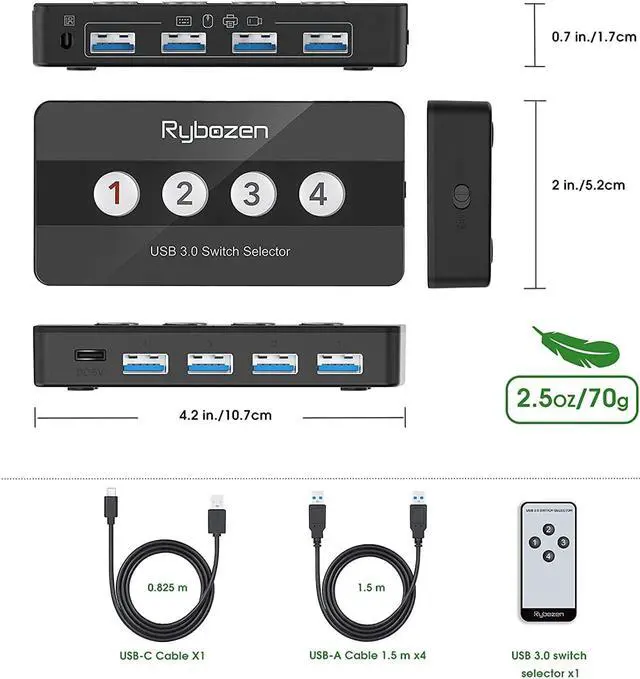
- 4 micro-A 3.0 ports connect up to four computers or laptops to the switch with the included micro-A to USB 3.0 cables
- 4 USB 3.0 ports connect up to four peripherals to the switch Set the active host with a push of a button.
- The included adapter adds support for USB-C or Thunderbolt 3 laptops

Remote Control & One-Touch Switching
- An included remote control allows for quick, easy switching of the host computer with the push of a single button.
- Unique design includes four switch buttons to effortlessly swap between hosts with the push of a single button.
- No need to press a button multiple times to cycle between hosts

Built-in On/Off Switch
- The switch includes a unique on/off switch.
- Reset the switch by power cycling it
- Eliminating the need for unplugging and reconnecting wires
- Prevent power drain when the switch is not in use

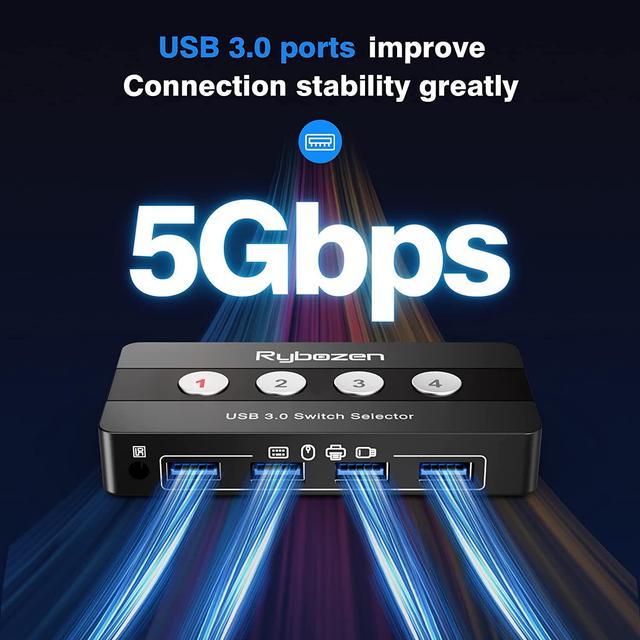
5 Gbps Ultra-Fast Speed
- 10x faster than USB 2.0 speed
- Plug & play, no driver required
- Compatible with USB 3.0 and USB 2.0

Support Wireless Keyboard and Mouse
- Support wireless keyboard and Mouse, reduces cable and accessory clutter.

Maximum Compatibility
- Support multiple devices such as printers, scanners, mouse, keyboard, card reader,u disk, and other USB devices.
- Compatibility with Windows 10/8/8.1/7/Vista/XP and Mac OS, Linux, and Chrome OS.

| Products | ||||||
|---|---|---|---|---|---|---|
| Interface Type | USB 3.0 | USB 3.0 | USB 2.0 | USB 2.0 | USB 2.0 + HDMI | USB 2.0 + HDMI |
| Input Ports | Max 4 Computers | Max 2 Computers | Max 2 Computers | Max 4 Computers | Max 2 Computers | Max 2 Computers |
| Output Ports | 4*USB 3.0 | 4*USB 3.0 | 4*USB 2.0 | 3*USB 2.0 | 4*USB 2.0 + 1*HDMI | 2*USB 2.0 + 1*HDMI |
| Transfer Rate | 5Gbps | 5Gbps | 480Mbps | 480Mbps | 4K@30hz | 4K@30hz |
| Control Way | Button Switch/Remote Control | Button Switch | Button Switch | Button Switch | Button Switch | Button Switch/Hotkey Setting |
| Features | 4 Computers Share 4 USB Devices | 2 Computers Share 4 USB Devices | 2 Computers Share 4 USB Devices | 4 Computers Share 3 USB Devices | 2 Computers Share 1 monitor and 4 USB Devices | 2 Computers Share 1 monitor, 1mouse and 1 keyboard |


