




 here!
here!
I’m your shopping assistant for PC builds, upgrades, and everything tech.
Got questions? Ask away!
Start a conversation
here!
I’m your shopping assistant for PC builds, upgrades, and everything tech.
Got questions? Ask away!
Start a conversation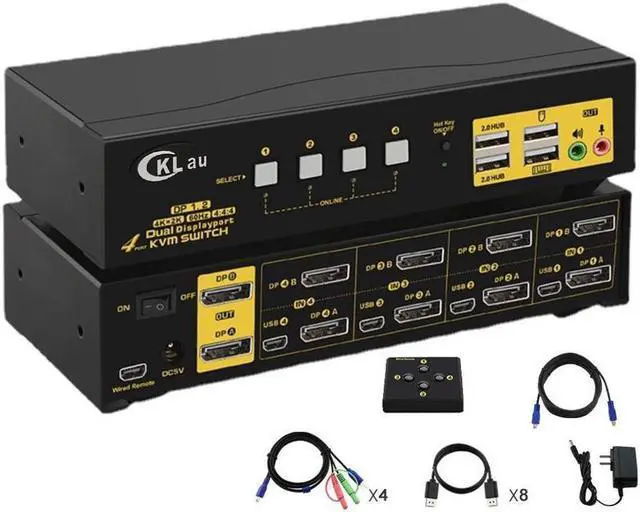



Any questions? Ask CelesteSM will help you find out quickly.

Does Everything You Need!

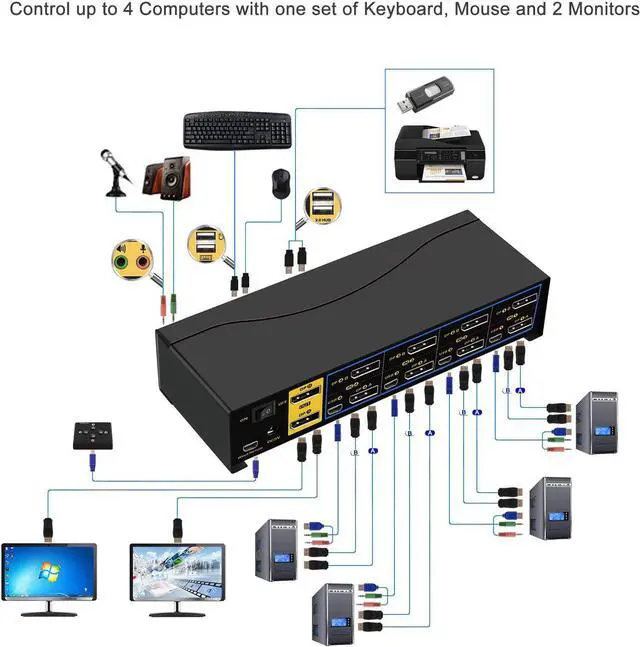
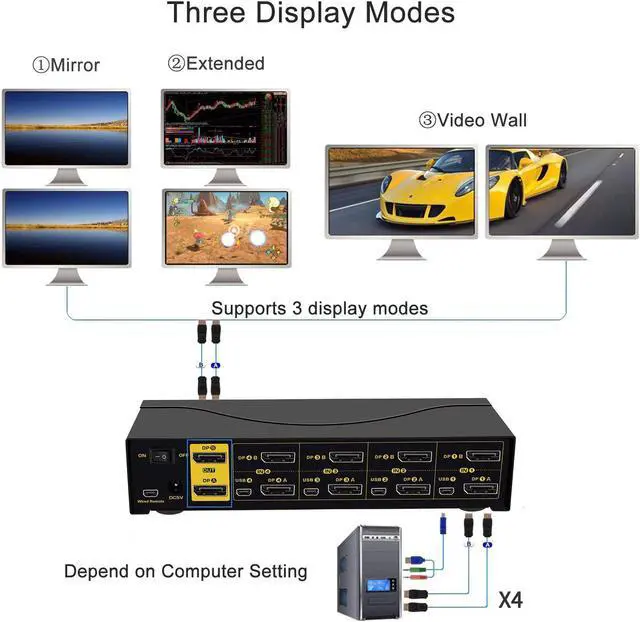
Installation Diagram (Make sure cable connection is correct for each input device)

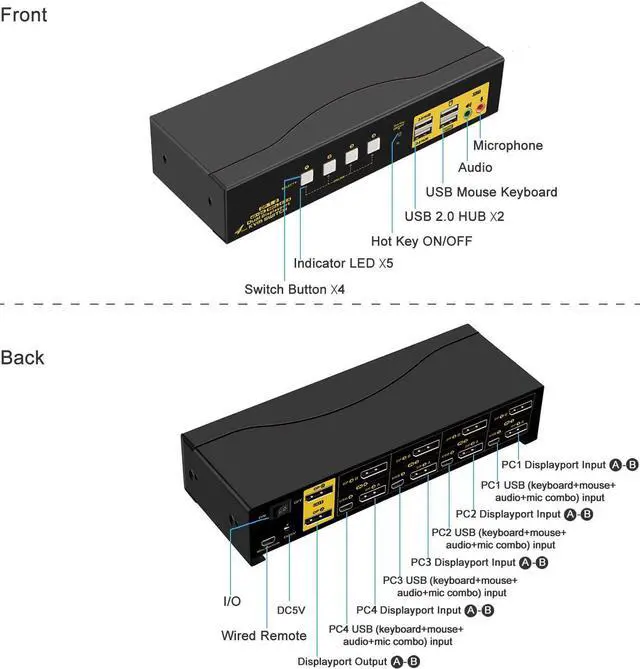
1. Each computer / laptop needs 2 video connections to correspondent DP IN A and IN B port on the KVM switch using DP cables included.
2. Reliable adapters are needed but not included for non-DP video input and outputs. Please be aware of the adapters needed for your setup before order; Out sourced adapters may not work correctly. Please reach out for support if needed.
3. Avoid using adapters on both monitor and computer for a same video flow.
Friendly Reminder:
1. This KVM switch does not support monitor with refresh rate higher than 60Hz.
2. Resolution is subject to adapters used, please make sure to use good quality adapters if needed.
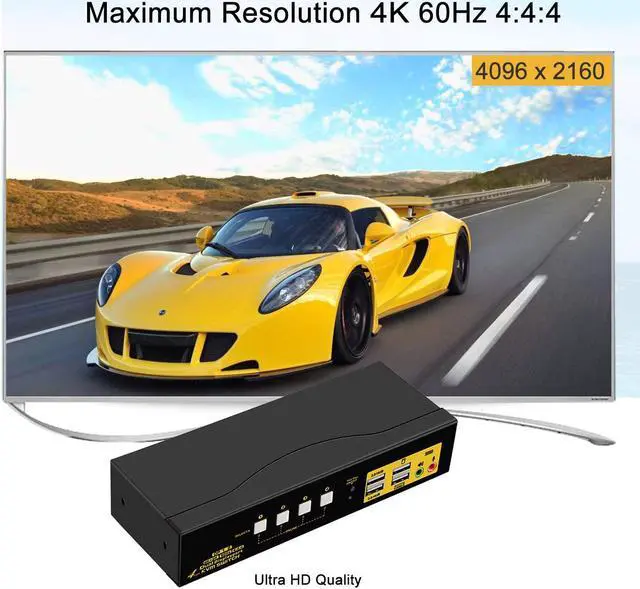
What you Need for Real 4K Quality!

1. Resolution is subject to adapters if any;
2. make sure to use reliable adpaters with buil-in chips if needed, simple cable conversion is not recommended;
3. This kvm switch does not support monitors with refresh rate higher than 60Hz;
4. Current DP chips do not support memory function, so the display location may change after rebooting or switching.

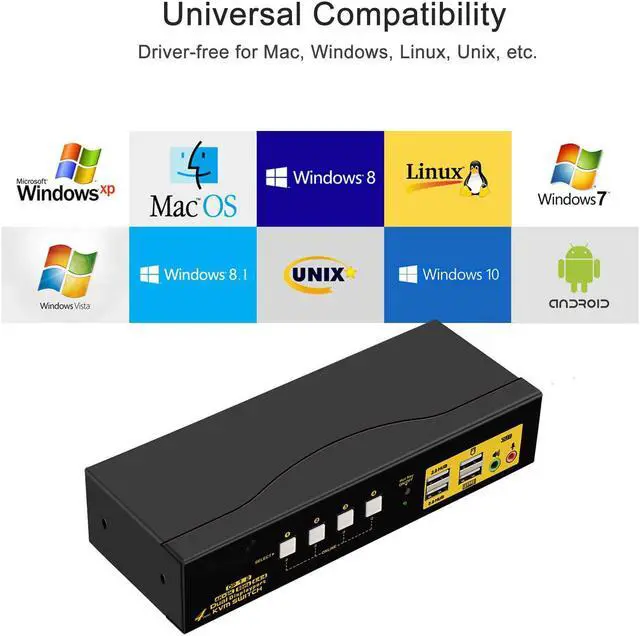
Cross supports Windows 10/7/2000/XP/Vista, Linux and Mac and more.

Support 3 display modes depending on computer setting:

Default Hotkey Rght Ctrl can be Changed to Num Lock or Scroll Lock, Support Mac keyboard
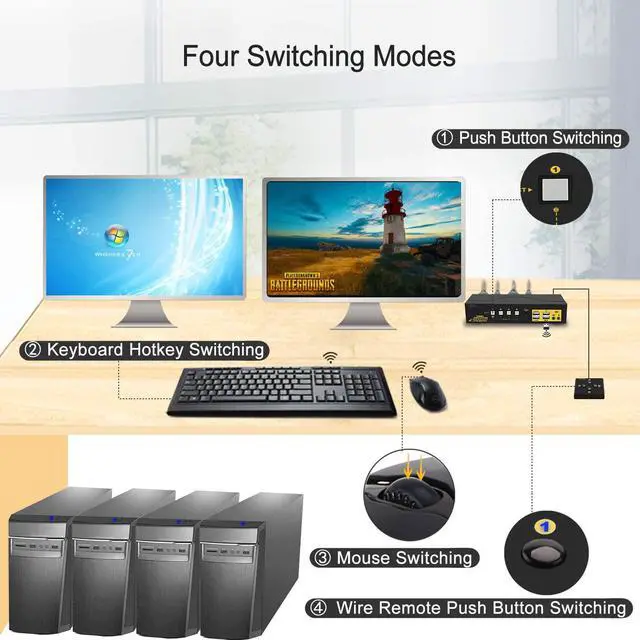
1.Keyboard Hotkey Switch: Double click the right Ctrl then Port Number then Enter
2. Mouse Click Switch: Double click the middle roller of mouse
3. Push Button Switch: Simply press teh white button on front panel
4. Auto Scan Switch: Interval time adjustable between 8 to 999 seconds (default is inactive).
5. Wired remote switch: optional when special keyboard and mouse do not work well on rear USB ports.



