




 here!
here!
I’m your shopping assistant for PC builds, upgrades, and everything tech.
Got questions? Ask away!
Start a conversation
here!
I’m your shopping assistant for PC builds, upgrades, and everything tech.
Got questions? Ask away!
Start a conversation
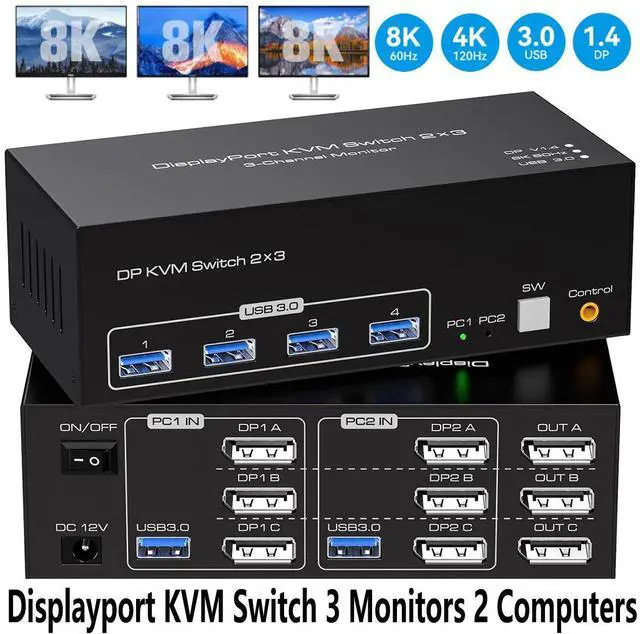



Any questions? Ask CelesteSM will help you find out quickly.


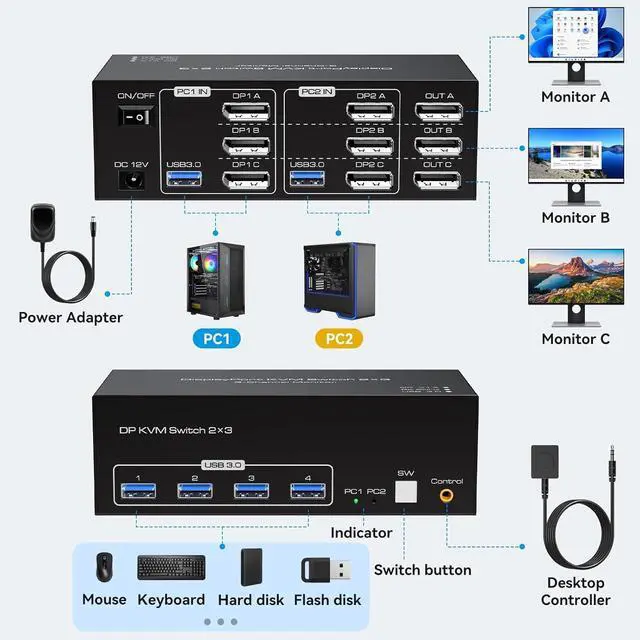
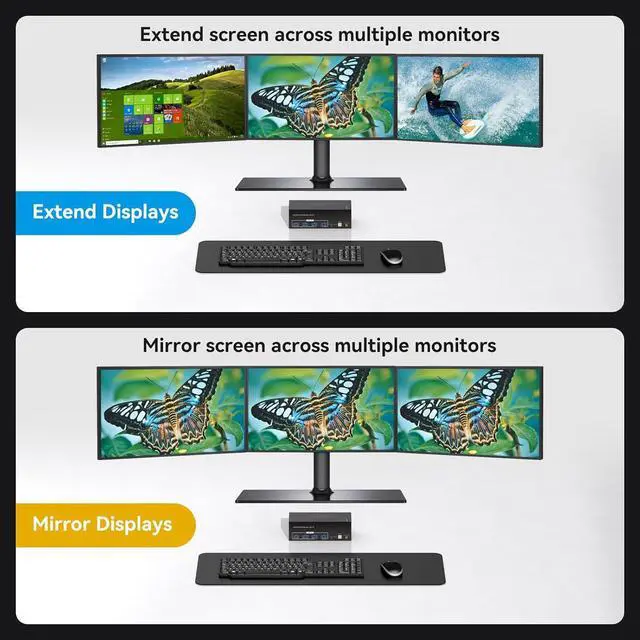
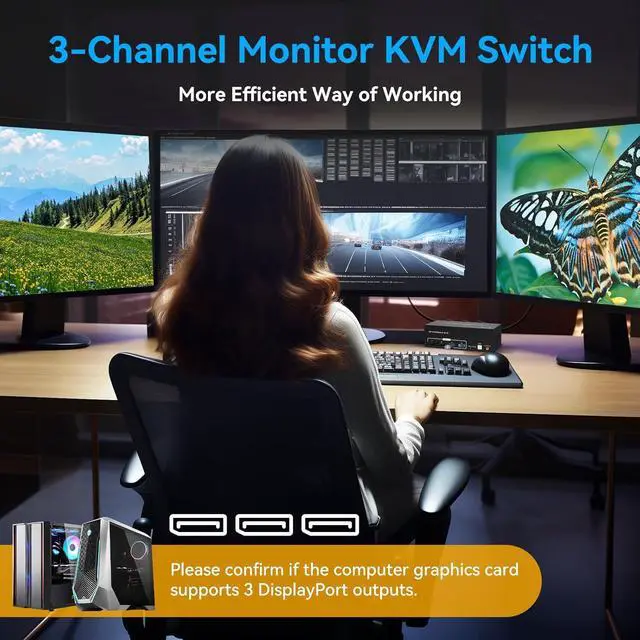
(Please note that if you want to properly use three monitors, make sure that your graphics card supports 3 DP outputs.)


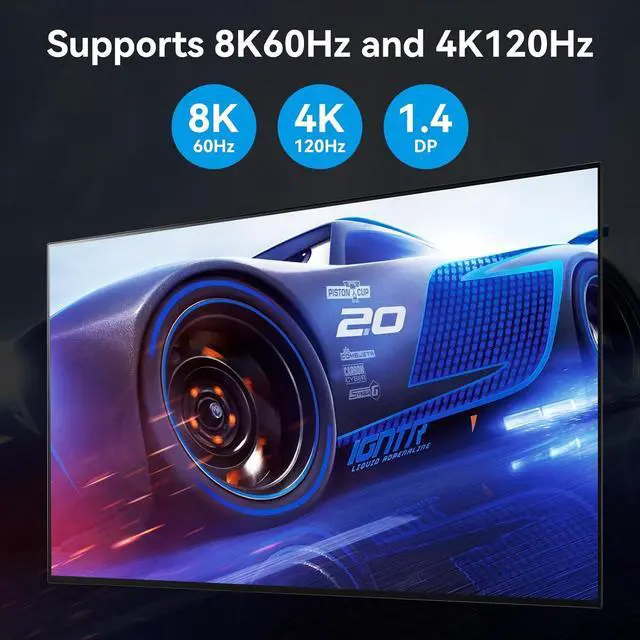
The Display port KVM switch with DP port version 1.4 supports resolutions up to 8K@60Hz 4K120Hz. ultra HD video images are crystal clear, enjoy blockbuster effects at high frame rates. And it is also backward compatible with resolutions such as 4K@60Hz, 3D, 1080P and 720P.
Note: To transmit 8K video, you must ensure that the source, monitor, and DP cable all support 8K.

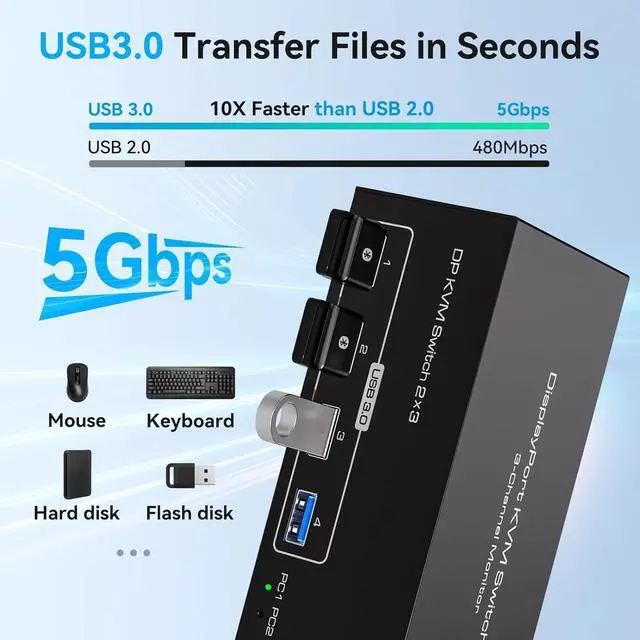
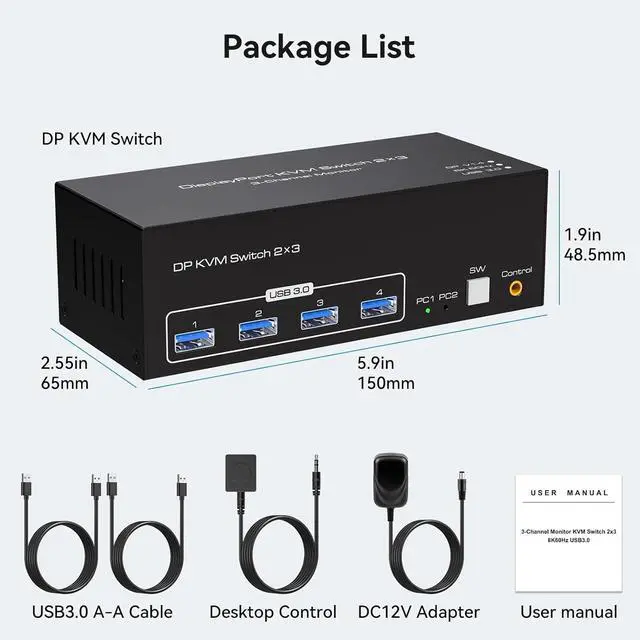
USB 3.0 KVM switcher with four USB 3.0 ports, Maximum transfer rate is up to 5Gbps, Enables efficient file sharing and transfer between computers and peripheral devices. Backward compatible with USB 2.0 and 1.1, it supports USB devices such as keyboards, mice, printers, hard disks, scanners and webcams.
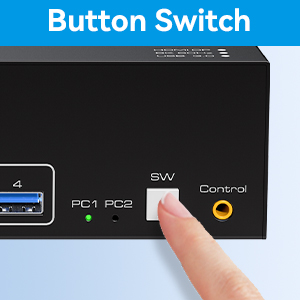
With a touch of a button on the control panel, you can easily and quickly switch between computers.

The included extension cable for the push button switch allows for easy switching without having to stand up.

The LED lights are designed to display active devices, so you can clearly see which device is in use.
(Please note that if you want to properly use three monitors, make sure that your graphics card supports 3 DP outputs.)
With a touch of a button on the control panel, you can easily and quickly switch between computers.
The included extension cable for the push button switch allows for easy switching without having to stand up.
The LED lights are designed to display active devices, so you can clearly see which device is in use.


