




 here!
here!
I’m your shopping assistant for PC builds, upgrades, and everything tech.
Got questions? Ask away!
Start a conversation
here!
I’m your shopping assistant for PC builds, upgrades, and everything tech.
Got questions? Ask away!
Start a conversation
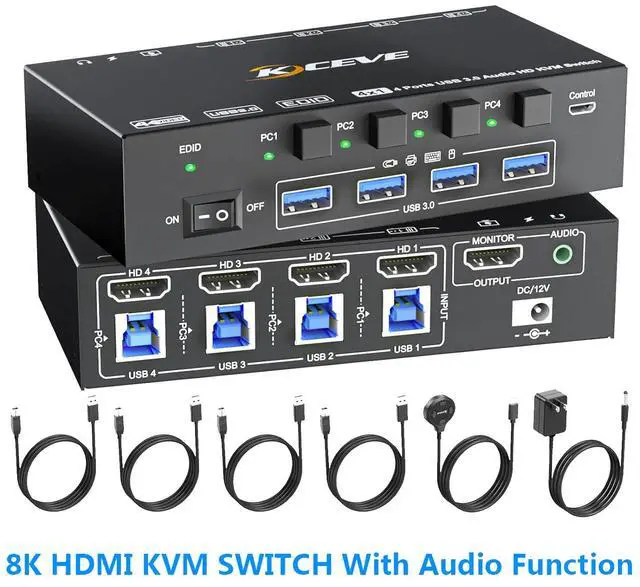
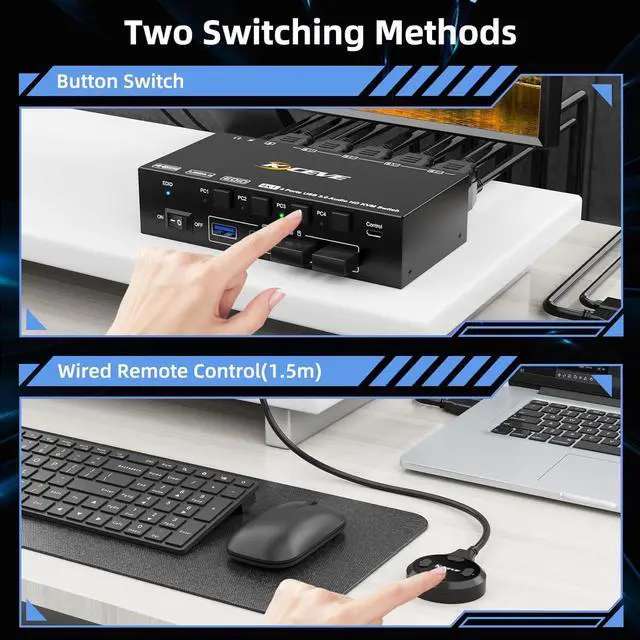
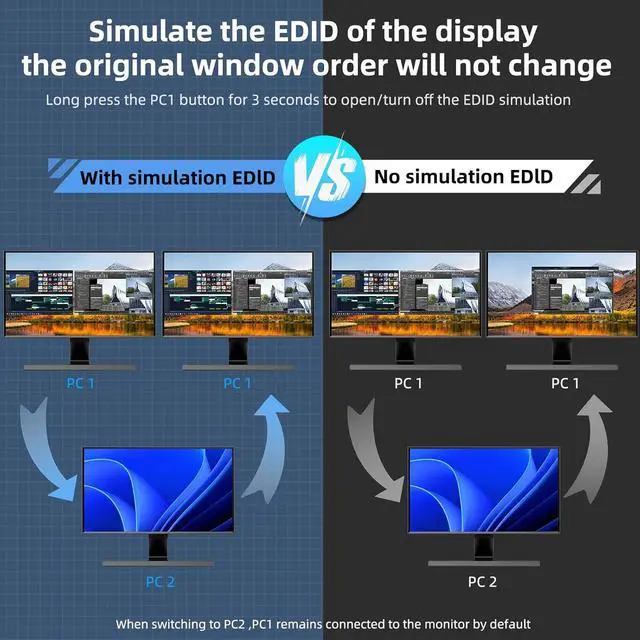
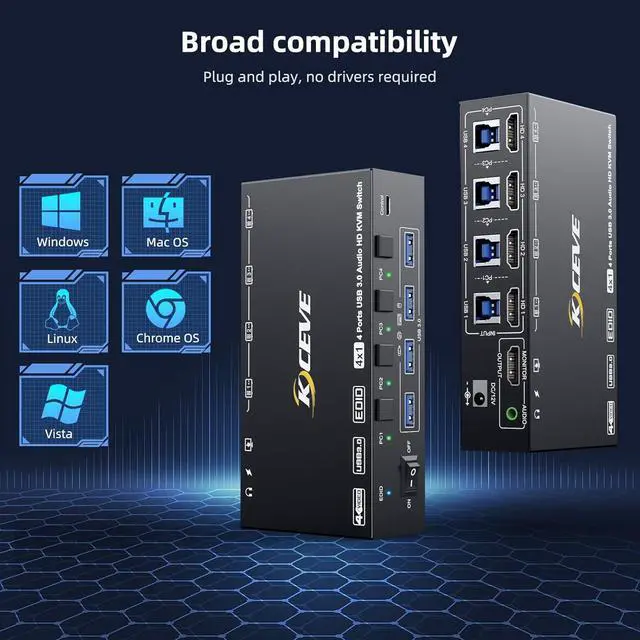



Any questions? Ask CelesteSM will help you find out quickly.
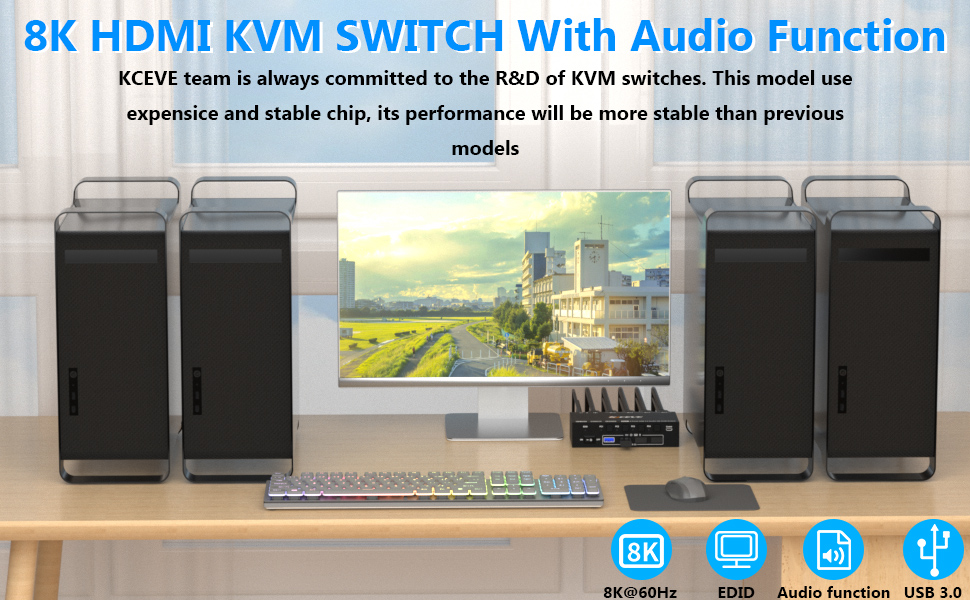
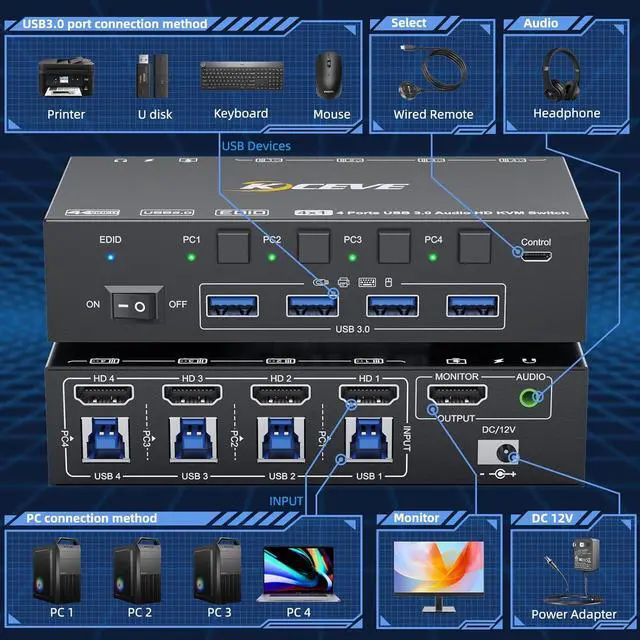
4 Computers Share 1 Monitor and 4 USB 3.0 Devices
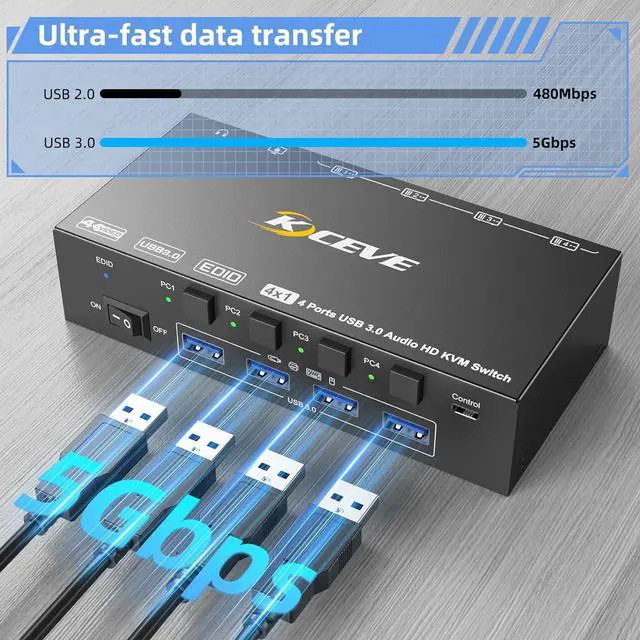
This 4 ports kvm switch is used for 4 HDMI port computers or laptops to share 1 monitor and 4 USB 3.0 devices (keyboard, mouse, printer, scanner and other USB devices.
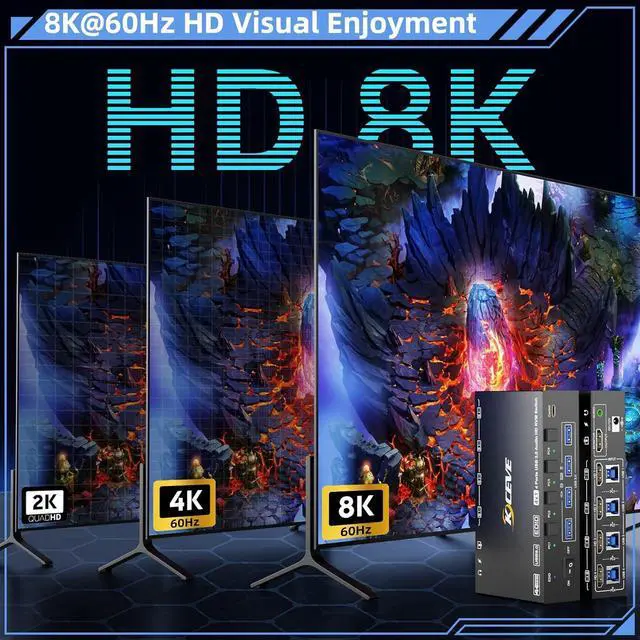
Ultra HD 8K@60HZ/4K@120Hz Visual Experience
Important Note: The final resolution is subject to your graphics card, cables, monitors and adapters.
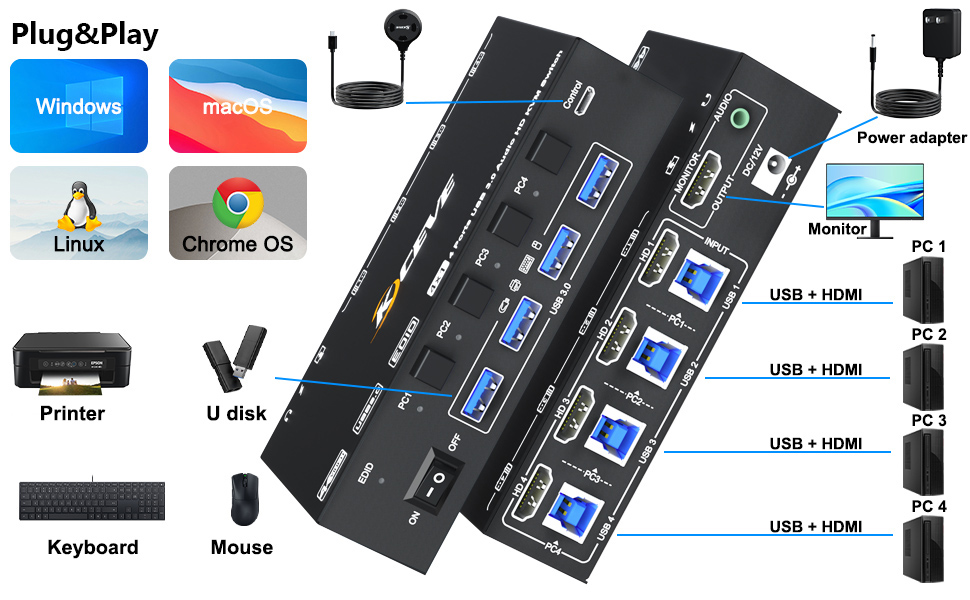
For input, each computer needs 1 HDMI + 1 USB 3.0 connection, for output needs 1 HDMI connection
Note: Please connect the 12V DC power adapter to provide sufficient power. Using a shorter 8K HDMI can make the KVM switch more stable.

4 PC KVM Switch With Audio Function


| Laptop/Desktop (HDMI Port) | Just use 1*HDMI +1*USB cable to connect the PC and KVM. |
|---|---|
| Desktop (only DP Port) | Requires 1*USB cable+1*DP to HDMI cable or (DP to HDMI converter + HDMI cable) |
| Laptop(only USB-C Port) | Requires 1*USB cable+1*USB-C to HDMI cable or (USB-C to HDMI converter + HDMI cable) |
| PC with VGA or DVI Port | Supports VGA or DVI to HDMI cable, but the resolution is up to 1080P, which is not recommended. |
| Monitor(HDMI Port) | Just use 1*HDMI to connect the KVM and Monitor. |
| Monitor(DP Port) | Requires 1*HDMI to DP cable with USB powerd or (HDMI to DP converter with USB powerd+ DP cable),Not recommended |
|---|---|
| Monitor(only DVI Port) | 1*HDMI to DVI cable or (HDMI to DVI converter + DVI cable) |
| Monitor(only VGA Port) | 1*HDMI to VGA cable or (HDMI to VGA converter + VGA cable) |
| About resolution | Using conversion cables or converters may cause resolution to drop, flicker or the monitor to not work (depending on their quality and compatibility) It is recommended to use HDMI2.0/2.1 cable, and the length of a single cable should be controlled within 1.5 meters. |


