

Your Browsing History
- Free 30-day Returns
$183.99
Ships from China.

Meet Your Seller

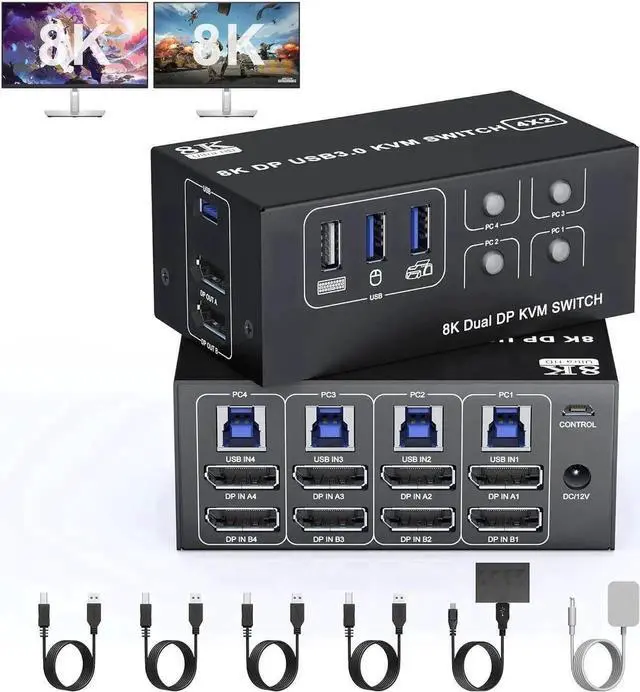


Vszerda USB 3.0 KVM Switch 2 Monitors 4 Computers Displayport 8K@60Hz 4K@144Hz,Dual Monitor Displayport KVM Switch 4 Port with USB 3.0, 4x2 DP 1.4 KVM Switch for 2 PC/Laptop,Shares One Mouse Keyboard
Limited time offer, ends 10/14 By Hai Kou Shi Quan Jun Dian Zi Shang Wu Yo
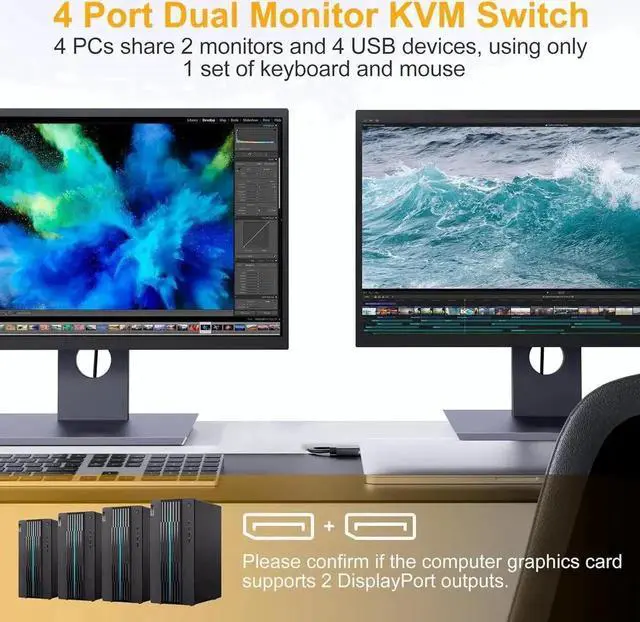
- KVM switch Dual Monitor: This KVM switch is suitable for 4 computers and 2 monitors. It only needs a set of wired or wireless keyboard and mouse to control 4 computers and share 4 USB devices and 2 monitors. And supports copy mode and extended mode.
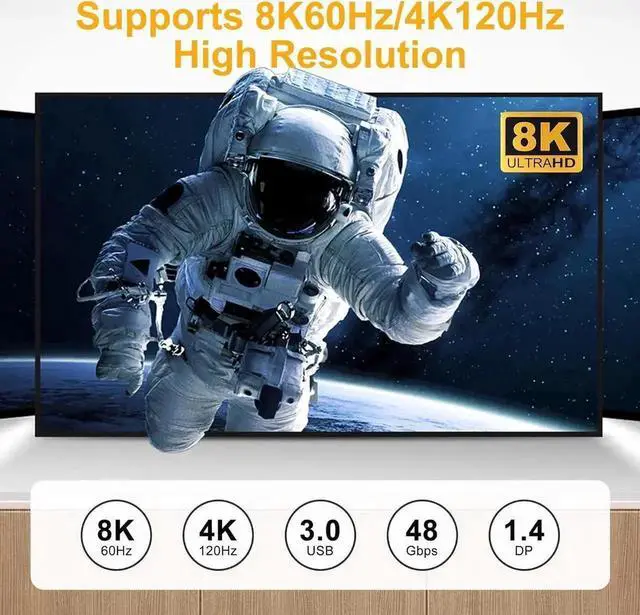
- Ultra HD 8K@60Hz: Supports high resolutions up to 8K@60Hz for immersive UHD visuals, and also supports 4K@60Hz or other lower resolutions (backwards compatible).
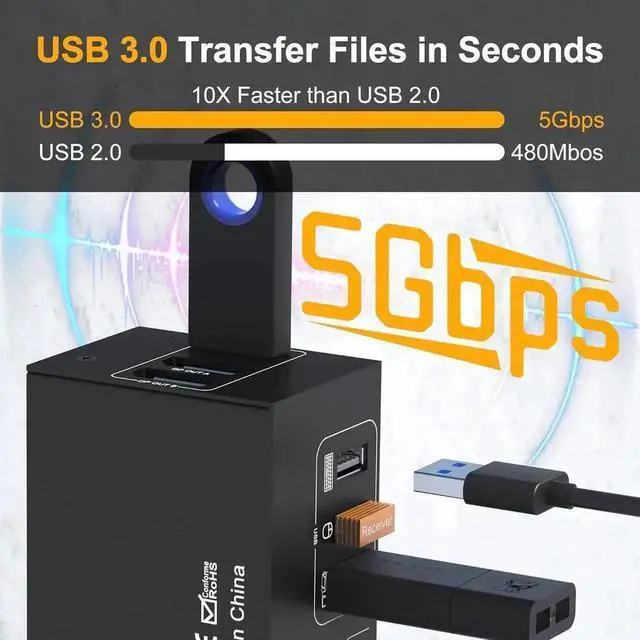
- USB 3.0: with 3 USB 3.0 ports, which can recognize mouse, keyboard, printer, U disk and other USB devices. USB 3.0 can provide transmission speeds of up to 5Gbps, which is 10x faster than USB 2.0.Compatible with USB 2.0/1.1 devices
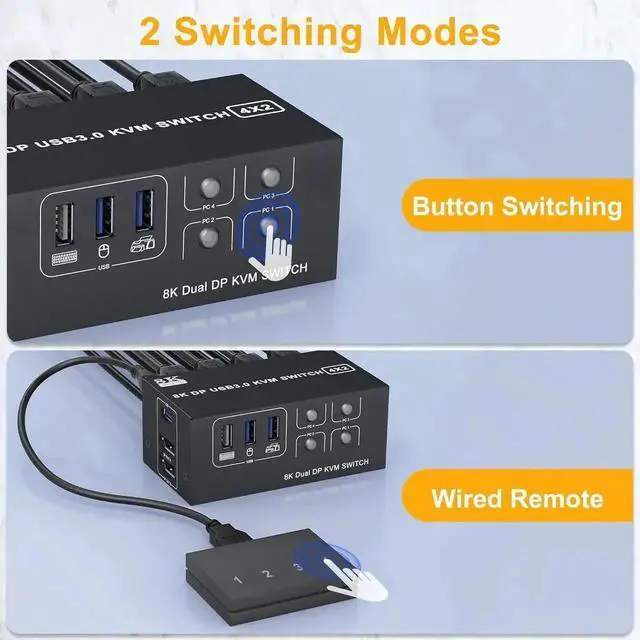
- 2 Switching Methods: 1. Just press the selection button on the machine to switch the signal source; 2. Using the 1.5m/5ft wired extension button, you can place the switch outside the work area, making your desktop more flexible tidy. NOTE: Keyboard shortcut (hotkey) switching is not supported.Compatible with Windows/Vista/XP and Mac OS, Linux and Unix.
+
+
Overview
Specs
Reviews

Any questions? Our AI mode will help you find out quickly.
Try me now
DP KVM Switch 4 Port - 4 IN 2 OUT
8K@60Hz Dual Monitor KVM Switch (DP+DP) 4 computers share 2 monitors and USB 3.0 devices
The dual-monitor KVM switch HDMI 2.0 can connect 4 computer hosts to share a set of keyboard, mouse and 2 monitors.
Supports Windows/Vista/XP and Mac operating systems, Linux and Unix, plug and play.
Supports front panel buttons and external switching buttons to control KVM switching input sources.
Supports USB 3.0 transfer rates up to 5Gbps.
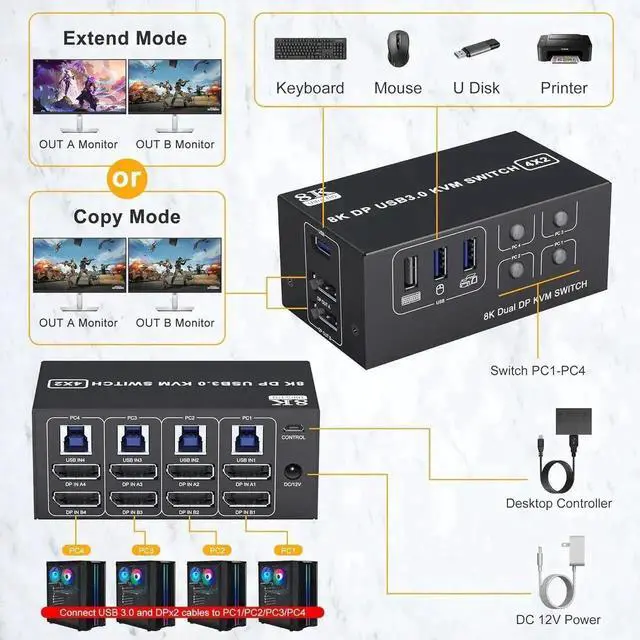
How to Connect?
Plug the DC/12V adapter into the KVM
Plug the DP cable into the KVM and monitor; (output)
Plug the DP cable and USB cable into the KVM and your computer/laptop (DP cable not included) (input)
DP IN1 A + DP IN1 B + USB IN1=PC1
DP IN2 A + DPIN2 B + USB IN2=PC2
DP IN3 A + DPIN3 B + USB IN2=PC3
DP IN4 A + DPIN4 B + USB IN2=PC4
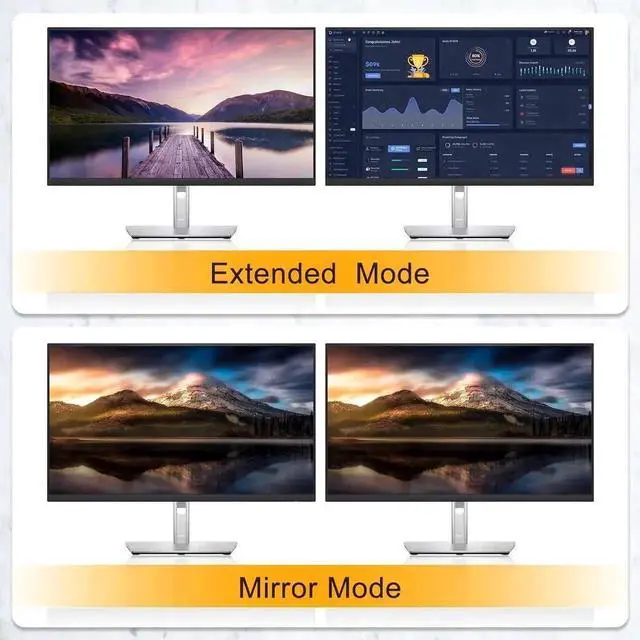
Supports extended and duplicate display modes.
Extended mode: PC host outputs 2 different images on 2 monitors.
Copy mode: The computer host outputs 2 identical images on 2 monitors.
Important note:
Each PC needs to connect 2 DP lines + 1 USB line for normal dual-screen display. For desktops or laptops without 2*DP ports, you'll need to use a reliable adapter or USB C docking station.
Please make sure each of your computers can support dual displays before purchasing.
Test method: You can connect your PC directly to 2 monitors (not via KVM)
Warranty & Returns
Warranty, Returns, And Additional Information
Warranty
- Please contact the Seller directly for warranty information. Warranty information may also be found on the Manufacturer's website.
- CONTACT
Return Policies
- Return for refund within: 30 days
- Return for replacement within: 30 days
- This item is covered by Hai Kou Shi Quan Jun Dian Zi Shang Wu Yo Return Policy
Manufacturer Contact Info
- For a directory of all our manufacturers, please click below.
- Manufacturers Directory
LOADING...